iKBC
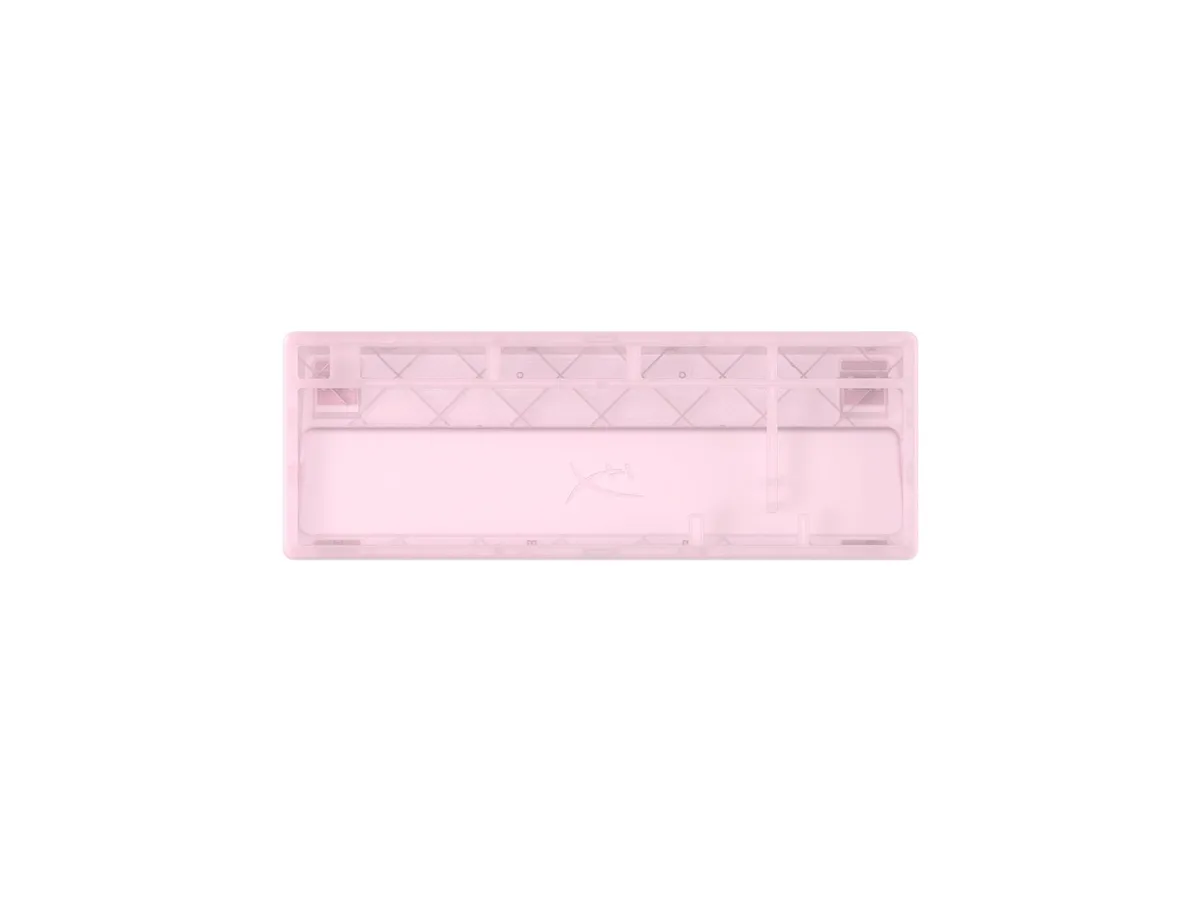
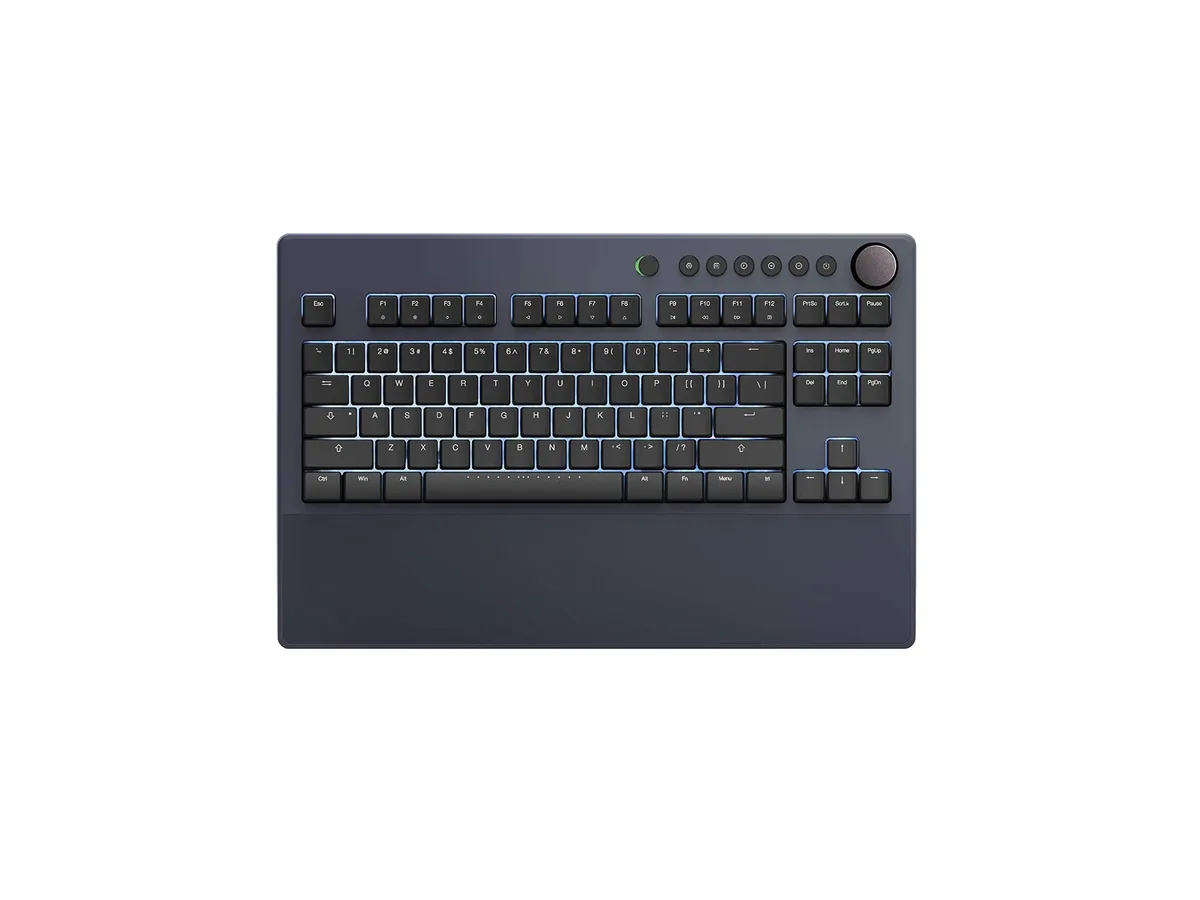
iKBC Table E401 Tenkeyless Gaming Keyboard Cherry MX Red Dark Gray 87 Keycaps
$127.99
0.00162601BTC
In stockWe take cryptocurrency — so the coins you hold can buy real hardware.Pay in crypto, spend it on real hardware. Free insured shipping worldwide over $399. Plain, unbranded boxes, sent from Germany.Free insured shipping over $399. Your rate is locked for 30 minutes once checkout opens.Rate locked 30 minutes. Every item sealed, serial-checked and covered by a 24-month warranty.Sealed, 24-month warranty.


A compact 65 per cent mechanical keyboard with 68 keys, linear red switches, RGB backlighting and low-profile XDA keycaps in a matcha green finish
The Owpkeenthy 68-key keyboard delivers a 65 percent form factor that retains arrow keys and essential control keys while saving desk space. It connects via a USB cable for a stable wired link and uses linear red mechanical switches for smooth, quiet keystrokes. The XDA-profile keycaps in a matcha green finish provide a uniform, low height that increases finger contact area. This layout suits gamers and office users who want full functionality in a portable footprint.
The case is constructed from polybutylene terephthalate and measures 12.3 in by 4 in by 1.1 in, giving a solid feel without excessive bulk. A detachable USB cable simplifies transport and reduces cable strain during daily use. XDA keycaps sit lower than Cherry or OEM profiles, creating a flatter typing plane that many find comfortable for long sessions. RGB backlighting offers 16.8 million colours with multiple brightness levels and breathing effects for low-light visibility.
This board replaces full-size or tenkeyless keyboards when desk space is limited but arrow keys and navigation clusters are still required. The jump is worthwhile for users who prefer linear switches without a tactile bump and want n-key rollover for simultaneous key presses in games or shortcuts. It is not for buyers who need a numeric keypad, wireless connectivity, or a hot-swappable switch socket.
| Brand | Owpkeenthy |
|---|---|
| Material | Polybutylene Terephthalate |
| Keyboard Interface | USB |
| Design Style | Cake |
| Palm Rest | Vintage, USB Cable |
| Function Keys | 6 |
| Mechanical Keyboard | Linear |
| Key Switch | Linear |
| Key Switch Type | Linear |
| Keyboard Color | Red |
| Backlit | RGB |
| Dimensions | 12.3 in x 4 in x 1.1 in |
| Mouse Included | Vintage |
| Mouse DPI | Mechanical |
| Hand Orientation | Ambidextrous |
| Tracking Method | Portable |
| Buttons | 6 |
| Mouse Color | Red |
| Power Source | Corded Electric |
| Operating Time | Corded Electric, false |
| Distance | 12.3 L x 4 W x 1.1 H inches |
| Operating System Supported | Gaming Console |
| System Requirement | USB Cable |
| Features | rgb, Polybutylene Terephthalate, Ambidextrous |
| Package Contents | USB Cable |
Yes, the wired USB connection enables full N-key rollover so every one of the 68 keys can be pressed simultaneously without conflict.
The keyboard measures 12.3 in wide by 4 in deep by 1.1 in high, making it a compact 65% layout that fits most desk spaces.
Use the FN key combinations shown in the manual for lighting effects; hold FN+Esc for five seconds only when you want a full factory reset, which flashes the backlight rapidly.
Also in this aisle
Same shelf, same checkout — eight coins and a 30-minute rate lock.
What you pay in, and what you read prices in.
Sent from your wallet at checkout
Display only — the catalogue is priced in USD
No currency matches that.
Pick the language the site speaks to you in.
New here?
Already have one?
There is no automatic reset: this shop sends no mail, so there is no one-time link to ask for. Leave the address on the account and it gets picked up by hand.
Request noted
Nothing is on its way to your inbox — this shop sends no mail at all. Someone picks these up by hand.
Remembered it?