HP
HP ProBook 630 G8 13.2" FHD Touchscreen i5-1145G7 16GB 512GB
- Black
- AI Ready
$369
0.00478525BTC
In stockWe take cryptocurrency — so the coins you hold can buy real hardware.Pay in crypto, spend it on real hardware. Free insured shipping worldwide over $399. Plain, unbranded boxes, sent from Germany.Free insured shipping over $399. Your rate is locked for 30 minutes once checkout opens.Rate locked 30 minutes. Every item sealed, serial-checked and covered by a 24-month warranty.Sealed, 24-month warranty.


Panasonic
A rugged 14.0-inch laptop with a Core i7-7600U, 8 GB RAM, 256 GB SSD, MIL-STD-810G and IP51 magnesium alloy chassis, built-in handle and spill-resistant keyboard
The Panasonic Toughbook CF-54 is a semi-rugged laptop built for field work and mobile professionals. Its magnesium alloy chassis meets MIL-STD-810G and IP51 certification with a built-in handle for transport. A spill-resistant keyboard and hard drive heater support operation in harsh environments. Windows 10 Pro is pre-installed on the 256GB SSD.
The dual-core Intel Core i7-7600U reaches 3.90 GHz turbo frequency with 4M cache for responsive office and web workloads. Integrated Intel HD Graphics 620 drives the 1366 x 768 non-touch display and external monitors via HDMI Type A. 8GB system memory handles typical business multitasking while the SSD maintains consistent read speeds during extended sessions.
Verify that your existing docks use the 24-pin docking connector for full compatibility. The laptop provides three USB 3.0 Type A ports, an SDXC UHS-II card slot, and Gigabit Ethernet RJ-45 for wired networks. A Mini-SIM 2FF slot supports mobile broadband if your carrier uses that form factor. Audio connects through a 3.5mm mini-jack.
| Brand | Panasonic |
|---|---|
| Series | CF-54 |
| Model | CF-54 |
| Color | Black |
| Other Features | Units are fully functional |
| Software Included | Windows 10 Pro installed |
| Package Content | Laptop and charger |
| Operating System | Windows 10 Pro |
| CPU Type | Intel Core i7 7th Gen |
| Processor Name | Intel Core i7-7600U |
| Core Name | Kaby Lake |
| Turbo Frequency | up to 3.90 GHz |
| Number of Cores | Dual-core Processor |
| Screen Size | 14.0" |
| Touchscreen | Non-Touch Screen |
| Resolution | 1366 x 768 |
| GPU/VPU | Intel HD Graphics 620 |
| Graphic Type | Integrated Card |
| SSD | 256GB |
| HDD | No |
| Memory | 8GB |
| Optical Drive Type | No |
| LAN | 10/100/1000Mbps |
| WLAN | 802.11ac Wireless LAN |
| Bluetooth | Yes |
| USB | Yes |
| Audio Ports | Audio In/Out 3.5mm Mini-jack stereo |
| Audio | Integrated Sound card |
| Speaker | Internal Speakers |
| Webcam | Yes |
| Style | Standard |
| Type | Workstation |
| Usage | Business |
| AC Adapter/Charger | Included |
| Battery | Included |
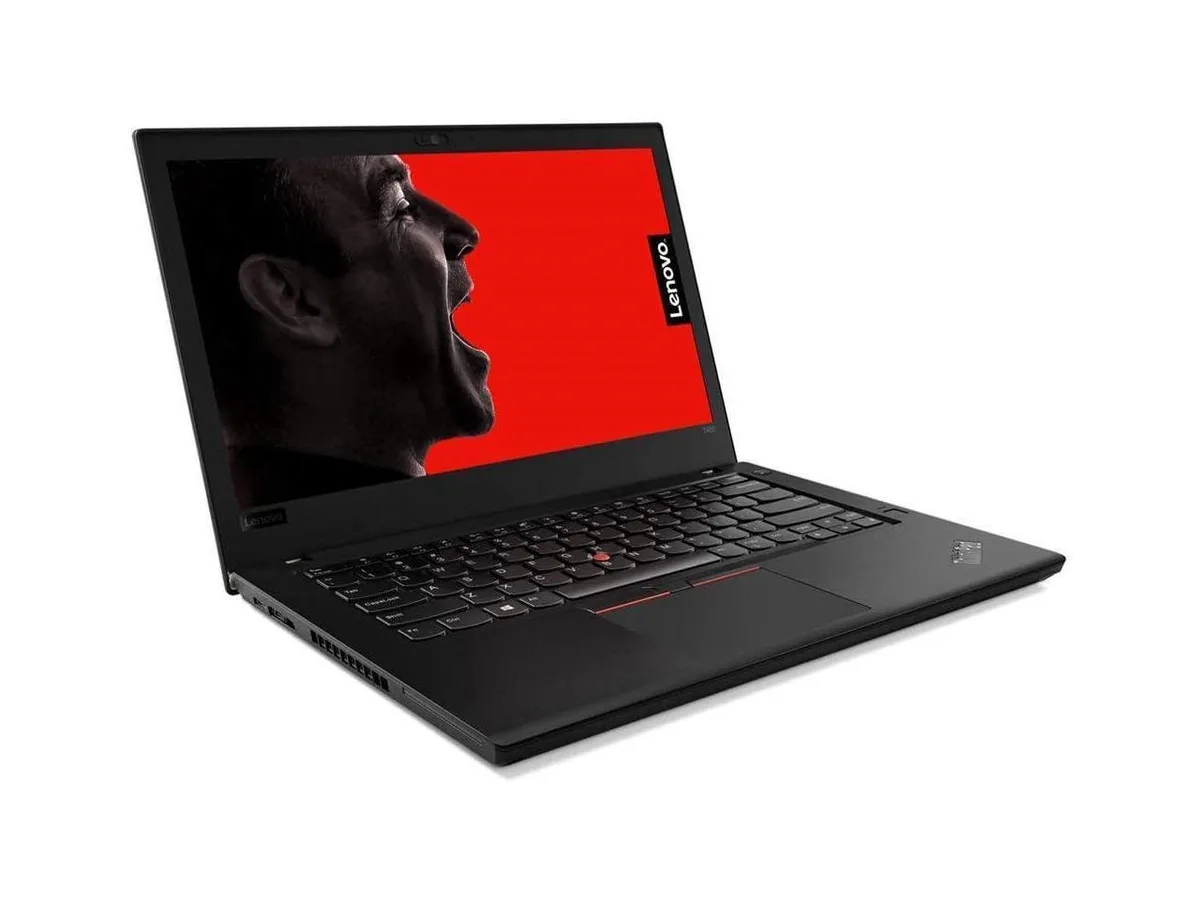
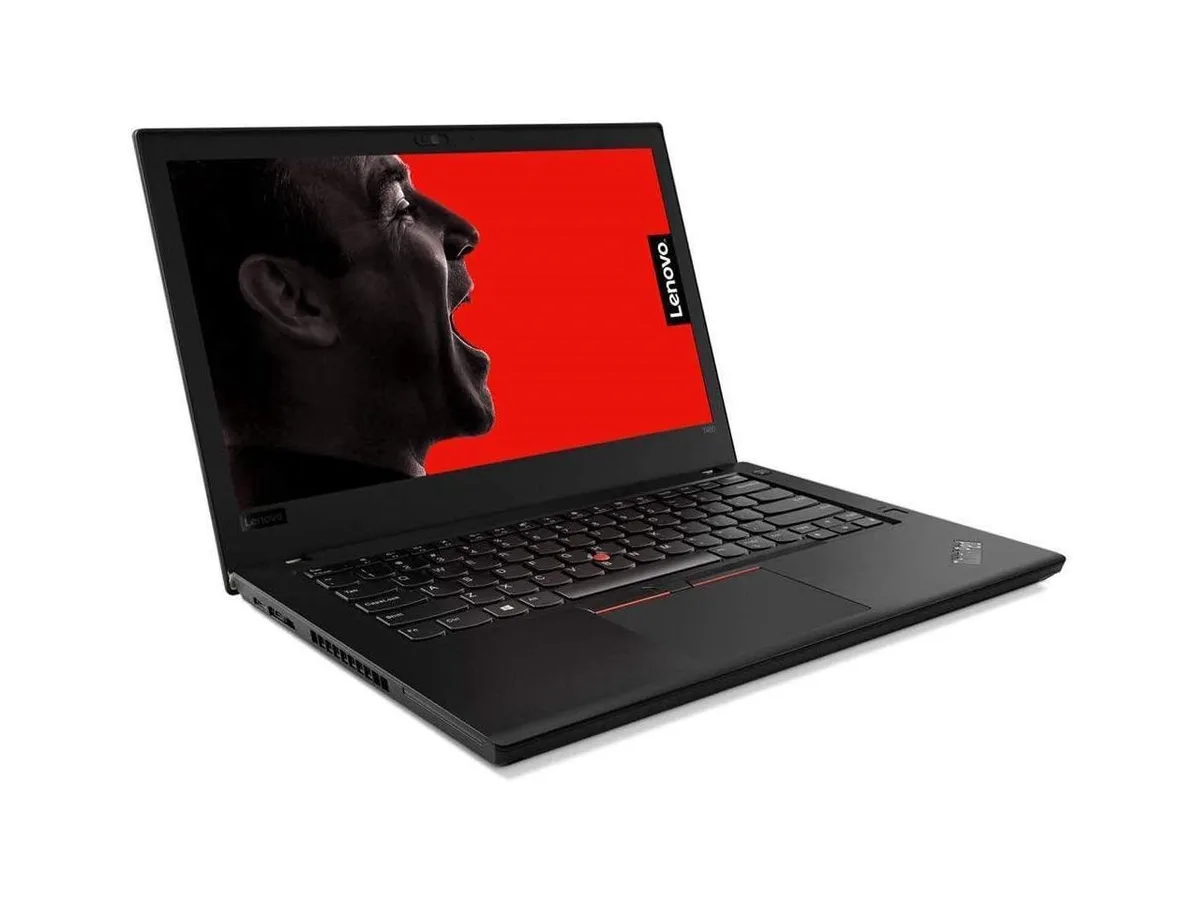
| Consumer Alert | Please note that stock images are used. Actual units might look slightly different. Please refer to specifications. |
The dual-core Kaby Lake chip reaches 3.90 GHz turbo under load while the magnesium alloy chassis and spill-resistant keyboard help dissipate heat; fan noise stays low for office workloads.
A compatible Panasonic docking station or port replicator for the 24-pin connector, plus standard USB-A peripherals such as mouse, keyboard or external drives for the three USB 3.0 ports.
Yes — the HDMI Type-A port supports that native resolution, and the integrated HD Graphics 620 handles 1366 x 768 at 60 Hz without extra adapters.
Also in this aisle
Same shelf, same checkout — eight coins and a 30-minute rate lock.
What you pay in, and what you read prices in.
Sent from your wallet at checkout
Display only — the catalogue is priced in USD
No currency matches that.
Pick the language the site speaks to you in.
New here?
Already have one?
There is no automatic reset: this shop sends no mail, so there is no one-time link to ask for. Leave the address on the account and it gets picked up by hand.
Request noted
Nothing is on its way to your inbox — this shop sends no mail at all. Someone picks these up by hand.
Remembered it?