


Philips
Philips 32B1U3900 31.5" 4K VA USB-C monitor
A 31.5" 4K VA panel with 3500:1 contrast, USB-C 90W charging and a built-in USB hub with RJ45
- Cabinet ColorBlack
- Screen Size31.5" (Viewable)
- Glare ScreenAnti-Glare, 3H, Haze 25%
- WidescreenYes
- Resolution3840 x 2160 (4K)
- Viewing Angle178° (H) / 178° (V)
- Sharp 4K detail on a 31.5 inch VA panel
- 3500:1 contrast ratio for deep blacks
- USB-C with 90W power delivery and integrated hub
- 178 degree viewing angles for consistent colour
- Ergonomic stand with height, pivot, swivel and tilt adjustment
31.5-inch 4K VA panel for colour-critical work
The Philips 32B1U3900 delivers a 31.5 inch viewable area at 3840 by 2160 resolution on a VA panel with 3500:1 static contrast. It covers sRGB 122% and NTSC 106% with 1.07 billion colours at 350 nits brightness, making it suitable for creative professionals and office users who need accurate colour reproduction.
Flat anti-glare screen
The flat panel uses an anti-glare coating with 3H hardness and 25% haze to reduce reflections. The stand provides 180 mm height adjustment, -5 to 25 degree tilt, +/-180 degree swivel and +/-90 degree pivot for flexible positioning. A single USB-C upstream port carries DisplayPort Alternate Mode video and up to 90 W power delivery while feeding four downstream USB-A ports, one supporting BC 1.2 fast charging, plus an integrated RJ45 Ethernet connection.
60 Hz ceiling and HDMI 2.0 bandwidth limit
The monitor accepts 4K signals at 60 Hz through DisplayPort 1.4, USB-C DP Alternate Mode or two HDMI 2.0 ports. HDMI 2.0 caps 4K at 60 Hz without HDR metadata support, so higher refresh rates or 10-bit HDR at full resolution are not possible. The 4 ms gray-to-gray response suits general productivity but may show motion blur in fast-paced gaming. VESA 100 x 100 mm mounting is available for arm or wall installation.
Highlights
- Sharp 4K detail on a 31.5 inch VA panel
- 3500:1 contrast ratio for deep blacks
- USB-C with 90W power delivery and integrated hub
- 178 degree viewing angles for consistent colour
- Ergonomic stand with height, pivot, swivel and tilt adjustment
Specifications
| Brand | PHILIPS |
|---|---|
| Model | 32B1U3900 |
| Cabinet Color | Black |
| Screen Size | 31.5" (Viewable) |
| Glare Screen | Anti-Glare, 3H, Haze 25% |
| Widescreen | Yes |
| Resolution | 3840 x 2160 (4K) |
| Viewing Angle | 178° (H) / 178° (V) |
| Monitor Pixel Density | 0.18159mm |
| Display Colors | 1.07B (10 bits) |
| Brightness | 350 cd/m2 |
| Contrast Ratio | 3500:1 |
| Aspect Ratio | 16:9 |
| Response Time | 4 ms (Gray to Gray) |
| Panel | VA |
| Color Gamut | sRGB 122%, NTSC 106 % |
| Curved Surface Screen | Flat Panel |
| Video Ports | 1 x DisplayPort 1.4 / 1 x USB-C (DP Alternative) / 2 x HDMI 2.0 |
| USB Ports | USB3.2, Gen1, 5G; upstream: USB-C x1 ;downstream: USB-A x4 (with x1 fast charge B.C 1.2) |
| Headphone | Audio out |
| Power Supply | 100 - 240 VAC, 50/60Hz |
| Power Consumption | ECO mode: 20.4 W (typ.) Off mode: 0.3 W (typ.) On mode: 34.8 W (typ.) Standby mode: 0.3 W (typ.) |
| Stand Adjustments | Height adjustment: 180mm Pivot: -/+90° Swivel: -/+180° Tilt: -5/25° |
| Built-in Speakers | Yes |
| VESA Compatibility - Mountable | 100 x 100mm |
| Dimensions | 24.84" x 28.11" x 11.02" with stand 16.61" x 28.11" x 2.44" without stand |
| Weight | 25.29 lbs. with stand 16.67 lbs. without stand |
| Temperature Range | Operation 0°C to 40°C Storage -20°C to 60°C |
| Humidity Range | 20%-80% |
Questions about this item
Does the USB-C port with DP Alt Mode deliver 90 W charging while driving 4K at 60 Hz?
Yes, the single USB-C upstream port supports DisplayPort Alternate Mode and provides up to 90 W power delivery alongside 3840 x 2160 at 60 Hz.
What VESA pattern and stand clearance does the 31.5" chassis require?
The monitor uses a 100 x 100 mm VESA mount; the stand offers 180 mm height travel, -5 to 25° tilt, ±180° swivel and ±90° pivot.
How do you enable the integrated RJ45 Ethernet through the USB-C link, and what common step is missed?
Connect the USB-C cable to a host that supports DP Alt Mode and USB data; the hub then exposes the RJ45 port — the step often missed is ensuring the host USB-C port carries both video and data, not just power.
Also in this aisle
People compared these
Same shelf, same checkout — eight coins and a 30-minute rate lock.


Acer America
Acer America UM.HX1AA.103 Nitro XF273 X1 27" 1920x1080 200Hz monitor
- Black
- 27"
$199.99
0.00257673BTC
In stock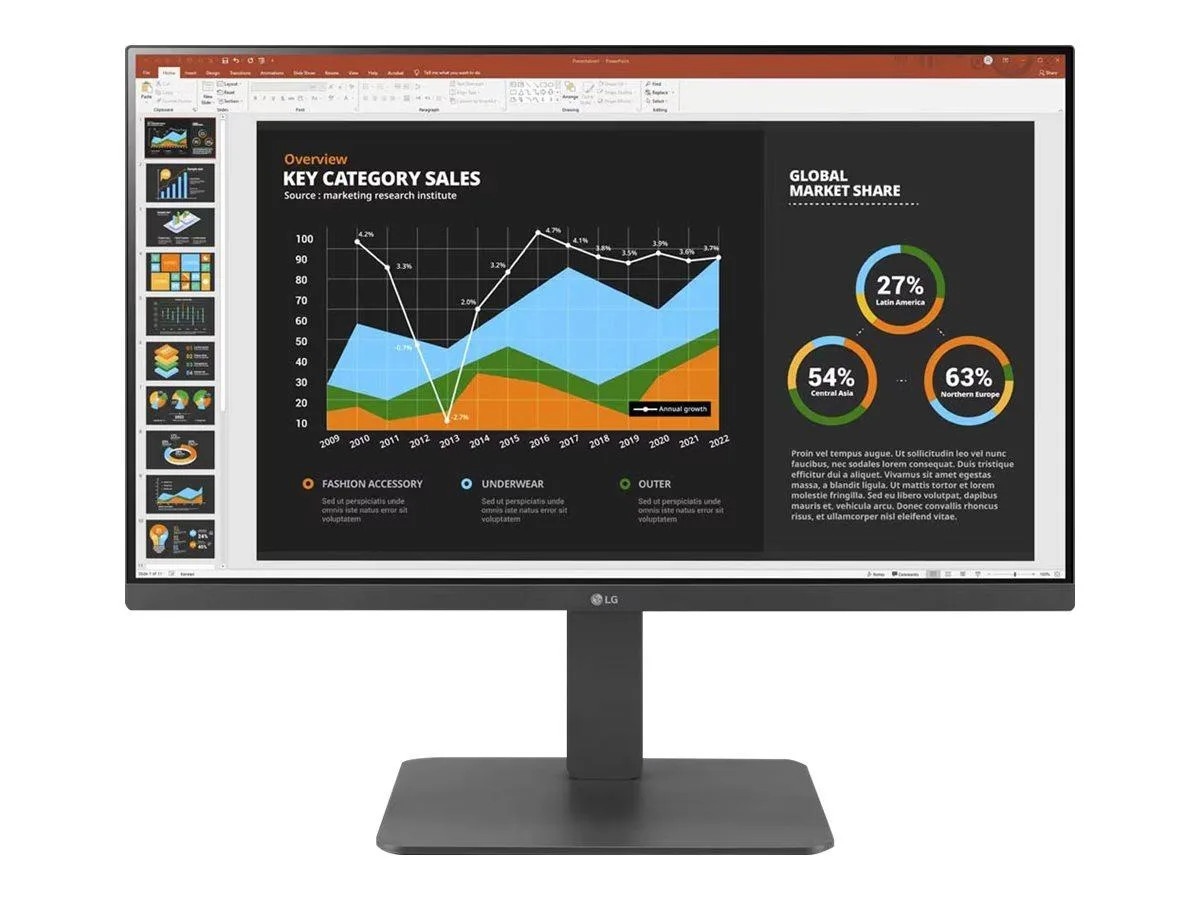
LG Electronics
LG Electronics 24BR650B-C 23.8" 1920x1080 IPS monitor
- Black
- 23.8" (Viewable)
$279.99
0.00360747BTC
In stock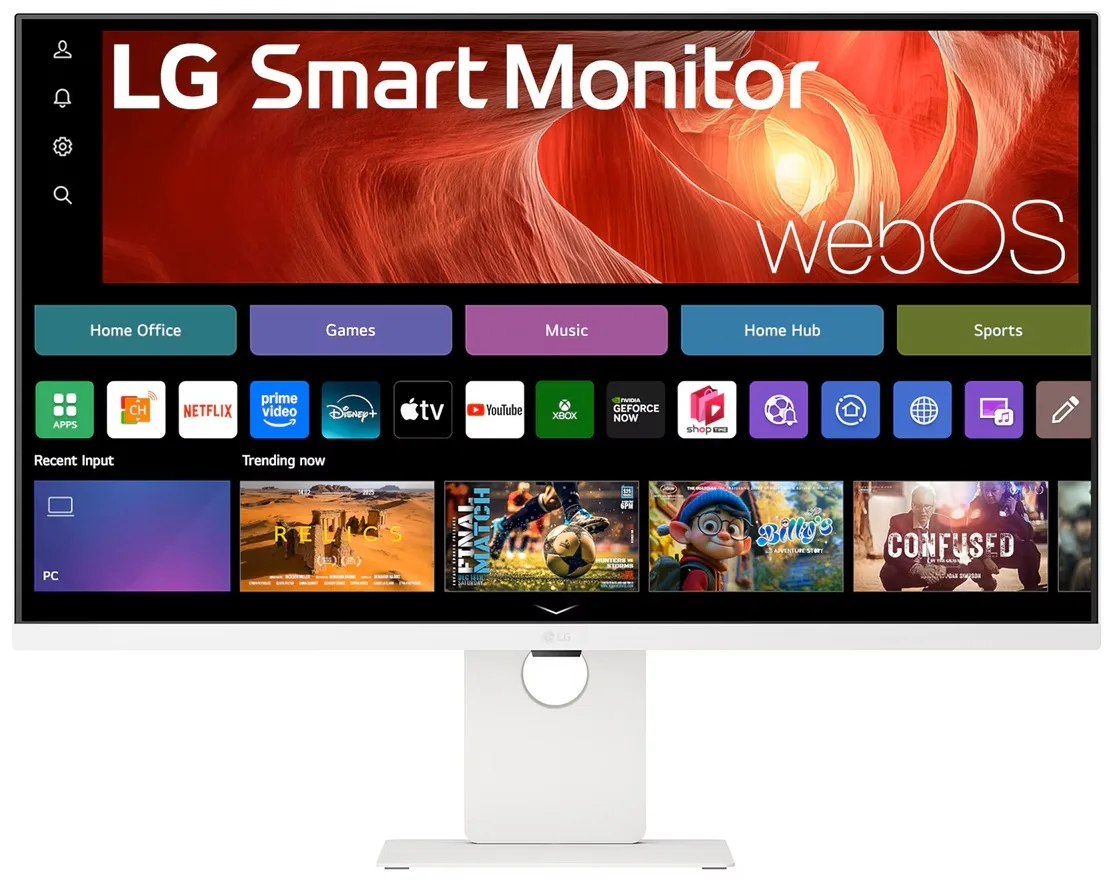
LG Electronics
LG Electronics 37U730SA-W 37" 4K UHD IPS Smart Monitor webOS White
- White
- webOS
$584.99
0.00753717BTC
In stock