


Rosewill
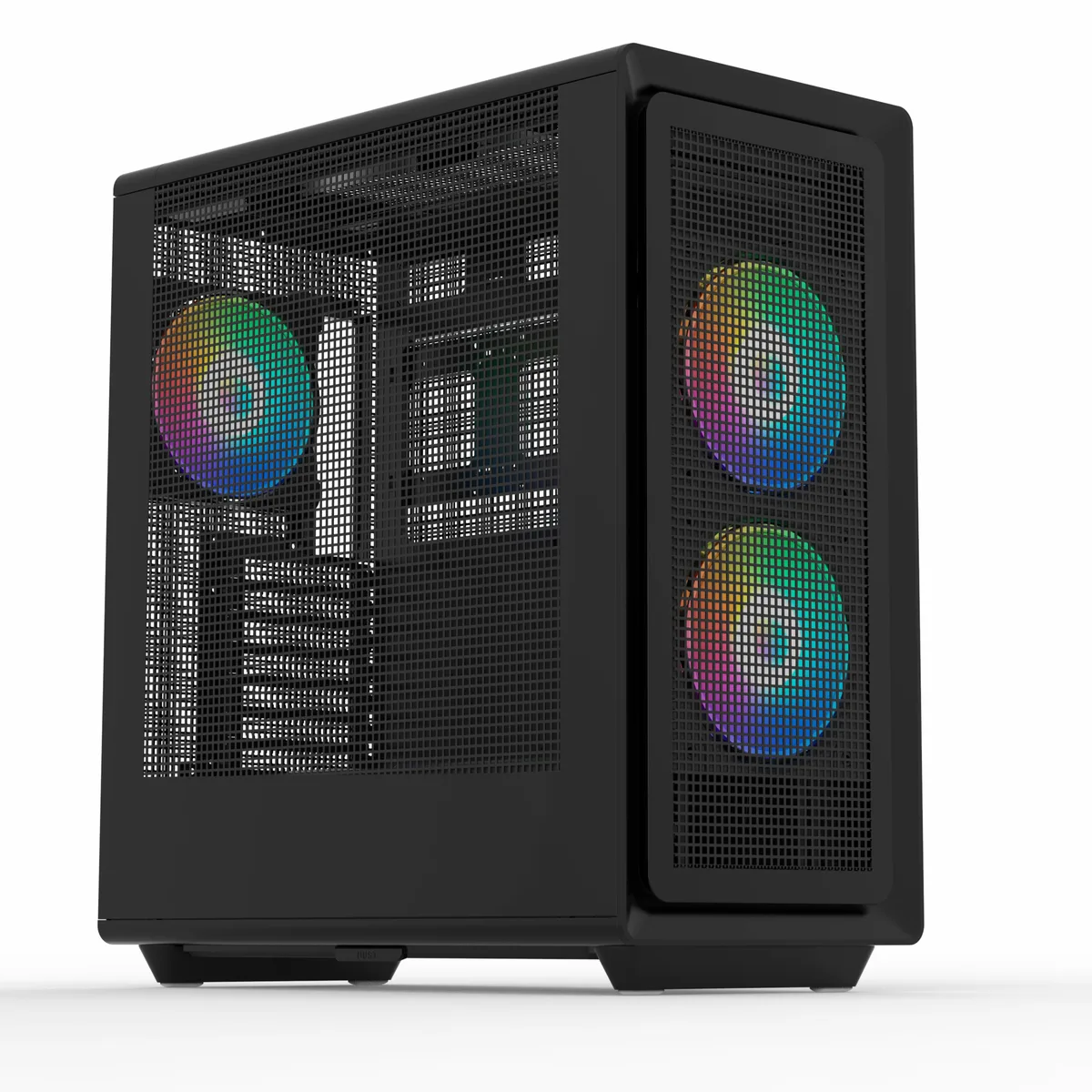
Rosewill Helium Air RGB Mid Tower PC Case Black
Mid-tower ATX case with three mesh panels, pre-installed 160 mm and 140 mm PWM ARGB fans, 34 mm cable-routing space and USB 3.1 Type-C front port
- TypeATX Mid Tower
- ColorBlack
- Case MaterialSteel / Plastic
- With Power SupplyNo
- Power Supply MountedBottom
- Motherboard CompatibilityATX / E-ATX / ITX / Micro ATX
Option Helium Air Black ARGB
- Helium Air Black
- Helium Air Black ARGB
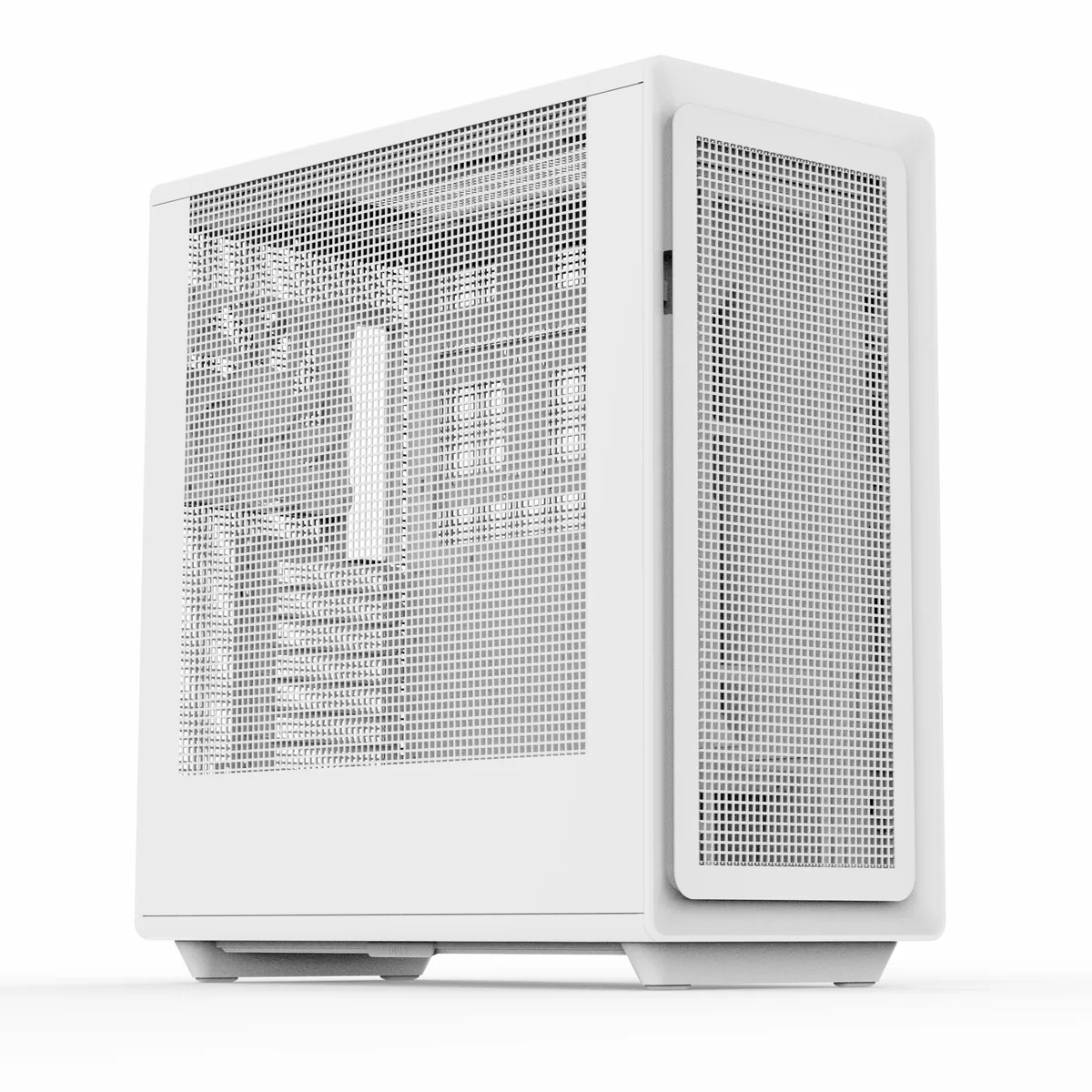
- Helium Air White
- Helium Air White ARGB
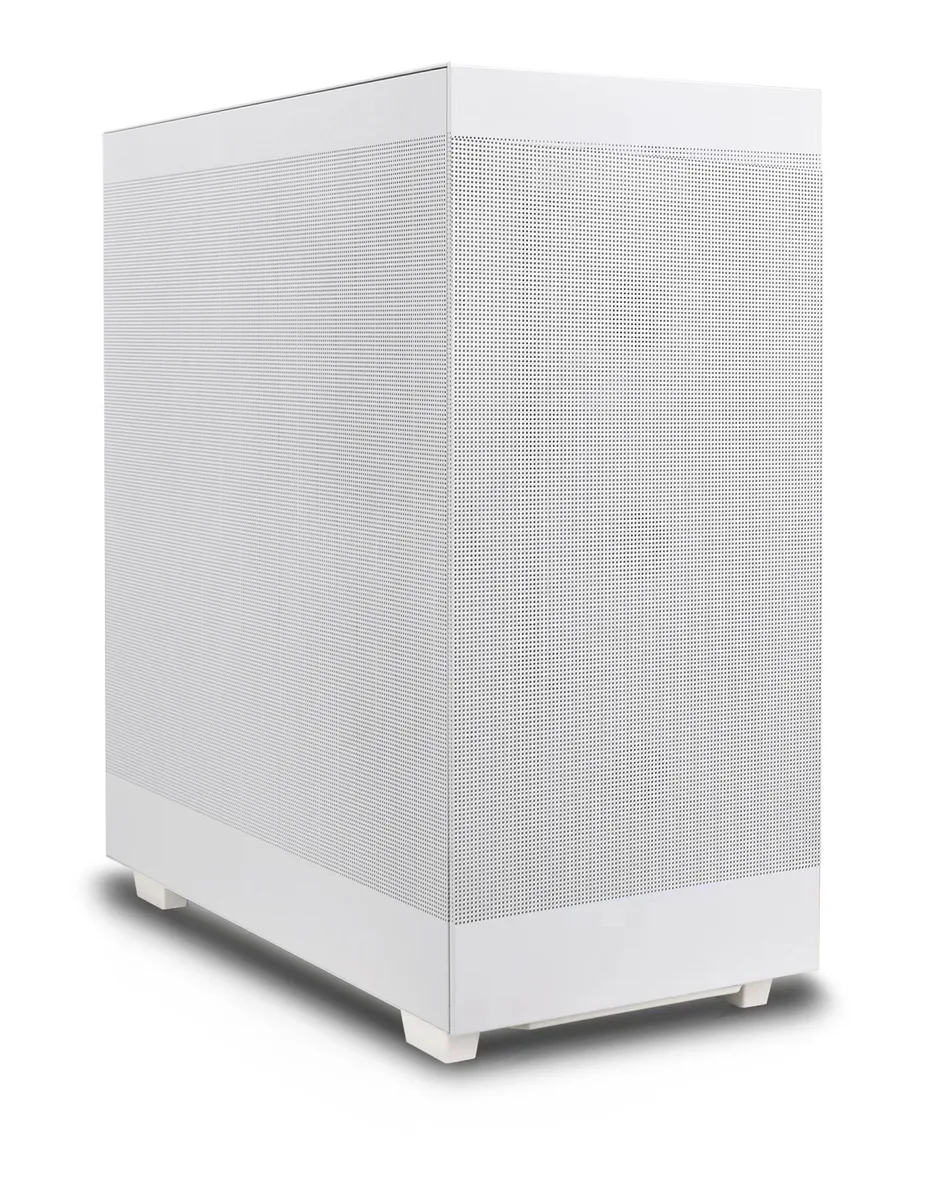
- Helium Flow White
- Maximum airflow from three full-mesh panels
- Clean interior thanks to 34 mm cable-routing space
- Ready-to-use cooling with 2×160 mm and 1×140 mm PWM ARGB fans
- Tool-free access for quick upgrades and maintenance
- Front USB 3.1 Type-C plus two USB 3.0 and audio ports
Rosewill Helium Air RGB Mid Tower
The Rosewill Helium Air RGB is an ATX mid-tower chassis built from steel and plastic with a black finish. It accepts ATX, E-ATX, Micro-ATX and ITX motherboards and comes without a power supply. Three mesh panels and pre-installed PWM ARGB fans target builders who want strong airflow and visible lighting in a single package.
Upgrade from restrictive enclosures
Moving from a solid-panel case with limited fan mounts to this mesh-front, mesh-top, mesh-side design adds front support for 360 mm and 240 mm radiators plus top support for 360 mm, 280 mm and 240 mm units. The jump is worth it when your current chassis cannot fit a 390 mm graphics card or a 183 mm CPU cooler and you need the extra clearance for modern components.
Capacity and headroom
The interior provides three 3.5 inch and four 2.5 inch drive bays, seven expansion slots and 34 mm of routing space behind the motherboard tray. Front ports include one USB 3.1 Type-C, two USB 3.0 and a combo audio jack. A 220 mm power-supply limit and the listed radiator lengths define where the build runs out of room.
Highlights
- Maximum airflow from three full-mesh panels
- Clean interior thanks to 34 mm cable-routing space
- Ready-to-use cooling with 2×160 mm and 1×140 mm PWM ARGB fans
- Tool-free access for quick upgrades and maintenance
- Front USB 3.1 Type-C plus two USB 3.0 and audio ports
Specifications
| Brand | Rosewill |
|---|---|
| Model | Helium Air RGB |
| Type | ATX Mid Tower |
| Color | Black |
| Case Material | Steel / Plastic |
| With Power Supply | No |
| Power Supply Mounted | Bottom |
| Motherboard Compatibility | ATX / E-ATX / ITX / Micro ATX |
| Side Panel | Mesh |
| LED | ARGB |
| Dust Filters | Yes |
| Internal 3.5" Drive Bays | 3 |
| Internal 2.5" Drive Bays | 4 |
| Expansion Slots | 7 |
| Front Ports | 1 x USB 3.1 Type-C / 2 x USB 3.0 / Audio |
| Fan Options | Front: 3 x 120mm, 3 x 140mm, 2 x 160mm Top: 3 x 120mm, 2 x 140mm Rear: 1x 120mm, 1 x 140mm |
| Pre-installed Fans | Front - 2 x 160mm / Rear - 1 x 140mm |
| Radiator Options | Front: 360mm / 240mm Top: 360mm / 280mm / 240mm Rear: 120mm |
| Max GPU Length | 390 mm |
| Max CPU Cooler Height | 183 mm |
| Max PSU Length | 220 mm |
| Features | High-Airflow with All Mesh Panels: Three mesh panels provide massive airflow to your system, ensuring maximum cooling performance. Cable Management System: A roomy 34mm of space behind the motherboard allows for quick and easy routing of all your major cables, keeping your build clean and organized. Included 2x 160mm & 1x 140mm ARGB PWM Fan Extreme Cooling Potential: The spacious interior supports up to 7x 120mm or 6x 140mm cooling fans, and can accommodate multiple radiators, including 360mm radiator in both the front and top. Modern Front Panel I/O: Features a USB 3.1 Type-C port, |
| Shipping weight | 12.02 kg |
| Package size | 559 × 559 × 305 mm |
Other versions of this model
4 more in the same range
Same family, different memory, cooler or clock — compare before you commit.



Questions about this item
What clearance does the Helium Air RGB case give behind the motherboard tray for cable routing?
The case provides 34 mm of space behind the motherboard tray, allowing cables to be routed cleanly without bulging the side panel.
How are the front and top panels removed for fan or radiator installation, and what step do builders often miss?
Both mesh panels lift off tool-free; the common miss is forgetting to seat the panel tabs fully into the chassis slots before snapping the magnetic catches shut.
Which dust filters on the Helium Air RGB need periodic cleaning and how are they accessed?
Magnetic filters cover the front, top and bottom intakes; each pulls off without tools for rinsing or vacuuming.
Also in this aisle
People compared these
Same shelf, same checkout — eight coins and a 30-minute rate lock.

Micron Technology, Inc.
Micron Technology, Inc. MT4JTF12864AZ-1G4D1 1GB DDR3 1333 Desktop RAM
- 1GB
- DDR3 1333 (PC3 1060…
$28.99
0.00037461BTC
In stock
Kingston Technology Corp.
Kingston Technology Corp. KTD-DM8400A/512 512MB DDR2 desktop RAM
- 512MB
- CL4
$12.99
0.00016786BTC
In stock
