Rosewill
Rosewill NEON S75 W 75% 80-key gaming keyboard
- USB + 2.4GHz + Blue…
- Gaming
$43.99
0.00055886BTC
In stockWe take cryptocurrency — so the coins you hold can buy real hardware.Pay in crypto, spend it on real hardware. Free insured shipping worldwide over $399. Plain, unbranded boxes, sent from Germany.Free insured shipping over $399. Your rate is locked for 30 minutes once checkout opens.Rate locked 30 minutes. Every item sealed, serial-checked and covered by a 24-month warranty.Sealed, 24-month warranty.


Rosewill
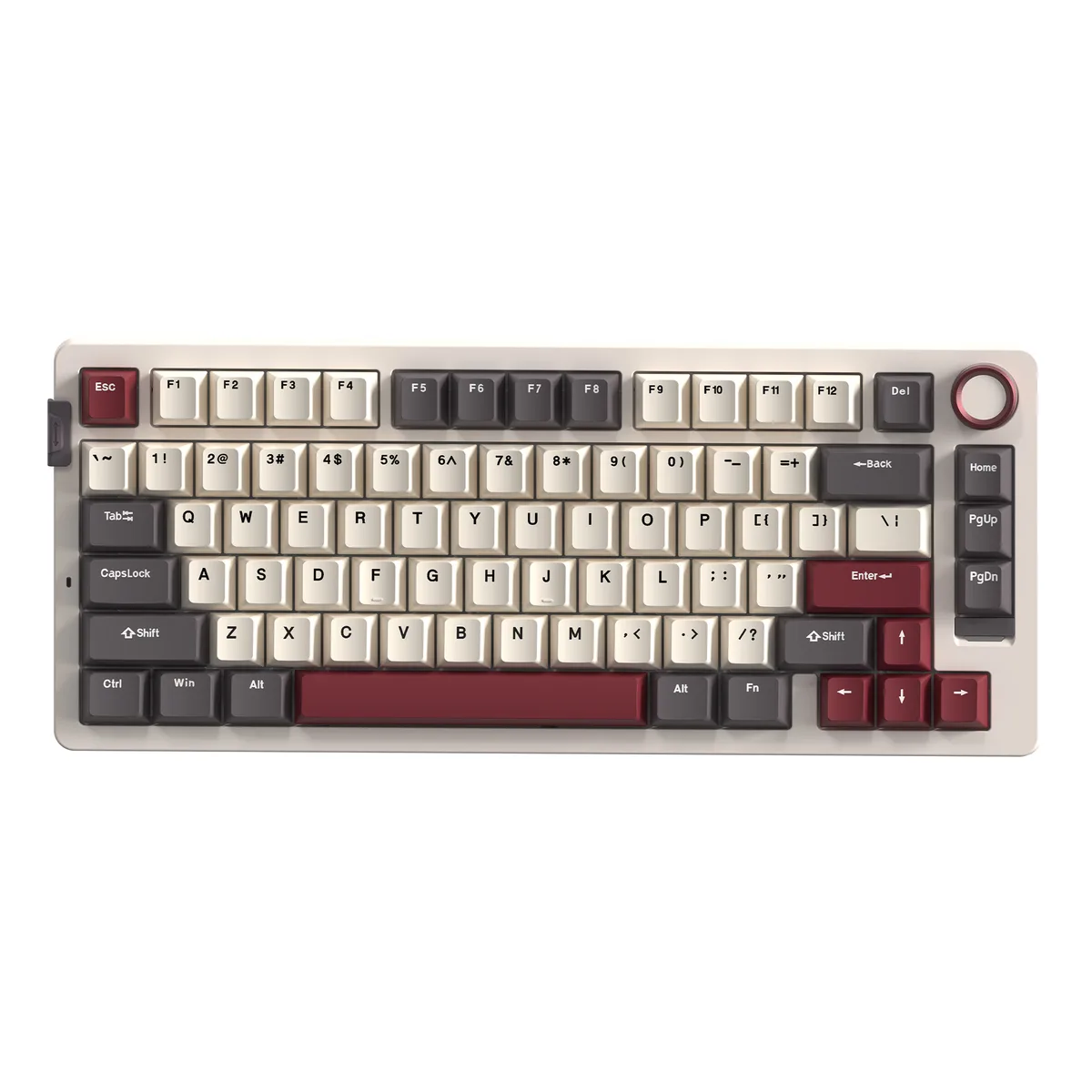
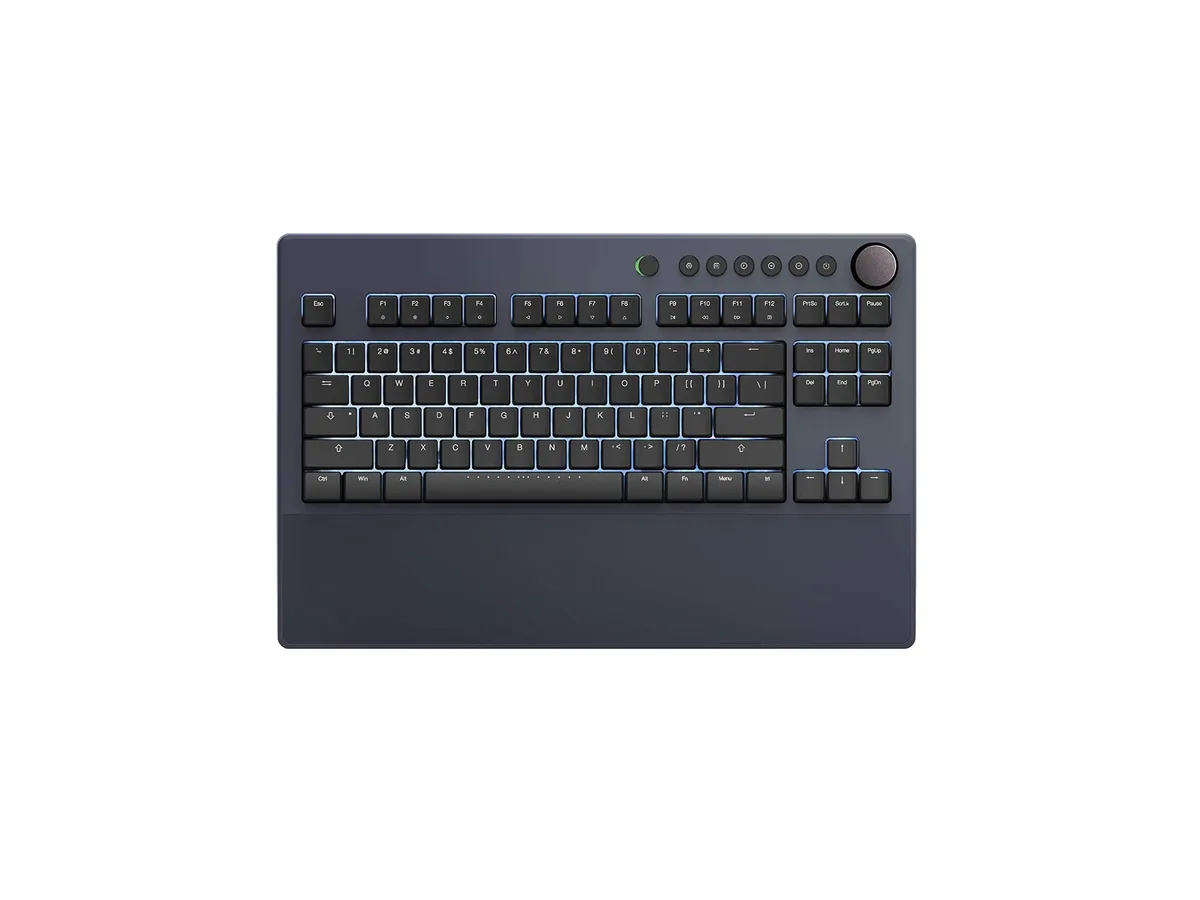
A 75% wireless mechanical keyboard with 80 hot-swappable clicky switches, tri-mode connectivity and a 6000 mAh battery
Color Black
Option Blue Switch
The Rosewill NEON S75 BL is a compact 75 percent mechanical keyboard with 80 keys and a gasket-mounted structure. It uses hot-swappable Outemu Blue clicky switches and PBT keycaps, and includes a volume knob for quick audio control. Tri-mode connectivity covers USB-C wired, 2.4 GHz wireless, and Bluetooth with a dedicated switch button and up to three paired Bluetooth devices. A 6000 mAh rechargeable battery powers the wireless modes, and the board works on both Windows and macOS with a system-toggle hotkey.
The clicky Outemu Blue switches suit users who prefer audible and tactile confirmation on every keystroke, while the three connection modes let the keyboard move between a desktop, a laptop, and a tablet without cables. Builders who want to experiment with different switch types can swap them without soldering. Buyers who need linear or silent switches for quiet offices or shared spaces should look at something else, as should anyone who requires a full-size layout with a dedicated number pad.
The defining specification is the factory-installed Outemu Blue clicky switch mounted in hot-swappable sockets. This combination delivers a pronounced click and tactile bump on each press and allows the owner to replace switches individually without desoldering. If the clicky feel matches the user's preference, the board is ready to use; if a different switch character is required, the hot-swap sockets make changes straightforward.
| Brand | Rosewill |
|---|---|
| Name | NEON K75 Tri-Mode Wireless Gaming Keyboard |
| Model | NEON K75 BL |
| Keyboard Interface | USB + 2.4GHz + Bluetooth |
| Design Style | Gaming |
| Layout | 75% |
| Normal Keys | 80 |
| Mechanical Keyboard | Yes |
| Key Switch | Outemu Blue |
| Key Switch Type | Clicky |
| Keycaps | PBT Keycaps |
| Keyboard Color | Black |
| Backlit | Yes |
| Dimensions | 13.11" x 5.43" x 1.7" (33.3cm x 13.8cm x 4.4cm) |
| Type | Mechanical |
| Mouse Included | No |
| Power Source | Rechargeable Battery - 6000 mAh |
| Shipping weight | 0.89 kg |
| Package size | 376 × 183 × 70 mm |
Other versions of this model
Same family, different memory, cooler or clock — compare before you commit.
The keyboard connects by USB cable, 2.4 GHz wireless dongle or Bluetooth. Each mode is selected with a dedicated quick-switch button.
The board measures 13.11 inches wide, 5.43 inches deep and 1.7 inches high. The 75 percent layout keeps the function row and arrows while saving space.
Switches press straight into the hot-swap sockets without solder. The common mistake is not aligning both pins before pushing, which bends a pin.
Also in this aisle
Same shelf, same checkout — eight coins and a 30-minute rate lock.
What you pay in, and what you read prices in.
Sent from your wallet at checkout
Display only — the catalogue is priced in USD
No currency matches that.
Pick the language the site speaks to you in.
New here?
Already have one?
There is no automatic reset: this shop sends no mail, so there is no one-time link to ask for. Leave the address on the account and it gets picked up by hand.
Request noted
Nothing is on its way to your inbox — this shop sends no mail at all. Someone picks these up by hand.
Remembered it?