Micron Technology, Inc.
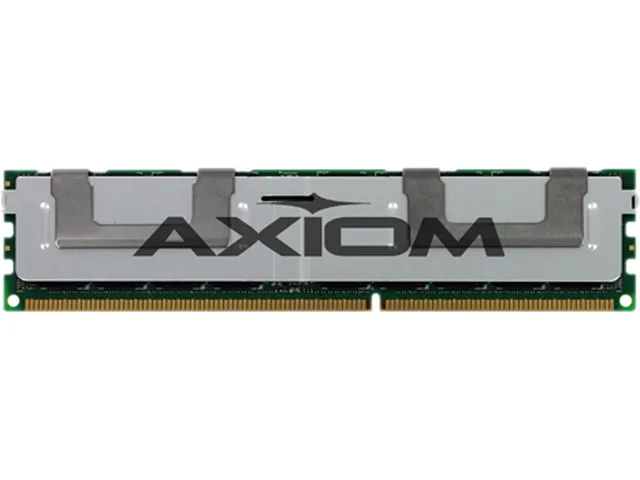
Micron Technology, Inc. 2GB DDR3 1600 ECC NON-REG 1RX8 1.35V desktop RAM
- 2GB
- DDR3 1600 (PC3 1280…
$18.99
0.00023826BTC
In stockWe take cryptocurrency — so the coins you hold can buy real hardware.Pay in crypto, spend it on real hardware. Free insured shipping worldwide over $399. Plain, unbranded boxes, sent from Germany.Free insured shipping over $399. Your rate is locked for 30 minutes once checkout opens.Rate locked 30 minutes. Every item sealed, serial-checked and covered by a 24-month warranty.Sealed, 24-month warranty.
SK hynix
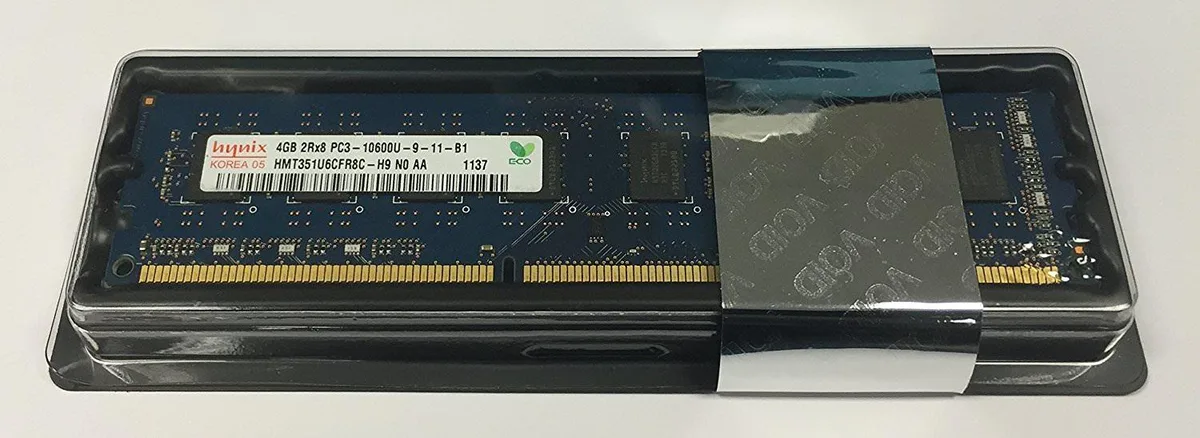
Adds 4 GB of DDR3 desktop memory running at 1333 MHz with CL9 latency and 1.5 V operation
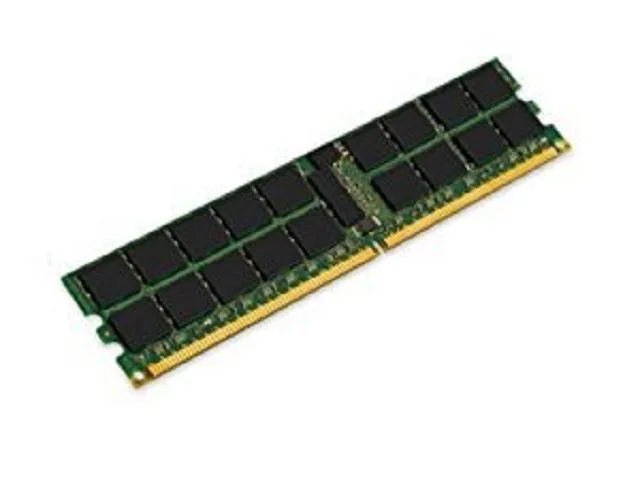
This 4 GB DDR3 DIMM runs at 1333 MHz with CL9 latency and 1.5 V operation. It uses a 240-pin unbuffered layout suitable for standard desktop motherboards. The non-ECC design targets everyday office and home systems. It installs directly into compatible DDR3 slots.
Four gigabytes handles light multitasking, web browsing and older applications without pressure. Memory-intensive workloads such as modern gaming, video editing or virtual machines will exceed the available space. The single module leaves no room for dual-channel bandwidth gains. Buyers needing more capacity or ECC error correction should look elsewhere.
| Capacity | 4GB |
|---|---|
| Speed | DDR3 1333 (PC3 10600) |
| CAS Latency | CL9 |
This module operates at DDR3 1333 (PC3-10600) with CL9 timing and 1.5V. Mixing speeds will cause all modules to run at the slowest installed speed.
Open the BIOS or use a tool such as CPU-Z; the memory tab should show DDR3-1333 frequency and 9-9-9-24 timings at 1.5V.
Also in this aisle
Same shelf, same checkout — eight coins and a 30-minute rate lock.
What you pay in, and what you read prices in.
Sent from your wallet at checkout
Display only — the catalogue is priced in USD
No currency matches that.
Pick the language the site speaks to you in.
New here?
Already have one?
There is no automatic reset: this shop sends no mail, so there is no one-time link to ask for. Leave the address on the account and it gets picked up by hand.
Request noted
Nothing is on its way to your inbox — this shop sends no mail at all. Someone picks these up by hand.
Remembered it?