Thunderobot
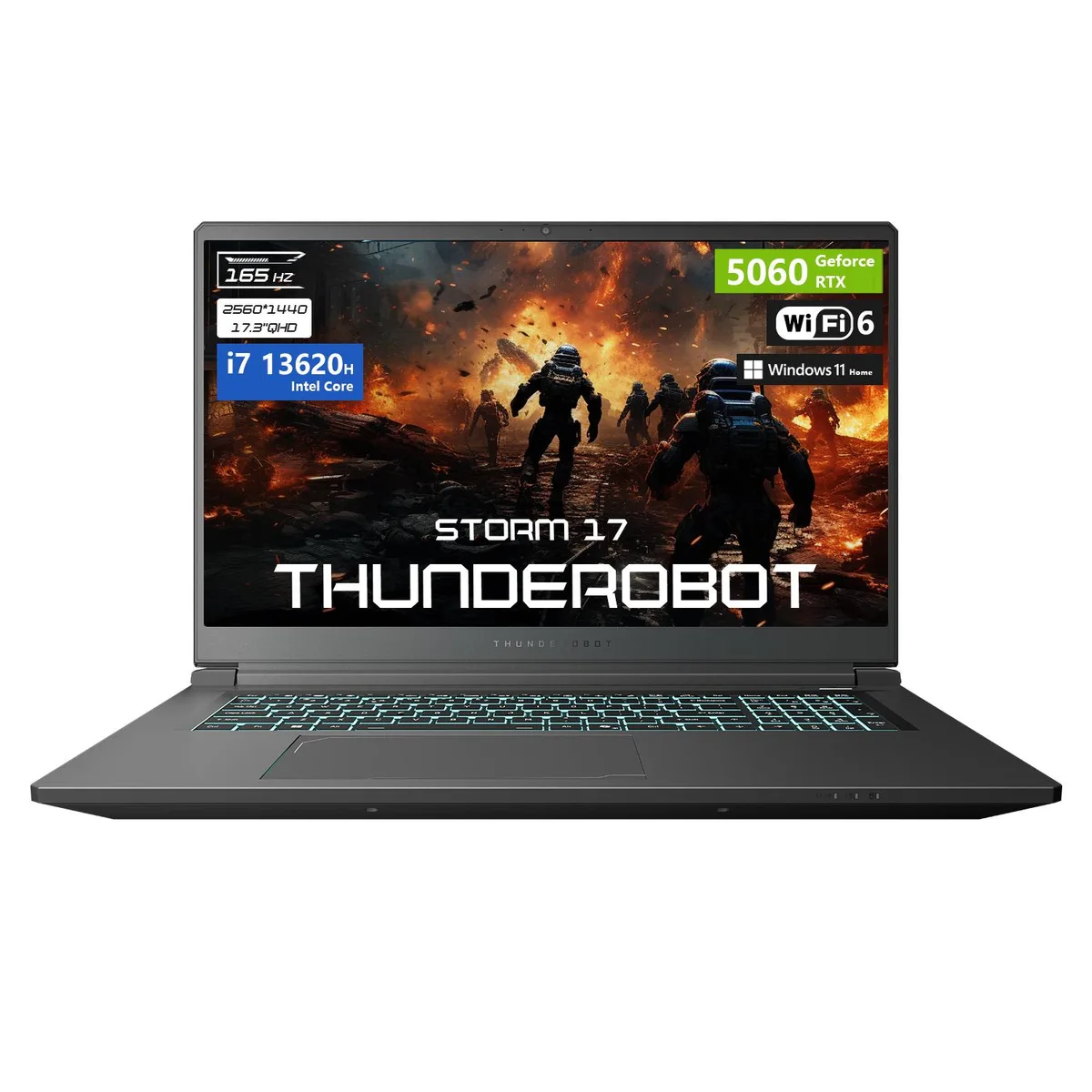
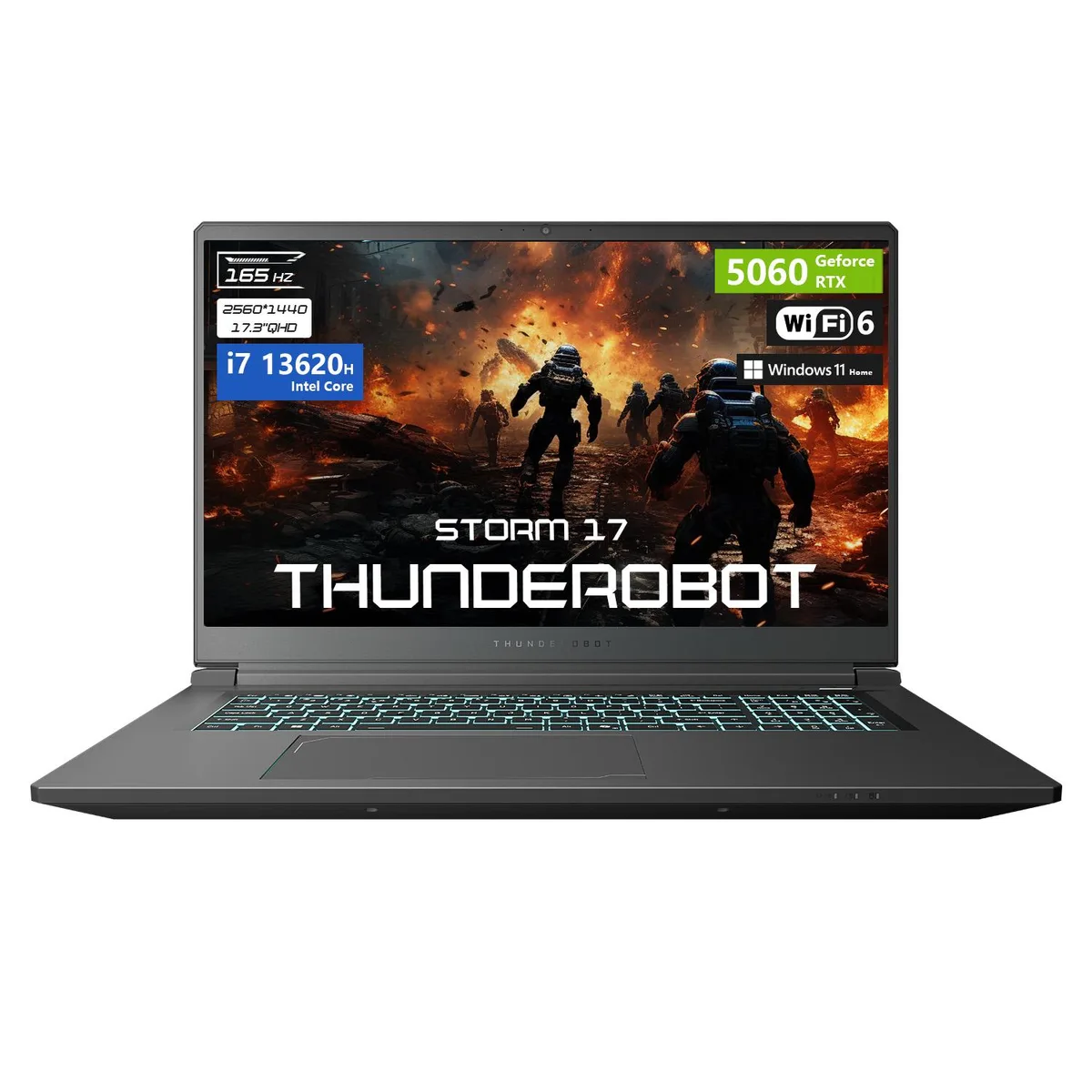
Thunderobot Storm 17 gaming laptop 17.3 QHD 165Hz i7-13620H RTX 5060 16GB 1TB
- Gaming
- 2025
$1,239
0.01600651BTC
In stockWe take cryptocurrency — so the coins you hold can buy real hardware.Pay in crypto, spend it on real hardware. Free insured shipping worldwide over $399. Plain, unbranded boxes, sent from Germany.Free insured shipping over $399. Your rate is locked for 30 minutes once checkout opens.Rate locked 30 minutes. Every item sealed, serial-checked and covered by a 24-month warranty.Sealed, 24-month warranty.


Thunderobot
17.3-inch QHD 165Hz gaming laptop with Intel Core i7-13620H 10-core processor, GeForce RTX 5060 graphics, 64GB DDR5 memory and 2TB PCIe SSD
SSD 2 TB
Option 64GB / 2TB PCIe SSD
The Thunderobot Storm 17 combines an Intel Core i7-13620H processor with a GeForce RTX 5060 Laptop GPU, 64GB DDR5 memory and a 2TB PCIe SSD. A 17.3" QHD panel running at 165 Hz delivers 2560 x 1440 resolution for fast-paced titles and creative work. Windows 11 Home is pre-installed on the 64-bit system.
The 16-core processor reaches a 4.9 GHz max turbo frequency while the dedicated graphics card handles modern workloads. Wi-Fi 6 and Bluetooth maintain wireless links without extra dongles. The chassis measures 15.59 x 10.86 x 1.05 inches and weighs 5.84 lbs, keeping the footprint manageable for a 17.3" device.
Three Superspeed USB Type-A ports, one Superspeed USB Type-C, HDMI, RJ-45 and an audio jack cover external displays, wired networking and peripherals. An RGB backlit keyboard and integrated webcam support streaming and late-night sessions. Thunderobot, established in 2014, ships the laptop in black with no optical or media drive.
| Brand | Thunderobot |
|---|---|
| Release Year | 2025 |
| Color | Black |
| Operating System | Windows 11 Home |
| Memory | 64 GB DDR5 |
| Storage | 2 TB |
| Tech | 64-bit |
| CPU Type | Intel Core i7 |
| Processor Name | Intel Core i7-13620H |
| Number of Cores | 16-core Processor |
| CPU L3 Cache | 24 MB |
| Screen Size | 17.3" |
| Display Type | QHD |
| Resolution | 2560 x 1440 |
| Refresh Rate | 165 Hz |
| GPU/VPU | GeForce RTX 5060 Laptop GPU |
| Graphic Type | Dedicated Card |
| SSD | 2TB |
| Memory Speed | DDR5 4800 |
| WLAN | 802.11ax Wireless LAN |
| WiFi Generation | Wi-Fi 6 |
| Bluetooth | Yes |
| USB | 4 |
| Video Port | 1 x HDMI |
| HDMI | 1 x HDMI |
| Other port | 1x Ethernet (RJ-45) |
| Audio Ports | Yes |
| Audio | 1x Headphone/Microphone combo jack (3.5mm) |
| Touchpad | Yes |
| Webcam | Yes |
| Type | Gaming |
| Battery | Lithium Ion |
| Weight | 4 - 4.9 lbs. |
Other versions of this model
Same family, different memory, cooler or clock — compare before you commit.
Remove the bottom panel, insert a PCIe M.2 drive into the open slot at an angle, then press flat and secure with the tiny screw; the step most people miss is pressing the drive fully flat before tightening, which leaves the connector partially seated.
The DDR5 modules and PCIe M.2 SSD are solid-state with no moving parts, so no scheduled maintenance is required; keep the laptop's vents clear of dust to maintain thermal performance for both components.
Sustained load typically hits the GPU thermal ceiling first, causing clock speeds to throttle below the 4.9 GHz CPU turbo and reducing frame rates before the 165 Hz refresh rate becomes the bottleneck.
Also in this aisle
Same shelf, same checkout — eight coins and a 30-minute rate lock.
What you pay in, and what you read prices in.
Sent from your wallet at checkout
Display only — the catalogue is priced in USD
No currency matches that.
Pick the language the site speaks to you in.
New here?
Already have one?
There is no automatic reset: this shop sends no mail, so there is no one-time link to ask for. Leave the address on the account and it gets picked up by hand.
Request noted
Nothing is on its way to your inbox — this shop sends no mail at all. Someone picks these up by hand.
Remembered it?