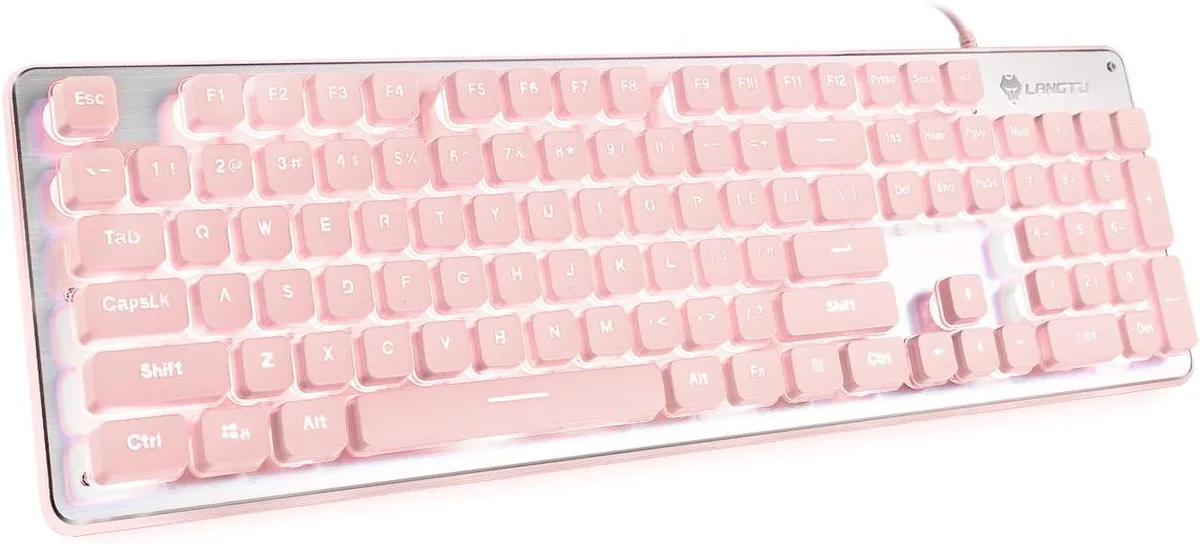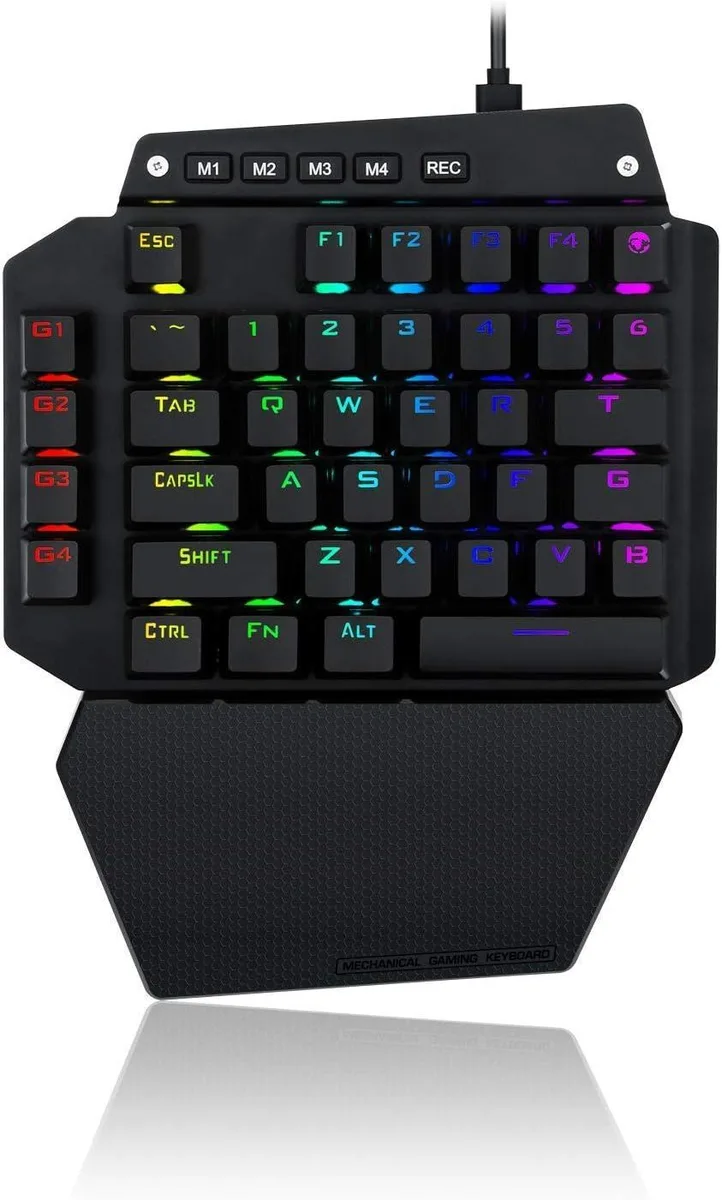
BFKK
BFKK One-Handed Mechanical Gaming Keyboard, Blue Switch, 6 Macro Keys, Detachable Wrist Rest, USB-C
$58.99
0.00075215BTC
In stockWe take cryptocurrency — so the coins you hold can buy real hardware.Pay in crypto, spend it on real hardware. Free insured shipping worldwide over $399. Plain, unbranded boxes, sent from Germany.Free insured shipping over $399. Your rate is locked for 30 minutes once checkout opens.Rate locked 30 minutes. Every item sealed, serial-checked and covered by a 24-month warranty.Sealed, 24-month warranty.
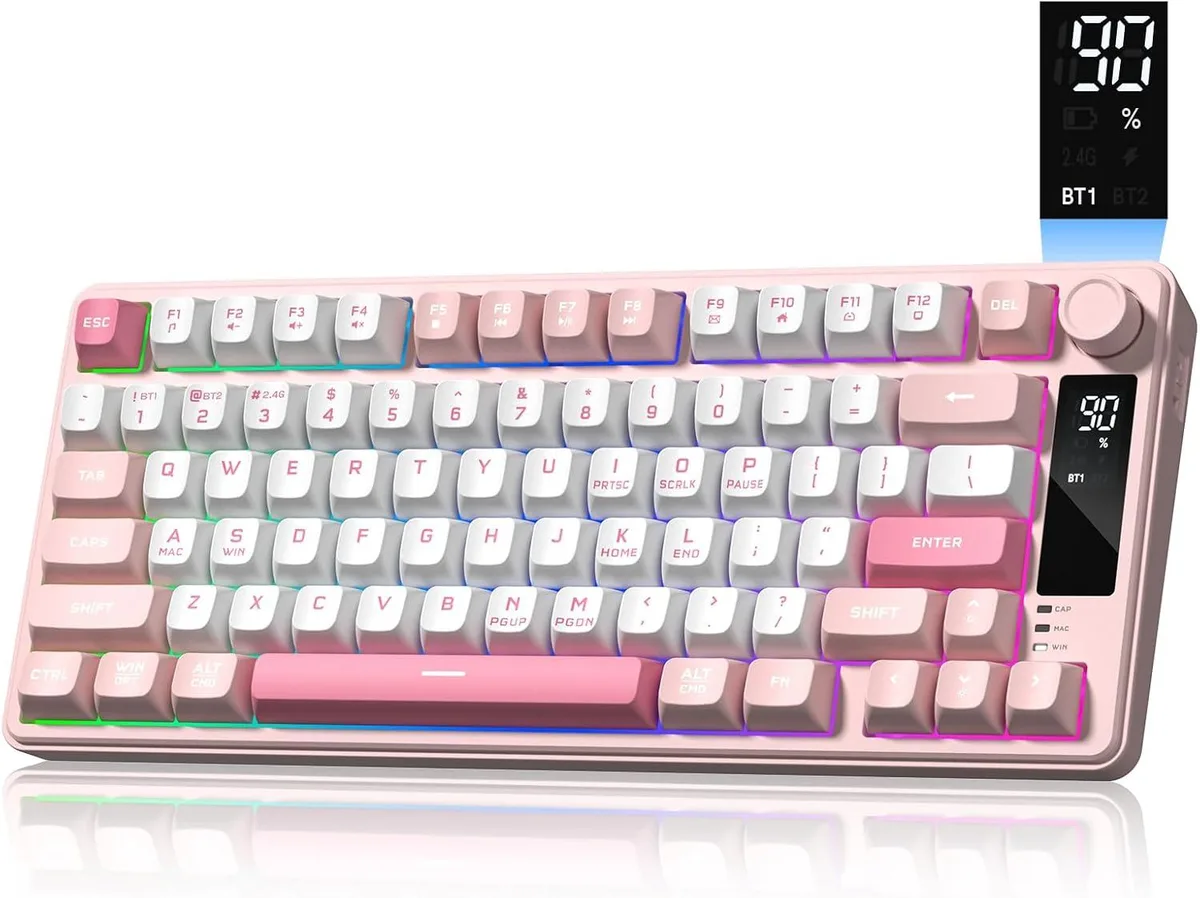


TUKO
Compact 75% wireless keyboard with media knob, OLED screen, silent membrane switches and 15 RGB effects
The TUKO 75% Wireless Gaming Keyboard packs 80 keys into a compact layout that retains the function row and navigation cluster. It targets gamers and mobile professionals who need full key coverage without the width of a standard board. Silent membrane switches keep noise low in shared spaces. The board connects through Bluetooth 5.2, Bluetooth 5.0, 2.4 GHz wireless or USB-C wired modes.
This keyboard replaces a full-size deck when desk real estate is tight or when a single device must serve a PC, a tablet and a phone. The tri-mode link lets you pair three hosts and toggle between them with a key combination. The jump is worth it when you regularly switch between work and personal machines and want one quiet, backlit input device for all of them.
During long sessions the metal media knob provides tactile volume and playback control without hunting for on-screen sliders. The integrated OLED screen shows active connection mode and system status at a glance. Membrane switches deliver consistent cushioned feel over extended typing, while 15 RGB effects and adjustable brightness stay configurable through FN shortcuts without extra software.
| Layout | 75% |
|---|
The 75% layout fits an 80-key footprint, saving room for mouse travel while keeping function row and navigation cluster.
Hold the Bluetooth key until the indicator flashes, then select the keyboard in your OS; the step often missed is clearing old pairings first.
Membrane switches last for millions of presses; replace only when keys feel mushy or fail to register after cleaning.
Also in this aisle
Same shelf, same checkout — eight coins and a 30-minute rate lock.
What you pay in, and what you read prices in.
Sent from your wallet at checkout
Display only — the catalogue is priced in USD
No currency matches that.
Pick the language the site speaks to you in.
New here?
Already have one?
There is no automatic reset: this shop sends no mail, so there is no one-time link to ask for. Leave the address on the account and it gets picked up by hand.
Request noted
Nothing is on its way to your inbox — this shop sends no mail at all. Someone picks these up by hand.
Remembered it?