Cswur
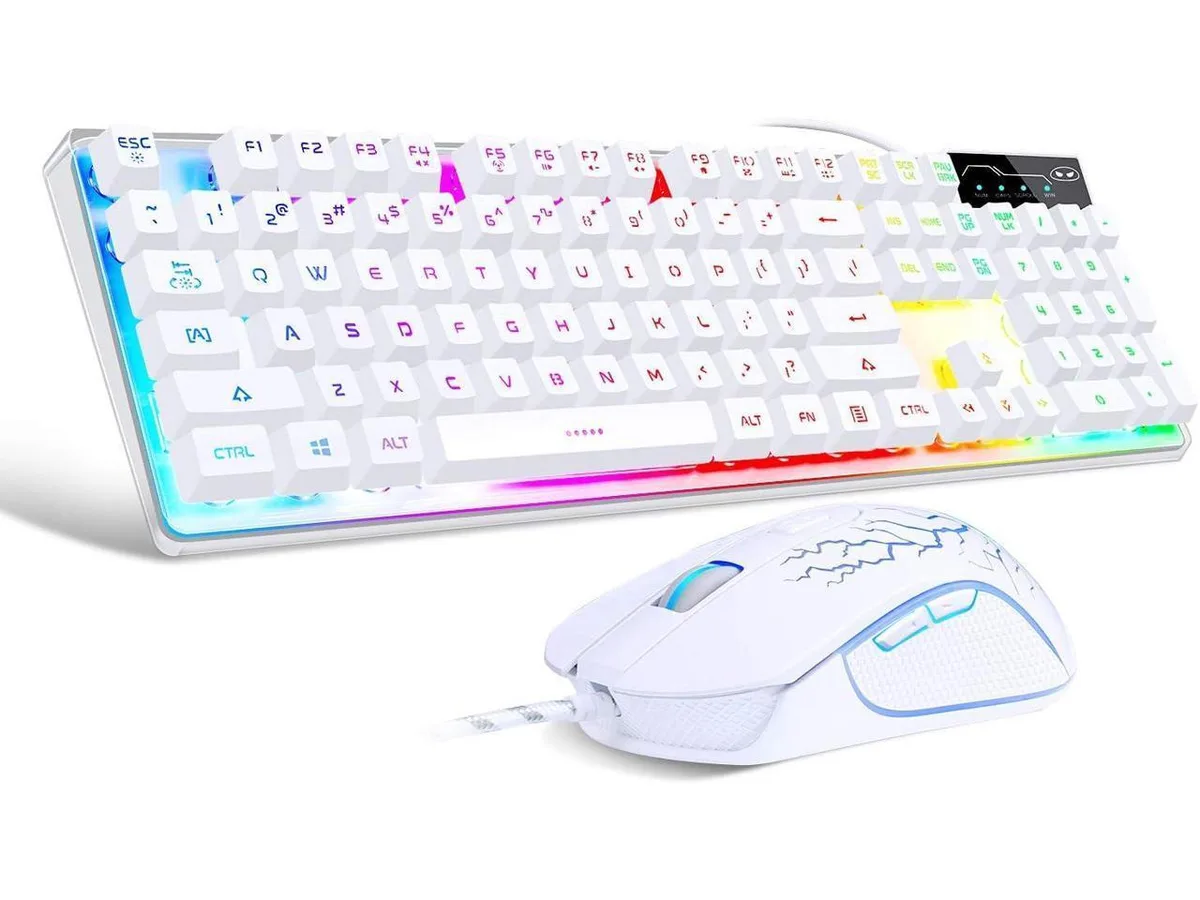
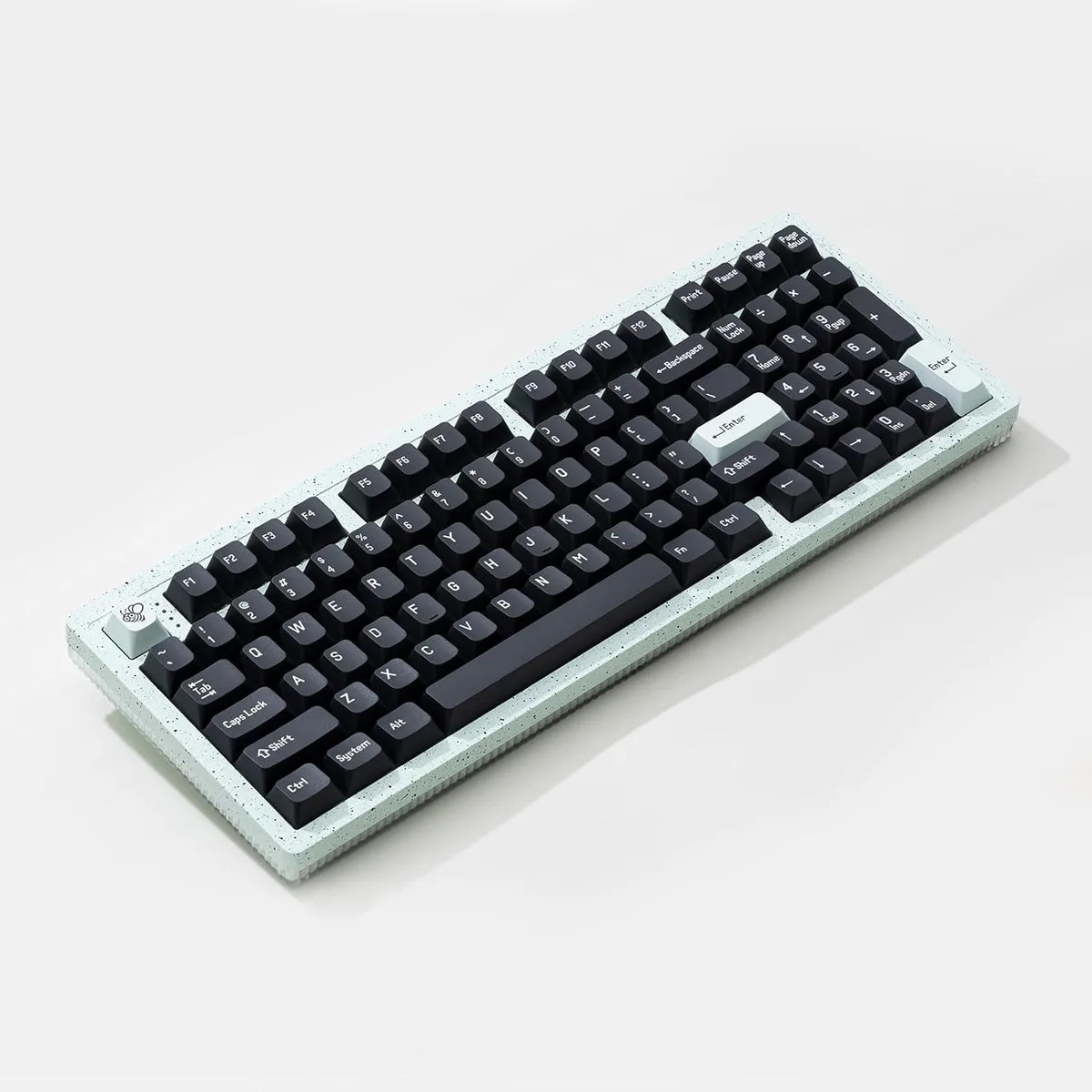
Cswur 104-Key Mechanical Gaming Keyboard Outemu Brown Switches Aluminum Frame Rainbow Backlight
- Full-size
$86.99
0.00110849BTC
In stockWe take cryptocurrency — so the coins you hold can buy real hardware.Pay in crypto, spend it on real hardware. Free insured shipping worldwide over $399. Plain, unbranded boxes, sent from Germany.Free insured shipping over $399. Your rate is locked for 30 minutes once checkout opens.Rate locked 30 minutes. Every item sealed, serial-checked and covered by a 24-month warranty.Sealed, 24-month warranty.


TUKO
A full-size mechanical keyboard with blue switches, 104 anti-ghosting keys, 19 white backlight effects and a metal panel
The TUKO TK100 is a full-size wired mechanical keyboard with 104 keys and double-shot round keycaps that mimic a classic typewriter. Blue switches provide a crisp click and tactile feedback for typing and gaming. An aluminium top panel adds rigidity and a clean black finish.
Users who prefer silent or linear switches will find the blue click too loud for shared spaces. The single-colour white backlight offers no per-key RGB customisation, so builders chasing full-colour lighting should look elsewhere.
No software or drivers are required; the keyboard works immediately on any standard USB port. The fixed cable cannot be replaced if damaged, and the stepped round keycaps may feel unfamiliar during the first few days of use.
| Layout | Full-size |
|---|
The TK100 is a wired keyboard that plugs into any standard USB-A port on a desktop or laptop; no additional adapter or hub is required.
Yes, the TK100 connects via USB so it runs independently of any legacy PS/2 device; both can be active at once without conflict.
Press FN together with INS, 6, 7, 8, 9 or 0 to cycle through each of the 19 preset effects; visible changes on the white backlight confirm every mode is working.
Also in this aisle
Same shelf, same checkout — eight coins and a 30-minute rate lock.
What you pay in, and what you read prices in.
Sent from your wallet at checkout
Display only — the catalogue is priced in USD
No currency matches that.
Pick the language the site speaks to you in.
New here?
Already have one?
There is no automatic reset: this shop sends no mail, so there is no one-time link to ask for. Leave the address on the account and it gets picked up by hand.
Request noted
Nothing is on its way to your inbox — this shop sends no mail at all. Someone picks these up by hand.
Remembered it?