
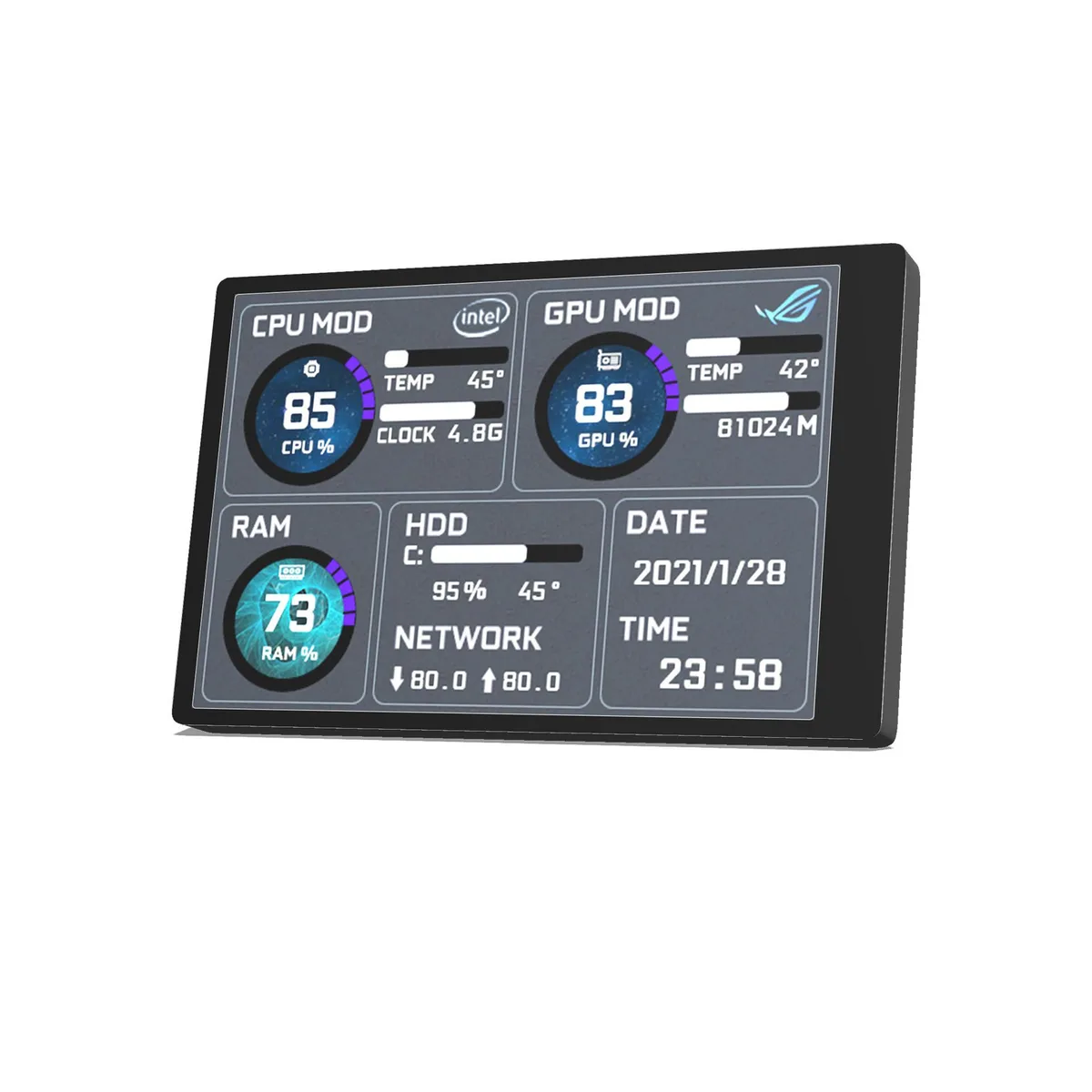
Corn Electronics
Corn Electronics 3.5" IPS Gaming Monitor Black 60Hz
- Black
- 3.5"
$38.99
0.00050256BTC
In stockWe take cryptocurrency — so the coins you hold can buy real hardware.Pay in crypto, spend it on real hardware. Free insured shipping worldwide over $399. Plain, unbranded boxes, sent from Germany.Free insured shipping over $399. Your rate is locked for 30 minutes once checkout opens.Rate locked 30 minutes. Every item sealed, serial-checked and covered by a 24-month warranty.Sealed, 24-month warranty.


Uperfect
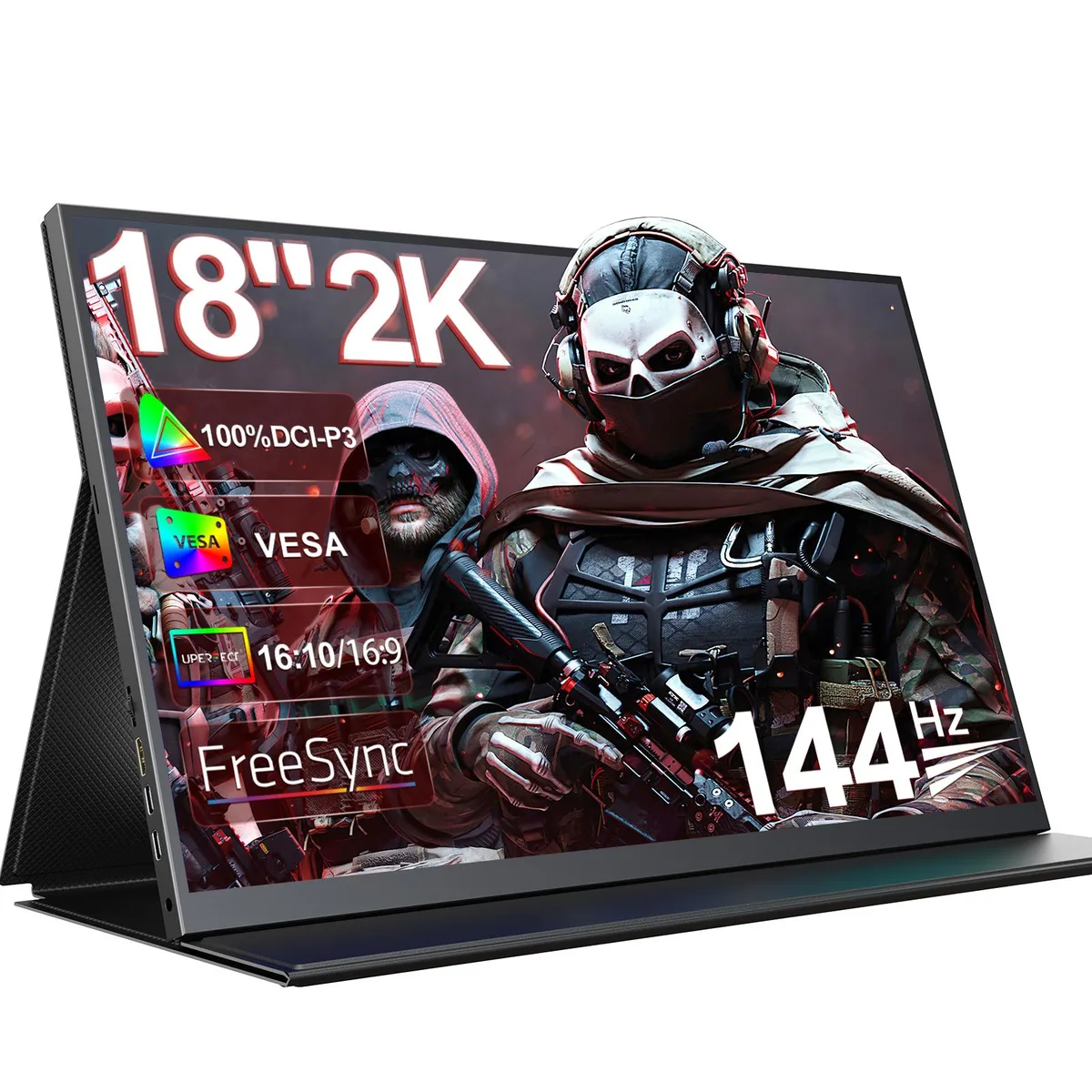
An 18‑inch portable IPS monitor with 2K resolution, 144 Hz refresh, FreeSync and 100 % DCI‑P3 colour for gaming or creative work on the move
The Uperfect UGame K118 is an 18-inch portable gaming monitor built around a 2560 x 1600 IPS panel with a 144Hz refresh rate and AMD FreeSync. It covers 100% DCI-P3 colour volume and includes HDR support, a matte anti-glare coating, and integrated eye-care features such as blue-light filter and flicker-free operation. Connectivity uses one Mini HDMI and two USB Type-C ports alongside a 3.5mm headphone jack and built-in speakers.
This display suits users who need a large 18-inch 16:10 canvas for gaming or creative tasks while travelling or working in tight spaces. The 144Hz rate and FreeSync deliver smooth motion, and the 100% DCI-P3 gamut aids photo editing. Buyers who require multiple full-size HDMI or DisplayPort inputs, a higher peak brightness than 300 cd/m2, or a larger desktop replacement screen should consider other models.
The single specification that determines whether this monitor fits your needs is the 144Hz maximum refresh rate paired with 2560 x 1600 resolution. If your games or workflow demand higher frame rates or a different resolution, this panel will not meet that requirement. For 144Hz gaming and 2K clarity in a portable 18-inch form factor, the refresh rate is the deciding factor.
| Brand | Uperfect |
|---|---|
| Screen Size | 18" |
| Panel | IPS |
| Maximum Resolution | 2560 x 1600 |
| Resolution | 2560 x 1600 (2K) |
| Viewing Angle | 178° (H) / 178° (V) |
| Aspect Ratio | 16:10 |
| Brightness | 300 cd/m2 |
| Contrast Ratio | 1000:1 |
| Display Colors | 16.7 Million |
| Refresh Rate | 144Hz |
| Video Ports | 1 x Mini HDMI |
| USB 3.0 | 2 |
| Headphone | 1*3.5mm headphone jack |
| Built-in Speakers | Yes |
| VESA Compatibility - Mountable | 75 x 75mm |
| Dimensions | 16.9 x 10.33 x 0.5 |
| Weight | 3.3 |
The monitor uses a 75 x 75 mm VESA pattern with M4 screws. The chassis is 0.5 inches thick and weighs 3.3 lb, so any arm or bracket rated for that pattern and weight will fit.
Connect a USB-C cable that carries both video and power to one of the two Type-C ports, or use the Mini HDMI plus a separate power source. The step often missed is confirming the laptop’s USB-C port supports DisplayPort Alt Mode; otherwise no signal appears.
No internal parts are user-serviceable. Maintenance is limited to cleaning the matte IPS panel with a microfibre cloth and checking that the Mini HDMI, two USB-C, two USB 3.0 and 3.5 mm jack ports stay free of dust and debris.
Also in this aisle
Same shelf, same checkout — eight coins and a 30-minute rate lock.
What you pay in, and what you read prices in.
Sent from your wallet at checkout
Display only — the catalogue is priced in USD
No currency matches that.
Pick the language the site speaks to you in.
New here?
Already have one?
There is no automatic reset: this shop sends no mail, so there is no one-time link to ask for. Leave the address on the account and it gets picked up by hand.
Request noted
Nothing is on its way to your inbox — this shop sends no mail at all. Someone picks these up by hand.
Remembered it?


