


ViewSonic
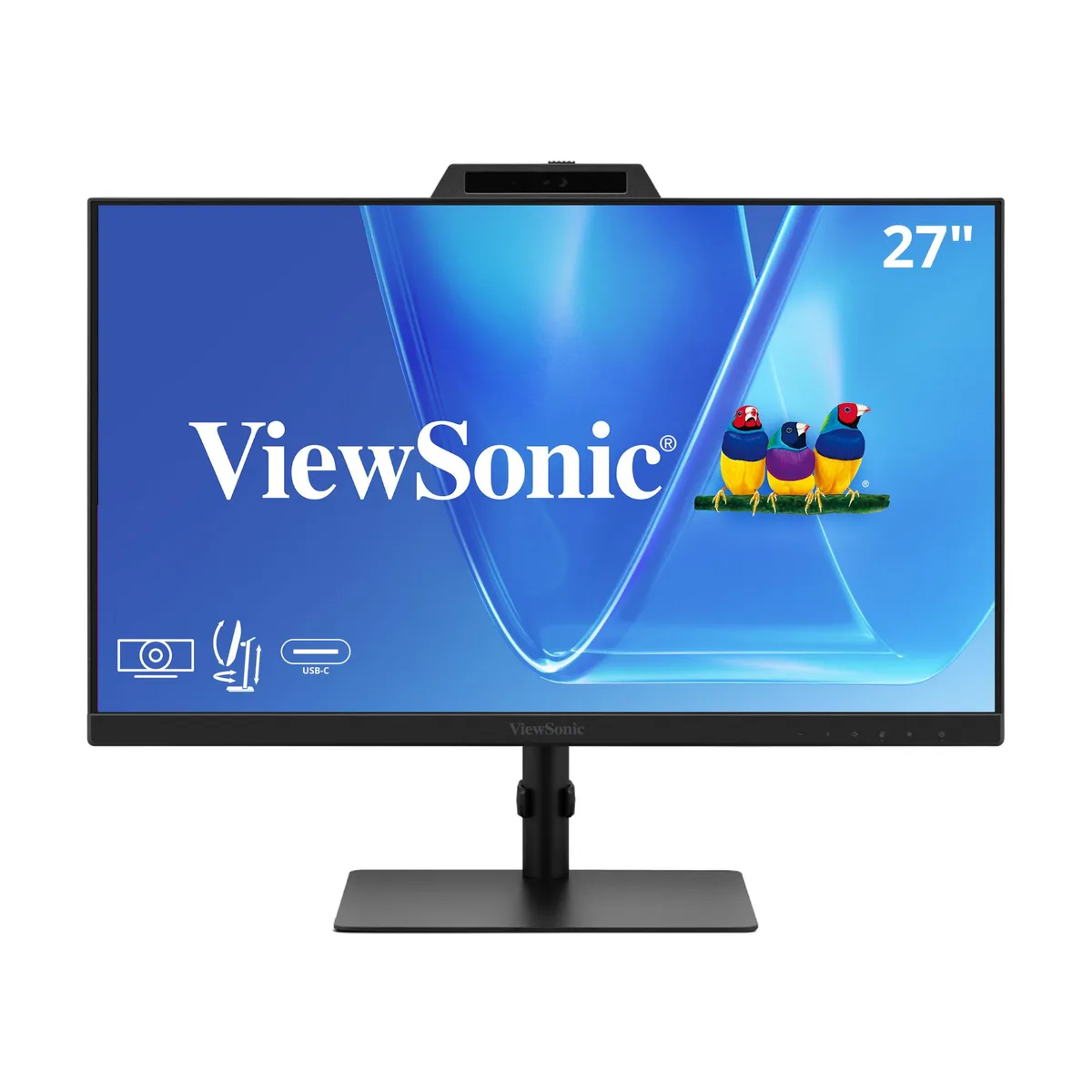
ViewSonic VG2741V 27 1080p IPS 120Hz Video Conferencing Monitor
27-inch Full HD IPS monitor with integrated 5MP webcam, Windows Hello IR camera, built-in microphone and speakers, 120Hz refresh rate, and USB-C connectivity
- Refresh Rate120Hz
- Display Colors16.7 Million
- Screen Size27"
- Response Time4 ms
- Brightness250 cd/m2
- Contrast Ratio1500:1 Static Contrast RATIO
- Secure, password-free sign-in with Windows Hello certified IR camera
- Clear video calls from integrated 5MP webcam with privacy shutter and adjustable angle
- All-day comfort from fully ergonomic stand with tilt, swivel, rotate and height adjustment
- Reduced eye fatigue with flicker-free technology and blue light filter
- Flexible connectivity via HDMI 1.4, DisplayPort, USB-C video and dual USB-A/USB-C hub ports
27-inch Full HD IPS monitor with integrated webcam
The ViewSonic VG2741V is a 27-inch Full HD IPS display built for desktop collaboration. It combines a 1920x1080 panel with a 120Hz refresh rate and a 5MP camera certified for Windows Hello facial recognition. Built-in microphones and speakers complete the conferencing setup without extra peripherals.
Replaces separate webcam and microphone setups
This monitor removes the need for an external camera, microphone and speakers on the desk. The upgrade is worth it when a single-cable USB-C connection must carry video, data and peripheral access while the IR camera handles secure single-user sign-in. A privacy shutter and 5-degree tilt give physical control over the lens.
Practical limits of the USB-C video
The USB-C ports carry video and hub traffic but do not supply Thunderbolt bandwidth or laptop charging. Video input tops out at HDMI 1.4 and DisplayPort for 1080p at 120Hz, while the two USB-A and two USB-C downstream ports serve peripherals only. Buyers who need power delivery or higher-resolution video over one cable should look elsewhere.
Highlights
- Secure, password-free sign-in with Windows Hello certified IR camera
- Clear video calls from integrated 5MP webcam with privacy shutter and adjustable angle
- All-day comfort from fully ergonomic stand with tilt, swivel, rotate and height adjustment
- Reduced eye fatigue with flicker-free technology and blue light filter
- Flexible connectivity via HDMI 1.4, DisplayPort, USB-C video and dual USB-A/USB-C hub ports
Specifications
| Refresh Rate | 120Hz |
|---|---|
| Display Colors | 16.7 Million |
| Screen Size | 27" |
| Response Time | 4 ms |
| Brightness | 250 cd/m2 |
| Contrast Ratio | 1500:1 Static Contrast RATIO |
| Glare Screen | Anti-glare |
| Aspect Ratio | 16:9 Aspect Ratio |
| Maximum Resolution | 1920x1080 |
| Viewing Angle | 178° (H) / 178° (V) |
| Panel | IPS Panel |
| Display Type | Full HD |
| Curved Surface Screen | Flat Panel |
| Brand | ViewSonic |
| Model | VG2741V |
| Cabinet Color | Black |
| DVI | No |
| HDMI | 1 |
| Connectors | HDMI 1.4 x 1, DisplayPort in x 1, USB Type A x 2, USB Type C x 2, 3.5mm Audio Out x 1 |
| Thunderbolt 2 | No |
| DisplayPort | 1 |
| Built-in Speakers | Yes |
| Built-in Webcam | No |
| VESA Compatibility - Mountable | 100 x 100mm |
| Power Supply | 100 - 240 VAC, 50/60Hz |
| Package Contents | VG2741V x1, 3-pin Plug x1, HDMI Cable (v1.4; Male-Male) x1, USB Type-C Cable (Male-Male; with Type-A adapter) x1 Quick Start Guide x1 |
Questions about this item
What desk depth and VESA pattern does the 27-inch ViewSonic VG2741V need for mounting?
The monitor fits a 27-inch footprint and includes a standard VESA mount; the ergonomic stand offers height, tilt, swivel and rotate adjustments so it sits securely on most desks without extra hardware.
How do I enable Windows Hello on the integrated IR camera, and what step is often missed?
Connect the monitor via USB-C or the USB hub, then allow the IR camera in Windows privacy settings; the step users miss is sliding the privacy shutter open before the first face enrolment.
What maintenance will the built-in 5MP webcam and microphone need over time?
Wipe the camera lens and microphone grille with a dry microfibre cloth; the privacy shutter protects the lens when not in use, reducing dust build-up on the 5MP sensor.
Also in this aisle
People compared these
Same shelf, same checkout — eight coins and a 30-minute rate lock.


Acer America
Acer America UM.HX1AA.103 Nitro XF273 X1 27" 1920x1080 200Hz monitor
- Black
- 27"
$199.99
0.00258432BTC
In stock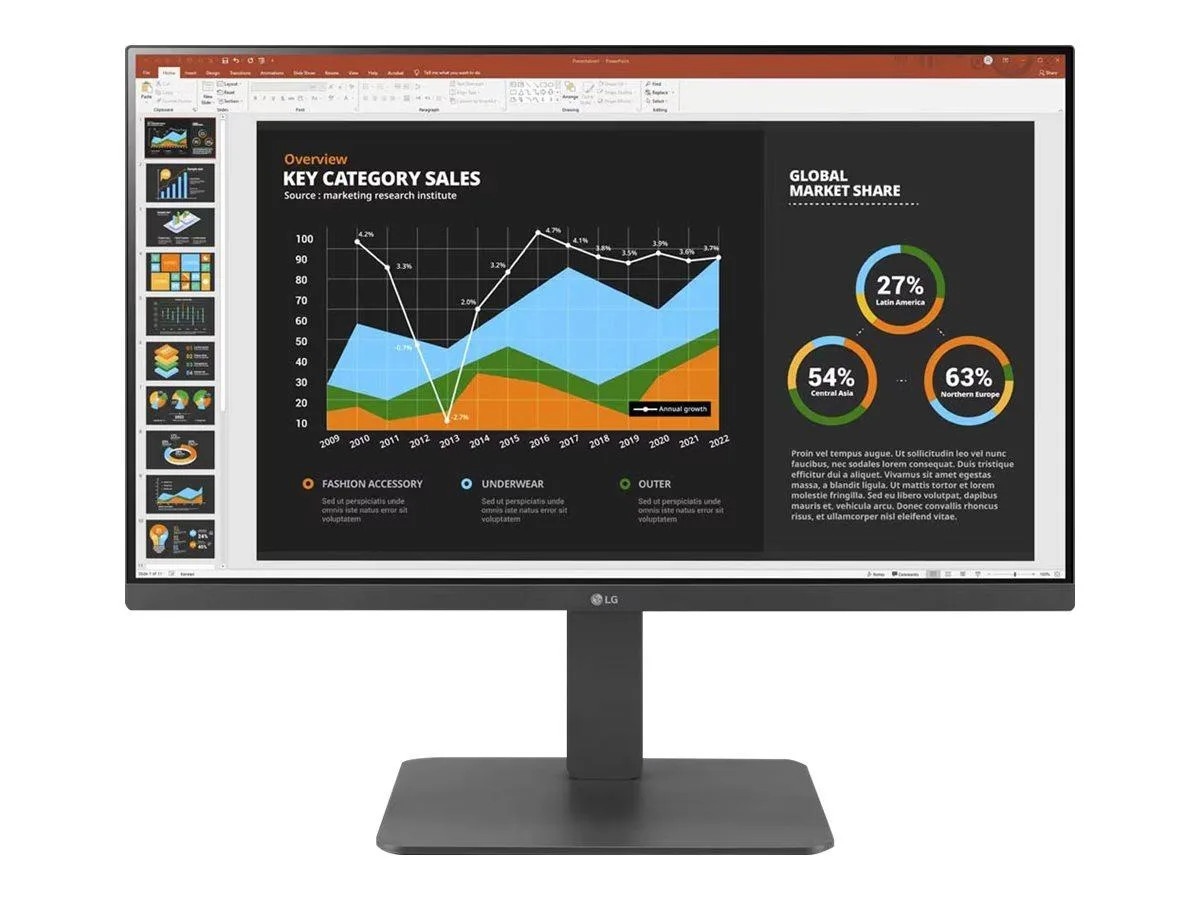
LG Electronics
LG Electronics 24BR650B-C 23.8" 1920x1080 IPS monitor
- Black
- 23.8" (Viewable)
$279.99
0.0036181BTC
In stock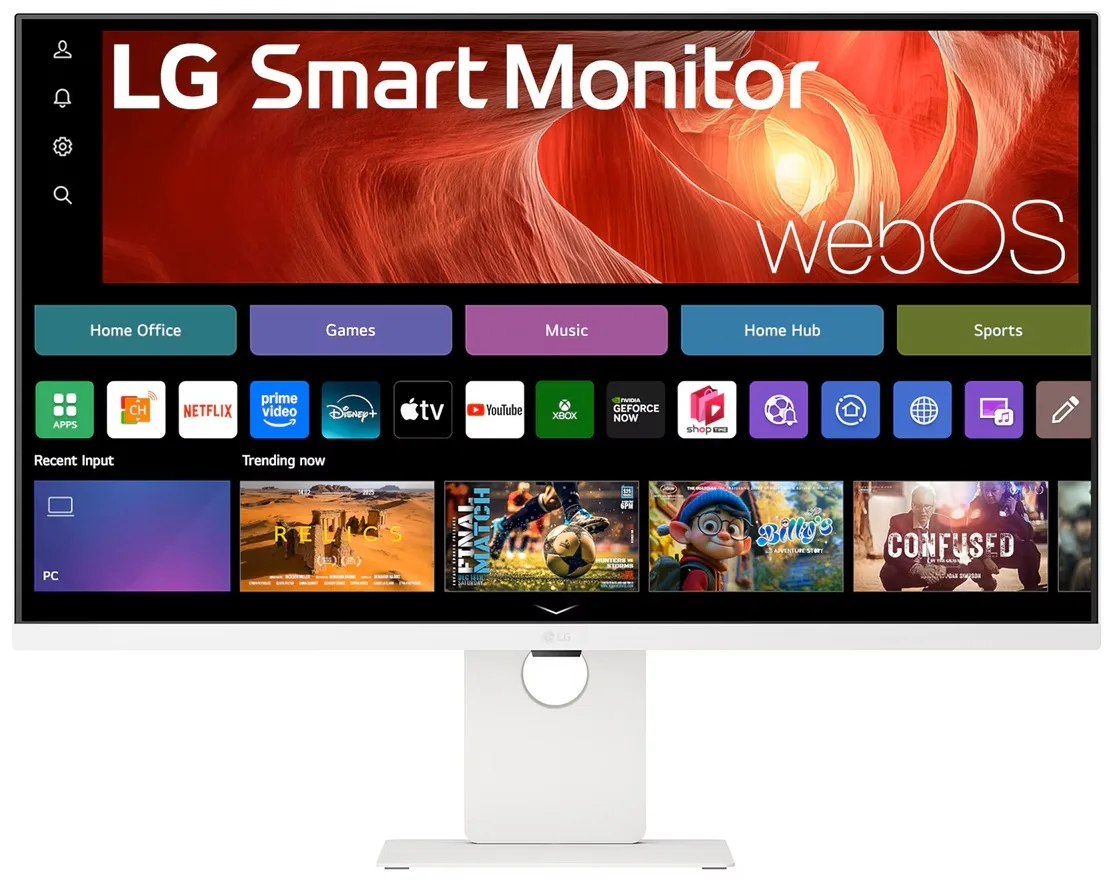
LG Electronics
LG Electronics 37U730SA-W 37" 4K UHD IPS Smart Monitor webOS White
- White
- webOS
$584.99
0.00755938BTC
In stock