Cswur
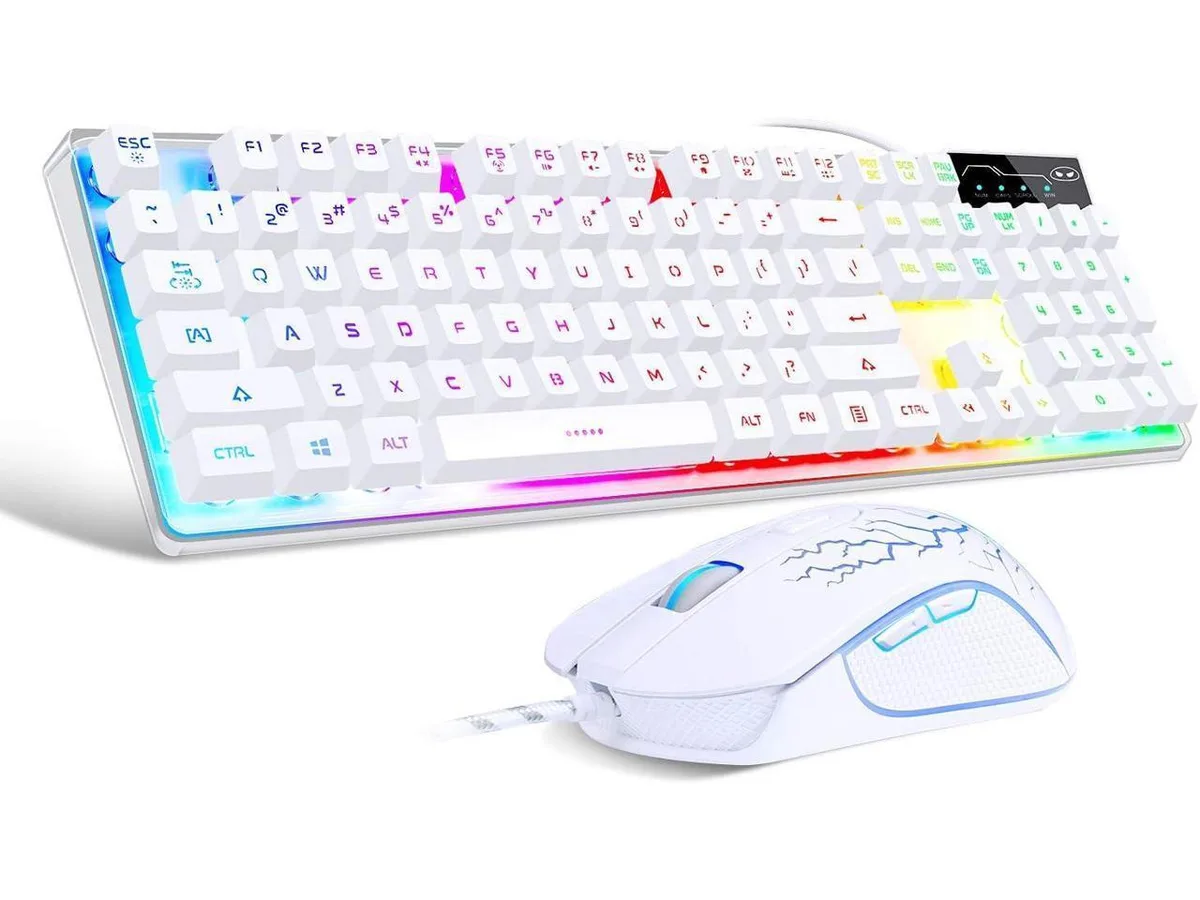
Cswur 104-Key Mechanical Gaming Keyboard Outemu Brown Switches Aluminum Frame Rainbow Backlight
- Full-size
$86.99
0.00110793BTC
In stockWe take cryptocurrency — so the coins you hold can buy real hardware.Pay in crypto, spend it on real hardware. Free insured shipping worldwide over $399. Plain, unbranded boxes, sent from Germany.Free insured shipping over $399. Your rate is locked for 30 minutes once checkout opens.Rate locked 30 minutes. Every item sealed, serial-checked and covered by a 24-month warranty.Sealed, 24-month warranty.


XVX
A 65% wireless mechanical keyboard with clicky blue switches, tri-mode connectivity for up to five devices, RGB lighting and a 1680 mAh battery
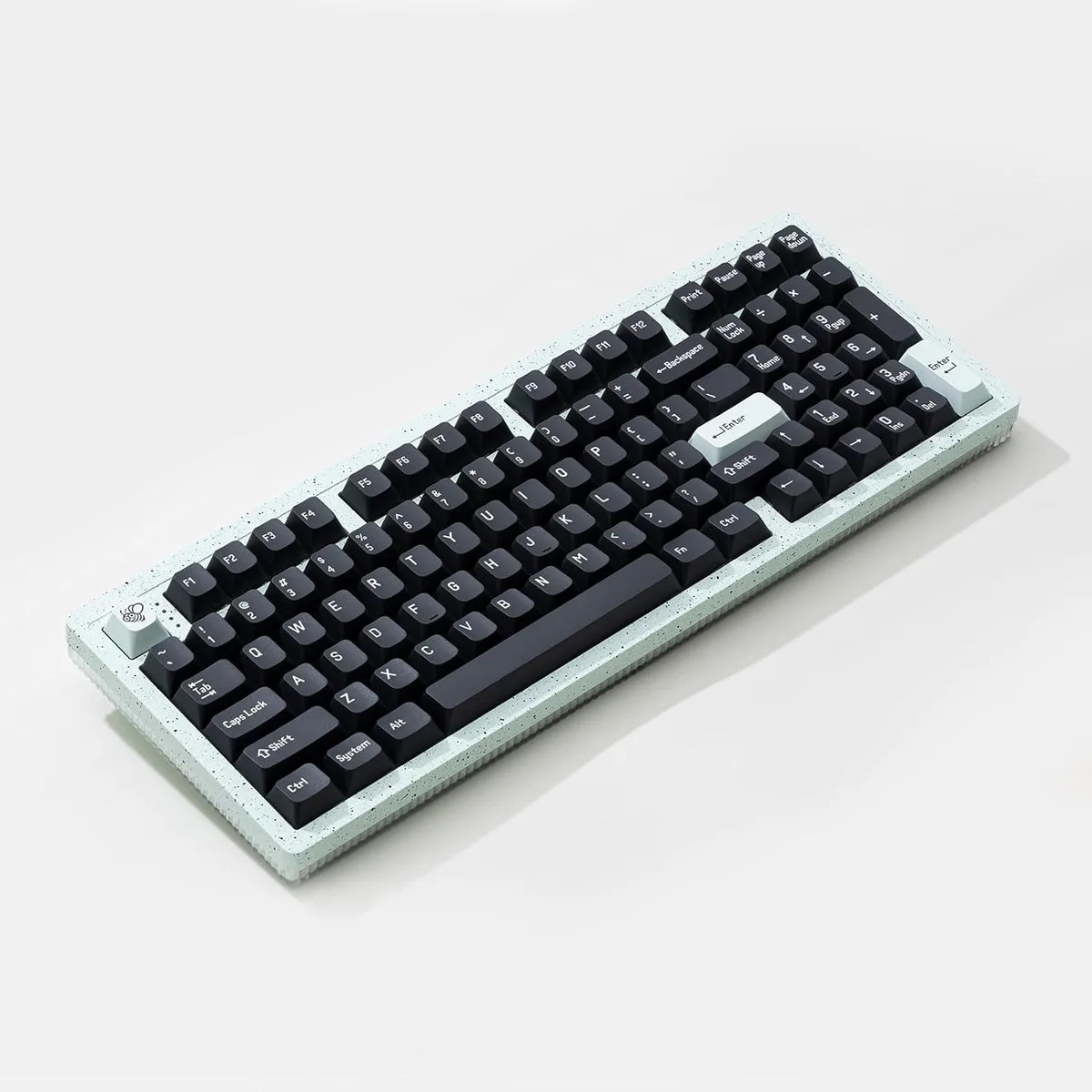
The XVX K680 is a 65% compact mechanical keyboard built for gamers and typists who want a space-saving layout with a distinctive retro typewriter aesthetic. It arrives new with fixed blue switches that deliver an audible click and tactile bump on every keystroke. The pink colourway and round keycaps give it a unique visual identity on any desk.
The keyboard connects via Bluetooth, 2.4 GHz wireless, or a wired USB link and can remember up to five paired devices. Dedicated FN shortcuts let you jump between three Bluetooth channels and the 2.4 GHz channel without re-pairing. A 1680 mAh battery charges in roughly four hours and provides about ten hours of continuous use between charges.
The board uses blue mechanical switches that are soldered in place, so the switch type cannot be changed later. This makes the K680 the right choice for users who specifically want a permanent clicky feel and sound, and the wrong choice for anyone who prefers linear or silent switches or who likes to experiment with different switch types.
| Layout | 65% |
|---|
It connects via Bluetooth and 2.4 GHz wireless, plus a wired option, and can pair with up to five devices that you switch between using FN plus Z, X, C or B.
The 65 percent layout has a compact footprint with round keycaps and a floating-key profile; no special mounting hardware is needed beyond a flat desk surface.
Plug the 2.4 GHz receiver or connect the cable, then use FN plus Z, X, C or B to select BT1, BT2, BT3 or the 2.4 GHz channel; the step often missed is pressing the correct FN combination to activate the desired connection mode.
Also in this aisle
Same shelf, same checkout — eight coins and a 30-minute rate lock.
What you pay in, and what you read prices in.
Sent from your wallet at checkout
Display only — the catalogue is priced in USD
No currency matches that.
Pick the language the site speaks to you in.
New here?
Already have one?
There is no automatic reset: this shop sends no mail, so there is no one-time link to ask for. Leave the address on the account and it gets picked up by hand.
Request noted
Nothing is on its way to your inbox — this shop sends no mail at all. Someone picks these up by hand.
Remembered it?