DELL
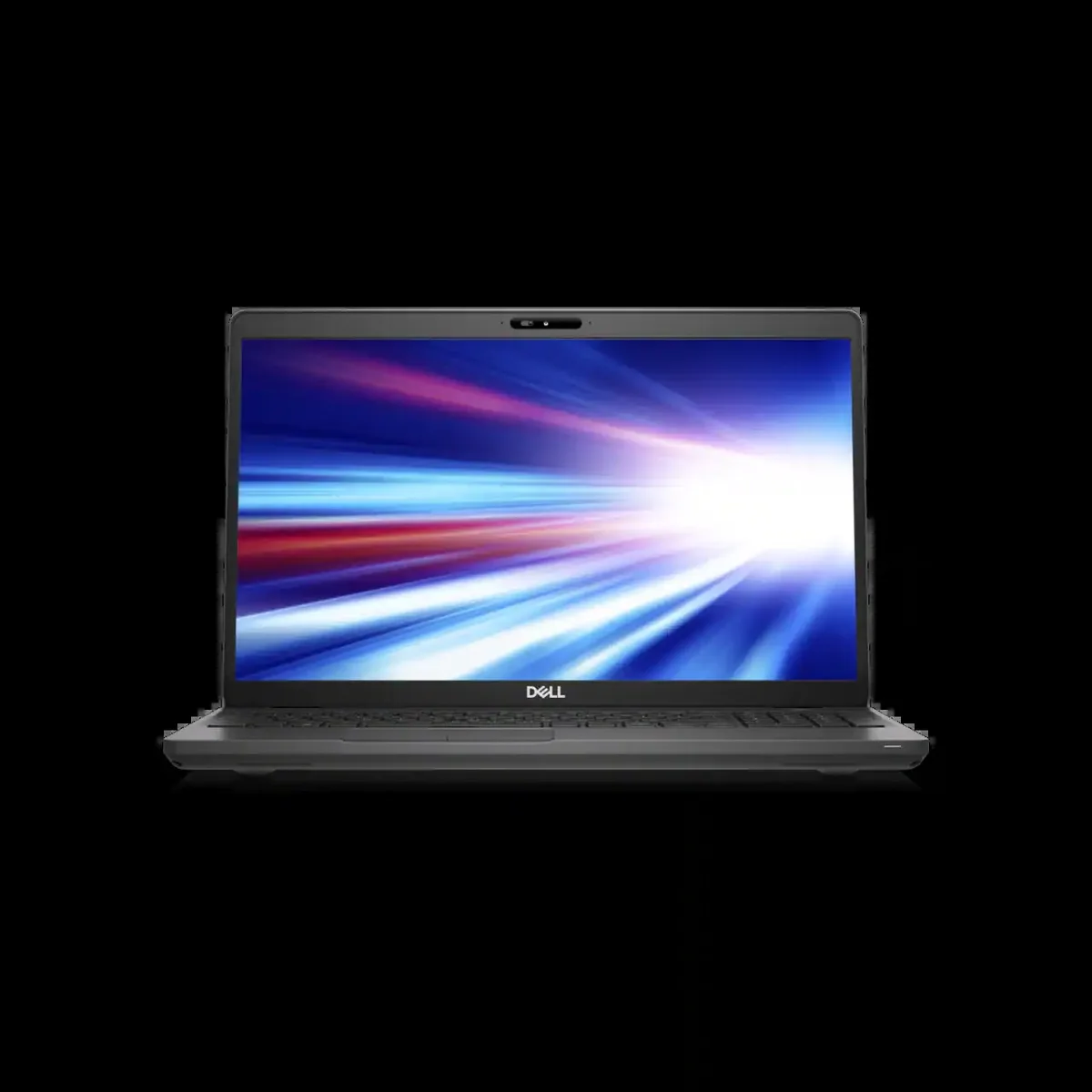
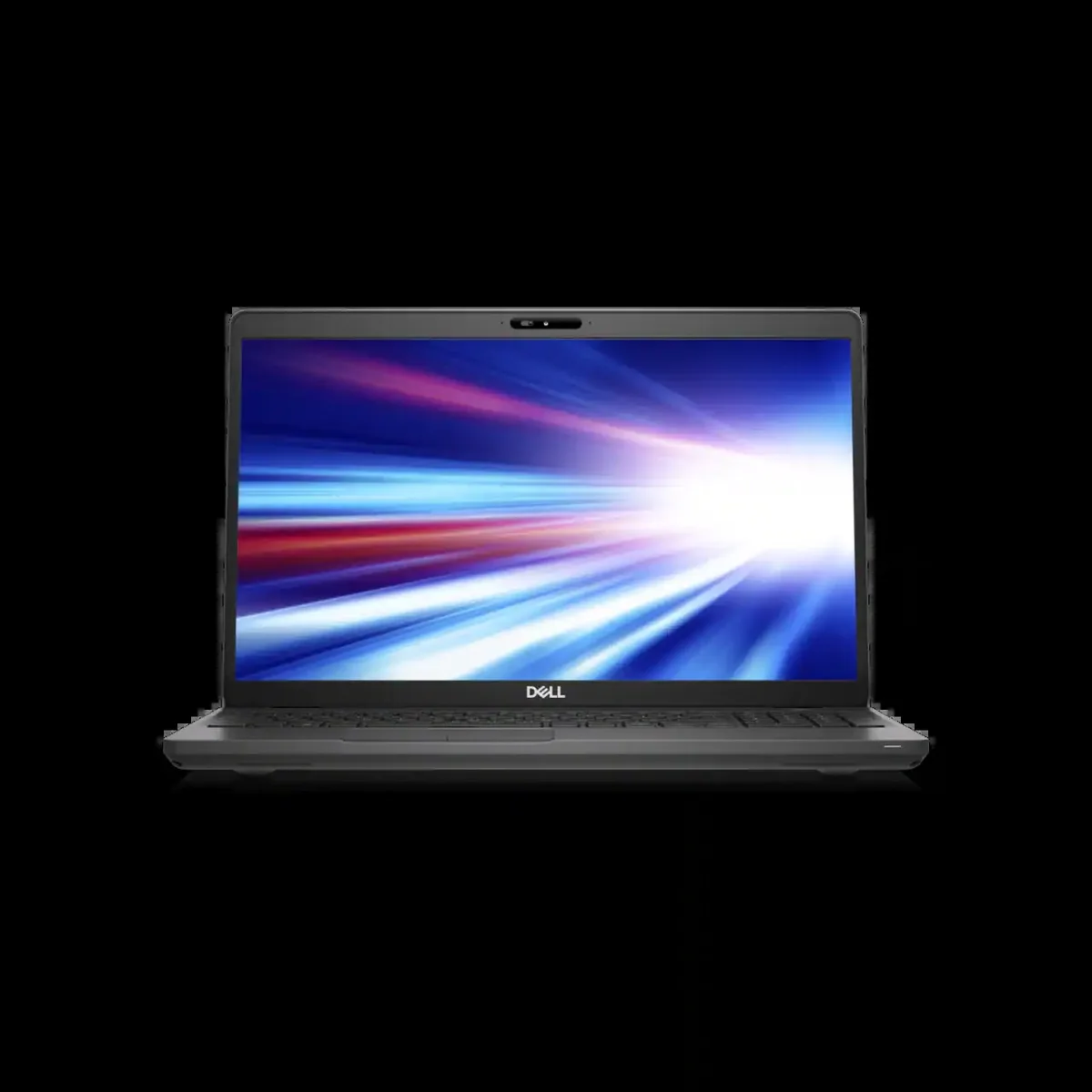
DELL Latitude 5501 laptop i7-9850H 16GB 256GB SSD 15.6 FHD
- Gray
- Windows 10 Pro
353,99 USD
0.0045406BTC
DostępnyAkceptujemy kryptowaluty — posiadane środki można więc wykorzystać na zakup prawdziwego sprzętu.Płatność kryptowalutą — realny sprzęt w zamian. Bezpłatna, ubezpieczona dostawa na całym świecie powyżej 399 $. Neutralne kartony, bez oznaczeń, wysyłane z Niemiec.Bezpłatna, ubezpieczona dostawa powyżej 399 $. Kurs zostaje zablokowany na 30 minut od otwarcia kasy.Kurs zablokowany na 30 minut. Każdy produkt jest fabrycznie zapieczętowany, jego numer seryjny jest sprawdzany, a całość objęta jest 24-miesięczną gwarancją.Zapieczętowane fabrycznie, 24 miesiące gwarancji.


DELL
A 15.6-inch HD laptop with a six-core Intel Core i7 processor, 256GB SSD and 8GB RAM running Windows 10 Pro
Options 8GB/256GB Gray HD
The 2019 Dell Latitude 5501 is a 15.6 inch business laptop powered by a six-core Intel Core i7-9850H processor with a 4.6 GHz turbo frequency. It ships with 8GB of memory and a 256GB SSD running Windows 10 Pro. The non-touch HD display offers a 1366 x 768 resolution. Integrated graphics handle everyday office workloads and video playback. The chassis weighs 1.82 kg and measures 359.1 mm wide by 236.25 mm deep.
This model fits professionals who rely on a full-size HDMI 1.4 output, an RJ45 Ethernet jack and a USB Type-A layout that includes PowerShare. The optional Thunderbolt 3 capability over USB-C adds docking flexibility for desk-based work. Buyers who want a higher-resolution screen, a touch panel or a dedicated graphics card for creative rendering should look at something else. The 8GB memory configuration also limits heavy multitasking or virtualisation scenarios.
Windows 10 Pro is pre-installed so the laptop reaches the desktop after the standard out-of-box experience. Driver updates are delivered through Dell Command Update or Windows Update. The 256GB SSD is soldered or mounted in a single M.2 slot, so storage expansion requires cloning or an external drive. Some units ship with the Thunderbolt 3 controller disabled in BIOS; enabling it may require a firmware update before the port negotiates full speed.
| Brand | DELL |
|---|---|
| Series | Latitude |
| Model | Latitude 5501 Laptop |
| Part Number | Latitude 5501 Laptop |
| Color | Gray |
| Operating System | Windows 10 Pro |
| CPU Type | Intel Core i7 9th Gen |
| Processor Name | 2.60 GHz |
| Core Name | Coffee Lake |
| Turbo Frequency | 4.60 GHz |
| Number of Cores | 6 |
| Screen Size | 15.6" |
| Touchscreen | Non-Touch Screen |
| Display Type | HD |
| Resolution | 1366 x 768 |
| Graphic Type | Integrated Card |
| SSD | 256GB |
| HDD | No |
| Memory | 8GB |
| WLAN | 802.11ac Wireless LAN |
| Bluetooth | Yes |
| Touchpad | Yes |
| Webcam | Yes |
| Style | Standard |
| Type | Workstation |
| Usage | Business |
Inne wersje tego modelu
Ta sama rodzina, inna pamięć, inne chłodzenie lub taktowanie — proszę porównać przed decyzją.
The uSIM card tray is optional and requires a compatible uSIM card from your mobile carrier to enable cellular data; the laptop works normally without one.
Yes, the HDMI 1.4 output supports external displays up to 4K at 30 Hz, so your current HDMI 1.4 monitor will connect and function without adapters.
Open Task Manager, select the Performance tab, choose CPU and watch the speed reading climb toward 4.6 GHz during a heavy single-thread workload.
Także w tym dziale
Ten sam dział, ta sama kasa — osiem kryptowalut i 30-minutowa blokada kursu.
Waluta płatności i waluta wyświetlania cen.
Wysyłane z portfela przy kasie
Tylko podgląd — katalog wyceniony jest w dolarach
Brak pasującej waluty.
Wybierz język, w którym wyświetla się strona.
Brak pasującego języka.
Pierwsza wizyta?
Konto już założone?
Nie ma automatycznego resetowania hasła: ten sklep nie wysyła żadnych e-maili, więc nie ma jednorazowego linku, o który można by poprosić. Adres pozostawiony przy koncie zostanie obsłużony ręcznie.
Zgłoszenie zapisane
Do skrzynki odbiorczej nic nie trafi — ten sklep nie wysyła żadnych e-maili. Zgłoszenia są obsługiwane ręcznie.
Hasło się przypomniało?