HP
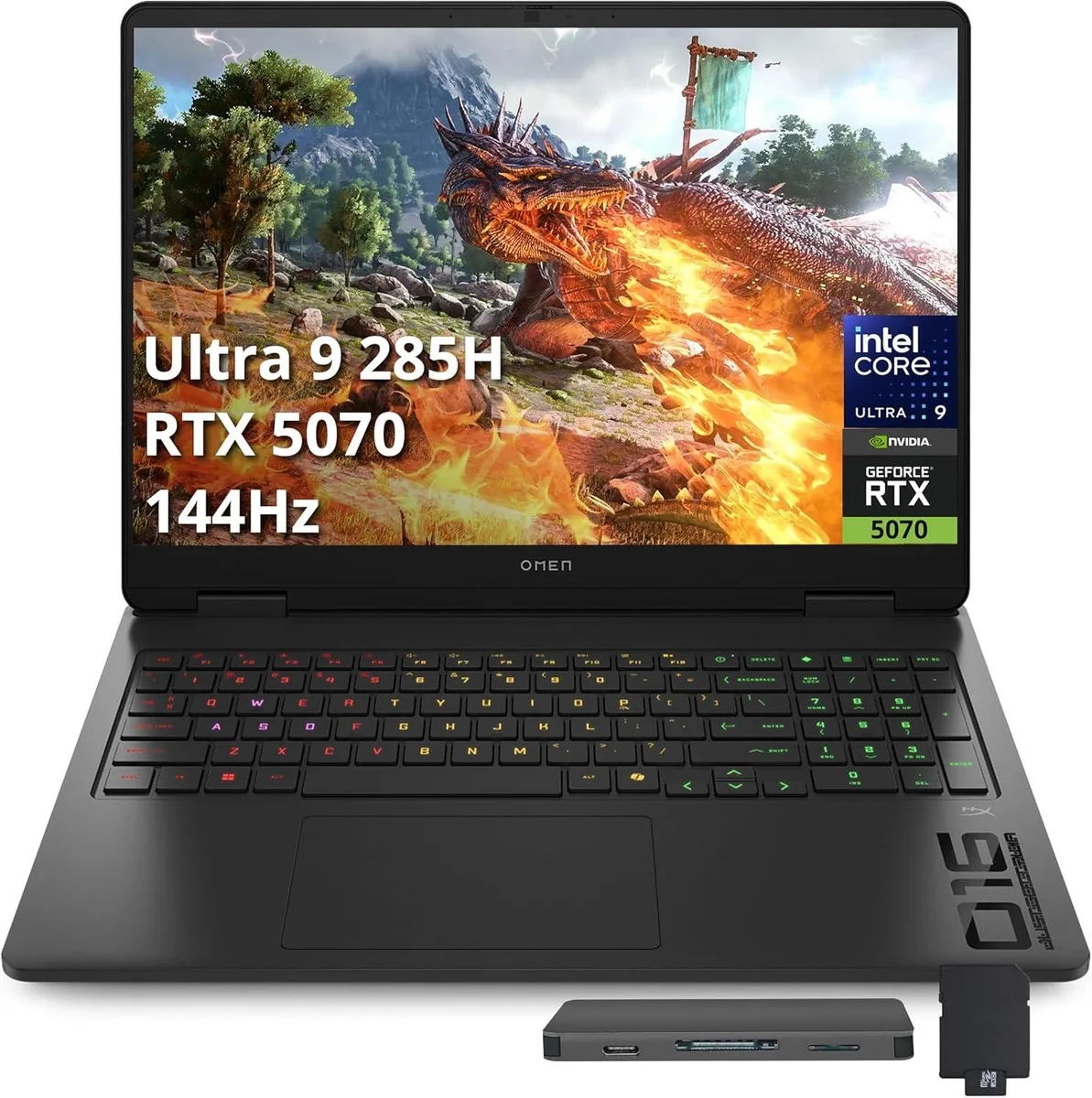
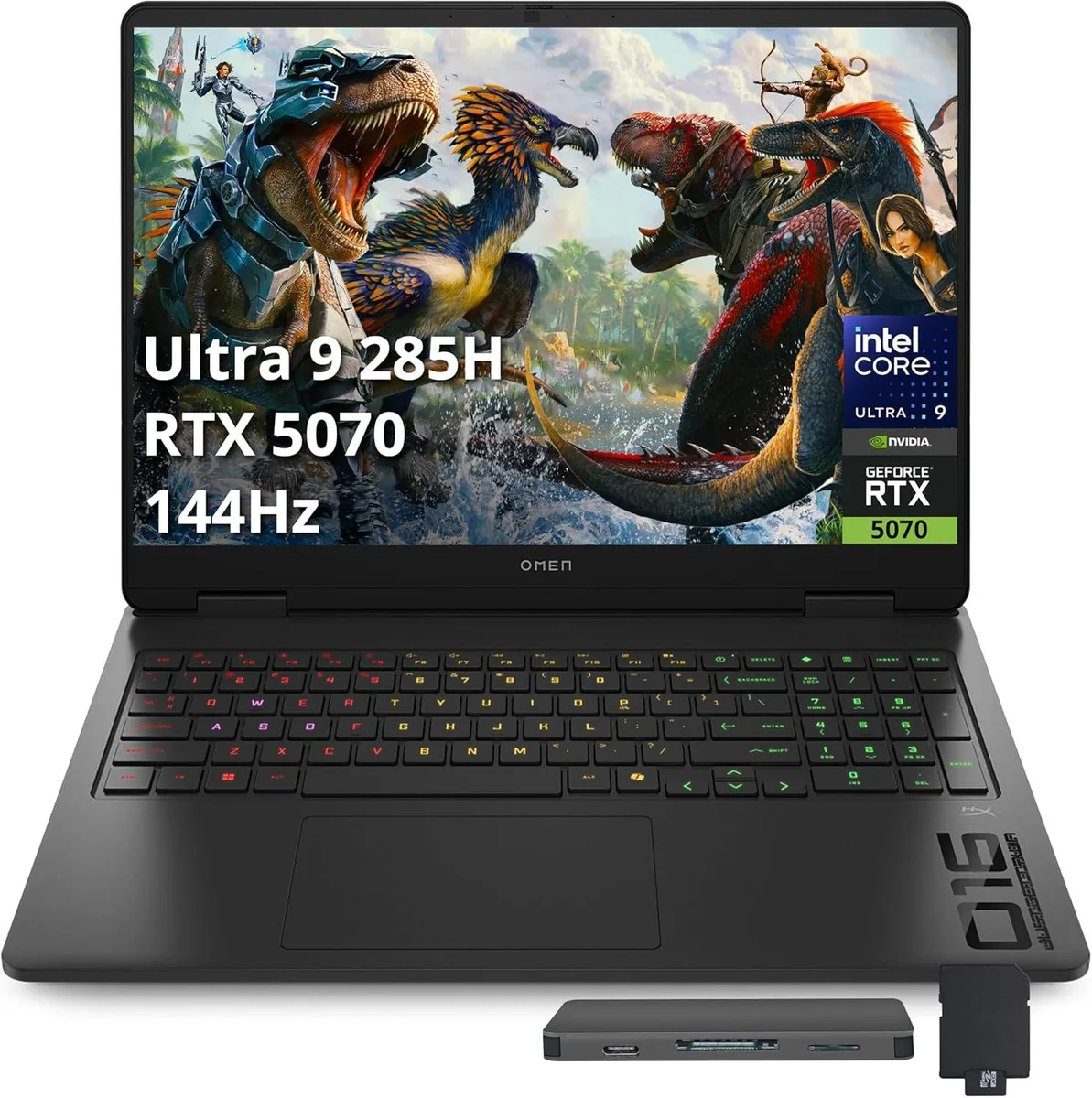
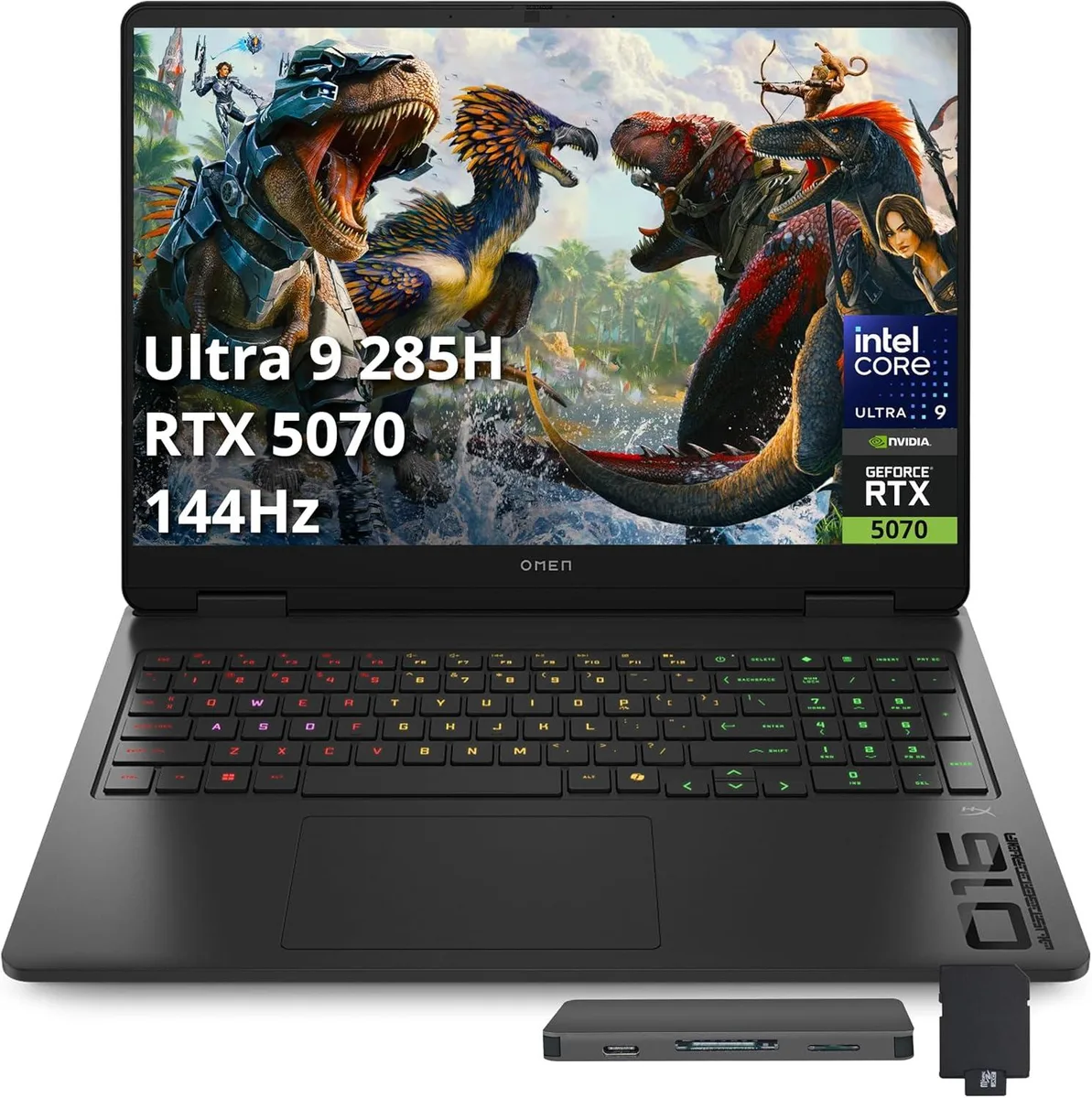
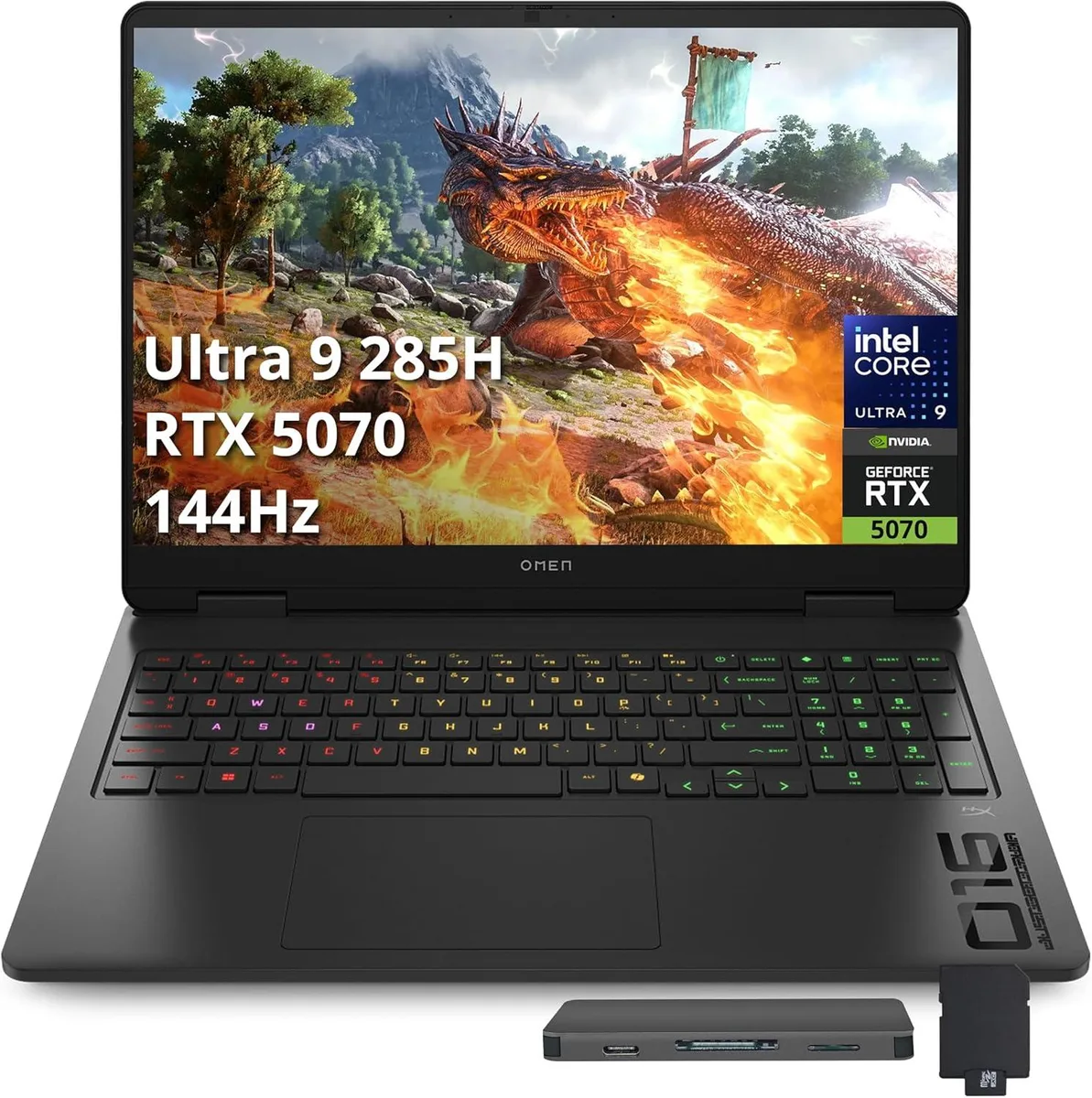
HP Omen 16 Slim 16" FHD+ 144Hz Gaming Laptop Intel Ultra 9 285H RTX 5070 16GB DDR5 2TB
- Black
- Intel Ultra 9 285H
1 642,99 US$
0.02114258BTC
Em stockAceitamos criptomoeda — para que as moedas que detém possam comprar material informático real.Pague em cripto, gaste-a em material informático real. Envio seguro gratuito para todo o mundo acima de 399 $. Caixas neutras, sem marca, expedidas a partir da Alemanha.Envio seguro gratuito acima de 399 $. A sua taxa fica bloqueada durante 30 minutos assim que abre a finalização da compra.Taxa bloqueada 30 minutos. Cada artigo é selado, o seu número de série é verificado, e está coberto por uma garantia de 24 meses.Selado, garantido 24 meses.


HP
A 16-inch FHD+ 144Hz gaming laptop driven by an Intel Ultra 9 285H and RTX 5070 GPU with 16GB DDR5 memory, 2TB total storage plus a 1TB docking station, 4-zone RGB keyboard and WiFi 6E connectivity
Capacity 16GB DDR5 · 1TB SSD
The HP Omen 16 Slim is a 16-inch gaming laptop built around an Intel Ultra 9 285H processor and an NVIDIA GeForce RTX 5070 graphics card. It ships with Windows 11 Home and targets users who want high frame rates in a slim chassis. The 16.0-inch FHD+ panel runs at a 144Hz refresh rate for smooth motion in fast-paced titles.
This machine suits players who value a high-refresh display and strong GPU performance in a thinner form factor. The 16GB of DDR5 5600 memory handles modern games and multitasking well. Buyers who need larger internal storage out of the box or prefer a larger screen diagonal should look at alternative configurations.
Windows 11 Home is pre-installed so the system is ready to use after the initial out-of-box experience. The package includes a 7-in-1 docking station with 1TB of extra storage, a 32GB MicroSD card, cables and cleaning cloths. Driver updates for the RTX 5070 and WiFi 6E adapter should be run first to avoid early connectivity or performance issues.
| Series | HP Omen |
|---|---|
| Color | Black |
| Processor Name | Intel Ultra 9 285H |
| Screen Size | 16.0" |
| Touchscreen | Non-Touch Screen |
| Display Type | FHD+ |
| Resolution | 1920 x 1200 |
| Operating System | Windows 11 Home |
| GPU/VPU | NVIDIA GeForce RTX 5070 |
| Memory | 16GB |
| Memory Speed | DDR5 5600 |
| WLAN | 802.11ax Wireless LAN |
| Bluetooth | Bluetooth 5.3 |
| USB | 1x USB-C, 3x USB-A |
| HDMI | 1 x HDMI |
| Webcam | Yes |
| Type | Gaming |
| Usage | Gaming |
Outras versões deste modelo
Mesma família, memória, ventoinha ou frequência diferentes — compare antes de decidir.
The laptop includes one HDMI port so you can connect an older monitor directly without an adapter.
Yes, the laptop has three USB-A ports and the 7-in-1 dock adds more, letting you keep using current USB-A mice, keyboards and drives.
Open Windows display settings, choose the internal panel, and verify the refresh-rate dropdown shows 144Hz selected.
Também nesta secção
Mesma prateleira, mesma finalização da compra — oito moedas e uma taxa bloqueada durante 30 minutos.
O que paga, e a moeda em que vê os preços.
Enviado da sua carteira ao finalizar a compra
Apenas informativo — o catálogo está em dólares
Nenhuma moeda corresponde.
Escolha o idioma em que o site lhe fala.
Nenhum idioma corresponde.
Ainda não tem conta?
Já tem conta?
Não existe reposição automática: esta loja não envia qualquer e-mail, pelo que não há nenhum link de utilização única para pedir. Deixe o endereço na conta e ele será tratado manualmente.
Pedido registado
Não vai chegar nada à sua caixa de entrada — esta loja não envia qualquer e-mail. Alguém trata disto manualmente.
Recordou-se dela?