Lenovo
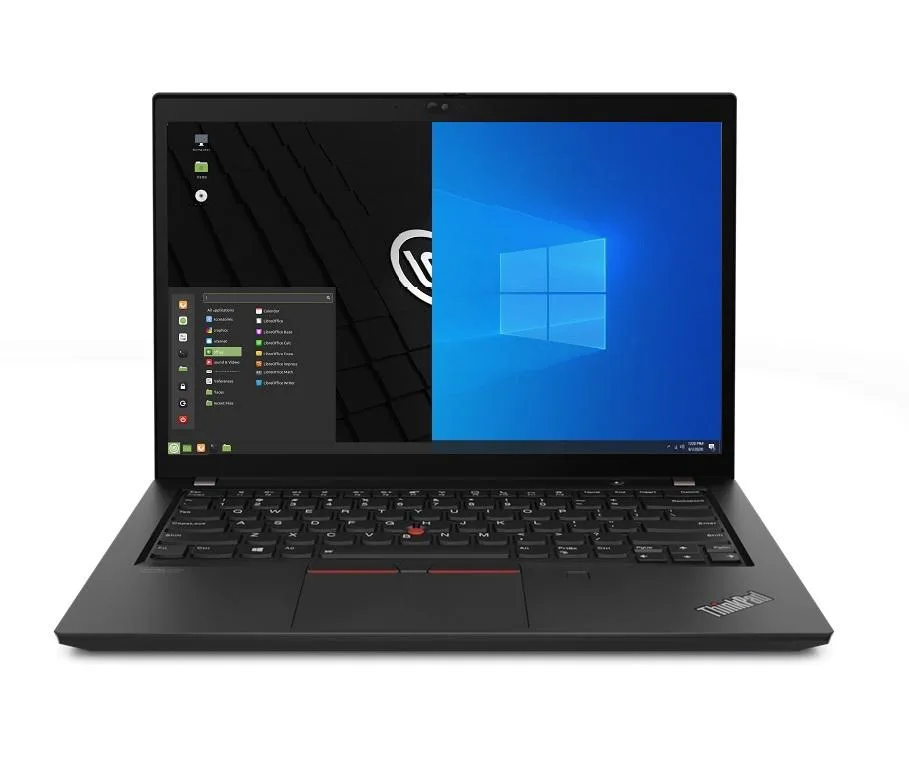
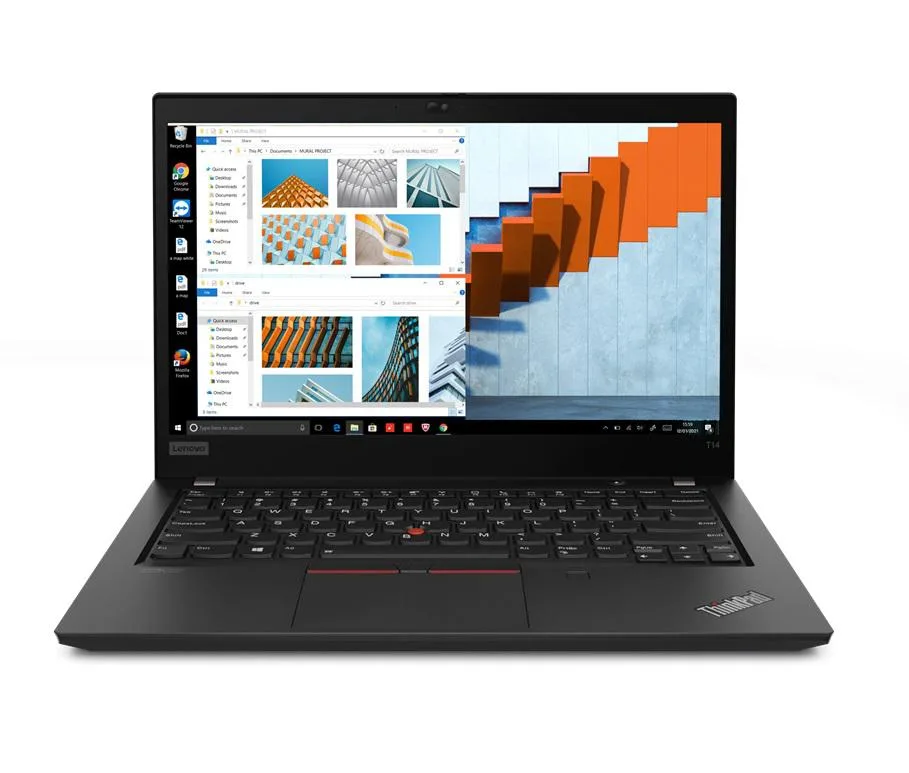
Lenovo Thinkpad T14 Gen 2 laptop i5-1135G7 8GB 500GB SSD 14.0" FHD Ubuntu
- 8GB
- DDR4
681,99 US$
0.00868877BTC
Em stockAceitamos criptomoeda — para que as moedas que detém possam comprar material informático real.Pague em cripto, gaste-a em material informático real. Envio seguro gratuito para todo o mundo acima de 399 $. Caixas neutras, sem marca, expedidas a partir da Alemanha.Envio seguro gratuito acima de 399 $. A sua taxa fica bloqueada durante 30 minutos assim que abre a finalização da compra.Taxa bloqueada 30 minutos. Cada artigo é selado, o seu número de série é verificado, e está coberto por uma garantia de 24 meses.Selado, garantido 24 meses.


Lenovo
14.0" Full HD IPS business laptop with 11th Gen Intel Core i5-1135G7, 16GB DDR4, 256GB PCIe SSD, Wi-Fi 6, Ethernet, Thunderbolt and Ubuntu Linux
Options 16GB/256GB
The ThinkPad T14 Gen 2 is a 14.0 inch business laptop powered by an 11th Gen Intel Core i5-1135G7 processor with four cores and a maximum turbo frequency of 4.2 GHz. It ships with 16GB of DDR4 memory and a 256GB PCIe SSD. The 1920 x 1080 IPS display provides Full HD clarity. Ubuntu Linux comes pre-installed for immediate deployment.
This configuration suits professionals who need a lightweight Linux workstation with Thunderbolt 4 connectivity and a physical Ethernet port for wired networks. The 3.23 lb chassis and 50WHr battery support all-day mobility. Buyers who require a dedicated graphics processor, a larger storage volume, or a touchscreen display should evaluate other models.
Under continuous multi-core loads the quad-core processor maintains performance within the constraints of the integrated cooling solution and 65W power adapter. Intel Iris Xe graphics share system memory, so extended graphical tasks draw from the 16GB DDR4 pool. The 50WHr battery delivers reduced runtime during heavy compute sessions compared to light office use.
| Memory | 16GB |
|---|---|
| Memory Speed | DDR4 |
| Type | Work / Business |
| Resolution | 1920 x 1080 |
| Screen Size | 14.0" |
| Display Type | Full HD |
| Touchscreen | No |
| SSD | 256 GB |
| HDD | No |
| Storage Spec | 256GB PCIe SSD |
| Brand | Lenovo |
| Series | Thinkpad T14 Gen 2 |
| Part Number | T14 |
| Model | Thinkpad |
| Color | Black |
| GPU/VPU | Intel Iris Xe Graphics |
| Operating System | Ubuntu |
| WiFi Generation | Wi-Fi 6 |
| LAN | 10/100/1000Mbps |
| WLAN | Wi-Fi 6 |
| Bluetooth | Bluetooth 5.2 |
| CPU Type | Intel Core i5 11th Gen |
| Optical Drive Type | No |
| Webcam | Yes |
| Touchpad | ThinkPad UltraNav |
| Keyboard | Standard |
| Card Reader | Micro SD |
| Battery | Lithium Polymer |
| USB | 2 x USB 3.2 Gen 1 |
| Thunderbolt | 2 x Thunderbolt 4 |
| Video Port | 1 x HDMI |
| Ethernet | 1 x RJ-45 |
| Audio Ports | 1 x Headphone/Microphone Combo Jack |
| Audio | Integrated Sound card |
| Speaker | Integrated Stereo Speakers |
Outras versões deste modelo
Mesma família, memória, ventoinha ou frequência diferentes — compare antes de decidir.
The laptop uses DDR4 SO-DIMM memory. Any additional modules must be DDR4 SO-DIMM to be compatible with the installed 16GB.
Yes, the RJ-45 Ethernet port supports 10/100/1000 Mbps and will negotiate down to 10/100 Mbps for older switches.
Connect a Thunderbolt 4 device; the port indicator lights and the Ubuntu settings panel will show the link speed and power delivery status.
Também nesta secção
Mesma prateleira, mesma finalização da compra — oito moedas e uma taxa bloqueada durante 30 minutos.
O que paga, e a moeda em que vê os preços.
Enviado da sua carteira ao finalizar a compra
Apenas informativo — o catálogo está em dólares
Nenhuma moeda corresponde.
Escolha o idioma em que o site lhe fala.
Nenhum idioma corresponde.
Ainda não tem conta?
Já tem conta?
Não existe reposição automática: esta loja não envia qualquer e-mail, pelo que não há nenhum link de utilização única para pedir. Deixe o endereço na conta e ele será tratado manualmente.
Pedido registado
Não vai chegar nada à sua caixa de entrada — esta loja não envia qualquer e-mail. Alguém trata disto manualmente.
Recordou-se dela?