
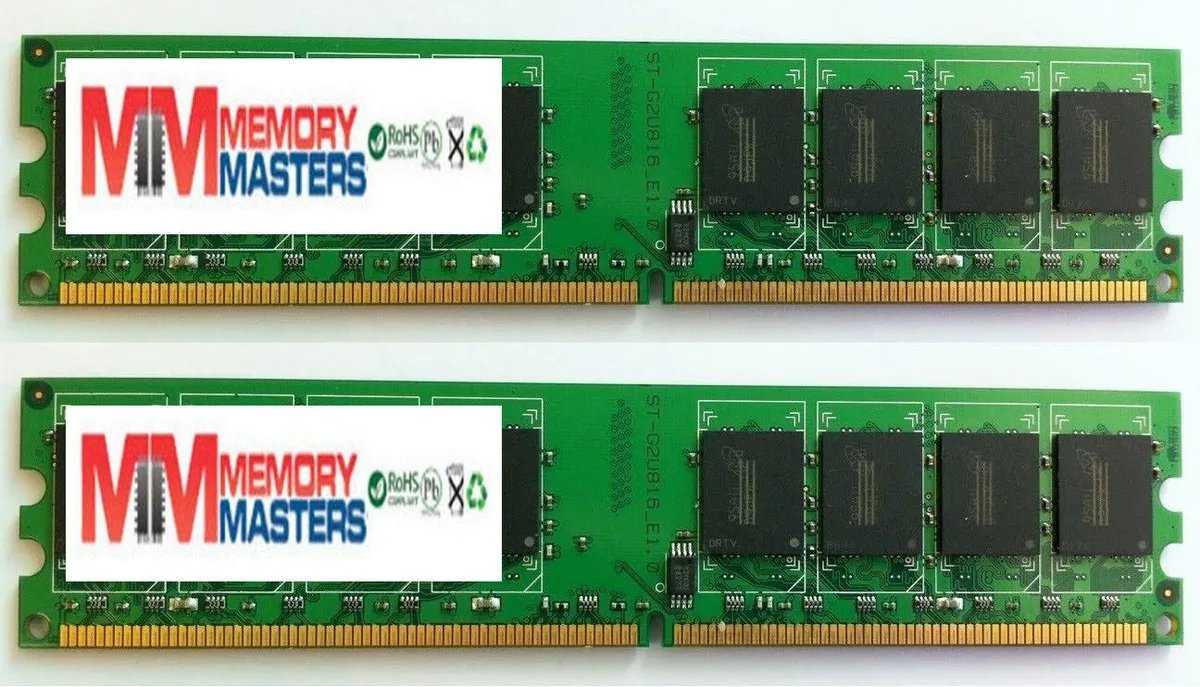
Simmtec, Inc
Simmtec, Inc 4GB (2 x 2GB) DDR2 DIMM 240-pin 667MHz PC2-5400/PC2-5300 for DFI LANPARTY LP DK 790FXB-M2RSH
A 4 GB DDR2 kit with two 240-pin DIMMs running at 667 MHz, rated PC2-5400/PC2-5300, built for the DFI LANPARTY LP DK 790FXB-M2RSH motherboard
- Capacity4GB (2 x 2GB)
- 4 GB capacity with two 2 GB modules
- 667 MHz DDR2 speed rated PC2-5400/PC2-5300
- 240-pin DIMM form factor for desktop installation
- 100% compatible with DFI LANPARTY LP DK 790FXB-M2RSH
4GB DDR2 DIMM Kit for DFI LP DK 790FXB-M2RSH
This 4GB kit contains two 2GB DDR2 DIMMs that run at 667MHz and are rated PC2-5400 and PC2-5300. The modules use the standard 240-pin form factor and are validated for the DFI LANPARTY LP DK 790FXB-M2RSH motherboard. The memory is new and supplied as a matched pair.
Upgrade buyers for the named DFI board
This kit suits owners of the DFI LANPARTY LP DK 790FXB-M2RSH who need a 4GB DDR2 upgrade. Builders using any other platform or requiring a different capacity, speed or pin count should look at something else.
Pontos fortes
- 4 GB capacity with two 2 GB modules
- 667 MHz DDR2 speed rated PC2-5400/PC2-5300
- 240-pin DIMM form factor for desktop installation
- 100% compatible with DFI LANPARTY LP DK 790FXB-M2RSH
Especificações
| Capacity | 4GB (2 x 2GB) |
|---|
Perguntas sobre este artigo
How do I install the 240-pin DDR2 DIMMs in the DFI LANPARTY LP DK 790FXB-M2RSH and what step is often missed?
Align the notch on each module with the slot key, press down firmly until both side clips click shut, then verify the motherboard detects 667 MHz operation in BIOS.
What maintenance or replacement will this 4GB DDR2 kit need over time?
DDR2 modules have no moving parts; keep the slots dust-free and reseat the sticks only if the system fails to POST or shows memory errors.
Também nesta secção
Os clientes também compararam
Mesma prateleira, mesma finalização da compra — oito moedas e uma taxa bloqueada durante 30 minutos.


Mushkin Enhanced
Mushkin Enhanced 4GB DDR2-800 CL6 SoDIMM Apple 971741A memory upgrade
104,99 US$
0.00133444BTC
Em stock

SK hynix
SK hynix HYMD232M646C6-J 256MB DDR 333MHz PC2700 CL2.5 SODIMM laptop RAM
- 4GB (2 x 2GB)
7,99 US$
0.00010155BTC
Em stock