A-Tech
A-Tech 2GB DDR2 400MHz SODIMM PC2-3200 CL3 1.8V 200-Pin laptop RAM
- 2GB
- 200-Pin DDR2 SO-DIMM
US$12.99
0.0001651BTC
มีสินค้าเรารับชำระด้วยคริปโต — เหรียญที่คุณถืออยู่จึงนำมาซื้อฮาร์ดแวร์ของจริงได้จ่ายด้วยคริปโต แล้วนำไปซื้อฮาร์ดแวร์ของจริง จัดส่งฟรีพร้อมประกันภัยทั่วโลก เมื่อสั่งซื้อเกิน US$399 กล่องพัสดุเรียบไม่มีตราสินค้า จัดส่งจากประเทศเยอรมนีจัดส่งฟรีพร้อมประกันภัย เมื่อสั่งซื้อเกิน US$399 อัตราแลกเปลี่ยนของคุณจะถูกล็อกไว้ 30 นาที ทันทีที่เปิดหน้าชำระเงินล็อกอัตราแลกเปลี่ยน 30 นาที สินค้าทุกชิ้นปิดผนึกจากโรงงาน ตรวจสอบหมายเลขซีเรียล และรับประกัน 24 เดือนปิดผนึกจากโรงงาน รับประกัน 24 เดือน


A-Tech
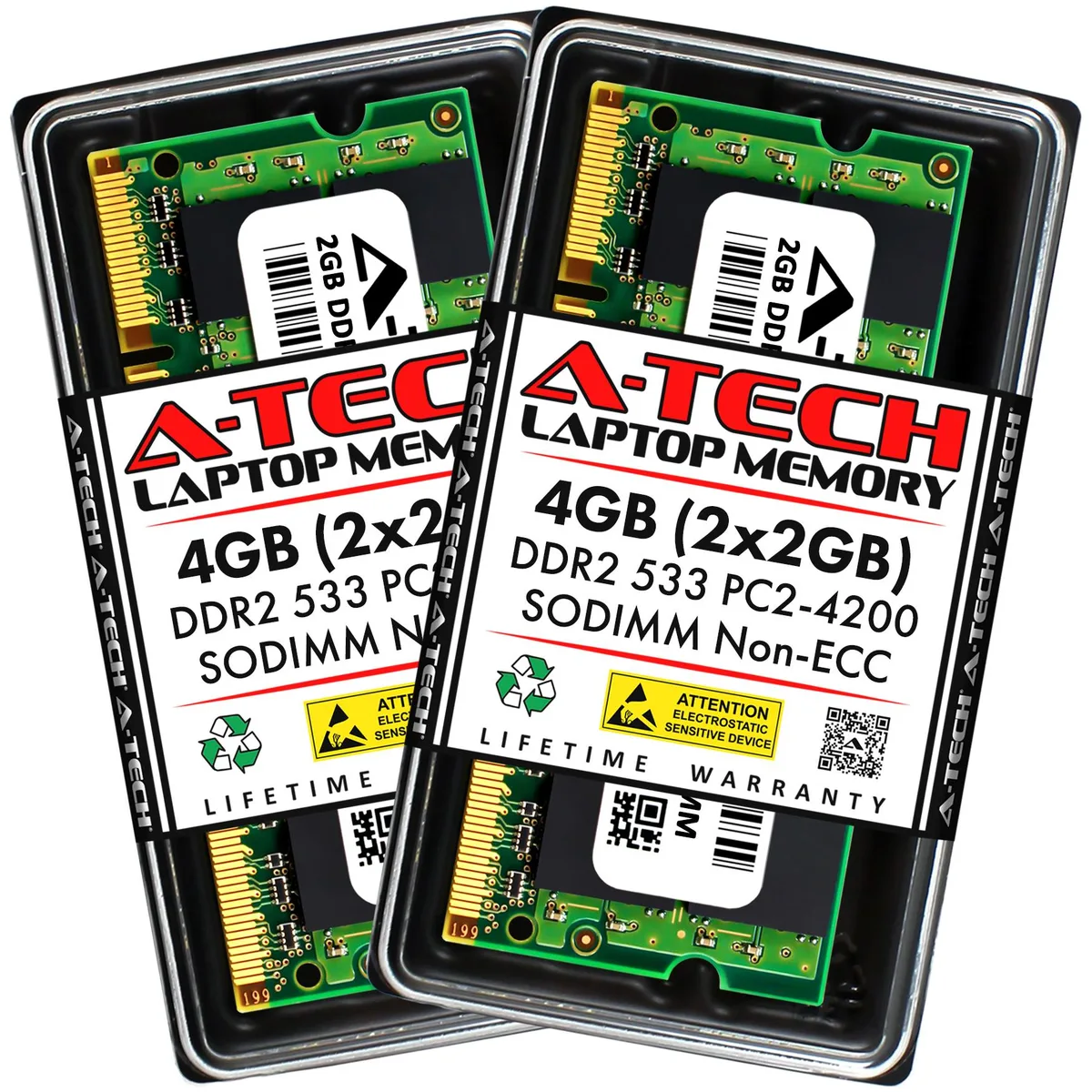
A 4 GB dual-channel DDR2 SODIMM kit running at 800 MHz with CL6 timing and 1.8 V for older laptops
Capacity 4GB (2 x 2GB)
Speed DDR2 800 (PC2 6400)
This 4 GB kit contains two 2 GB DDR2 800 MHz modules built to the PC2-6400 standard with CL6 latency. They use the 200-pin SO-DIMM form factor and run at the standard 1.8 V. The kit targets owners of DDR2-era laptops, notebooks or all-in-one systems that need a straightforward memory upgrade.
Operating at the JEDEC-defined 1.8 V keeps heat output modest and power draw low during normal workloads. The unbuffered, non-ECC design adds no extra active circuitry, so the modules run quietly without requiring additional cooling beyond the laptop's existing airflow.
The matched pair enables dual-channel operation on compatible platforms, delivering the bandwidth uplift that comes from interleaved access. No extra software or drivers are included; the benefit comes purely from the hardware configuration. Buyers who need ECC, registered modules or a different DDR generation should look elsewhere.
| Brand | A-Tech |
|---|---|
| Series | A-Tech DDR2 Laptop Memory RAM |
| Capacity | 4GB (2 x 2GB) |
| Type | 200-Pin DDR2 SO-DIMM |
| Speed | DDR2 800 (PC2 6400) |
| CAS Latency | CL6 |
| Voltage | 1.80V |
| ECC | No |
| Buffered/Registered | Unbuffered |
| Multi-channel Kit | Dual Channel Kit |
| Recommend Use | AMD & Intel Compatible |
รุ่นอื่นในตระกูลเดียวกัน
ตระกูลเดียวกัน แต่หน่วยความจำ คูลเลอร์ หรือสัญญาณนาฬิกาต่างกัน — เปรียบเทียบก่อนตัดสินใจ
Power off the laptop, remove the battery if accessible, open the memory door, align the notch on each 200-pin module with the slot key, press firmly until both side clips click, then replace the door and battery before booting.
No scheduled maintenance is required; keep the laptop vents clear so the modules stay cool, and replace the kit only if a memory test reports errors or the system fails to boot with both modules installed.
The DDR2 800MHz bandwidth ceiling is reached before latency becomes a bottleneck, so prolonged heavy workloads will hit the 6400 MB/s transfer limit of the PC2-6400 specification first.
อื่น ๆ ในหมวดนี้
หมวดเดียวกัน การชำระเงินแบบเดียวกัน — แปดสกุลเงินคริปโตและอัตราแลกเปลี่ยนที่ล็อกไว้ 30 นาที
สิ่งที่คุณใช้ชำระ และสิ่งที่คุณใช้อ่านราคา
ส่งจากกระเป๋าเงินของคุณเมื่อชำระเงิน
แสดงผลเท่านั้น — แคตตาล็อกสินค้าตั้งราคาเป็นดอลลาร์สหรัฐ
ไม่พบสกุลเงินที่ตรงกัน
เลือกภาษาที่ต้องการให้เว็บไซต์แสดงผล
ไม่พบภาษาที่ตรงกัน
ยังไม่เคยใช้งานใช่ไหม
มีบัญชีอยู่แล้วใช่ไหม
ไม่มีการรีเซ็ตแบบอัตโนมัติ ร้านนี้ไม่ส่งอีเมลใด ๆ จึงไม่มีลิงก์ใช้ครั้งเดียวให้ขอ ปล่อยที่อยู่อีเมลนี้ไว้ในบัญชี แล้วเจ้าหน้าที่จะดำเนินการให้ด้วยตนเอง
รับคำขอแล้ว
ไม่มีอะไรถูกส่งไปยังกล่องจดหมายของคุณ — ร้านนี้ไม่ส่งอีเมลใด ๆ เลย มีคนดำเนินการเรื่องนี้ให้ด้วยมือ
นึกออกแล้วใช่ไหม