

Lenovo
Lenovo 04W0582 / 42T1384 320Gb 7200RPM SATA 2.5-Inch Laptop Hard Drive
US$89.99
0.00115677BTC
มีสินค้าเรารับชำระด้วยคริปโต — เหรียญที่คุณถืออยู่จึงนำมาซื้อฮาร์ดแวร์ของจริงได้จ่ายด้วยคริปโต แล้วนำไปซื้อฮาร์ดแวร์ของจริง จัดส่งฟรีพร้อมประกันภัยทั่วโลก เมื่อสั่งซื้อเกิน US$399 กล่องพัสดุเรียบไม่มีตราสินค้า จัดส่งจากประเทศเยอรมนีจัดส่งฟรีพร้อมประกันภัย เมื่อสั่งซื้อเกิน US$399 อัตราแลกเปลี่ยนของคุณจะถูกล็อกไว้ 30 นาที ทันทีที่เปิดหน้าชำระเงินล็อกอัตราแลกเปลี่ยน 30 นาที สินค้าทุกชิ้นปิดผนึกจากโรงงาน ตรวจสอบหมายเลขซีเรียล และรับประกัน 24 เดือนปิดผนึกจากโรงงาน รับประกัน 24 เดือน
DELL
1.8 TB 2.5-inch SAS drive spins at 10 000 RPM with a 12 Gb/s interface for fast nearline storage
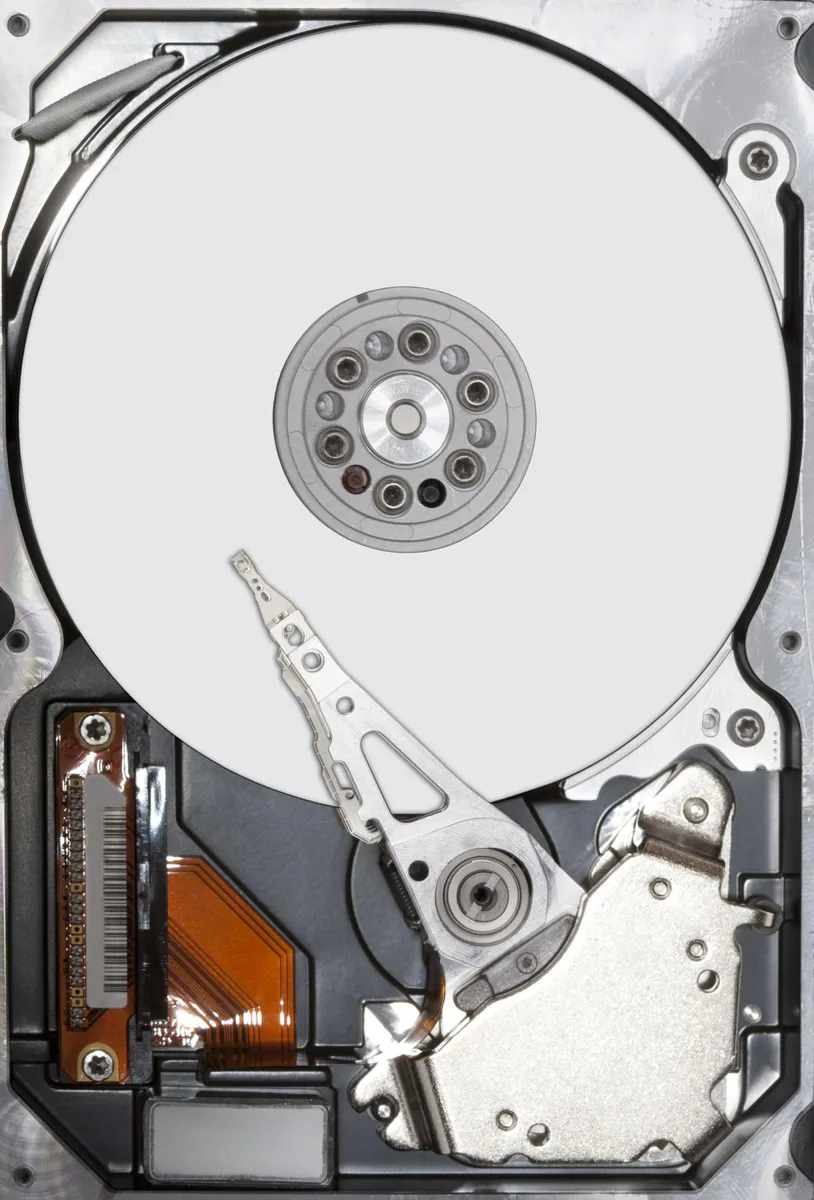
The Dell 400-AIXX is a 1.8TB 2.5" SAS hard drive spinning at 10000 RPM with a 12Gb/s interface. It suits servers or workstations that need fast sequential access in a small form factor.
The bare drive uses a standard SAS connector and is designated non hot-swap, so it must be installed with the system powered down. Retail or OEM packaging may vary and no tray is included.
It replaces slower 7.2K nearline SAS drives when higher IOPS are required for databases or virtualisation workloads. The jump is worth it when the workload is latency sensitive and the chassis accepts 2.5" non hot-swap bays.
| Brand | Dell |
|---|---|
| Model | 400-AIXX |
| Packaging | Bare Drive |
| Interface | SAS 12Gb/s |
| Capacity | 1.8TB |
| RPM | 10000 RPM |
| Form Factor | 2.5" |
The 12Gb/s SAS link caps the drive at 12Gb/s, so real-world throughput will not exceed that interface ceiling.
It fits a standard 2.5" internal bay and must be screwed into a fixed caddy or tray because it lacks a hot-swap carrier.
Power down the system, mount the bare drive in a 2.5" caddy with screws, attach both SAS data and power cables, then configure the RAID controller before booting.
อื่น ๆ ในหมวดนี้
หมวดเดียวกัน การชำระเงินแบบเดียวกัน — แปดสกุลเงินคริปโตและอัตราแลกเปลี่ยนที่ล็อกไว้ 30 นาที
สิ่งที่คุณใช้ชำระ และสิ่งที่คุณใช้อ่านราคา
ส่งจากกระเป๋าเงินของคุณเมื่อชำระเงิน
แสดงผลเท่านั้น — แคตตาล็อกสินค้าตั้งราคาเป็นดอลลาร์สหรัฐ
ไม่พบสกุลเงินที่ตรงกัน
เลือกภาษาที่ต้องการให้เว็บไซต์แสดงผล
ไม่พบภาษาที่ตรงกัน
ยังไม่เคยใช้งานใช่ไหม
มีบัญชีอยู่แล้วใช่ไหม
ไม่มีการรีเซ็ตแบบอัตโนมัติ ร้านนี้ไม่ส่งอีเมลใด ๆ จึงไม่มีลิงก์ใช้ครั้งเดียวให้ขอ ปล่อยที่อยู่อีเมลนี้ไว้ในบัญชี แล้วเจ้าหน้าที่จะดำเนินการให้ด้วยตนเอง
รับคำขอแล้ว
ไม่มีอะไรถูกส่งไปยังกล่องจดหมายของคุณ — ร้านนี้ไม่ส่งอีเมลใด ๆ เลย มีคนดำเนินการเรื่องนี้ให้ด้วยมือ
นึกออกแล้วใช่ไหม


