DELL
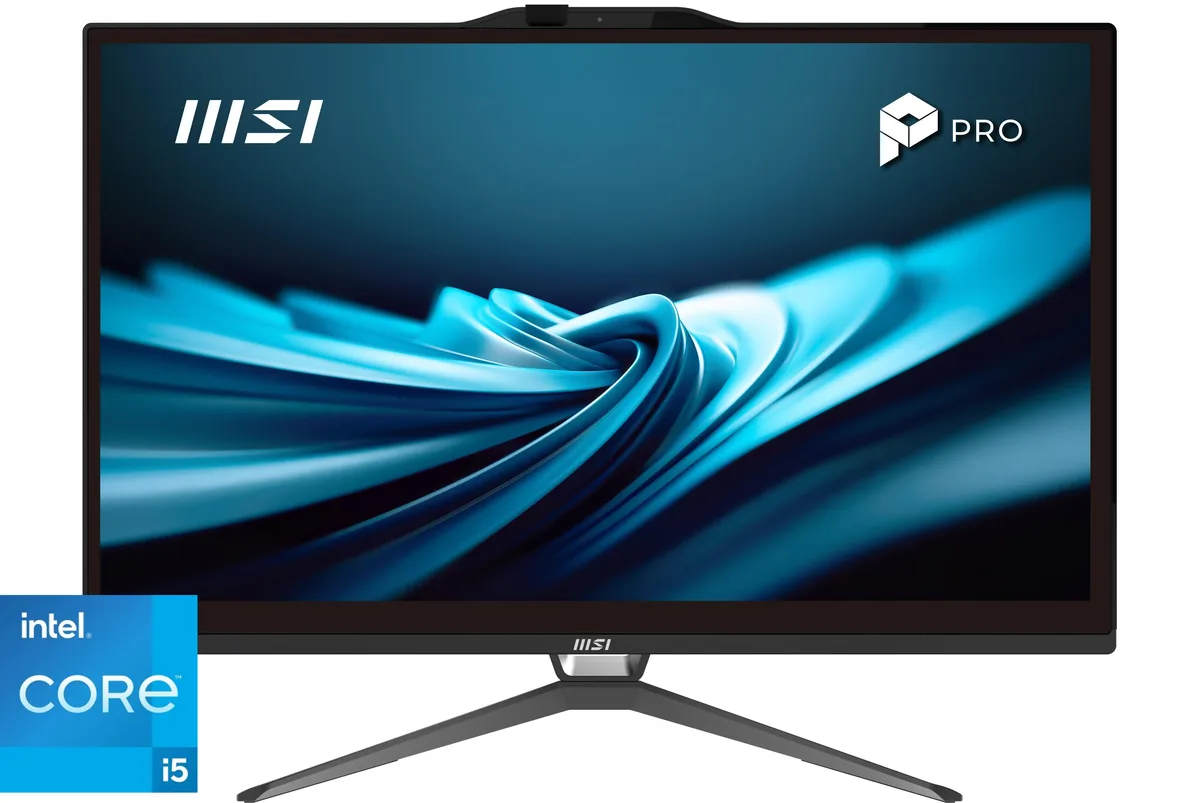
DELL OptiPlex All-in-One 7420 7DX9X Core i5-14500 16GB 256GB 23.8" all-in-one PC
- All-in-One PC
- All-in-One
US$922.99US$974.99−5%
0.01187874BTC
現貨


Adamant Custom
Liquid-cooled desktop with a 24-core Intel Core Ultra 9 285K, 128GB DDR5 and a 2TB NVMe SSD for AI-ready performance
This system ships with Windows 11 Pro installed and a 24-core Intel Core Ultra 9 285K processor. The 128GB DDR5 memory and 2TB Samsung 990 PRO NVMe drive give ample capacity for large datasets and multitasking. Integrated graphics handle display output through USB4 and DisplayPort connections. Builders who need a discrete GPU for 3D rendering or gaming should look elsewhere.
A 360mm quiet-edition AIO keeps the CPU at stable temperatures while the 140mm radiator fan runs at low noise levels. The Thermaltake Smart 850W 80 PLUS Bronze unit uses Japanese main capacitors and provides over-voltage, under-voltage, over-power and short-circuit protection. The Corsair 4000D case supports additional 3.5-inch and 2.5-inch drives if more storage is required later.
The Gigabyte Z890 UD motherboard adds Intel 2.5Gb Ethernet, Wi-Fi 6E AX211 and Bluetooth 5.3 for wireless connectivity. Rear I/O includes one USB4 Type-C, one USB 3.2 Gen 2, four USB 3.2 Gen 1 and four USB 2.0 ports. Internal headers add another USB Type-C, two USB 3.2 Gen 1 and four USB 2.0 connections plus four SATA 6Gb/s and four M.2 slots for expansion.
| Release Year | 2026 |
|---|---|
| Form Factor | Desktop |
| AI Features | AI Ready |
| Color | Black |
| Cooling System | Liquid Cooling |
| Operating System | Windows 11 Pro |
| Windows 11 | Ready |
| CPU Type | Intel Core Ultra 9 (Series 2) |
| CPU Name | Intel Core Ultra 9 285K |
| CPU Socket Type | LGA 1851 |
| GPU/VGA Type | Integrated Graphics |
| Memory Capacity | 128GB DDR5 |
| Memory Slots (Available/Total) | 4 total |
| Maximum Memory Supported | 192 GB |
| SSD | 2TB NVMe |
| HDD | No |
| Optical Drive Type | No |
| Screen Size | No Screen |
| Audio Chipset | Integrated |
| Audio Channels | 7.1 channels |
| LAN Chipset | Integrated |
| LAN Speed | 2.5Gbps |
| WLAN | 802.11ax Wireless LAN |
| WiFi Generation | Wi-Fi 6E |
| Bluetooth | Bluetooth 5.4 |
| RJ45 | 1 port |
Install the radiator at the top of the Corsair 4000D with tubes pointing downward, then run the pump at full speed for several minutes to purge bubbles from the cold plate before lowering the speed.
The 140 mm PSU fan and the AIO pump are the only moving parts; expect the fan to need replacement after several years of continuous operation.
The liquid temperature will rise until the 360 mm radiator and its fans reach equilibrium, at which point the CPU will throttle to maintain safe coolant temperatures.
同類商品
同一分類,同一套結帳流程 — 支援八種加密貨幣,匯率鎖定 30 分鐘。
您支付所用的幣種,以及查看價格所用的貨幣。
結帳時由您的錢包發送
僅供顯示 — 商品目錄以美元計價
查無符合的貨幣。
請選擇網站使用的語言。
初次造訪?
已經有帳戶了嗎?
本店沒有自動重設密碼的機制:由於不寄送電子郵件,也就沒有一次性連結可供申請。只要將地址留在帳戶中,之後將由專人處理。
請求已收到
不會有任何郵件寄到您的信箱 — 本商店完全不寄送電子郵件。會有人親自處理這些申請。
想起來了嗎?