


ASUS
ASUS ZenWiFi ET8 Tri-band Mesh WiFi 6E System 3-Pack AXE6600
A tri-band Wi-Fi 6E mesh system with 6 GHz access and AXE6600 speeds covers large homes with three nodes, AiProtection Pro security, Gigabit ports, and app-based setup
- Access the uncongested 6 GHz band with Wi-Fi 6E
- Combined AXE6600 speeds handle heavy streaming and gaming
- Three-node mesh blankets large homes with seamless roaming
- AiProtection Pro secures the network and adds parental controls
- Gigabit ports plus mobile app simplify wired links and setup
Tri-band WiFi 6E mesh system
The ASUS ZenWiFi ET8 is a three-node mesh system that uses WiFi 6E technology to deliver wireless connectivity across large homes. It provides access to the 6GHz band for compatible devices, reducing congestion on traditional frequencies. The system is designed for households with many simultaneous users and smart home devices.
Wireless speeds up to AXE6600
Combined wireless speeds reach up to 6600 across the tri-band configuration, supporting demanding applications such as 4K streaming and online gaming. Each node includes multiple Gigabit Ethernet ports for wired connections to consoles, PCs or network storage. Setup and management are handled through the ASUS Router mobile app.
AiProtection Pro security and parental controls
The system includes ASUS AiProtection Pro for network security, helping to block external threats and protect connected devices. Advanced parental controls allow management of content access and screen time across the network. Seamless roaming ensures devices stay connected to the strongest node as users move throughout the home.
商品特色
- Access the uncongested 6 GHz band with Wi-Fi 6E
- Combined AXE6600 speeds handle heavy streaming and gaming
- Three-node mesh blankets large homes with seamless roaming
- AiProtection Pro secures the network and adds parental controls
- Gigabit ports plus mobile app simplify wired links and setup
商品規格
| Brand | ASUS |
|---|
商品問答
How do I place the three nodes for the best mesh backhaul, and what step do people often miss?
Position each node within clear line of sight of another, then use the ASUS Router app to verify the backhaul link quality; the step often missed is confirming each node shows a strong 5 GHz or 6 GHz backhaul connection before finalising placement.
Which component will need attention or replacement first as the system ages?
The internal power supply units in each node are the parts most likely to require replacement after extended use, so keep the original adapters and ensure adequate ventilation around every unit.
What performance limit appears first when the mesh handles sustained high-throughput traffic?
Under continuous heavy load the combined AXE6600 wireless capacity across the three bands becomes the limiting factor, so wired backhaul via the Gigabit Ethernet ports is recommended for maximum sustained throughput.
同類商品
顧客也比較過
同一分類,同一套結帳流程 — 支援八種加密貨幣,匯率鎖定 30 分鐘。

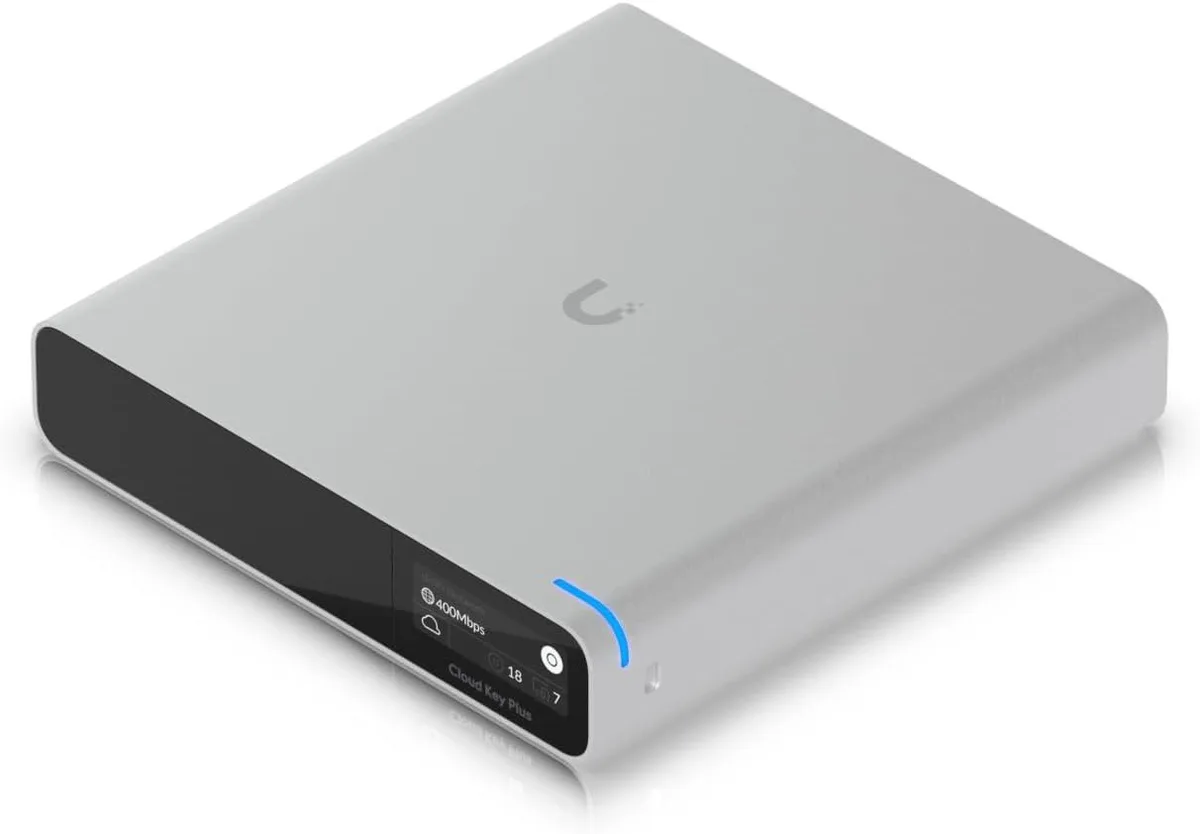
Ubiquiti Networks
Ubiquiti Networks Cloud Key Gen2 UCK-G2-SSD wireless router
US$400.99
0.00508419BTC
現貨
