CRUA
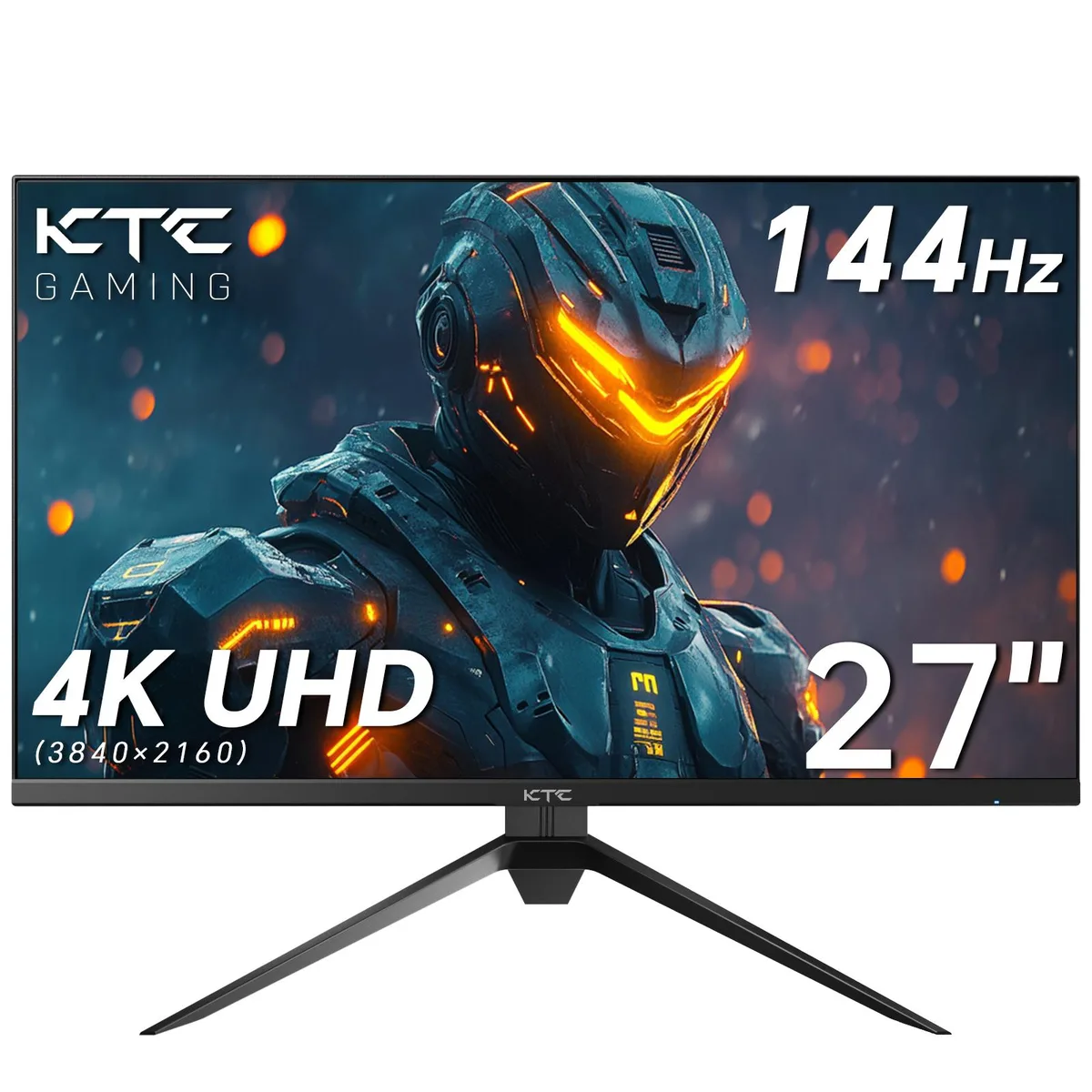
CRUA 27" 144Hz/180Hz Curved Gaming Monitor Black
A 27-inch curved gaming display with a 180 Hz refresh rate, 1 ms GTG response and FreeSync for tear-free play
- Screen Size27"
- 180 Hz refresh rate keeps motion sharp in fast games
- 1 ms GTG response reduces ghosting for clearer frames
- 1800R curvature matches natural field of view
- 99 % sRGB gamut with 16.7 M colours delivers accurate images
- 5° to 15° tilt and VESA mount suit any desk setup
27" Curved Gaming Monitor
This 27-inch curved gaming monitor uses a VA panel with a 1800R curvature. It targets players who want a high refresh rate and fast response for competitive titles. The 144Hz to 180Hz variable refresh range and 1ms GTG response time aim to reduce motion blur. Buyers who need a flat panel or professional colour accuracy should look elsewhere.
Installation & Common Issues
The package includes a V-shaped base, HDMI cable, DisplayPort cable, power adapter and VESA mounting screws. Assembly requires attaching the base and optional wall mount using supplied hardware. The monitor supports tilt adjustment from -5° to 15°. Ensure your graphics card can output 180Hz over the chosen cable to avoid being limited to lower refresh rates.
Deciding Specification
The native refresh rate ceiling of 180Hz combined with FreeSync support is the key figure. It determines whether the panel can match high frame rates from modern GPUs without tearing. If your system rarely exceeds 144 frames per second, the extra headroom may not be used.
商品特色
- 180 Hz refresh rate keeps motion sharp in fast games
- 1 ms GTG response reduces ghosting for clearer frames
- 1800R curvature matches natural field of view
- 99 % sRGB gamut with 16.7 M colours delivers accurate images
- 5° to 15° tilt and VESA mount suit any desk setup
商品規格
| Screen Size | 27" |
|---|
商品問答
How can I verify the 180 Hz refresh rate is active after connecting the monitor?
Open the on-screen display menu, select the refresh-rate option and confirm it reads 180 Hz; Windows display settings or the GPU control panel will also show the current rate.
Which cables and mounting hardware are included so I know what not to buy separately?
The box contains an HDMI cable, a DisplayPort cable, the stand base with support, base mounting screws, VESA mounting screws, a 12 V 4 A power adapter and the user manual.
Should I choose the 144 Hz or 180 Hz mode for competitive gaming on this 27 inch panel?
Select 180 Hz for the fastest frame updates; the monitor supports both rates and the higher setting reduces motion blur in fast-paced titles.
同類商品
顧客也比較過
同一分類,同一套結帳流程 — 支援八種加密貨幣,匯率鎖定 30 分鐘。