DELL
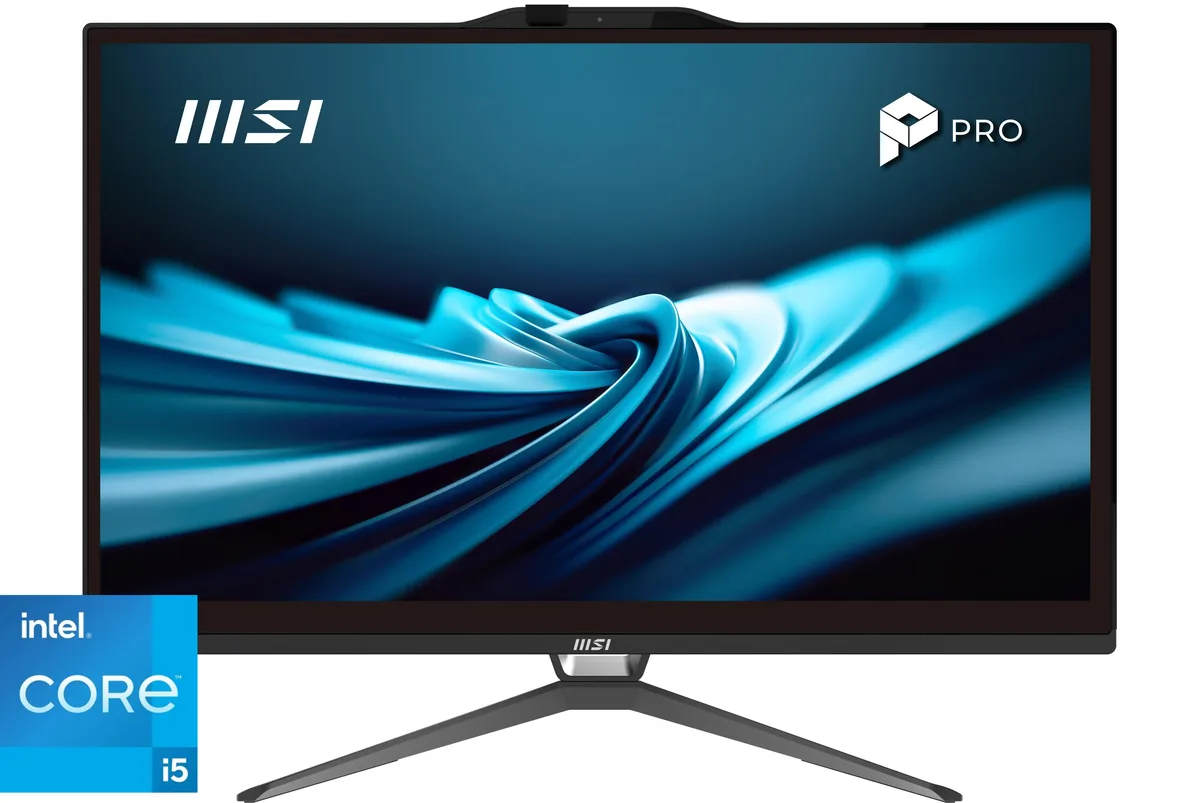
DELL OptiPlex All-in-One 7420 7DX9X Core i5-14500 16GB 256GB 23.8" all-in-one PC
- All-in-One PC
- All-in-One
US$922.99US$974.99−5%
0.0118818BTC
現貨


DELL
Tower server with Intel Xeon E-2124 quad-core 3.3 GHz CPU, 32 GB DDR4 memory, and 8 TB RAID storage for small business workloads
The Dell PowerEdge T140 is a tower server designed for small businesses, branch locations and home offices that need a dedicated on-premise system. It ships with an Intel Xeon E-2124 quad-core processor running at 3.3 GHz with a maximum turbo frequency of 4.3 GHz. The system includes 32 GB of DDR4 PC4-21300 2666 MHz unbuffered memory. A PERC S140 controller manages the storage array. Remote administration is handled by iDRAC9 Basic. Dual on-board 1 Gb network ports provide connectivity. No operating system is included.
This server replaces a repurposed desktop or a basic network-attached storage box when the workload demands ECC-capable Xeon processing, hardware RAID redundancy and out-of-band management. The jump is worth it when data integrity, remote console access and a single-vendor support path become requirements. Four 2 TB 7.2 K RPM 6 Gb/s SATA 3.5-inch drives deliver 8 TB of raw capacity under the PERC S140 controller. The single power supply keeps the configuration straightforward for environments without redundant feeds.
Organisations running file shares, print services, lightweight databases or virtual machines on a modest scale will find the T140 a compact fit. Buyers who need hot-swap drive bays, redundant power supplies, GPU compute capacity or larger memory configurations should look at other platforms. The tower form factor suits offices without rack infrastructure, while iDRAC9 Basic covers essential remote monitoring and power control.
| Brand | DELL |
|---|---|
| Series | PowerEdge T140 |
| Type | Tower |
| CPU Type | Intel Xeon |
| CPU Speed | 3.30 GHz |
| # of Processors Installed | 1 |
| Installed Memory Size | 32GB |
| Memory Type | DDR4 |
| Remote Management | iDRAC9 Basic |
| Operating System | No |
The mini-tower chassis holds four 3.5-inch SATA drives in its internal bays; allow enough depth for the tower footprint and airflow at the front and rear.
After creating the virtual disk in the PERC S140 BIOS utility, you must initialise it before the operating-system installer will see the volume.
Hot-swap the failed 3.5-inch drive; the PERC S140 controller rebuilds the array automatically while the server stays online.
同類商品
同一分類,同一套結帳流程 — 支援八種加密貨幣,匯率鎖定 30 分鐘。
您支付所用的幣種,以及查看價格所用的貨幣。
結帳時由您的錢包發送
僅供顯示 — 商品目錄以美元計價
查無符合的貨幣。
請選擇網站使用的語言。
初次造訪?
已經有帳戶了嗎?
本店沒有自動重設密碼的機制:由於不寄送電子郵件,也就沒有一次性連結可供申請。只要將地址留在帳戶中,之後將由專人處理。
請求已收到
不會有任何郵件寄到您的信箱 — 本商店完全不寄送電子郵件。會有人親自處理這些申請。
想起來了嗎?