

DELL
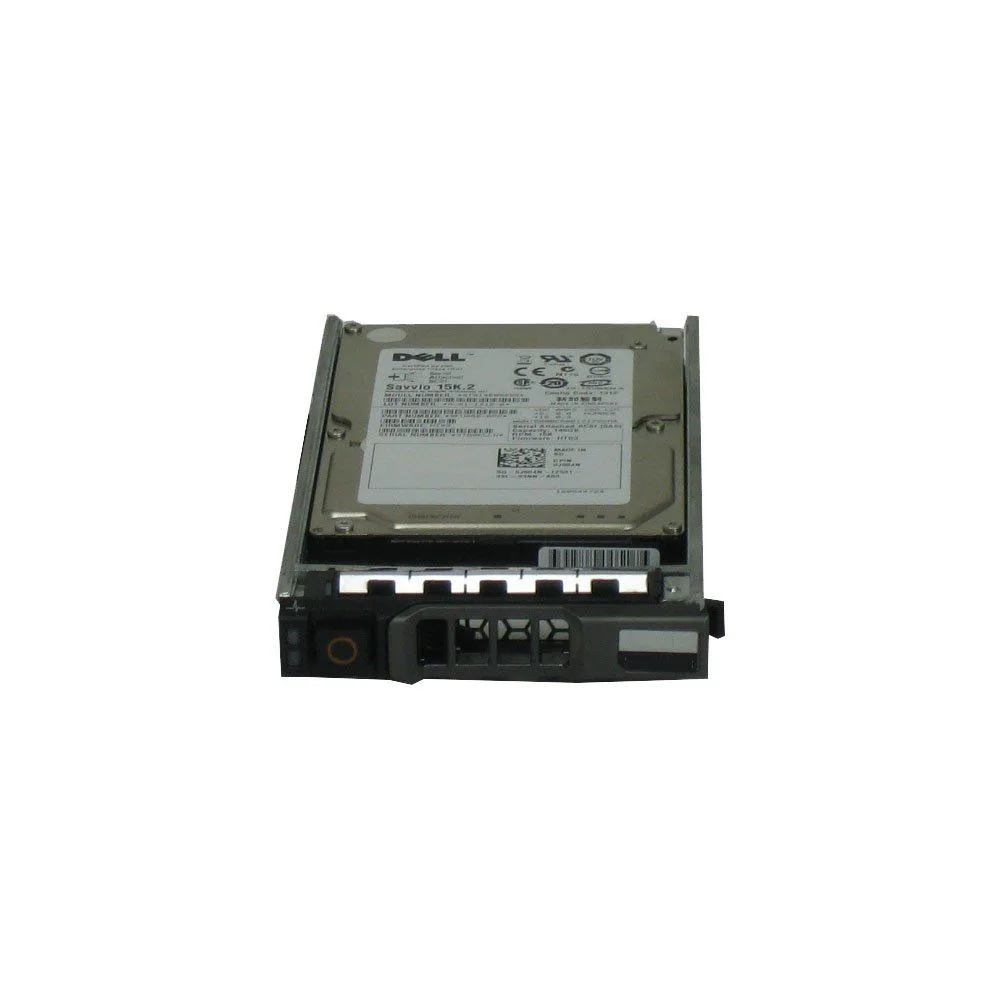
DELL WXPCX 1.2TB 10K SAS 12G 2.5" internal hard drive
2.5-inch SAS drive delivers 1.2 TB at 10,000 RPM with hot-plug support
- InterfaceSAS
- Capacity2TB
- RPM10000 RPM
- Form Factor2.5"
- 2 TB capacity stores large workloads
- 10 000 RPM spindle delivers fast data access
- 12 Gb/s SAS interface enables high-throughput transfers
- 5 inch form factor fits dense server bays
- Hot-plug tray allows drive swaps without downtime
Dell WXPCX 1.2TB 10K SAS Drive
This new Dell WXPCX is a 2.5-inch internal hard drive with a 1.2TB capacity and a 10,000 RPM spindle speed. It uses a SAS interface operating at 12G and supports hot-plug installation. The drive ships in a tray identified by part number 400-AJPD, making it ready for compatible drive bays.
Suited for Dell PowerEdge servers needing 10K SAS
This drive fits Dell PowerEdge servers and storage arrays that accept 2.5-inch hot-plug SAS drives in a Dell tray. It is not for systems that only accept 3.5-inch drive form factors. It is also not for laptops or workstations lacking a SAS backplane and the required tray mechanism. Buyers needing a different capacity or interface should look at other models.
SAS 12G interface and 10,000 RPM speed
The SAS 12G interface determines controller and backplane compatibility for this drive. The 10,000 RPM rotational speed defines its performance tier for random I/O workloads. Verify that your server generation supports 12G SAS and the specific 400-AJPD tray before purchase.
商品特色
- 2 TB capacity stores large workloads
- 10 000 RPM spindle delivers fast data access
- 12 Gb/s SAS interface enables high-throughput transfers
- 5 inch form factor fits dense server bays
- Hot-plug tray allows drive swaps without downtime
商品規格
| Interface | SAS |
|---|---|
| Capacity | 2TB |
| RPM | 10000 RPM |
| Form Factor | 2.5" |
商品問答
How do I install the WXPCX drive in a Dell server tray and which step is often missed?
Slide the 2.5 inch drive into the hot-plug tray until the connector seats firmly on the 12G SAS backplane; the step most people miss is locking the tray latch so the drive cannot pull out under vibration.
What maintenance or replacement will the WXPCX need during its service life?
No scheduled maintenance is required; plan to replace the drive once its rated workload or the array controller reports a SMART threshold breach.
What limit appears first when the WXPCX runs sustained write workloads?
The 10000 RPM spindle and 12G SAS link cap sustained throughput, so the mechanical write speed becomes the bottleneck before the interface saturates.
同類商品
顧客也比較過
同一分類,同一套結帳流程 — 支援八種加密貨幣,匯率鎖定 30 分鐘。




Western Digital
Western Digital G-DRIVE ArmorATD 5TB portable hard drive SDPH81G005TGBA1D
US$298.99
0.00378349BTC
現貨
OWC
OWC Gemini Ultra X6 12TB Thunderbolt portable SSD (OWCTB3GMA6X12)
- 12TB
- Thunderbolt
US$2,645.99
0.03348295BTC
現貨