
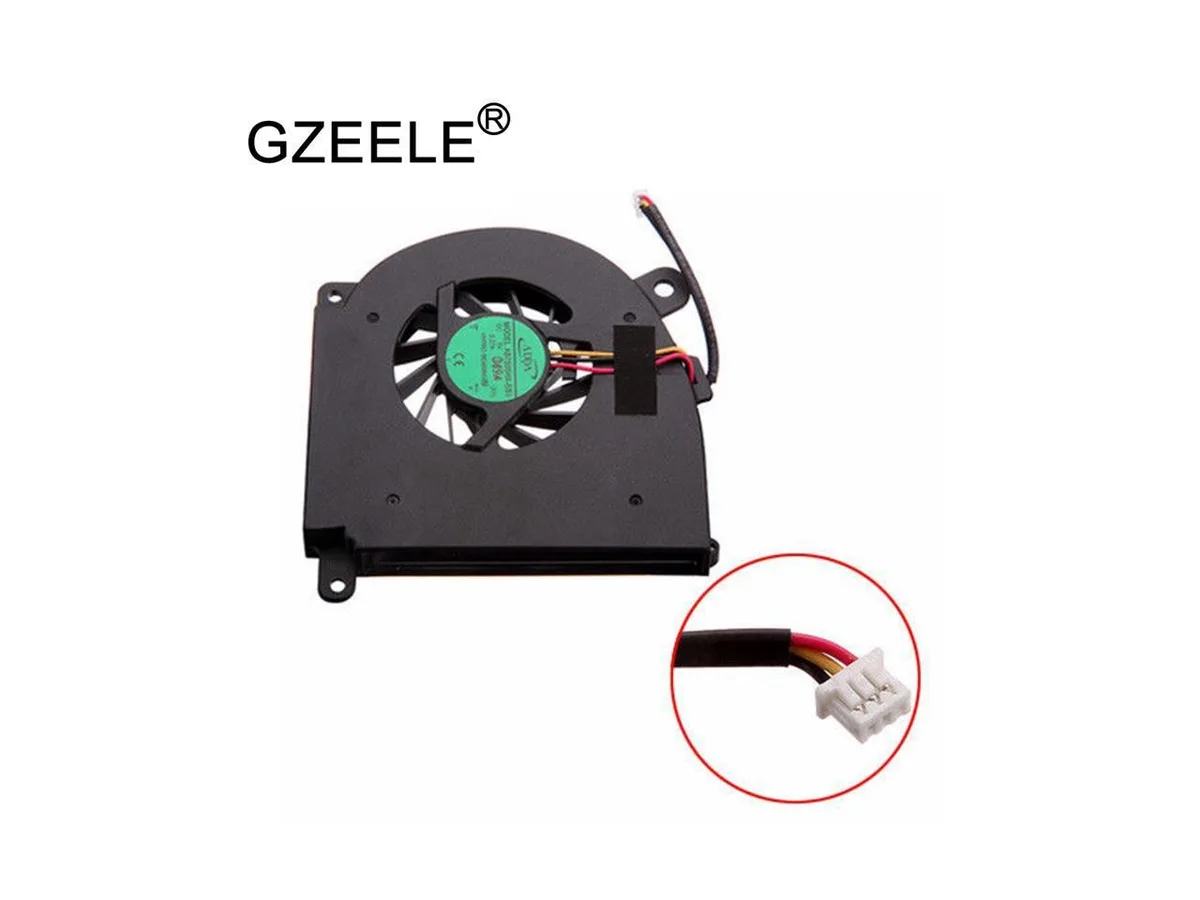


Fans
Fans CPU Cooler for Acer Aspire 3100 3102 3104 3105 3600 5100 5103 5104 5105 5110 5115 5200 5510 5512
Replacement CPU cooling fan compatible with multiple Acer Aspire laptop models including 3100, 3102, 3104, 3105, 3600, 5100, 5103, 5104, 5105, 5110, 5115, 5200, 5510 and 5512
- Compatible with Acer Aspire 3100 3102 3104 3105 3600 5100 5103 5104 5105 5110 5115 5200 5510 5512
- New condition ensures reliable cooling performance
- CPU air cooler design provides effective heat dissipation
- Direct replacement for original Acer cooling fan
Direct replacement for Acer Aspire laptops
This new CPU cooler fan fits the Acer Aspire 3100 3102 3104 3105 3600 5100 5103 5104 5105 5110 5115 5200 5510 5512 series. It is designed for owners of these specific models who need to replace a worn or noisy original unit. The cooler restores standard thermal performance for daily computing tasks. No modification is required for installation.
Upgrade from a failed or loud stock cooler
The part replaces the factory cooler when it stops spinning or becomes excessively loud. The jump is worth it when the laptop overheats throttles or shuts down under load. It is not for users needing higher cooling capacity than the original design provides. Builders working on other laptop models or custom desktop systems cannot use this cooler.
商品特色
- Compatible with Acer Aspire 3100 3102 3104 3105 3600 5100 5103 5104 5105 5110 5115 5200 5510 5512
- New condition ensures reliable cooling performance
- CPU air cooler design provides effective heat dissipation
- Direct replacement for original Acer cooling fan
商品規格
本商品目前尚未公佈規格。
商品問答
Does this cooler fit the Acer Aspire 5100 motherboard mounting holes?
Yes, the cooler is built for the Acer Aspire 5100 chassis and aligns with the original mounting points on that motherboard.
What is the correct order for installing the fan onto the heatsink and then onto the CPU?
Attach the fan to the heatsink first, apply thermal paste to the CPU, then secure the whole assembly to the motherboard using the original screws.
同類商品
顧客也比較過
同一分類,同一套結帳流程 — 支援八種加密貨幣,匯率鎖定 30 分鐘。


Thermal Grizzly
Thermal Grizzly TG-MP8-120-20-30-1R Minus Pad 8 chipset cooling 120x20x3.0mm
US$9.99
0.00012628BTC
現貨
DOCTOR METAL
DOCTOR METAL 3x 120mm case fan pack white with controller
- Case Fan
- Case
US$91.99
0.00116286BTC
現貨