STARTECH
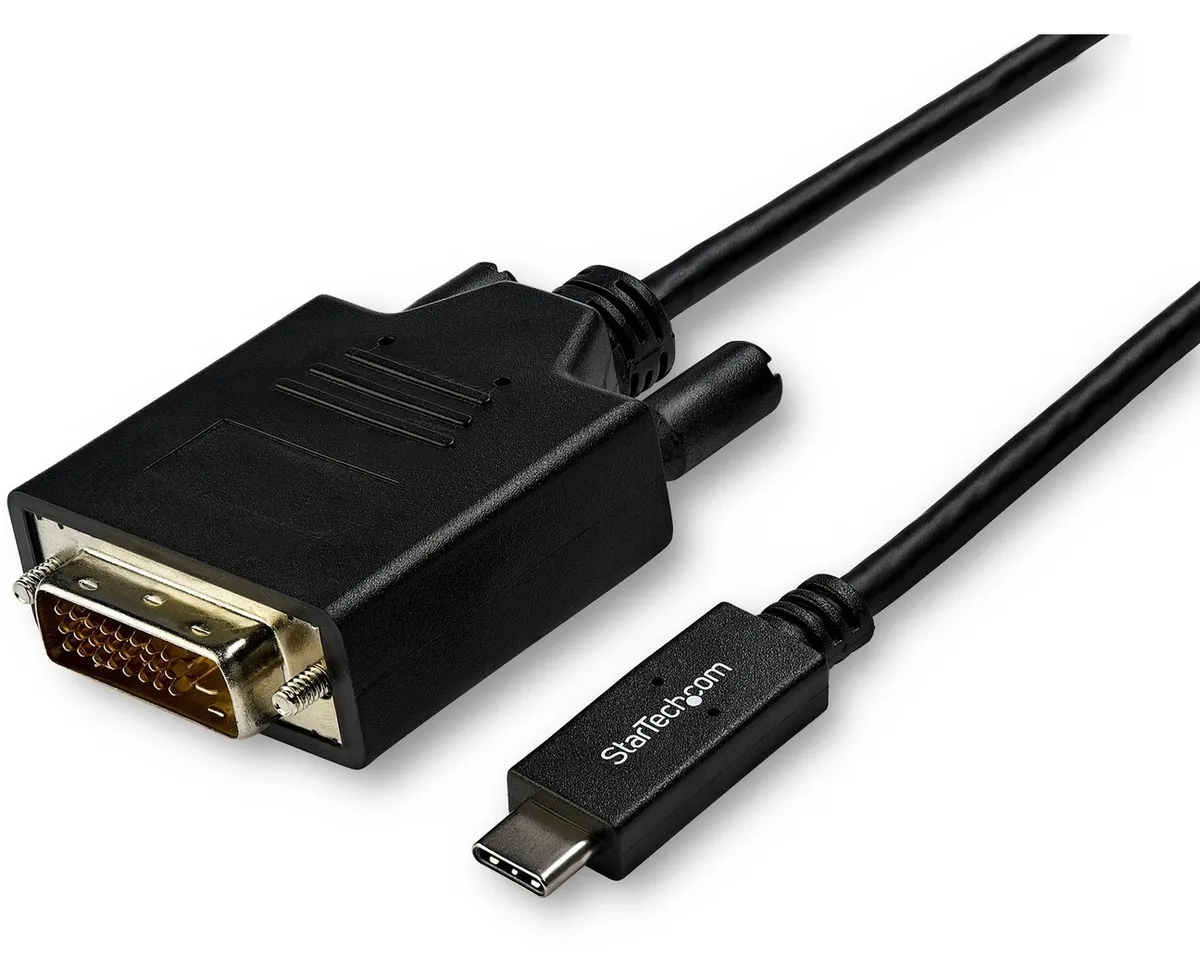
STARTECH CDP2DVI3MBNL usb display adapter 10 ft 1920x1200
- USB-C to DVI Adapte…
- USB-C to DVI
US$40.99US$49.99−18%
0.00050339BTC
現貨
Fans
CPU cooling fan for Toshiba Satellite L50, L50D, L50DT, L50T, L55, L55D, L55DT, L55T models matching part numbers 6033B0032201 and KSB0705HA-CF18
This replacement CPU cooling fan fits Toshiba Satellite L50 and L55 series laptops including the L50D, L50DT, L50T, L55D, L55DT and L55T variants. It matches part numbers 6033B0032201, KSB0705HA-CF18 and V000300010. Buyers with different Satellite models or other brands need a different cooler.
The fan restores factory airflow to the processor heatsink, lowering core temperatures under load. It draws power from the motherboard header without an external connector. Users whose heatsink fins are clogged or whose mounting brackets are damaged will not see full benefit until those issues are fixed.
The only specification that confirms fit is the exact part number match to 6033B0032201, KSB0705HA-CF18 or V000300010. Verify the code printed on the original fan before ordering. Laptops outside the listed L50 and L55 families are not supported.
本商品目前尚未公佈規格。
Disconnect the battery, remove the bottom cover, unplug the old fan cable from the motherboard header, swap the fan, then reconnect the cable before reassembly; the step often missed is reseating the connector fully.
Dust buildup on the blades and heatsink fins should be cleared with compressed air periodically; the sleeve bearing will eventually develop noise or wobble, signalling it is time to fit a new unit.
The sleeve bearing’s heat tolerance is the first limit; sustained high RPM raises internal temperature until the lubricant thins, causing increased noise and reduced rotational stability.
同類商品
同一分類,同一套結帳流程 — 支援八種加密貨幣,匯率鎖定 30 分鐘。
您支付所用的幣種,以及查看價格所用的貨幣。
結帳時由您的錢包發送
僅供顯示 — 商品目錄以美元計價
查無符合的貨幣。
請選擇網站使用的語言。
查無符合的語言。
初次造訪?
已經有帳戶了嗎?
本店沒有自動重設密碼的機制:由於不寄送電子郵件,也就沒有一次性連結可供申請。只要將地址留在帳戶中,之後將由專人處理。
請求已收到
不會有任何郵件寄到您的信箱 — 本商店完全不寄送電子郵件。會有人親自處理這些申請。
想起來了嗎?