ASRock Rack
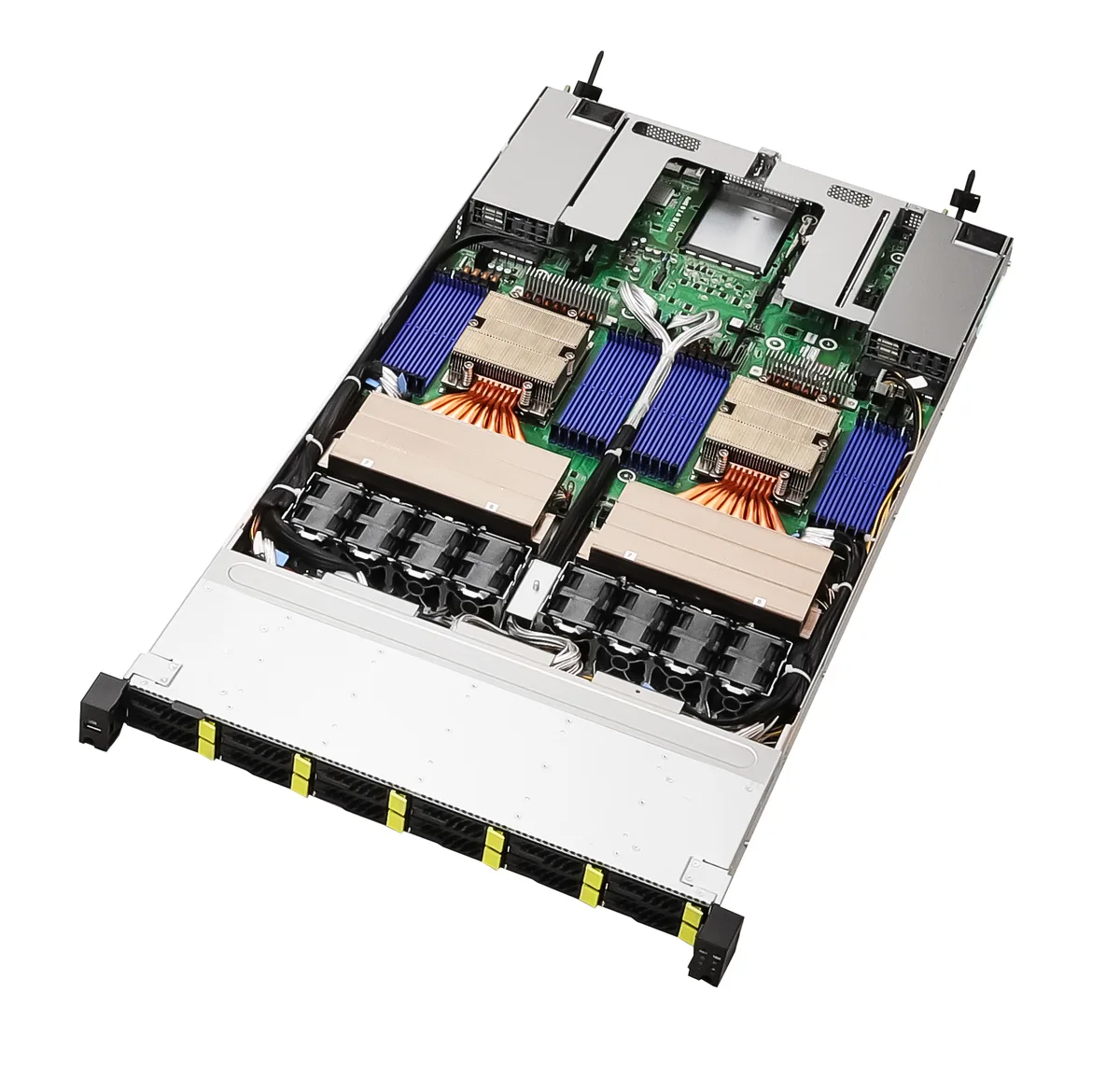
ASRock Rack 2U4N-F/C621-M3 2U 4-node barebone server
- 2U Rackmount
- Supports 2nd/1st Ge…
US$2,642.99
0.0335703BTC
現貨

LG Electronics
A 34-inch curved all-in-one thin client with a 3440x1440 display, Intel Pentium Silver N6005 quad-core processor and 8GB memory
The LG 34CR651N-6P combines a 34-inch curved display at 3440x1440 resolution with an integrated Intel Pentium Silver N6005 quad-core processor and 8 GB of memory. It functions as a complete thin-client workstation in a single curved panel. This all-in-one form factor reduces desk clutter and simplifies deployment for managed environments.
The unit consolidates the display and compute hardware, removing the need for a separate desktop chassis and video cable. The upgrade makes sense when IT teams want a space-saving, centrally managed endpoint for virtual desktop or web-based workloads. It is not suited for users who require local high-performance graphics, discrete GPU acceleration or expandable internal storage beyond the factory configuration.
| Brand | LG Electronics |
|---|---|
| Screen Size | 34" |
| 出貨重量 | 10.77 kg |
| 包裝尺寸 | 991 × 533 × 229 mm |
The 34-inch curved display measures 3440 by 1440 pixels, and the system integrates the Intel Pentium Silver N6005 processor with 8 GB of memory inside the monitor chassis.
Connect the supplied AC adapter to the unit and a power outlet, then press the power button; the common oversight is forgetting to seat the AC adapter connector fully into the rear port before turning on.
同類商品
同一分類,同一套結帳流程 — 支援八種加密貨幣,匯率鎖定 30 分鐘。
您支付所用的幣種,以及查看價格所用的貨幣。
結帳時由您的錢包發送
僅供顯示 — 商品目錄以美元計價
查無符合的貨幣。
請選擇網站使用的語言。
查無符合的語言。
初次造訪?
已經有帳戶了嗎?
本店沒有自動重設密碼的機制:由於不寄送電子郵件,也就沒有一次性連結可供申請。只要將地址留在帳戶中,之後將由專人處理。
請求已收到
不會有任何郵件寄到您的信箱 — 本商店完全不寄送電子郵件。會有人親自處理這些申請。
想起來了嗎?