


Linksys
Linksys WRT54G wireless router 54 Mbps 2.4 GHz
Combines a 54 Mbps Wireless-G access point with a 4-port 10/100 switch and SPI firewall to share one Internet connection over wired and wireless networks
- StandardsIEEE 802.3/3u, IEEE 802.11b/g
- Device ManagementWeb-Based
- SecurityStateful Packet Inspection (SPI) Firewall, Internet Policy W
- WPAWPA2
- WAN Ports1 x 10/100M
- LAN Ports4 x 10/100M
- Share one cable or DSL connection with wired and wireless devices
- Four 10/100 LAN ports connect desktop PCs directly without extra hardware
- SPI firewall plus WPA2 and MAC filtering protect the local network
- External antennas on the 2.4 GHz band deliver up to 54 Mbps throughput
- Web-based setup works from Internet Explorer 6.0 or Firefox 1.0 and up
Ideal for basic home networking
The Linksys WRT54G combines a Wireless-G access point, a four-port 10/100 switch and a broadband router in one unit. It shares a single cable or DSL connection with wired and wireless clients. The 2.4 GHz radio delivers up to 54 Mbps and works with 802.11b devices at 11 Mbps. Setup uses a web browser on Windows 2000, XP or Vista.
Steady throughput for light traffic
The 10/100 WAN and LAN ports keep wired links consistent while the 2.4 GHz band handles wireless clients. Under sustained use the SPI firewall and WPA2 encryption process packets without extra hardware. The 18 dBm transmit power and fixed external antenna give a stable signal across typical rooms. No active cooling means silent operation during long sessions.
Simple desktop installation
Place the router near the modem, connect the WAN port and up to four Ethernet cables, then plug in the 12 V DC adapter. Configuration is done through a browser at the default address; Internet Explorer 6.0 or Firefox 1.0 are the minimum supported. The SecureEasySetup button can automate wireless security for compatible adapters. Older operating systems or missing Java support may prevent the web interface from loading. Not for buyers who need gigabit wired speeds, dual-band wireless or modern WPA3 encryption.
商品特色
- Share one cable or DSL connection with wired and wireless devices
- Four 10/100 LAN ports connect desktop PCs directly without extra hardware
- SPI firewall plus WPA2 and MAC filtering protect the local network
- External antennas on the 2.4 GHz band deliver up to 54 Mbps throughput
- Web-based setup works from Internet Explorer 6.0 or Firefox 1.0 and up
商品規格
| Brand | Linksys |
|---|---|
| Model | WRT54G |
| Standards | IEEE 802.3/3u, IEEE 802.11b/g |
| Device Management | Web-Based |
| Security | Stateful Packet Inspection (SPI) Firewall, Internet Policy Wi-Fi Protected Access 2 (WPA2), WEP, Wireless MAC Filtering |
| WPA | WPA2 |
| WAN Ports | 1 x 10/100M |
| LAN Ports | 4 x 10/100M |
| LEDs | Power, DMZ, WLAN, LAN (1, 2, 3, 4), Internet, SecureEasySetup |
| Buttons | One Power Port One Reset Button One SecureEasySetup Button |
| Wireless Data Rates | Up to 54Mbps |
| Frequency Band | 2.4 GHz |
| Antenna | External Antenna |
| Channels | 11 Channels (US, Canada) 13 Channels (Europe) |
| Transmitted Power | 18 dBm |
| Interface | Ethernet Port |
| VPN support | VPN Pass Through |
| Power Supply | External, 12V DC, 0.5A |
| Wireless Adapter included | No |
| System Requirements | Internet Explorer 6.0 or Firefox 1.0 or Higher for Web-based configuration CD-ROM Drive Windows 2000, XP, or Vista Network Adapter or Wireless Network Adapter |
| Dimensions | 7.3" x 6.1" x 1.9" |
| Weight | 13.09 oz. |
| Temperature | 0°C - 40°C (32°F - 104°F) |
| Humidity | 10% - 85%, Non-Condensing |
| Features | Unsurpassed Wireless Security with Wi-Fi Protected Access 2 (WPA2) Enhanced Internet Security Management Functions including Internet Access Policies with Time Schedules All LAN Ports Support Auto-Crossover (MDI/MDI-X) - No Need for Crossover Cables SecureEasySetup push button makes it easy to configure your wireless devices |
| Package Contents | WRT54G Quick Installation Guide Resource Disk Power Adapter RJ45 Cable |
| 出貨重量 | 0.79 kg |
| 包裝尺寸 | 286 × 243 × 68 mm |
商品問答
How much heat or noise does the WRT54G produce when running continuously?
The router uses an external 12 V 0.5 A power supply and has no internal fan, so it runs silently with minimal heat output during all-day operation.
What cabling and client hardware do I need to start using the four 10/100 LAN ports?
You need standard Ethernet cables and a PC with a network adapter running Windows 2000, XP or Vista, plus Internet Explorer 6.0 or Firefox 1.0 for the web setup.
Will my older 802.11b laptop connect at its native 11 Mbps on the 2.4 GHz band?
Yes, the WRT54G supports IEEE 802.11b clients at 11 Mbps on the 2.4 GHz band alongside faster 802.11g devices.
同類商品
顧客也比較過
同一分類,同一套結帳流程 — 支援八種加密貨幣,匯率鎖定 30 分鐘。

Ubiquiti Networks
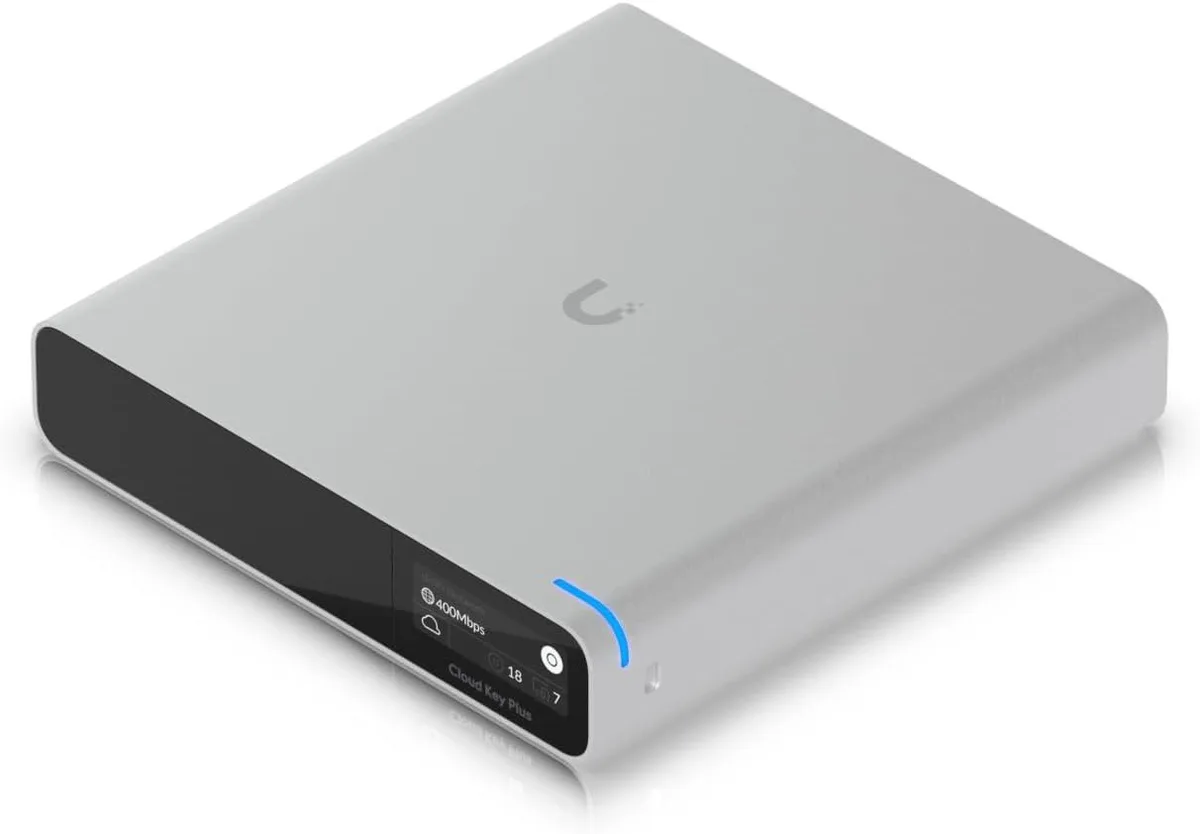
Ubiquiti Networks Cloud Key Gen2 UCK-G2-SSD wireless router
US$400.99
0.00512375BTC
現貨
