

SanDisk
SanDisk Cruzer Blade 8 GB USB 2.0 USB flash drive Black SDCZ50-008G-B35
US$391.99
0.00501099BTC
現貨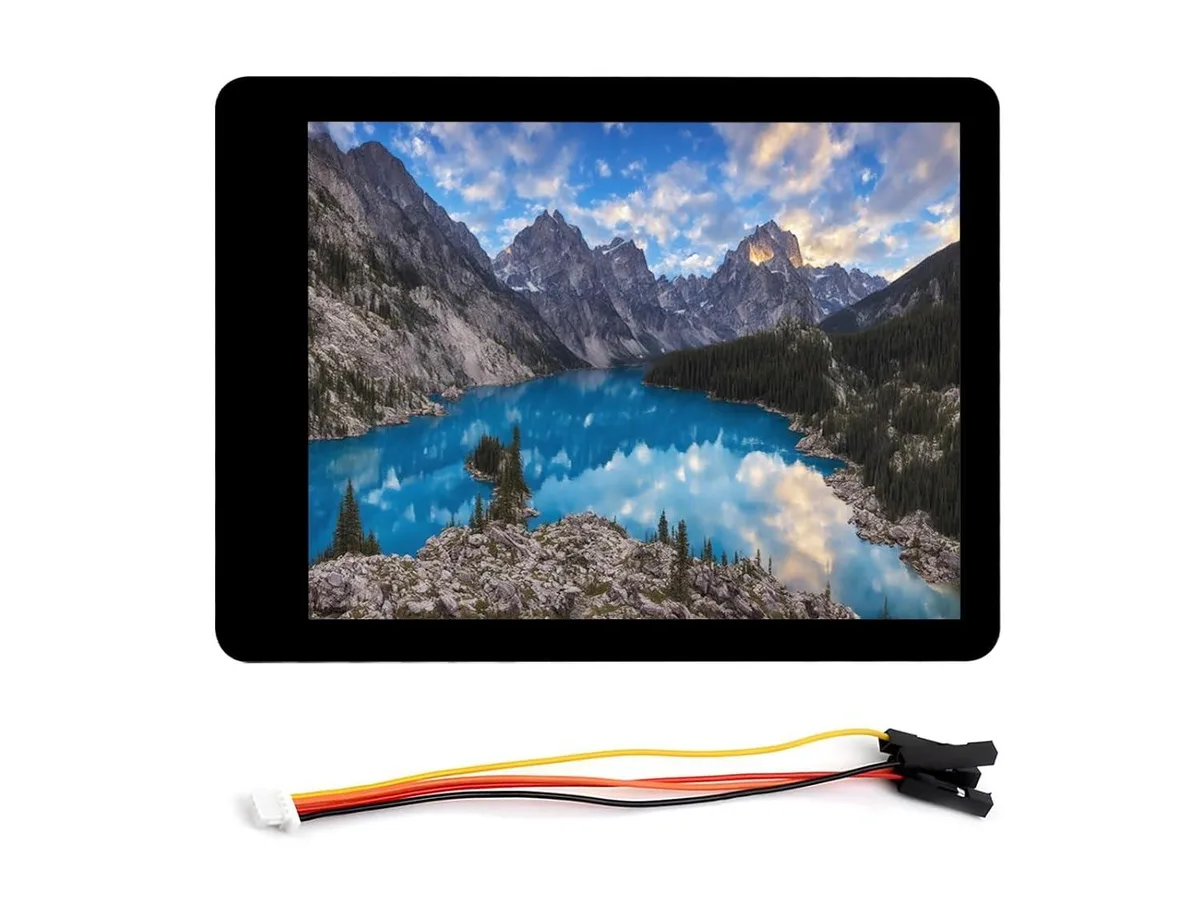


LORDWORLD
A 32-bit dual-core IoT board with a 2.8-inch IPS touchscreen showing 240 by 320 pixels and 262K colours
This development board integrates a 2.8inch IPS display with a 240 by 320 pixel resolution and 262K colour depth. It is built around a 32-bit LX7 dual-core processor with Wi-Fi and Bluetooth connectivity. The hardware suits engineers and makers prototyping IoT edge devices with a built-in screen.
The capacitive panel supports 5-point touch with interrupt capability over an I2C interface for responsive control. GPIO, UART and I2C pins are exposed for attaching sensors or actuators. Builders who need a larger display, higher resolution or a non-touch panel should consider other modules.
The screen connects to the ESP32-S3 via an SPI bus, driving 240 by 320 pixels at 262K colours with wide viewing angles. This interface choice fixes the maximum refresh rate and wiring complexity for the project. Verify that your firmware can drive this resolution over SPI before purchasing.
| Brand | LORDWORLD |
|---|
Connect the display through the SPI interface using the designated GPIO pins, then initialise the 262K colour panel in your firmware; the step most people forget is enabling the capacitive touch interrupt on the I2C bus so the 5-point touch responds immediately.
The touch surface only requires occasional cleaning with a soft, dry cloth; no calibration or replacement is expected because the I2C interrupt-driven controller handles drift internally.
The 32-bit LX7 cores hit thermal throttling before the SPI display pipeline saturates, so sustained loads need a heatsink or duty-cycled rendering to maintain 240×320 output.
同類商品
同一分類,同一套結帳流程 — 支援八種加密貨幣,匯率鎖定 30 分鐘。
您支付所用的幣種,以及查看價格所用的貨幣。
結帳時由您的錢包發送
僅供顯示 — 商品目錄以美元計價
查無符合的貨幣。
請選擇網站使用的語言。
查無符合的語言。
初次造訪?
已經有帳戶了嗎?
本店沒有自動重設密碼的機制:由於不寄送電子郵件,也就沒有一次性連結可供申請。只要將地址留在帳戶中,之後將由專人處理。
請求已收到
不會有任何郵件寄到您的信箱 — 本商店完全不寄送電子郵件。會有人親自處理這些申請。
想起來了嗎?



