


MSI
MSI PRO MP275W E2 27" 120Hz IPS FHD White monitor
A 27-inch FHD IPS monitor with a 120Hz refresh rate, 178° viewing angles and a 92% screen-to-body design for smooth work and light gaming
- Cabinet ColorMatte White
- Screen Size27"
- Glare ScreenAnti-glare
- WidescreenYes
- Resolution1920 x 1080
- 3D ReadyNo
- 27 inch IPS panel delivers wide 178 degree viewing angles for consistent colour
- 120 Hz refresh rate and 1 ms response time give smoother motion in work and play
- 92 percent screen to body ratio with 4 sided frameless design suits multi monitor setups
- EyesErgo suite includes Eye Q Check reminders and low blue light for comfortable long sessions
- Covers 116 percent sRGB 87 percent DCI P3 and 83 percent Adobe RGB for accurate colour work
27-inch 120Hz IPS Business Monitor
The MSI PRO MP275W E2 is a 27-inch Full HD IPS monitor built for office and home workspaces. Its 120Hz refresh rate and 1ms response time provide smooth motion for daily tasks and light gaming. The matte white cabinet and 4-sided frameless design create a clean, modern look on any desk.
PerfectEdge Frameless Design & Eye Care
The 4-sided frameless PerfectEdge build achieves a 92% screen-to-body ratio and is 37.5% slimmer than standard monitors, ideal for seamless multi-display setups. EyesErgo technology includes Eye-Q Check for self-guided rest reminders, while Anti-glare coating and wide 178° viewing angles reduce strain during long sessions. Built-in speakers and an accessory slot for a pen or phone keep the workspace tidy.
120Hz Refresh Rate at FHD Resolution
The single specification that decides fit is the 120Hz refresh rate on a 1920 x 1080 IPS panel. This combination suits users who want fluid motion for video, casual play and productivity without stepping up to 1440p or 4K. Buyers needing higher pixel density for detailed creative work or competitive high-frame-rate gaming should look elsewhere.
商品特色
- 27 inch IPS panel delivers wide 178 degree viewing angles for consistent colour
- 120 Hz refresh rate and 1 ms response time give smoother motion in work and play
- 92 percent screen to body ratio with 4 sided frameless design suits multi monitor setups
- EyesErgo suite includes Eye Q Check reminders and low blue light for comfortable long sessions
- Covers 116 percent sRGB 87 percent DCI P3 and 83 percent Adobe RGB for accurate colour work
商品規格
| Brand | MSI |
|---|---|
| Model | PRO MP275W E2 |
| Part Number | 9S6-3PD3CM-014 |
| Cabinet Color | Matte White |
| Screen Size | 27" |
| Glare Screen | Anti-glare |
| Widescreen | Yes |
| Resolution | 1920 x 1080 |
| 3D Ready | No |
| Refresh Rate | 120Hz |
| Viewing Angle | 178° (H) / 178° (V) |
| Monitor Pixel Density | 0.3114mm |
| Display Colors | 16.7 Million |
| Brightness | 300 cd/m2 |
| Contrast Ratio | 1,500:1 |
| Aspect Ratio | 16:9 |
| Response Time | 1 ms |
| Panel | IPS |
| Display Type | FHD |
| Color Gamut | Adobe RGB 83% DCI-P3 87% sRGB 116% |
| Adaptive Sync Technology | Adaptive Sync |
| Curved Surface Screen | Flat Panel |
| Video Ports | 1 x D-Sub / 1 x DisplayPort 1.2a / 1 x HDMI 2.0 |
| D-Sub | 1 |
| HDMI | 1 x HDMI 2.0 |
| DisplayPort | 1 x DisplayPort 1.2 |
| Headphone | 3.5mm headphone jack 1 x Headphone-out |
| Power Consumption | Power On: 21W Power Saving/Off: <0.5W |
| Stand Adjustments | Tilt |
| 3D Glasses Included | No |
| Built-in Speakers | 2 x 2W |
| Built-in Webcam | No |
| VESA Compatibility - Mountable | 100 x 100mm |
| Dimensions | 17.63" x 24.09" x 8.14" with stand 13.99" x 24.09" x 1.6" without stand |
| Weight | 8.07 lbs. |
| Package Contents | 1 x HDMI Cable (1.4) 1 x Power Cord 1 x Quick Guide |
| 出貨重量 | 6.44 kg |
| 包裝尺寸 | 686 × 503 × 132 mm |
商品問答
What are the cabinet dimensions and VESA mounting pattern for the 27-inch PRO MP275W E2?
The monitor uses a 4-sided frameless design with a 92% screen-to-body ratio and is 37.5% slimmer than standard monitors; the cabinet color is Matte White.
How do I connect the MSI PRO MP275W E2 and enable the 120Hz refresh rate?
Connect the monitor via HDMI or DisplayPort, set the refresh rate to 120Hz in your OS display settings, and enable Adaptive Sync in the on-screen menu for tear-free visuals.
What long-term maintenance does the 27-inch IPS panel require?
Clean the anti-glare screen gently with a microfibre cloth; use the built-in Eye-Q Check reminders to take regular breaks and reduce eye strain during extended sessions.
同類商品
顧客也比較過
同一分類,同一套結帳流程 — 支援八種加密貨幣,匯率鎖定 30 分鐘。
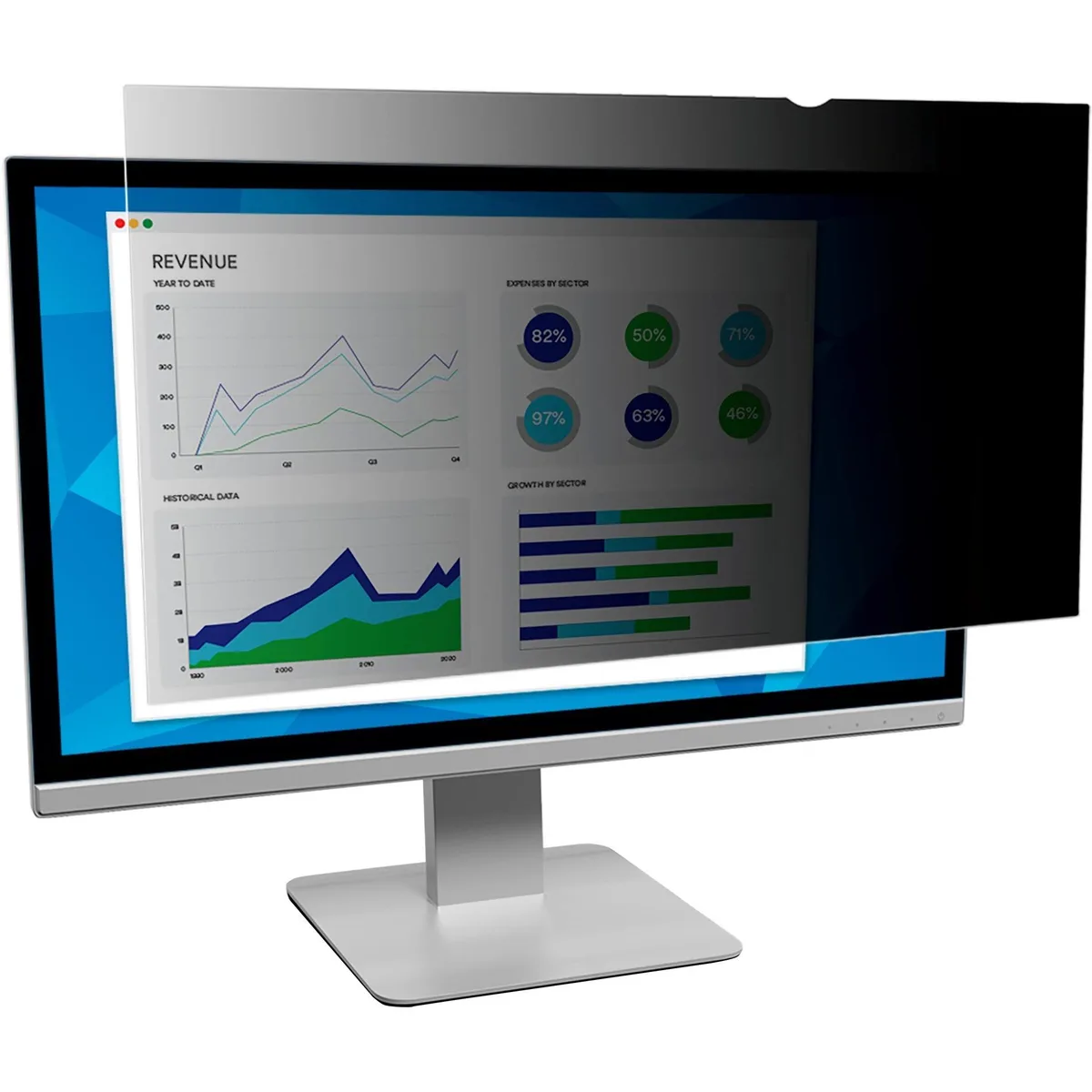


Innovera
Innovera Privacy Filter 20" Widescreen 16:9 Black Frameless
- Privacy Filter
- Black
US$28.99
0.00037415BTC
現貨

DELL
DELL MDS19 Dual Monitor Stand 19–27 in monitor accessory
- Dual Monitor Stand
- Black
US$140.99
0.00181962BTC
現貨