


OWC
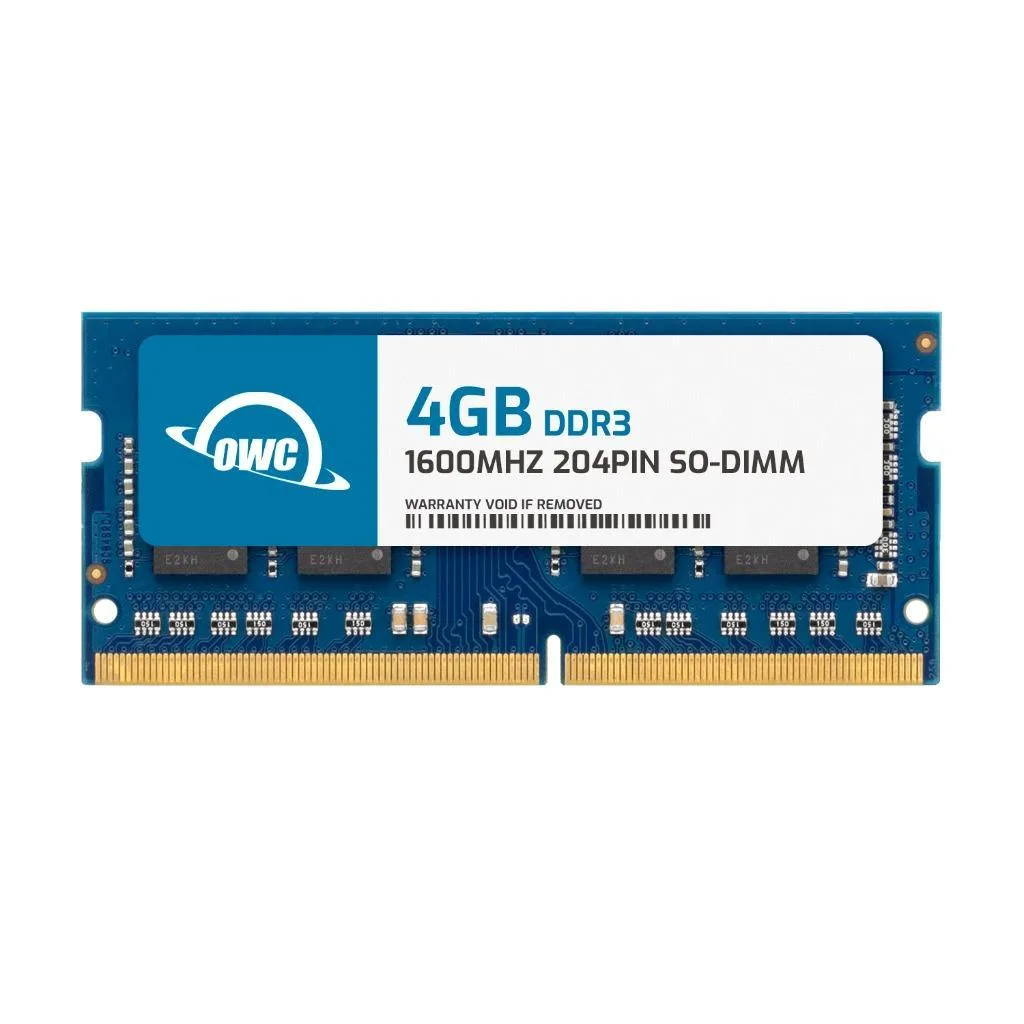
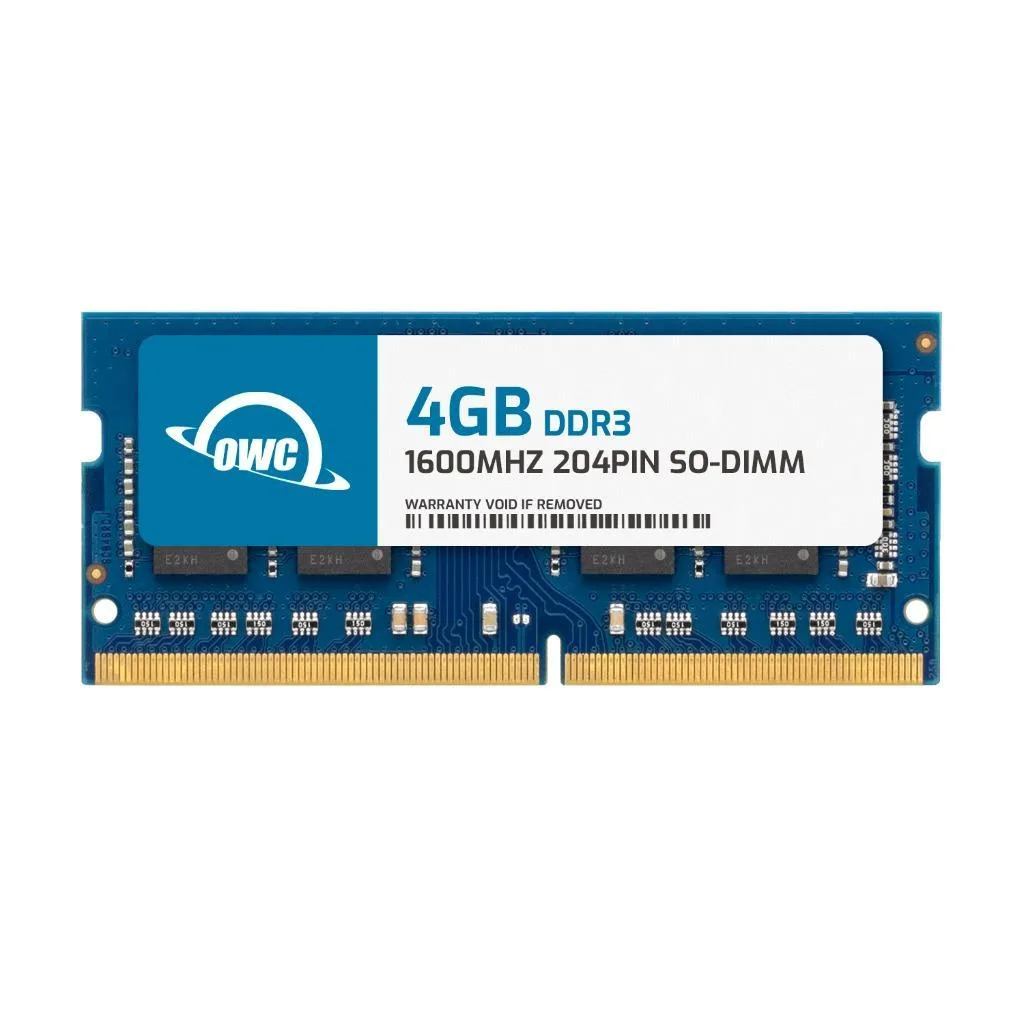
OWC 4GB DDR3 1600 CL11 1.5V 204-pin SODIMM Alienware M14x M17x R4 M18x memory upgrade
A 4 GB DDR3 SODIMM running at 1600 MHz CL11 for Alienware M14x, M14x R2, M17x R4 and M18x laptops
- Capacity4GB
- Type204-Pin DDR3 Non-ECC SODIMM
- SpeedDDR3 1600 (PC3 12800)
- CAS LatencyCL11
- Voltage1.5V
- ECCNo
- Boosts Alienware laptop responsiveness with 4GB DDR3 1600 CL11 module
- JEDEC-standard 1.5V SODIMM ensures warranty-safe upgrade
- Single 1Rx8 rank simplifies DIY installation in M14x or M17x R4
- Tested to meet OEM specs for M14x R2 and M18x compatibility
- Non-ECC unbuffered design delivers reliable multitasking performance
OWC 4GB DDR3 1600 SODIMM
This module is a single 4GB DDR3 1600 PC3-12800 CL11 1.5V SODIMM built for Alienware M14x, M14x R2, M17x R4 and M18x notebooks. It suits owners of those models who want a straightforward capacity increase. It is not for buyers who need ECC error correction or registered buffering.
Installing the SODIMM
The stick uses a standard 204-pin DDR3 SO-DIMM form factor that fits the memory slot on the listed Alienware laptops. Most installations are a simple DIY task when you follow the maker's service guide. The main issues arise if the retention clips are not fully engaged or if the module is seated at an angle.
Check your Alienware model
Confirm the exact model name matches M14x, M14x R2, M17x R4 or M18x before ordering. Verify the factory memory runs at DDR3 1600 and 1.5V so the new module operates at its rated speed. Ensure the chassis has a free SO-DIMM slot for the upgrade.
商品特色
- Boosts Alienware laptop responsiveness with 4GB DDR3 1600 CL11 module
- JEDEC-standard 1.5V SODIMM ensures warranty-safe upgrade
- Single 1Rx8 rank simplifies DIY installation in M14x or M17x R4
- Tested to meet OEM specs for M14x R2 and M18x compatibility
- Non-ECC unbuffered design delivers reliable multitasking performance
商品規格
| Brand | OWC |
|---|---|
| Part Number | 1S6D31R804GB |
| Capacity | 4GB |
| Type | 204-Pin DDR3 Non-ECC SODIMM |
| Speed | DDR3 1600 (PC3 12800) |
| CAS Latency | CL11 |
| Voltage | 1.5V |
| ECC | No |
| Buffered/Registered | Unbuffered |
| Rank | 1Rx8 |
| Heat Spreader | No |
| Compatible System | Alienware M14x Alienware M14x R2 Alienware M17x R4 Alienware M18x |
其他版本
同系列還有 5 款
同系列產品,記憶體、散熱器或時脈不同 — 下單前請先比較。

OWC
OWC 4GB DDR3L 1600 CL11 204-pin SODIMM for Dell OptiPlex 3240 9020 9030 AIO
- 4GB
- 204-Pin DDR3L Non-E…
US$17.99
0.00023342BTC
現貨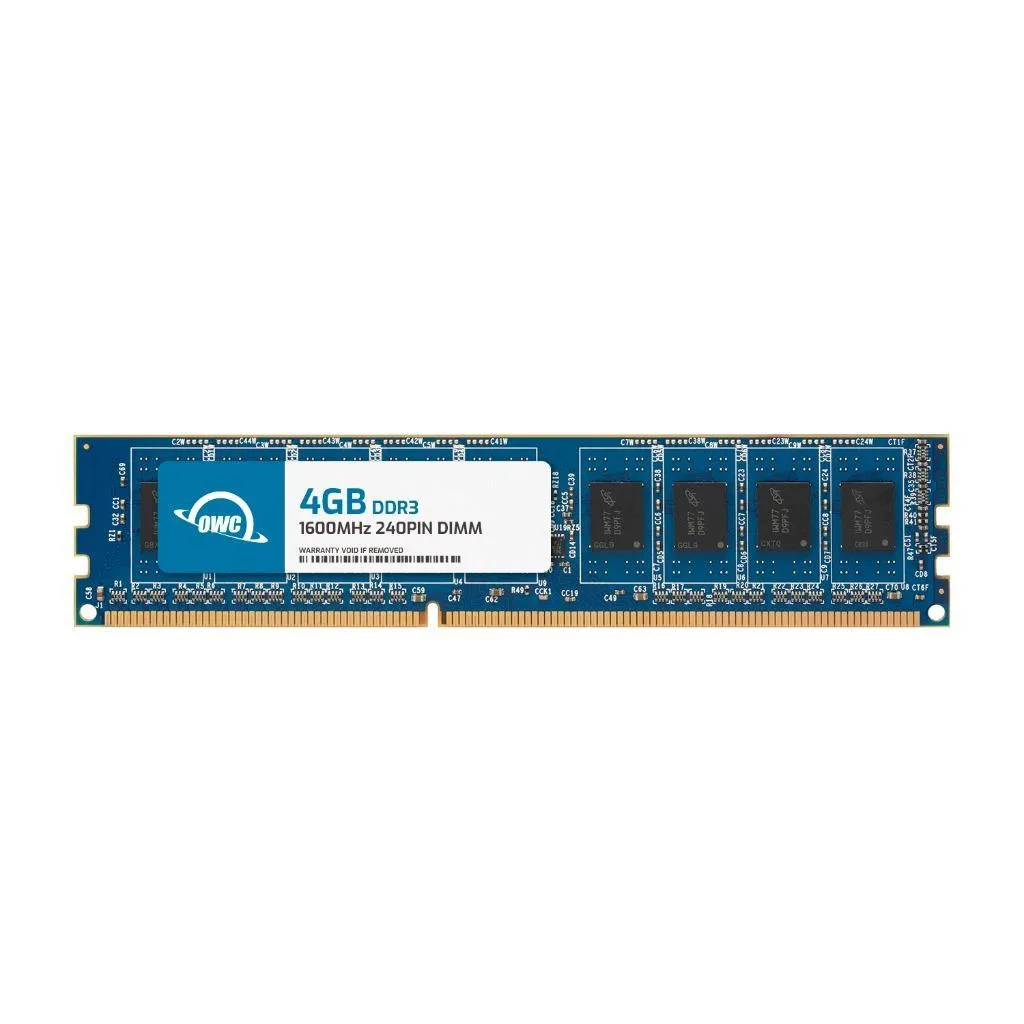
OWC
OWC 4GB DDR3L 1600 CL11 1Rx8 240-pin 1.35V Non-ECC UDIMM Dell XPS 8700
- 4GB
- 240-Pin DDR3L Non-E…
US$17.99
0.00023342BTC
現貨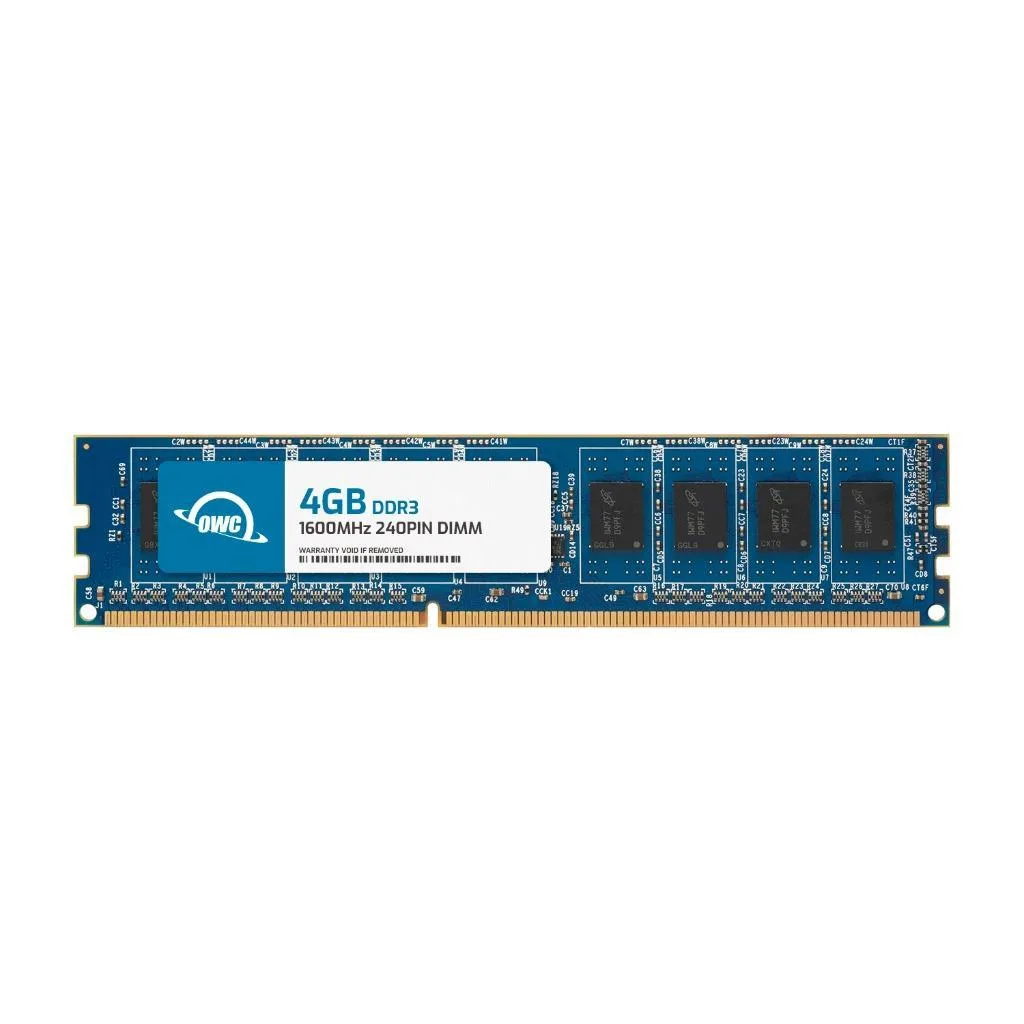
OWC
OWC 4GB DDR3 1600 CL11 240-pin 1.5V UDIMM Alienware X51 R2
- 4GB
- 240-Pin DDR3 Non-EC…
US$17.99
0.00023342BTC
現貨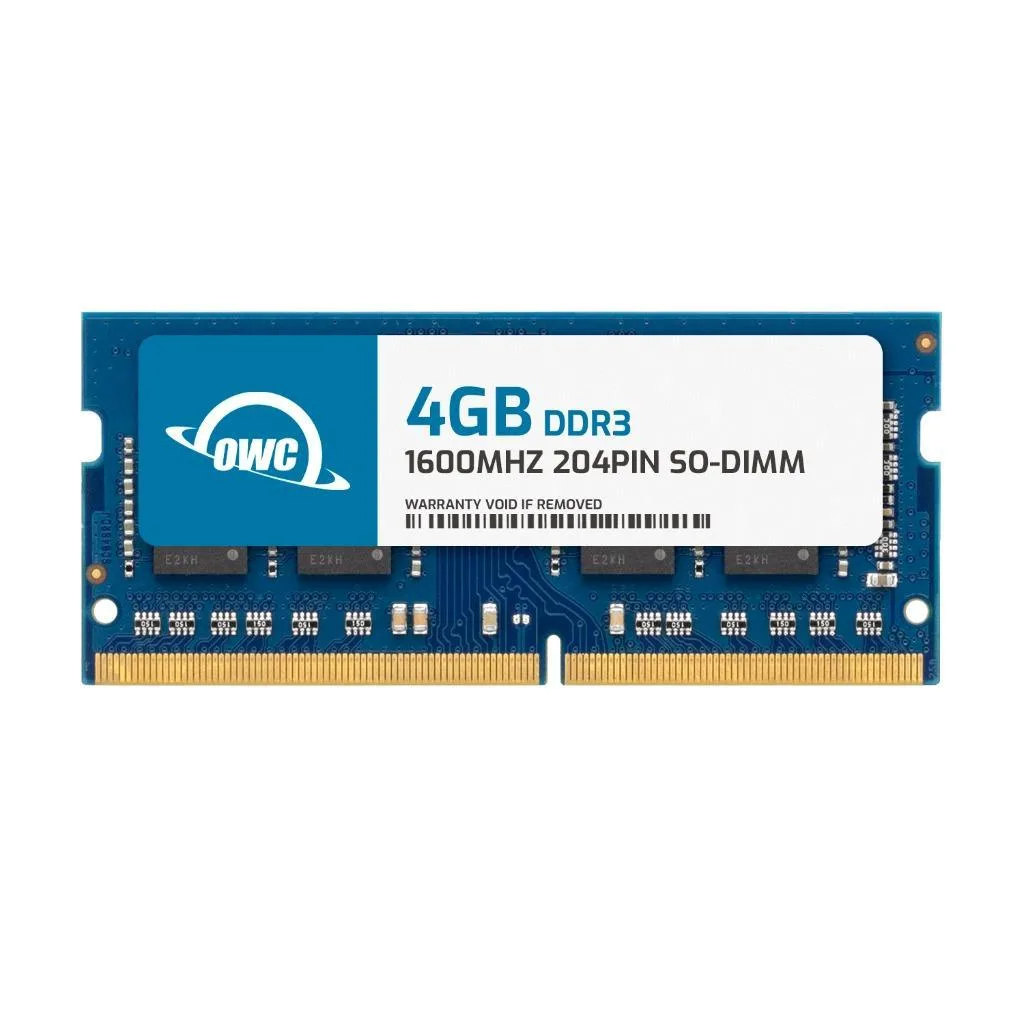
OWC
OWC 4GB DDR3 1600 PC3-12800 CL11 1Rx8 204-pin 1.5V Non-ECC SODIMM memory upgrade
- 4GB
- 204-Pin DDR3 Non-EC…
US$17.99
0.00023342BTC
現貨商品問答
How can I verify the 4GB DDR3 1600 CL11 module is running correctly after installing it in my Alienware M17x R4?
The system BIOS or Windows Task Manager will show the new 4GB module at 1600MHz with CL11 timings and 1.5V operation.
What comes in the package and what extra parts are needed to complete the upgrade?
The box contains one 4GB 204-pin SODIMM module; no additional components or tools are required for installation.
Which capacity should I choose if my Alienware M14x R2 currently has 8GB installed in two slots?
Adding this single 4GB stick brings total memory to 12GB; match the existing 1600MHz CL11 1.5V specification for best compatibility.
同類商品
顧客也比較過
同一分類,同一套結帳流程 — 支援八種加密貨幣,匯率鎖定 30 分鐘。

BFKK
BFKK 3U Rackmount Server Chassis EATX/ATX/MATX 4x5.25 6x3.5 Top/Side Cooling
- Rackmount
US$214.99
0.00278954BTC
現貨

