Redragon
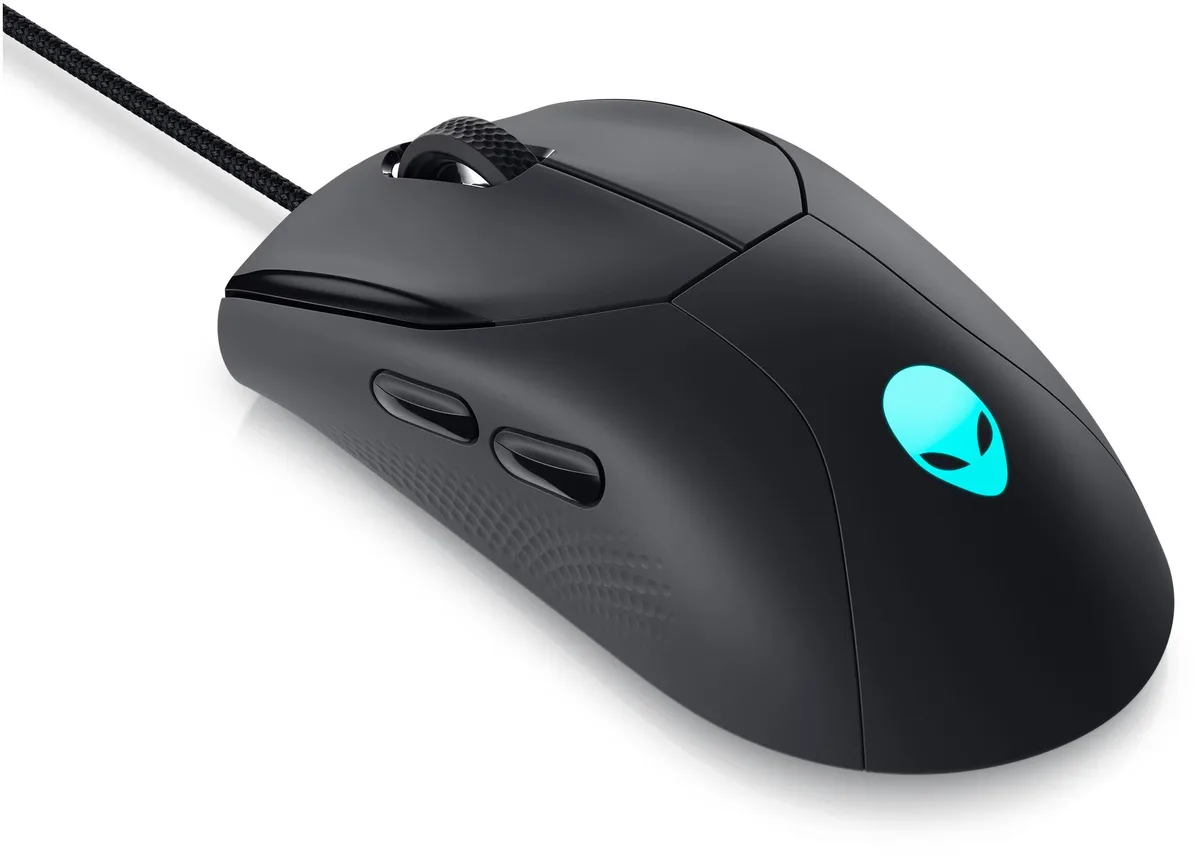
Redragon M618 LIT Wireless Gaming Mouse White
A 70 g wireless gaming mouse with 2.4 GHz and Bluetooth connectivity, six programmable buttons and five DPI levels up to 10 000
Color White
- Black
- White
- Three connection modes give cable-free freedom
- 50 to 10000 DPI range fits every game genre
- Six programmable buttons let you map macros instantly
- 70 gram build enables swift, accurate swipes
- Frosted coating resists fingerprints for secure grip
Wireless Freedom for Competitive Play
The Redragon M618 LIT connects through Bluetooth, a 2.4 GHz nano receiver or a wired cable, giving competitive gamers the flexibility to choose the link that suits their setup. Weighing only 70 grams, the ultra-lightweight chassis reduces hand fatigue during extended sessions while maintaining a durable structure for daily transport.
Upgrade from Heavier Wired Mice
Switching from a tethered or heavier rodent is worthwhile when low-latency wireless response and a sub-70 gram mass translate into quicker flicks and longer comfort. The optical sensor delivers five on-board DPI steps at 400, 800, 1600, 2400 and 4000, while software extends the range up to 10000 for fine-grained sensitivity tuning.
Suits Claw and Fingertip Grips
The compact, skin-friendly frosted coating favours claw and fingertip styles and resists fingerprints during intense matches. Six fully programmable buttons, including two side macros, adapt to MOBA, FPS or productivity workflows. Users needing a larger palm-filling shape, additional side buttons or a heavier, anchored feel should look elsewhere.
商品特色
- Three connection modes give cable-free freedom
- 50 to 10000 DPI range fits every game genre
- Six programmable buttons let you map macros instantly
- 70 gram build enables swift, accurate swipes
- Frosted coating resists fingerprints for secure grip
商品規格
本商品目前尚未公佈規格。
其他版本
同系列還有 4 款
同系列產品,記憶體、散熱器或時脈不同 — 下單前請先比較。


Redragon
Redragon ROG-STRIX-RTX3060-O12G- 26000 DPI 16 Buttons Wireless Gaming Mouse
US$40.99
0.00052754BTC
現貨商品問答
How wide is the USB nano receiver, and will it block the next port on my laptop?
The 2.4 GHz nano receiver is a compact dongle that sits nearly flush with the USB-A port, so it rarely blocks an adjacent socket on modern laptops.
What is the correct way to pair the mouse via Bluetooth, and what step do people skip?
Hold the mode button until the indicator cycles to the Bluetooth icon, then add the device in your OS settings; the step most users miss is keeping the mouse in pairing mode long enough for the OS to detect it.
When will the PTFE feet need replacing, and how do I know?
The stock PTFE feet typically last many months; replace them when the glide feels rough or the mouse scratches the pad, using the spare set if one was included.
同類商品
顧客也比較過
同一分類,同一套結帳流程 — 支援八種加密貨幣,匯率鎖定 30 分鐘。