


TP-Link
TP-Link Deco X55 Pro (1-pack) AX3000 wireless router
Delivers AX3000 whole-home mesh Wi-Fi 6 with a 2.5G port for high-speed wired connections
- AX3000 Wi-Fi 6 mesh covers the whole home
- 5 Gbps WAN/LAN port enables multi-gig internet
- IEEE 802.11 a/b/g/n/ac/ax compatibility connects every device
- Single unit expands an existing Deco network
- Quick installation guide gets you online fast
Single-unit mesh node
The Deco X55 Pro is a standalone Wi-Fi 6 mesh unit rated at AX3000 throughput. It suits households that want to extend an existing Deco system or start a small mesh with one device and add more later.
Build and connectivity
The unit includes one 2.5 Gbps RJ45 port for a fast wired backhaul or a high-speed client. A power adapter and a short Ethernet cable ship in the box, so the node can be placed on a shelf or desk without extra purchases.
Deciding specification
The AX3000 Wi-Fi 6 rating sets the maximum combined wireless throughput this node can deliver. Buyers needing higher aggregate bandwidth or multi-gig WAN beyond 2.5 Gbps should look at models with a faster wireless class or additional 2.5 Gbps ports.
商品特色
- AX3000 Wi-Fi 6 mesh covers the whole home
- 5 Gbps WAN/LAN port enables multi-gig internet
- IEEE 802.11 a/b/g/n/ac/ax compatibility connects every device
- Single unit expands an existing Deco network
- Quick installation guide gets you online fast
商品規格
| Brand | TP LINK |
|---|---|
| 出貨重量 | 1.36 kg |
| 包裝尺寸 | 224 × 198 × 127 mm |
商品問答
What does the 2.5 Gbps Ethernet port cap in practice?
The 2.5 Gbps port limits wired throughput to 2.5 Gbps, so multi-gig internet plans above that speed will be bottlenecked at the router.
What physical space and mounting options does this unit need?
The unit is a compact indoor node that sits on a flat surface or shelf; it requires only a nearby power outlet and cable reach to the 2.5 Gbps port.
How is the Deco X55 Pro installed, and which step do people often miss?
Install via the Deco app: plug in the unit, connect the included RJ45 cable to the 2.5 Gbps port, then follow the in-app setup; many forget to wire the main node to the modem first.
同類商品
顧客也比較過
同一分類,同一套結帳流程 — 支援八種加密貨幣,匯率鎖定 30 分鐘。

Ubiquiti Networks
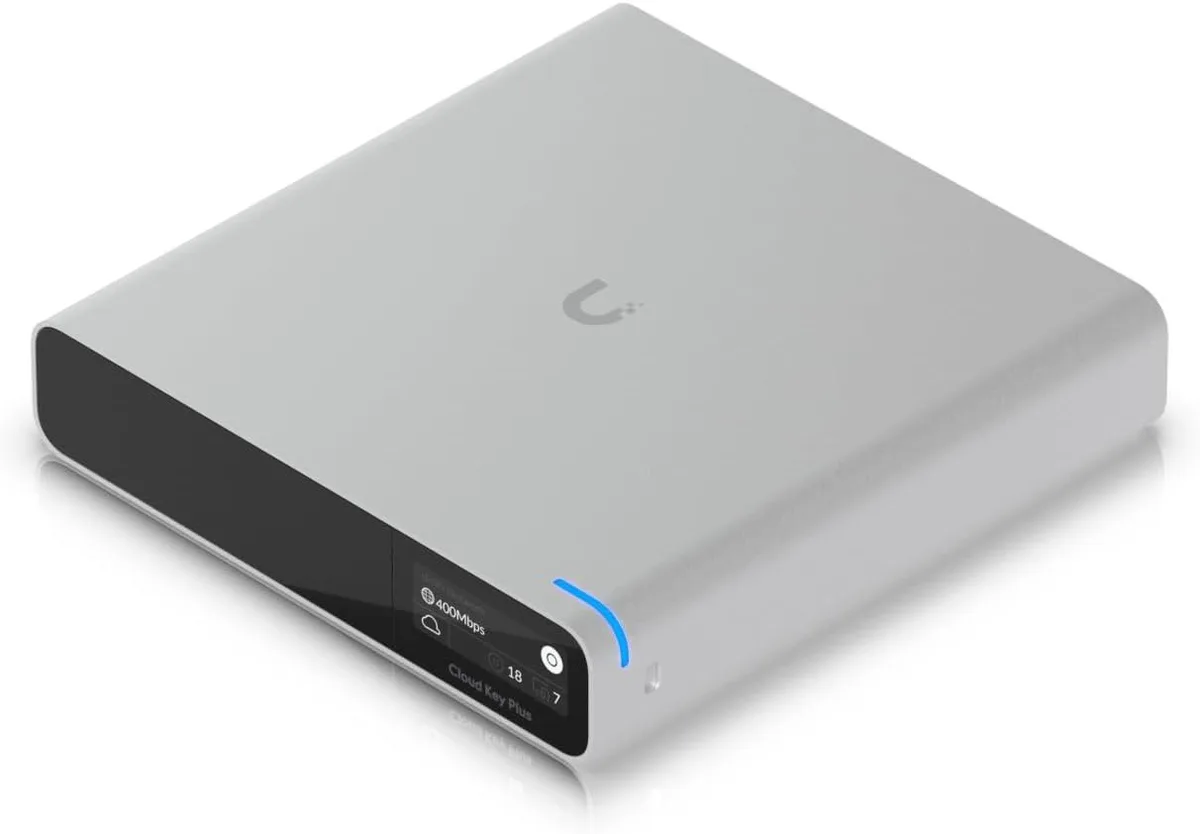
Ubiquiti Networks Cloud Key Gen2 UCK-G2-SSD wireless router
US$400.99
0.00512572BTC
現貨
