ASUS
ASUS RNUC15CRHI30000U NUC 15 Pro barebone mini PC Core 3 100U 96GB DDR5 dual M.2
- Black
- Tall
313,99 US$332,99 US$−6%
0.00395952BTC
En stockAceptamos criptomonedas — así, las criptos que usted tiene pueden comprar hardware real.Pague en cripto y gástela en hardware real. Envío asegurado gratis a nivel mundial a partir de $399. Cajas neutras, sin marca, enviadas desde Alemania.Envío asegurado gratis a partir de $399. Su cotización queda bloqueada 30 minutos en cuanto se abre el pago.Cotización bloqueada 30 minutos. Todos los artículos vienen sellados, con el número de serie verificado y cubiertos por una garantía de 24 meses.Sellado, con 24 meses de garantía.


ASUS
Barebone mini PC with Intel Core 5 210H, dual DDR5 SO-DIMM slots up to 96 GB, 2.5 Gbps LAN, Wi-Fi 7 and Bluetooth 5.4
CPU Type Intel Core 5 210H
Group Tall Kit
The ASUS NUC 15 Pro RNUC15CRHC50000U is a tall-form mini PC barebone built around an Intel Core 5 210H processor running at 2.2 GHz. It targets offices and edge deployments that need local AI inference, dual 2.5 Gbps Ethernet links and Wi-Fi 7 connectivity in a compact chassis. Memory and storage are purchased separately.
The platform provides two 262-pin SO-DIMM slots accepting DDR5-5600 or CSO-DIMM DDR5-6400 modules up to 96 GB total, delivering roughly 50 percent more bandwidth than DDR4. The jump is worth it when workloads saturate older memory subsystems or when Wi-Fi 7's 46 Gbps peak throughput demands matching system bandwidth.
Storage uses one M.2 2280 slot and one M.2 2242 slot, both wired for PCIe 4.0 x4 with the 2280 socket labelled PCIe Gen 5 ready. Thunderbolt 4 and USB 3.2 Gen 2x2 share the front Type-C port, so simultaneous maximum throughput on both interfaces is not possible.
| Brand | ASUS |
|---|---|
| Series | NUC 15 Pro |
| Model | RNUC15CRHC50000U |
| Part Number | 90AR00Q2-M00110 |
| Color | Black |
| Form Factor | Tall |
| CPU Type | Intel Core 5 210H |
| Memory installed | No Memory |
| Memory slot | 2 x 262Pin SO-DIMM |
| Memory Type Supported | SO-DIMM DDR5-5600 MHz / CSO-DIMM DDR5-6400 MHz |
| Max Memory Supported | 96GB |
| Storage Installed | No Hard Drive |
| M.2 Slot | 1 x M.2 2280 PCIe Gen4x4 NVMe SSD* slot 1 x M.2 2242 PCIe Gen4x4 NVMe SSD slot. *PCIe Gen 5 ready |
| Integrated Graphics | Intel Graphics |
| LAN | Intel i226V |
| Max LAN Speed | 2.5Gbps |
| Wireless LAN | 802.11be |
| WiFi Generation | Wi-Fi 7 |
| Bluetooth | Bluetooth 5.4 |
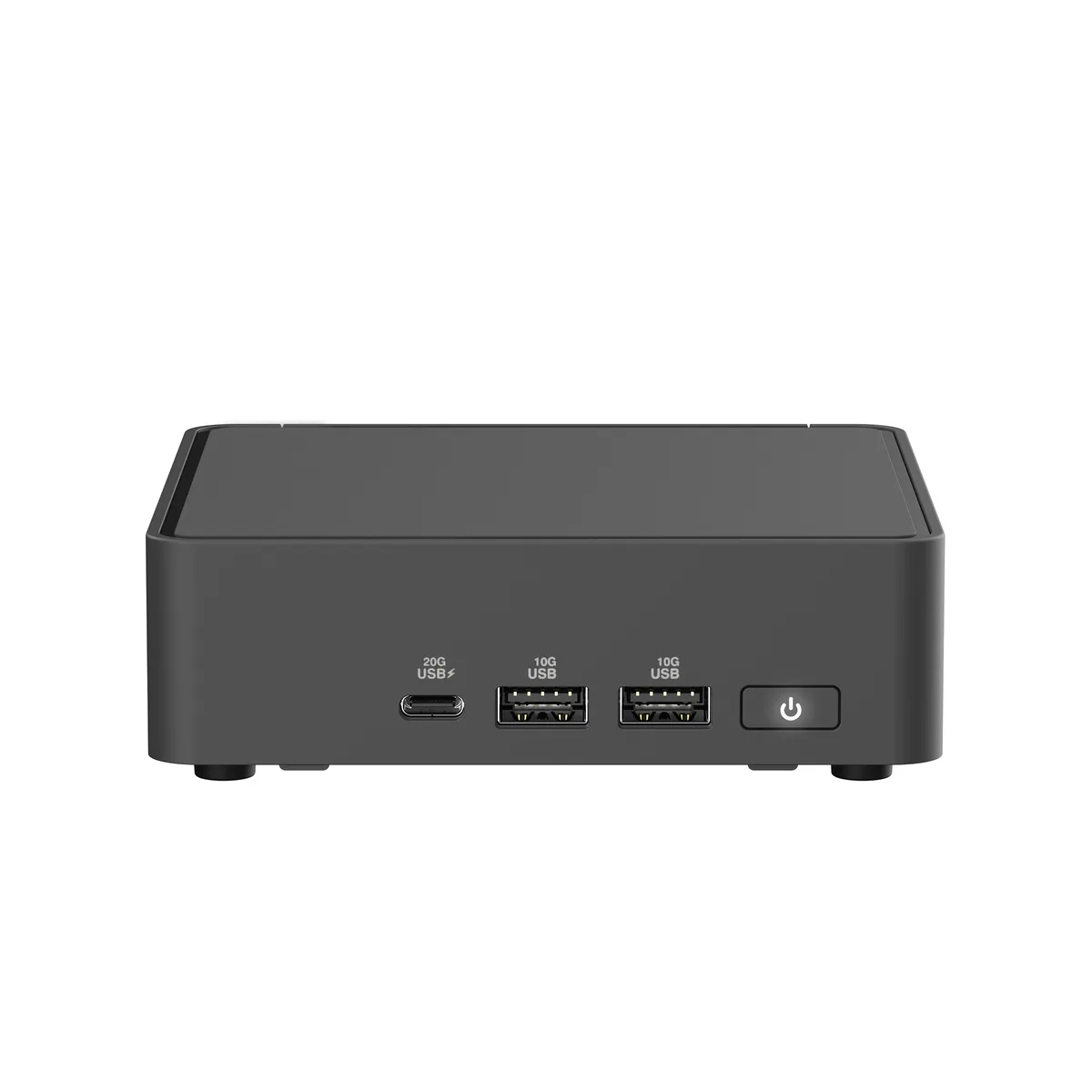
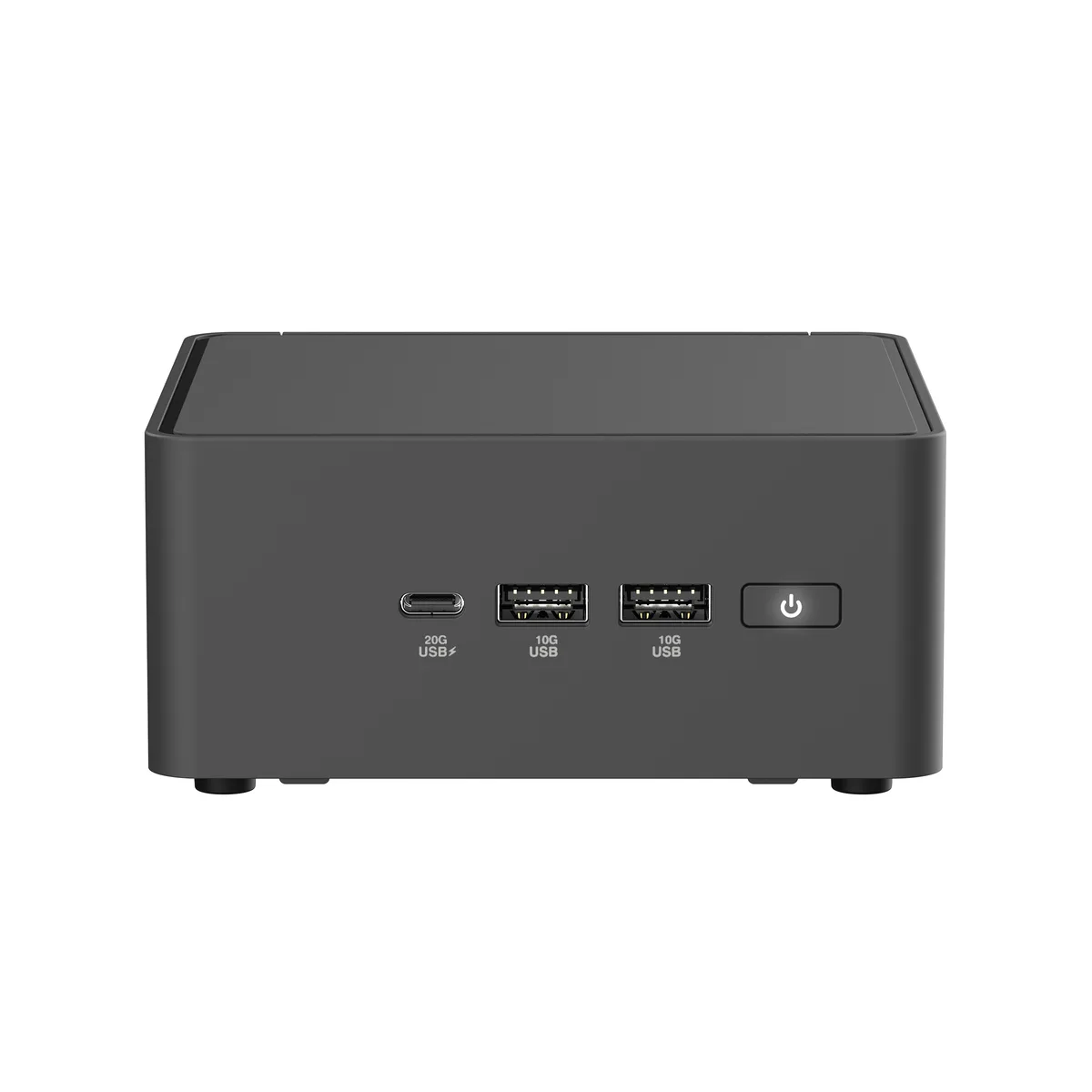
| Front USB | 1 x USB 3.2 Gen 2x2 Type-C 2 x USB 3.2 Gen 2 Type-A |
| HDMI | 2 x HDMI 2.1 (up to 4K@60Hz) |
| Thunderbolt | 2 x Thunderbolt 4 (with DisplayPort 2.1) |
| Rear USB | 1 x USB 3.2 Gen2 Type-A (5V/0.9A, 10Gbps) 1 x USB 2.0 Type-A (5V/0.5A, 480Mbps) |
| RJ45 | 1x RJ45 (2.5Gb Ethernet) |
| Power Supply | 120W |
| Dimensions | 4.61" x 4.41" x 2.13" |
| Weight | 0.8 lb. |
| Packaging | VESA Mount & Screws / AC Power Adapter/ Power Cord |
| Peso de envío | 1.27 kg |
| Dimensiones del paquete | 178 × 152 × 127 mm |
Otras versiones de este modelo
Misma familia, con memoria, disipador o frecuencia diferentes — compare antes de decidirse.
Install two 262-pin SO-DIMM DDR5 modules running at 5600 MHz or CSO-DIMM DDR5 at 6400 MHz; total capacity can reach 96 GB.
The kit includes a standoff and short screw for the 2280 slot; mount the standoff, insert the drive at an angle, then tighten the screw — do not overtighten.
Vacuum the front and side vents every few months; dust buildup reduces airflow and can throttle the 2.2 GHz 8-core processor.
También en este pasillo
Mismo estante, mismo pago — ocho criptomonedas y un tipo de cambio fijado 30 minutos.
Lo que usted paga, y la moneda en la que lee los precios.
Se envía desde su billetera al finalizar la compra
Solo informativo — el catálogo está en dólares
Ninguna moneda coincide.
Elija el idioma en el que el sitio le habla.
¿Es nuevo aquí?
¿Ya tiene una?
No existe ningún restablecimiento automático: esta tienda no envía correos electrónicos, así que no hay ningún enlace de un solo uso que solicitar. Deje la dirección asociada a la cuenta y se atenderá de forma manual.
Solicitud registrada
No hay nada de camino a su bandeja de entrada: esta tienda no envía correos en absoluto. Alguien se encarga de esto manualmente.
¿La recordó?