ASUS
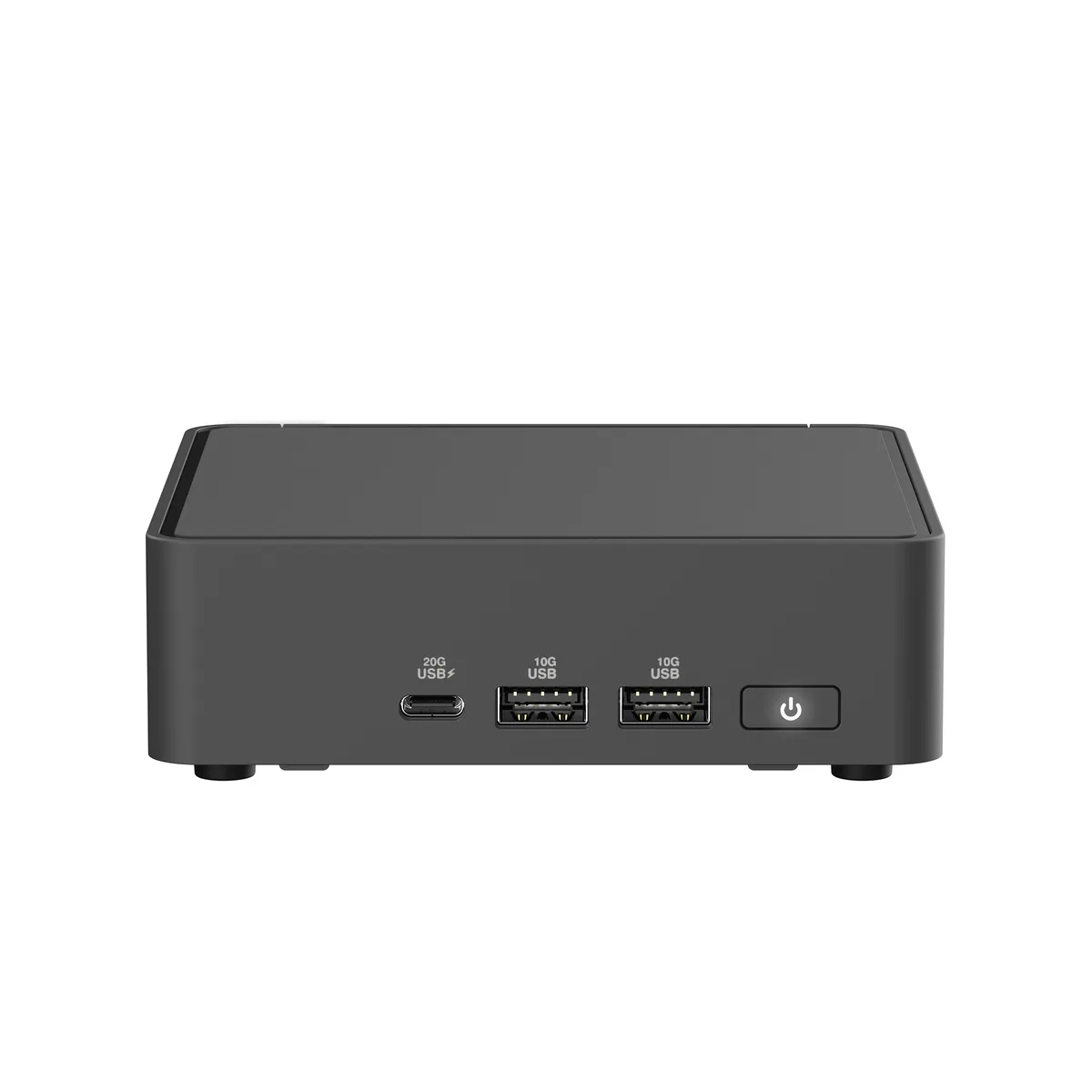
ASUS RNUC15CRHI30000U NUC 15 Pro barebone mini PC Core 3 100U 96GB DDR5 dual M.2
- Black
- Tall
$313.99$332.99−6%
0.00401789BTC
In stockWe take cryptocurrency — so the coins you hold can buy real hardware.Pay in crypto, spend it on real hardware. Free insured shipping worldwide over $399. Plain, unbranded boxes, sent from Germany.Free insured shipping over $399. Your rate is locked for 30 minutes once checkout opens.Rate locked 30 minutes. Every item sealed, serial-checked and covered by a 24-month warranty.Sealed, 24-month warranty.


ASUS
Barebone mini PC with Intel Core 5 210H, dual DDR5 SO-DIMM slots up to 96 GB, 2.5 Gbps LAN, Wi-Fi 7 and Bluetooth 5.4
CPU Type Intel Core 5 210H
Group Tall Kit
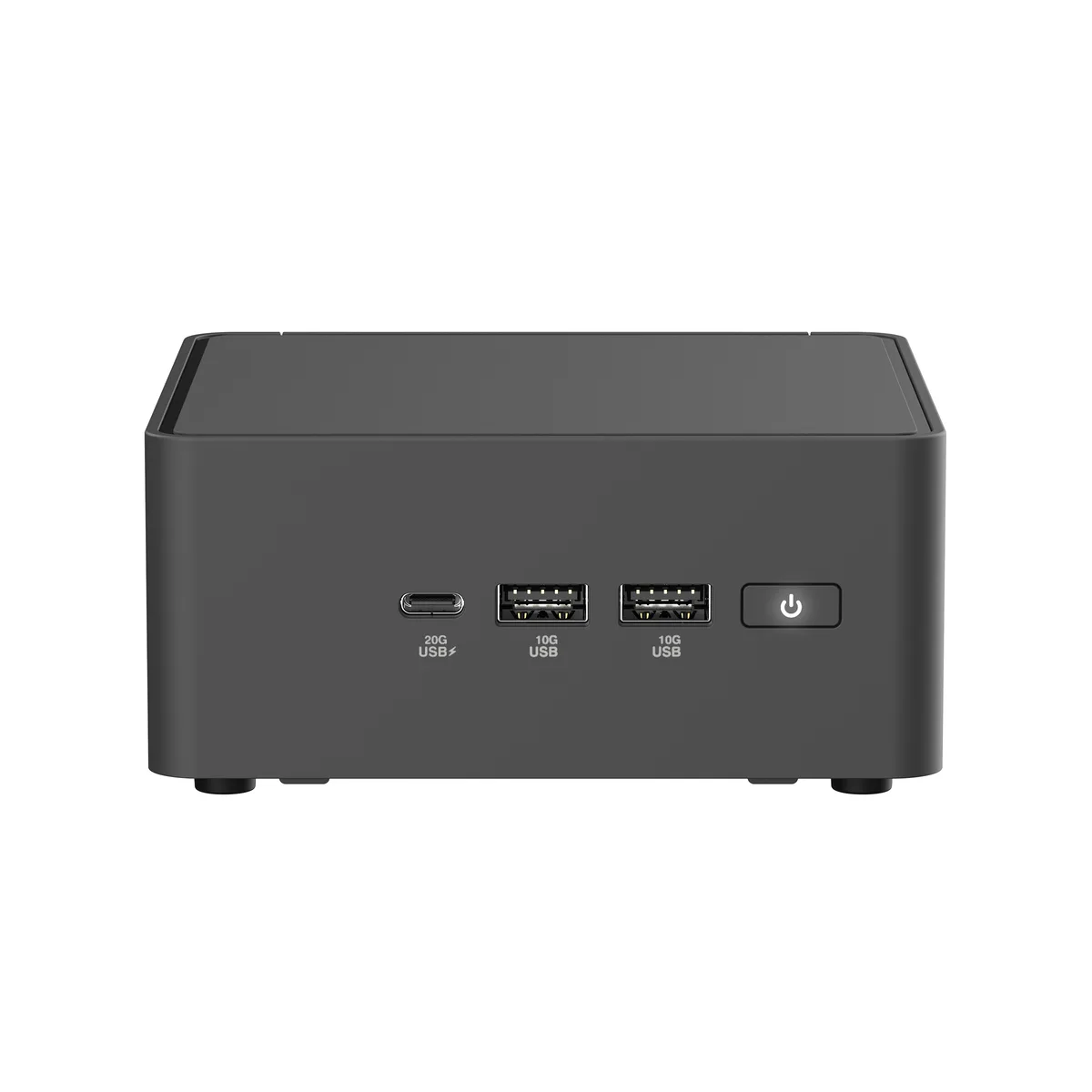
The ASUS NUC 15 Pro RNUC15CRHC50000U is a tall-form mini PC barebone built around an Intel Core 5 210H processor running at 2.2 GHz. It targets offices and edge deployments that need local AI inference, dual 2.5 Gbps Ethernet links and Wi-Fi 7 connectivity in a compact chassis. Memory and storage are purchased separately.
The platform provides two 262-pin SO-DIMM slots accepting DDR5-5600 or CSO-DIMM DDR5-6400 modules up to 96 GB total, delivering roughly 50 percent more bandwidth than DDR4. The jump is worth it when workloads saturate older memory subsystems or when Wi-Fi 7's 46 Gbps peak throughput demands matching system bandwidth.
Storage uses one M.2 2280 slot and one M.2 2242 slot, both wired for PCIe 4.0 x4 with the 2280 socket labelled PCIe Gen 5 ready. Thunderbolt 4 and USB 3.2 Gen 2x2 share the front Type-C port, so simultaneous maximum throughput on both interfaces is not possible.
| Brand | ASUS |
|---|---|
| Series | NUC 15 Pro |
| Model | RNUC15CRHC50000U |
| Part Number | 90AR00Q2-M00110 |
| Color | Black |
| Form Factor | Tall |
| CPU Type | Intel Core 5 210H |
| Memory installed | No Memory |
| Memory slot | 2 x 262Pin SO-DIMM |
| Memory Type Supported | SO-DIMM DDR5-5600 MHz / CSO-DIMM DDR5-6400 MHz |
| Max Memory Supported | 96GB |
| Storage Installed | No Hard Drive |
| M.2 Slot | 1 x M.2 2280 PCIe Gen4x4 NVMe SSD* slot 1 x M.2 2242 PCIe Gen4x4 NVMe SSD slot. *PCIe Gen 5 ready |
| Integrated Graphics | Intel Graphics |
| LAN | Intel i226V |
| Max LAN Speed | 2.5Gbps |
| Wireless LAN | 802.11be |
| WiFi Generation | Wi-Fi 7 |
| Bluetooth | Bluetooth 5.4 |
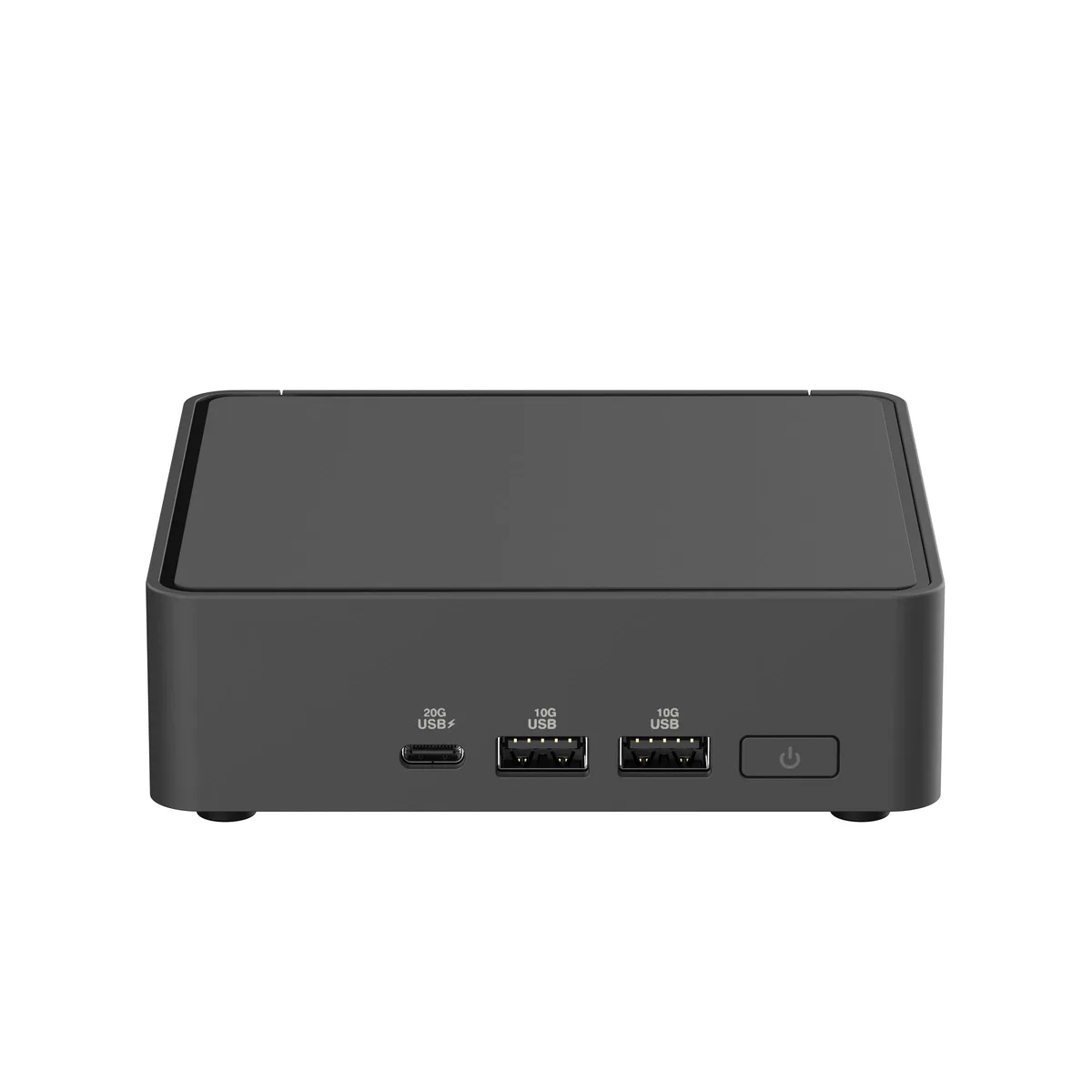
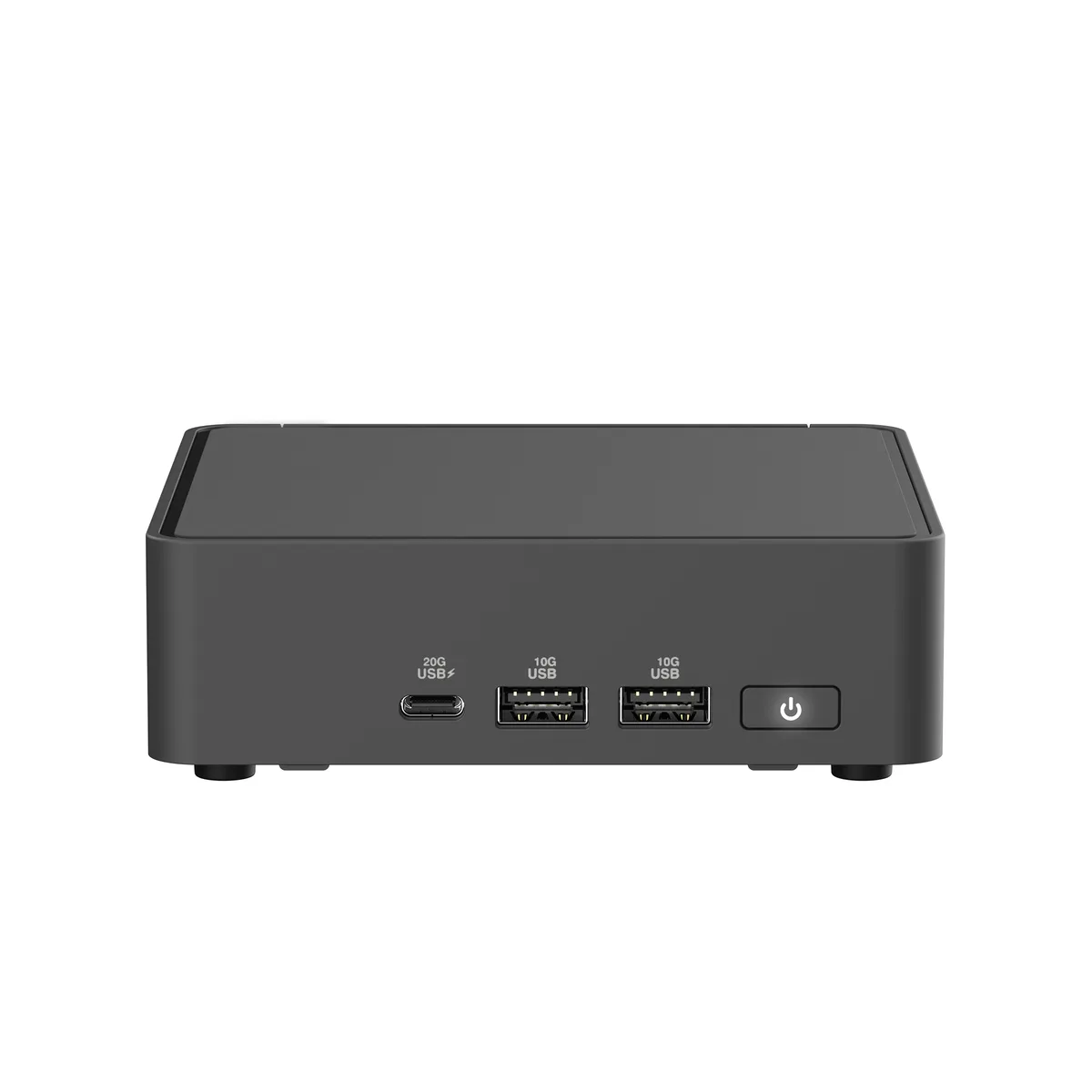
| Front USB | 1 x USB 3.2 Gen 2x2 Type-C 2 x USB 3.2 Gen 2 Type-A |
| HDMI | 2 x HDMI 2.1 (up to 4K@60Hz) |
| Thunderbolt | 2 x Thunderbolt 4 (with DisplayPort 2.1) |
| Rear USB | 1 x USB 3.2 Gen2 Type-A (5V/0.9A, 10Gbps) 1 x USB 2.0 Type-A (5V/0.5A, 480Mbps) |
| RJ45 | 1x RJ45 (2.5Gb Ethernet) |
| Power Supply | 120W |
| Dimensions | 4.61" x 4.41" x 2.13" |
| Weight | 0.8 lb. |
| Packaging | VESA Mount & Screws / AC Power Adapter/ Power Cord |
| Shipping weight | 1.27 kg |
| Package size | 178 × 152 × 127 mm |
Other versions of this model
Same family, different memory, cooler or clock — compare before you commit.
Install two 262-pin SO-DIMM DDR5 modules running at 5600 MHz or CSO-DIMM DDR5 at 6400 MHz; total capacity can reach 96 GB.
The kit includes a standoff and short screw for the 2280 slot; mount the standoff, insert the drive at an angle, then tighten the screw — do not overtighten.
Vacuum the front and side vents every few months; dust buildup reduces airflow and can throttle the 2.2 GHz 8-core processor.
Also in this aisle
Same shelf, same checkout — eight coins and a 30-minute rate lock.
What you pay in, and what you read prices in.
Sent from your wallet at checkout
Display only — the catalogue is priced in USD
No currency matches that.
Pick the language the site speaks to you in.
New here?
Already have one?
There is no automatic reset: this shop sends no mail, so there is no one-time link to ask for. Leave the address on the account and it gets picked up by hand.
Request noted
Nothing is on its way to your inbox — this shop sends no mail at all. Someone picks these up by hand.
Remembered it?