Thermaltake
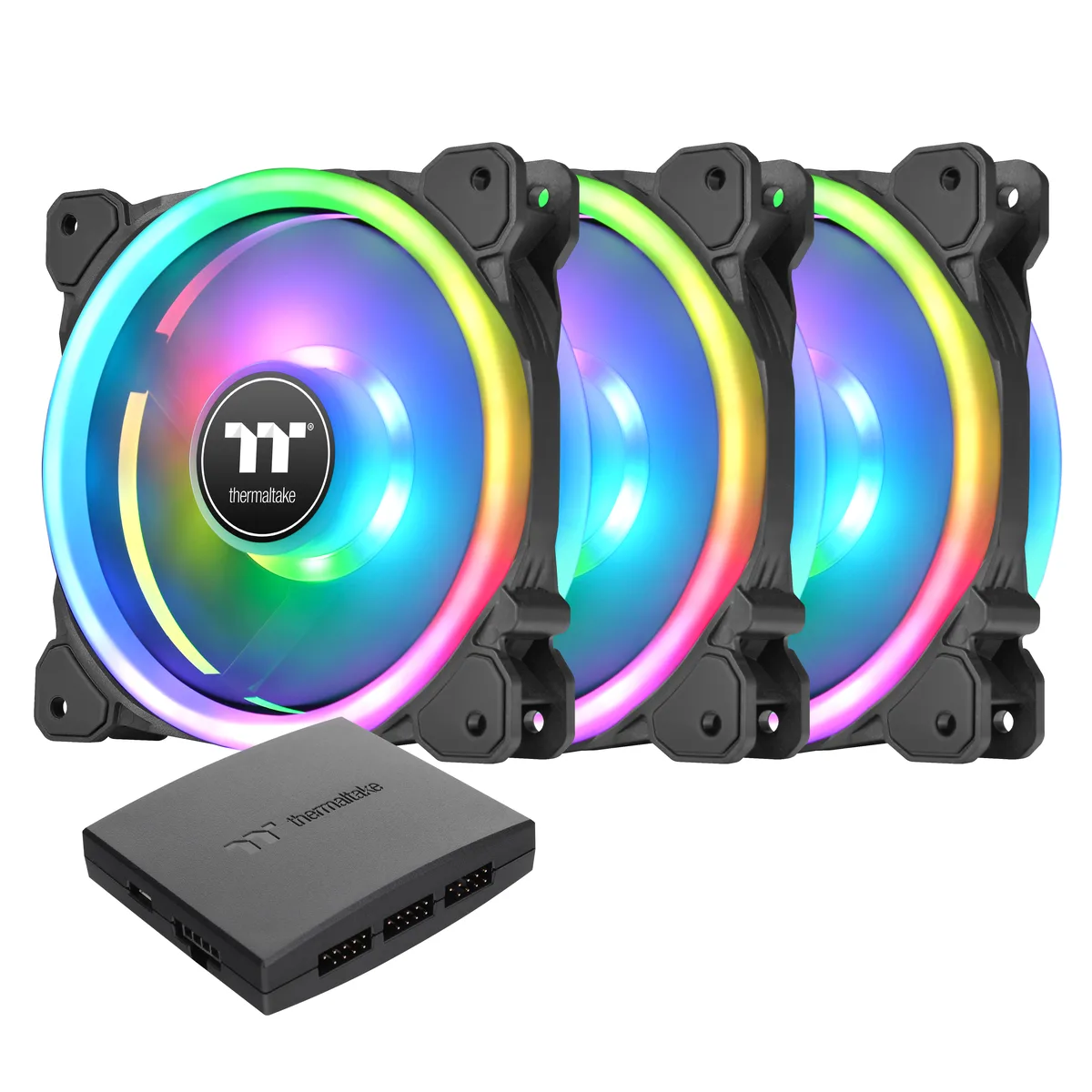
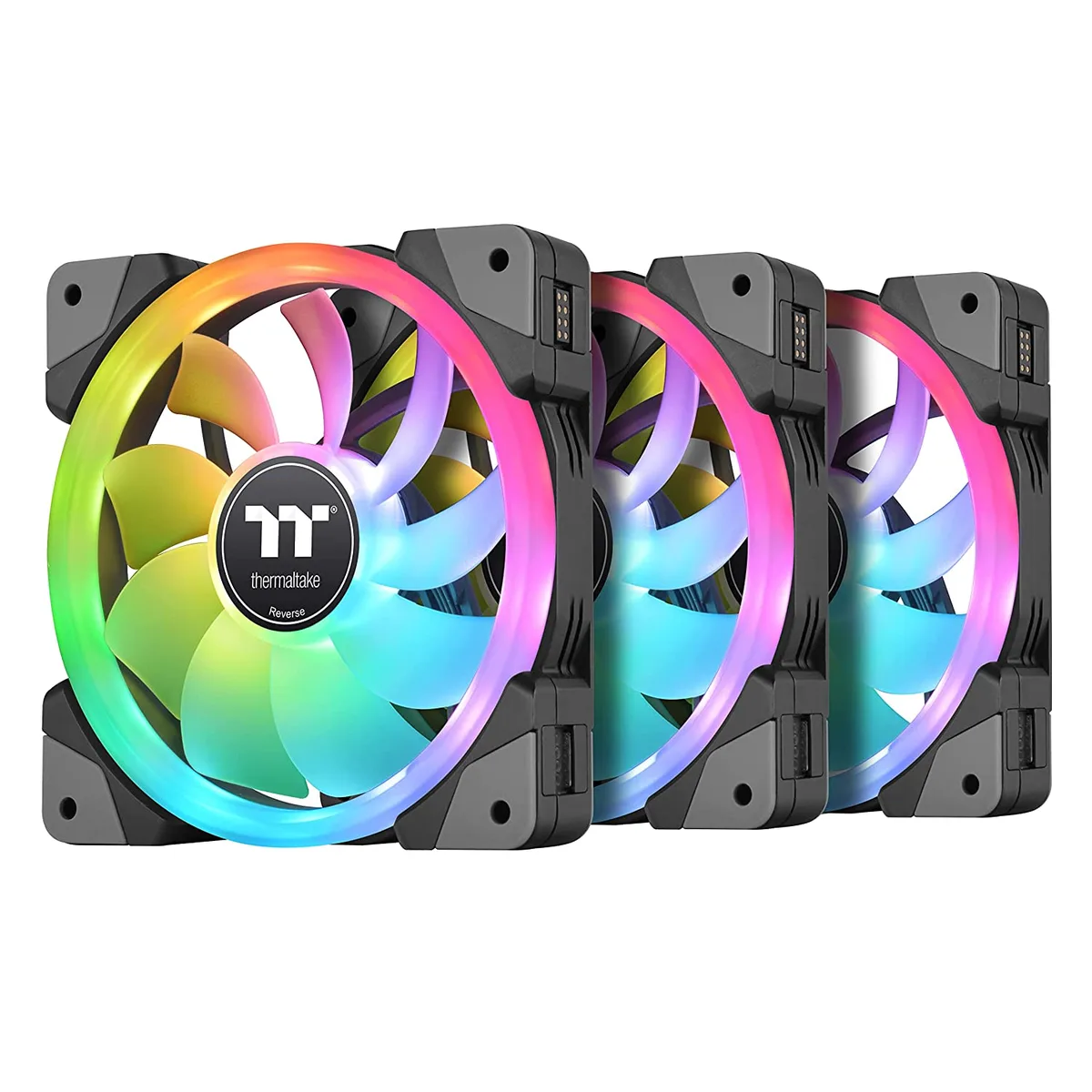
Thermaltake CL-F143-PL12SW-A SWAFAN EX 12 RGB 3-pack 120 mm case fan
- 3 Fans
- Controller
US$ 79,99
0.00103779BTC
Op voorraadWij accepteren cryptovaluta — zo kunnen de munten die u bezit echte hardware kopen.Betaal in crypto, besteed het aan echte hardware. Gratis verzekerde verzending wereldwijd vanaf $399. Neutrale dozen zonder merk, verzonden vanuit Duitsland.Gratis verzekerde verzending vanaf $399. Uw koers wordt 30 minuten vastgezet zodra het afrekenen begint.Koers 30 minuten vastgezet. Elk artikel is verzegeld, het serienummer wordt gecontroleerd, en het valt onder 24 maanden garantie.Verzegeld, 24 maanden garantie.


Thermaltake
Three white 140 mm PWM fans with swappable magnetic blades, reversible airflow up to 81.6 CFM and RGB lighting controlled via included controller
Fan Size 140mm
Model SWAFAN EX
The pack contains three 140 mm PWM fans, each supplied with a reversible blade set that attaches by magnetic connection. A dedicated controller is included to manage speed and lighting from a single point. The hydraulic bearing supports a 500 to 2000 RPM range.
Swapping between standard and reverse airflow takes seconds without tools, using the neodymium magnetic mount. The three Mag-cables link fans to the controller, which draws power from a Molex connector and communicates through a USB 2.0 internal header. White frames and RGB LEDs are addressed via TT RGB Plus 2.0 software.
Your motherboard must provide a free USB 2.0 internal header for the controller link. The power supply needs an available Molex plug for the controller’s 2510-4Pin input. Each fan occupies a 140 x 140 x 25 mm slot, so verify that your case has matching mounting points for three units. Buyers who want addressable 5 V RGB headers on the motherboard itself cannot use this kit’s proprietary control method.
| Brand | Thermaltake |
|---|---|
| Series | SWAFAN EX 14 RGB White |
| Model | SWAFAN EX 14 RGB White |
| Part Number | CL-F162-PL14SW-A |
| Fan Counts | 3 Fans |
| Fan Controller | Controller |
| Type | Case Fan |
| Compatibility | Case |
| Fan Size | 140 x 140 x 25 mm |
| Fan Thickness | 25mm |
| Bearing Type | Hydraulic |
| RPM | 500 ~ 2000 R.P.M (2510-4Pin) |
| Air Flow | Fan Blade 1 : 81.6 CFM (only one fan) Fan Blade 2 (Reverse) : 79.3 CFM (only one fan) |
| Noise Level | Fan Blade 1 : 34.5 dB-A (only one fan) Fan Blade 2 (Reverse) : 38.8 dB-A (only one fan) |
| Power Connector | 4 Pin |
| Color | White |
| LED | RGB |
| Verzendgewicht | 1.50 kg |
| Pakketafmetingen | 203 × 170 × 150 mm |
Andere versies van dit model
Dezelfde familie, met ander geheugen, andere koeler of kloksnelheid — vergelijk voordat u beslist.
The 4-pin PWM connector lets each fan run from 500 to 2000 RPM, so the motherboard can tune speed precisely across that whole range.
You need 140 mm mounting points with 25 mm thickness clearance; the pack includes magnetic mag-cables that snap the reversible blades onto the fan frames.
Connect the supplied controller to a Molex power plug and a USB 2.0 internal header, then attach the three fan cables to the controller ports.
Ook in deze afdeling
Dezelfde afdeling, dezelfde kassa — acht munten en een koers die 30 minuten vaststaat.
Waarmee u betaalt, en waarin u de prijzen leest.
Verzonden vanuit uw wallet bij het afrekenen
Alleen ter weergave — de catalogus is geprijsd in USD
Geen valuta gevonden.
Kies de taal waarin de site met u spreekt.
Geen taal gevonden.
Nieuw hier?
Al een account?
Er is geen automatisch herstel: deze winkel verstuurt geen e-mail, dus er is geen eenmalige link om aan te vragen. Laat het adres op het account achter en het wordt handmatig opgepakt.
Verzoek genoteerd
Er is niets onderweg naar uw inbox — deze winkel verstuurt helemaal geen e-mail. Iemand pakt dit handmatig op.
Weet u het weer?