A-Tech
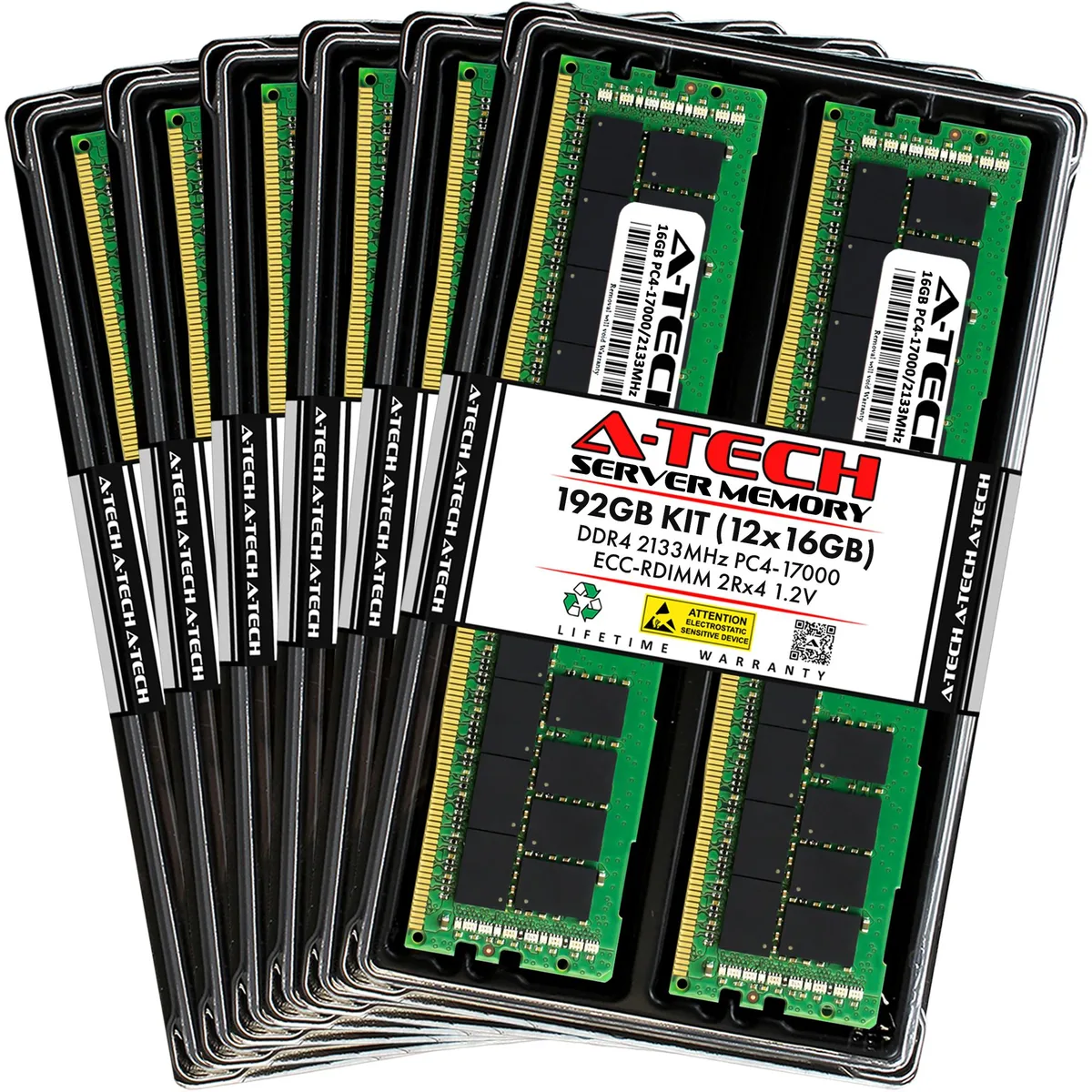
A-Tech 192GB (12x16GB) DDR4 2133 ECC RDIMM 2Rx4 memory upgrade
- 192GB (12 x 16GB)
- 288-Pin DDR4 SDRAM
$807.99
0.01030218BTC
In stockWe take cryptocurrency — so the coins you hold can buy real hardware.Pay in crypto, spend it on real hardware. Free insured shipping worldwide over $399. Plain, unbranded boxes, sent from Germany.Free insured shipping over $399. Your rate is locked for 30 minutes once checkout opens.Rate locked 30 minutes. Every item sealed, serial-checked and covered by a 24-month warranty.Sealed, 24-month warranty.


A-Tech
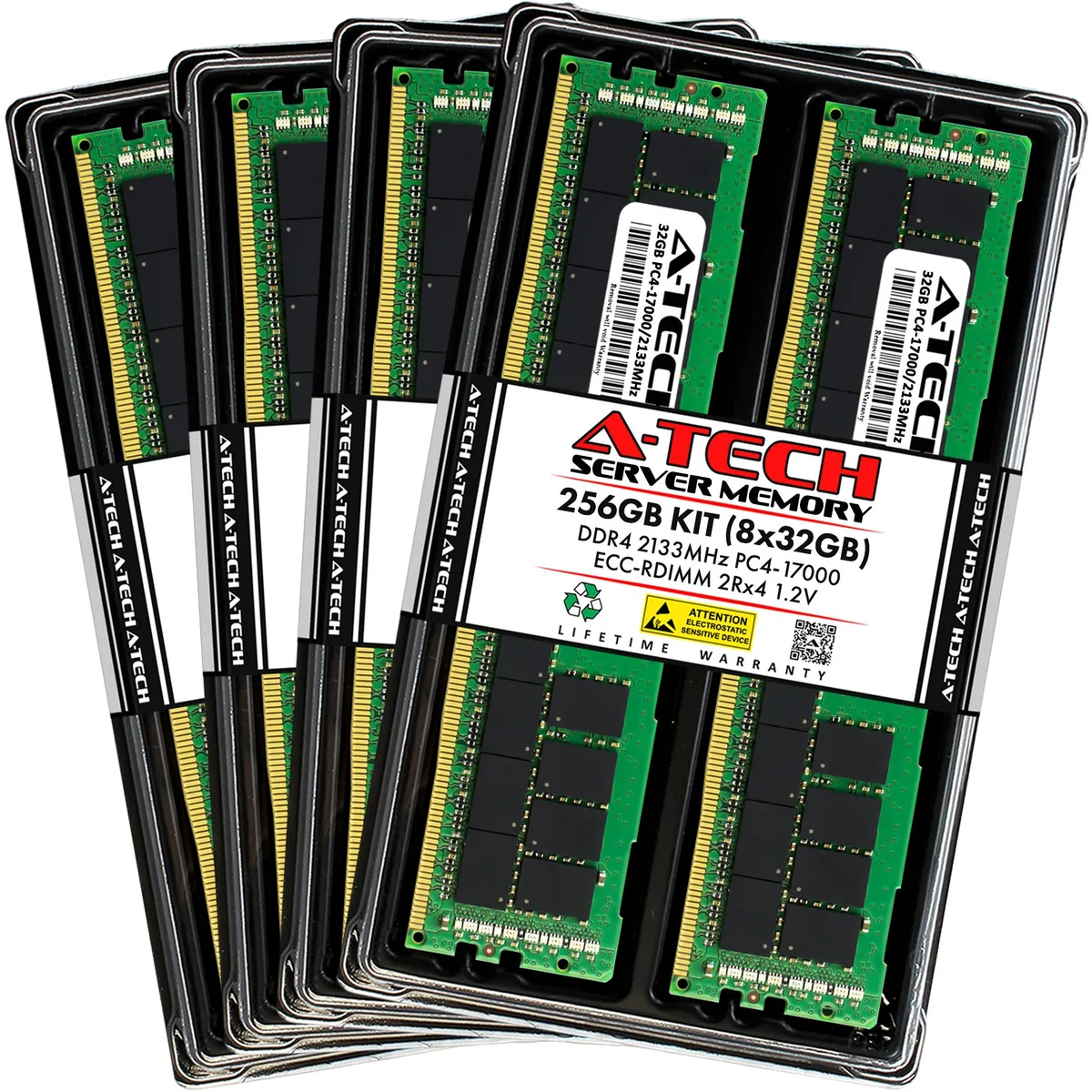
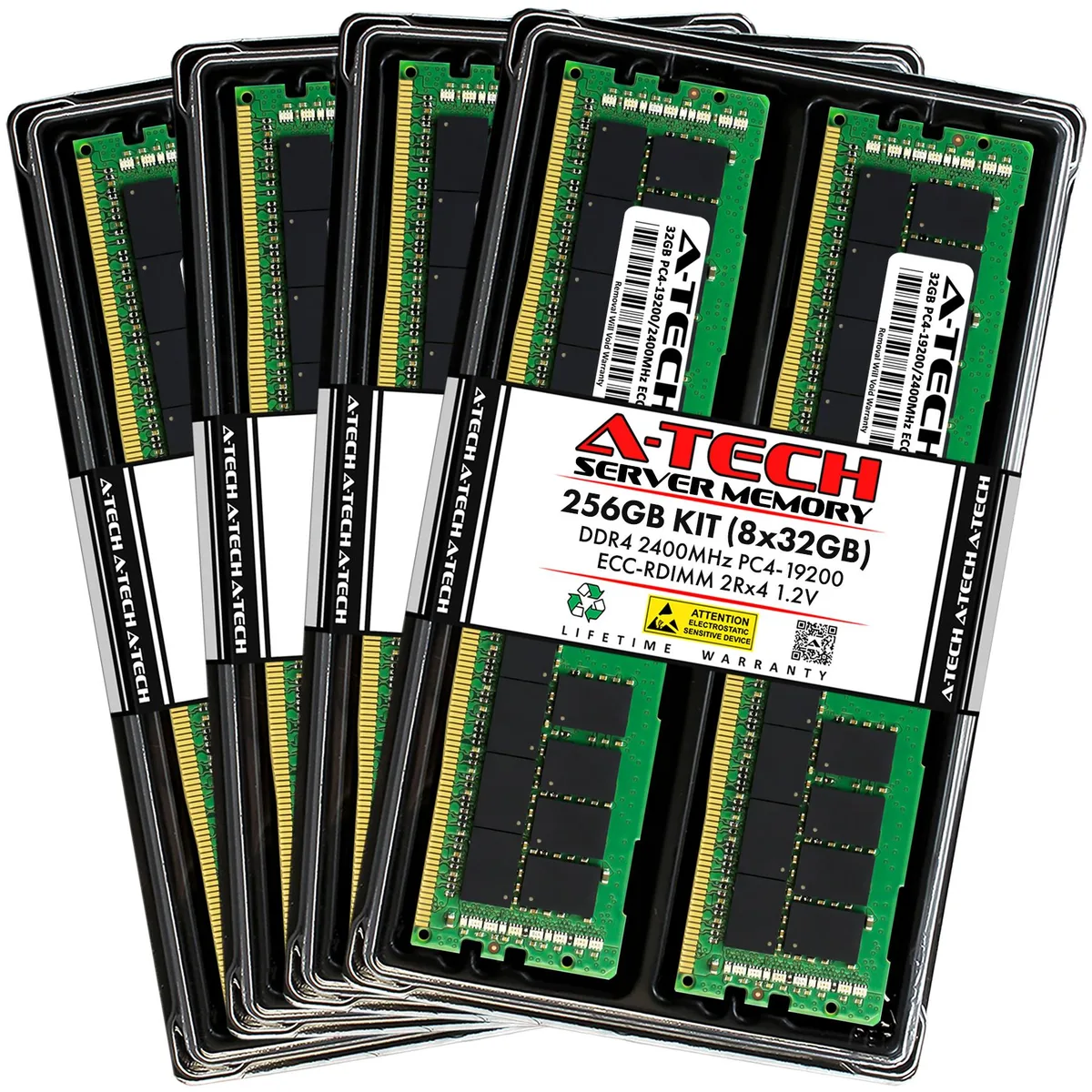
Eight 32 GB DDR4-2400 ECC registered modules totalling 256 GB for Dell PowerEdge 13th Gen rack servers
Capacity 256GB (8 x 32GB)
Speed DDR4 2400 (PC4 19200)
This 256GB kit contains eight 32GB DDR4 2400 ECC registered DIMMs built for Dell PowerEdge 13th generation rack servers including the R430, R530, R630, R630 XL, R730, R730 XL, R730xd, R730xd XL, R830 and R930. The modules run at 1.2V with CL17 latency and a 2Rx4 rank structure, providing error correction and registered signalling required by these platforms.
The kit replaces lower-capacity DDR4 RDIMM sets or mixed-speed modules in the supported servers, delivering a full 256GB configuration in a single purchase. The jump is worth it when workloads exceed the current memory ceiling or when mixed modules force the system to run at a slower common speed; all eight modules match at 2400MHz so the platform operates at its rated frequency without downclocking.
Registered buffering and on-die ECC maintain data integrity during continuous multi-threaded workloads such as virtualisation, database caching or large-scale compute jobs. The 1.2V operating voltage keeps power draw stable across all populated slots, while the dual-rank x4 organisation allows the memory controller to interleave accesses efficiently, preventing throughput collapse under sustained load.
| Brand | A-Tech |
|---|---|
| Series | 13th Gen Dell PowerEdge Rack Server Compatible |
| Model | 256GB (8x32GB) 2Rx4 DDR4-2400 RDIMM for Dell PowerEdge R430, R530, R630, R630 XL, R730, R730 XL, R730xd, R730xd XL, R830, R930 |
| Part Number | NE-MS-0035 |
| Capacity | 256GB (8 x 32GB) |
| Type | 288-Pin DDR4 SDRAM |
| Speed | DDR4 2400 (PC4 19200) |
| CAS Latency | CL17 |
| Voltage | 1.20V |
| ECC | Yes |
| Buffered/Registered | Registered |
| Rank | 2Rx4 |
| Chipset | Major Brand Chipset |
| Heat Spreader | No |
| Compatible System | Dell PowerEdge R430, R530, R630, R630 XL, R730, R730 XL, R730xd, R730xd XL, R830, R930 | 13th Gen Rack Servers |
| Option | Compatible with Dell PowerEdge R430, R530, R630, R630 XL, R730, R730 XL, R730xd, R730xd XL, R830, R930 |
| Features | Designed for Dell PowerEdge R430, R530, R630, R630 XL, R730, R730 XL, R730xd, R730xd XL, R830, R930 |
| Package Content | Eight Modules |
Other versions of this model
Same family, different memory, cooler or clock — compare before you commit.
Yes, the kit is built for Dell PowerEdge 13th Gen rack servers including the R730 and uses the standard 288-pin DDR4 form factor those systems require.
Follow the server manual for channel population order; populate each channel evenly before adding a second rank and never mix these registered ECC modules with unbuffered or load-reduced DIMMs.
Replace modules when the system management firmware reports persistent correctable errors or when a module fails the built-in memory self-test during POST.
Also in this aisle
Same shelf, same checkout — eight coins and a 30-minute rate lock.
What you pay in, and what you read prices in.
Sent from your wallet at checkout
Display only — the catalogue is priced in USD
No currency matches that.
Pick the language the site speaks to you in.
New here?
Already have one?
There is no automatic reset: this shop sends no mail, so there is no one-time link to ask for. Leave the address on the account and it gets picked up by hand.
Request noted
Nothing is on its way to your inbox — this shop sends no mail at all. Someone picks these up by hand.
Remembered it?