Cswur
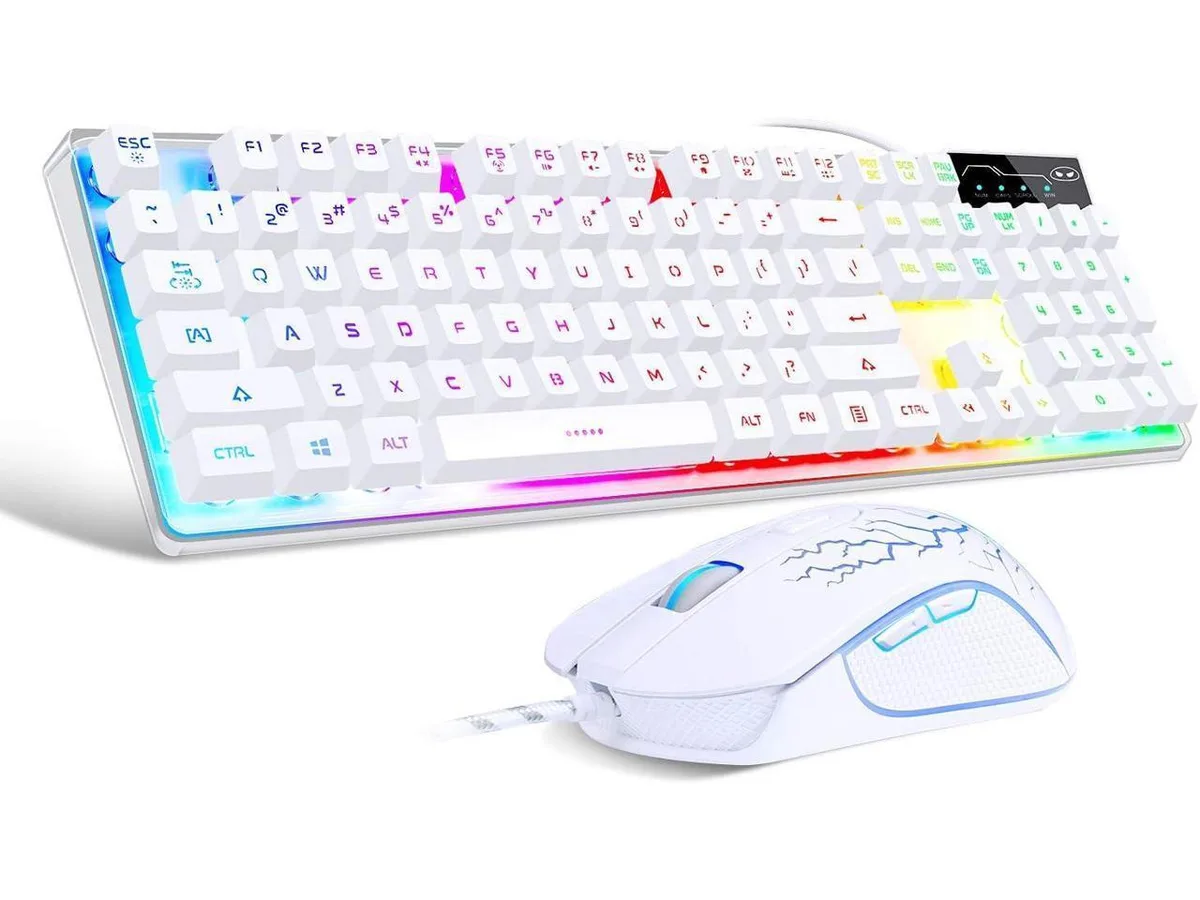
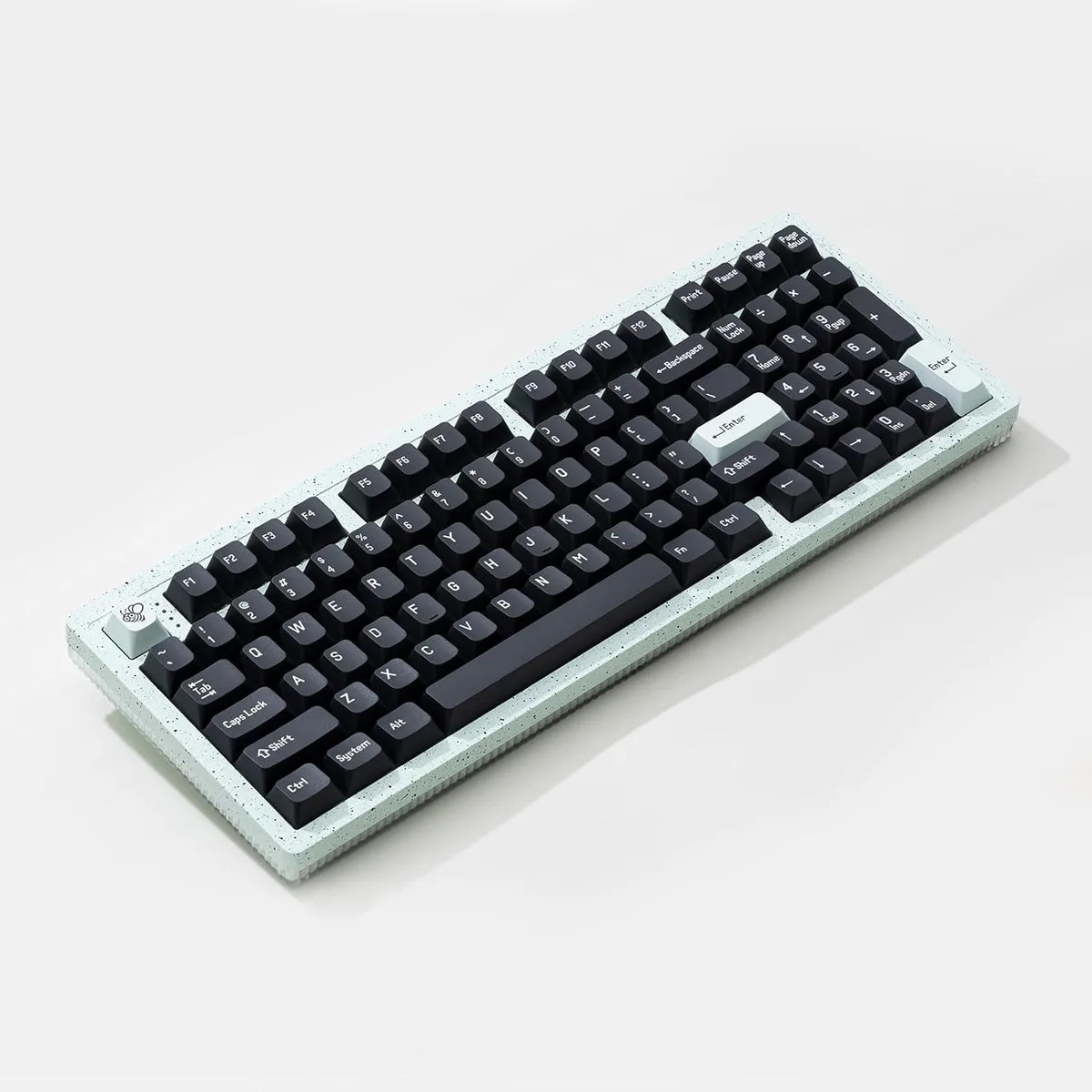
Cswur 104-Key Mechanical Gaming Keyboard Outemu Brown Switches Aluminum Frame Rainbow Backlight
- Full-size
$86.99
0.00110849BTC
In stockWe take cryptocurrency — so the coins you hold can buy real hardware.Pay in crypto, spend it on real hardware. Free insured shipping worldwide over $399. Plain, unbranded boxes, sent from Germany.Free insured shipping over $399. Your rate is locked for 30 minutes once checkout opens.Rate locked 30 minutes. Every item sealed, serial-checked and covered by a 24-month warranty.Sealed, 24-month warranty.


BFKK
A triple-mode keyboard and mouse combo with a customizable knob, 12 RGB backlight effects and a 5-level DPI mouse up to 4800 DPI
The BFKK BT98 pairs a full-size keyboard with a matching mouse, each offering wired, Bluetooth and 2.4 GHz wireless links that can be swapped across three devices. Both peripherals recharge via USB-C and share a black finish with per-key RGB illumination.
Upgrading makes sense when you regularly move between a desktop, a laptop and a tablet and want one keyboard and mouse to serve all three without re-pairing. The jump is less worthwhile if you only ever work at a single USB-A port and never need Bluetooth or 2.4 GHz flexibility.
Installation is simply charging the units, selecting the desired mode and pressing FN+TAB to toggle between Mac and Windows key layouts. The main friction point is remembering which of the three active device slots is currently selected on each peripheral.
| Keyboard Color | Black |
|---|
Yes, the 2.4G wireless mode uses a USB receiver that plugs into a standard USB-A port on your PC or laptop.
Hold the Bluetooth pairing key until the indicator flashes, then select the keyboard in your device's Bluetooth settings; the common miss is forgetting to press FN+TAB first if you are on a Mac.
The set is rated for 12 months standby on one charge; plug the included USB-C cables into any USB power source when the backlight dims or response slows.
Also in this aisle
Same shelf, same checkout — eight coins and a 30-minute rate lock.
What you pay in, and what you read prices in.
Sent from your wallet at checkout
Display only — the catalogue is priced in USD
No currency matches that.
Pick the language the site speaks to you in.
New here?
Already have one?
There is no automatic reset: this shop sends no mail, so there is no one-time link to ask for. Leave the address on the account and it gets picked up by hand.
Request noted
Nothing is on its way to your inbox — this shop sends no mail at all. Someone picks these up by hand.
Remembered it?