
WRIARICH
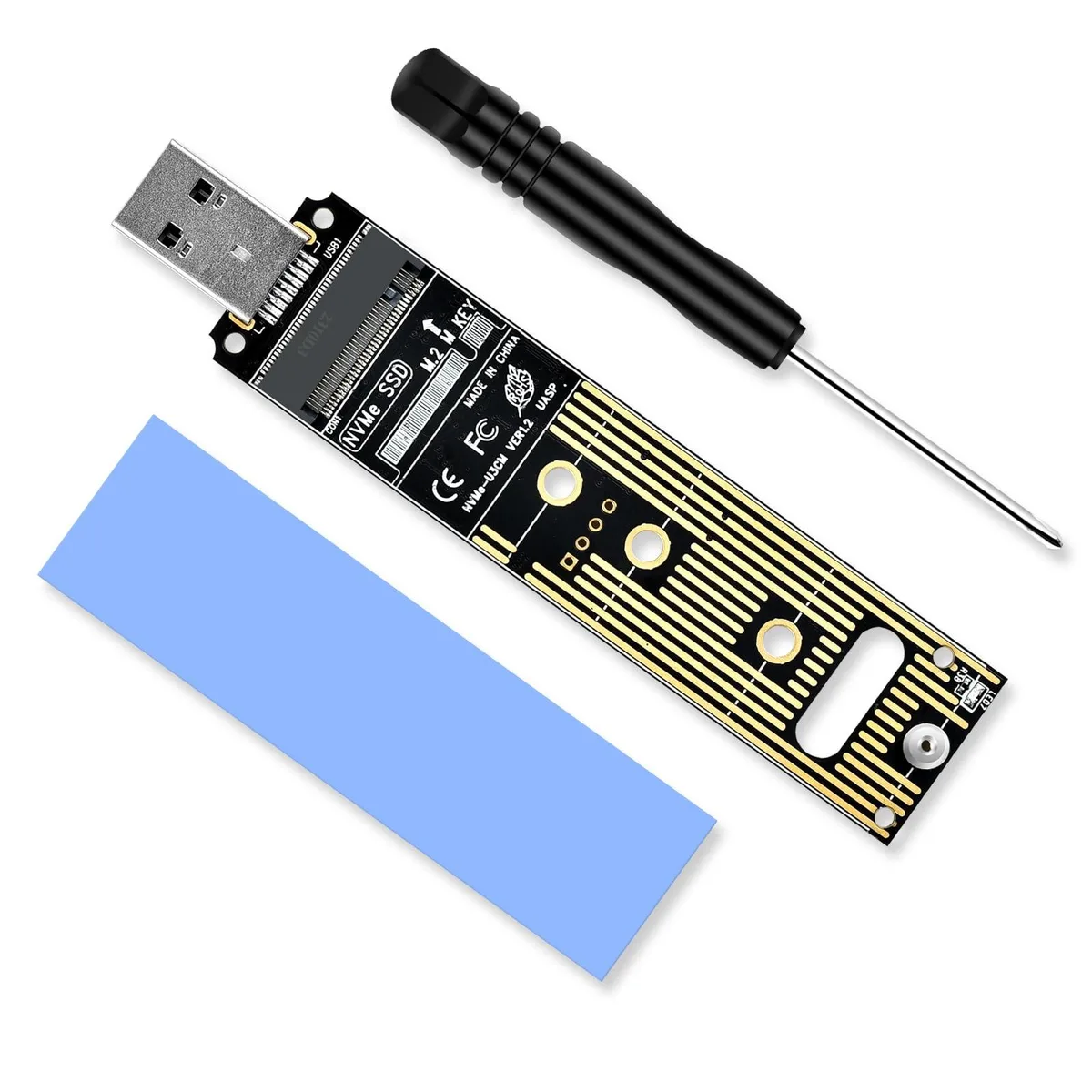
WRIARICH NVME to USB Adapter 10Gbps USB 3.1 Gen 2 M.2 NVME 2230 2242 2260 2280 Hard Drive Adapter
- Black
- SATA
$15.99
0.00020389BTC
In stockWe take cryptocurrency — so the coins you hold can buy real hardware.Pay in crypto, spend it on real hardware. Free insured shipping worldwide over $399. Plain, unbranded boxes, sent from Germany.Free insured shipping over $399. Your rate is locked for 30 minutes once checkout opens.Rate locked 30 minutes. Every item sealed, serial-checked and covered by a 24-month warranty.Sealed, 24-month warranty.

Fans
Replacement heatsink CPU cooler for ProLiant DL60 and DL120 Gen9 servers
This heatsink cooler is built to fit the CPU processor sockets in HPE ProLiant DL60 and DL120 Gen9 servers. It matches part numbers 790498-001 and 778572-001 for direct replacement. The unit is supplied new and ready for installation in compatible systems. It serves administrators maintaining these specific server models.
The cooler dissipates heat from the processor using forced airflow through the heatsink fins. Fan speed adjusts to thermal load, keeping noise proportional to cooling demand. Power draw remains within the server's designed thermal envelope during typical workloads. The assembly is engineered for continuous operation in rack environments.
No published specifications for this item yet.
Align the heatsink with the CPU socket mounting holes, apply thermal paste if the old layer is dry, then tighten the captive screws in a diagonal pattern; the step most people skip is removing the protective plastic film from the base before mounting.
Dust the fin stack with compressed air every few months and replace the thermal paste between the CPU and heatsink every two to three years to keep temperatures stable.
Also in this aisle
Same shelf, same checkout — eight coins and a 30-minute rate lock.
What you pay in, and what you read prices in.
Sent from your wallet at checkout
Display only — the catalogue is priced in USD
No currency matches that.
Pick the language the site speaks to you in.
New here?
Already have one?
There is no automatic reset: this shop sends no mail, so there is no one-time link to ask for. Leave the address on the account and it gets picked up by hand.
Request noted
Nothing is on its way to your inbox — this shop sends no mail at all. Someone picks these up by hand.
Remembered it?


