Kingston Technology Corp.
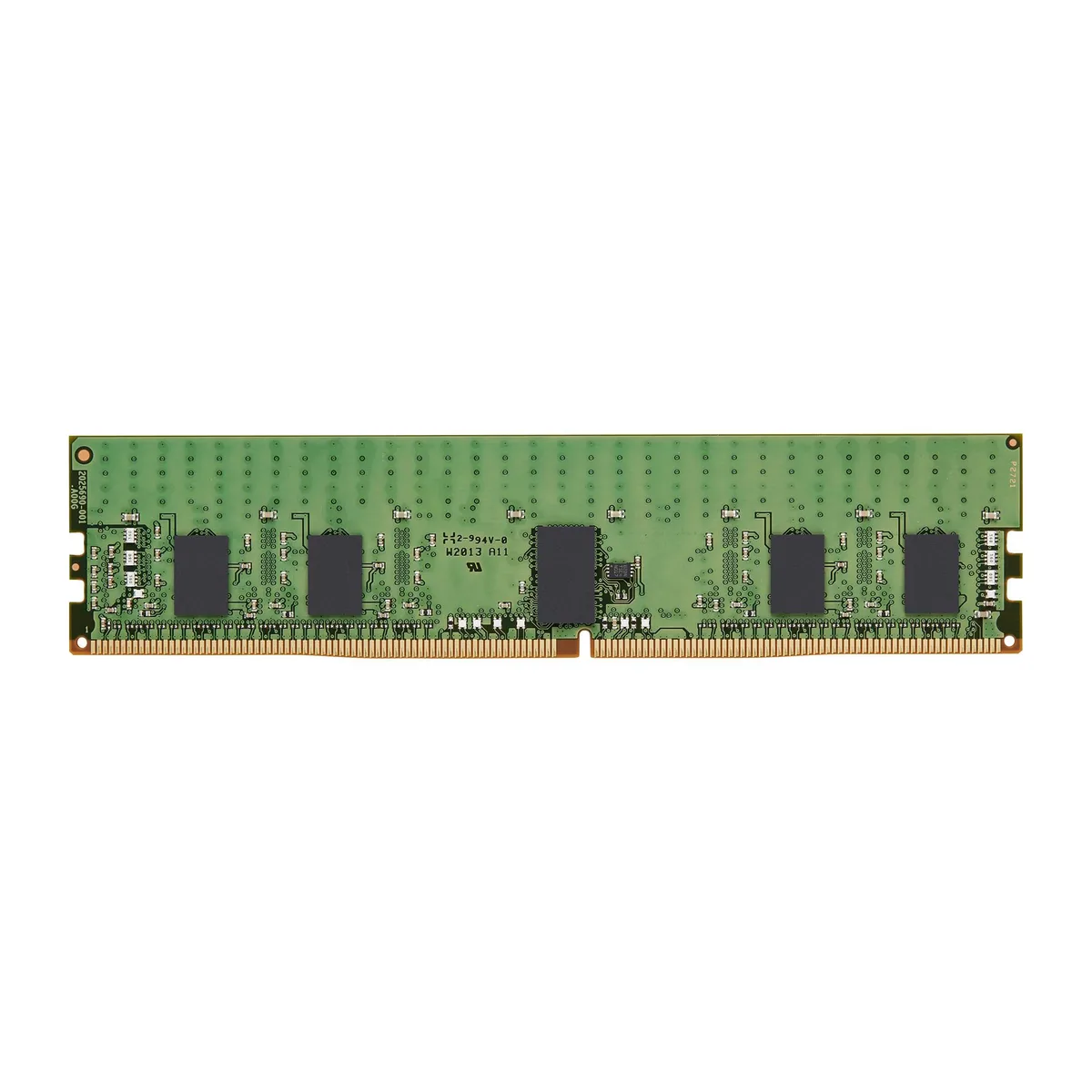
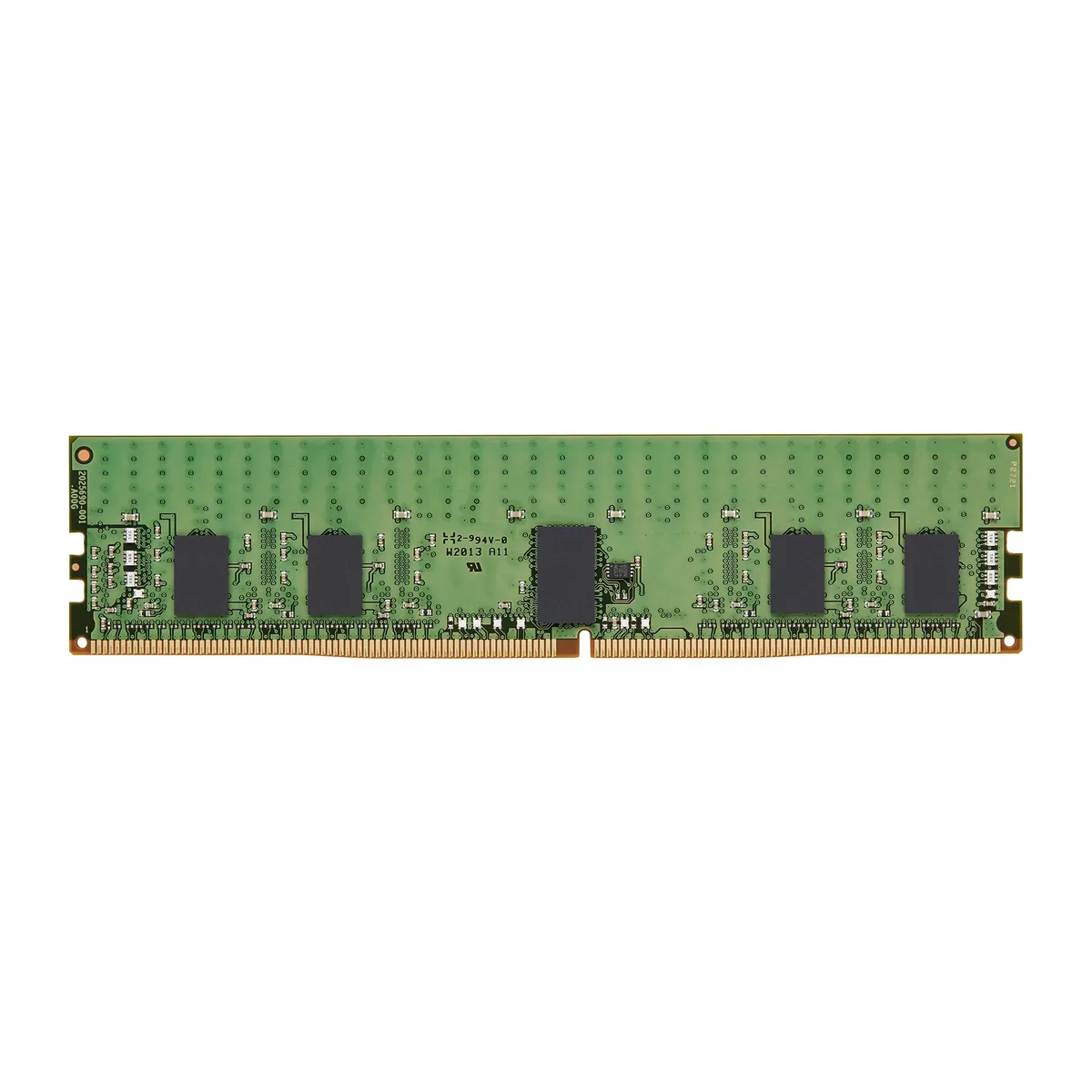
Kingston Technology Corp. KSM32RD4/32MRR 32GB DDR4 3200 CL22 ECC Registered Server RAM
- 32GB
- 288-Pin DDR4 SDRAM
$334.99
0.00425719BTC
In stockWe take cryptocurrency — so the coins you hold can buy real hardware.Pay in crypto, spend it on real hardware. Free insured shipping worldwide over $399. Plain, unbranded boxes, sent from Germany.Free insured shipping over $399. Your rate is locked for 30 minutes once checkout opens.Rate locked 30 minutes. Every item sealed, serial-checked and covered by a 24-month warranty.Sealed, 24-month warranty.

HP
A mobile workstation GPU with 960 CUDA cores, 4GB 256-bit GDDR5 memory and MXM 3.0 interface for compatible HP Z1 systems
The HP 700107-001 Quadro K4000M is a mobile workstation graphics card built for HP Z1 workstations. It uses an MXM 3.0 interface and delivers 960 CUDA cores with 4GB of GDDR5 memory on a 256-bit bus. Professionals handling CAD, DCC or VR workloads on supported platforms can integrate this module directly.
This module replaces entry-level mobile GPUs that lack the 256-bit memory interface or the 960 CUDA core count. The jump is worthwhile when projects exceed the frame-buffer or compute limits of smaller mobile Quadro variants and the chassis accepts an MXM 3.0 Type-B form factor. Buyers needing more than 4GB of VRAM or a newer architecture than Kepler should look elsewhere.
Under continuous professional workloads the core runs at 600 MHz while memory operates at 2800 MHz, keeping bandwidth stable across long renders or simulations. Thermal performance depends entirely on the host workstation's cooling solution, as this MXM module has no integrated fan. DirectX 11.1 support ensures compatibility with established ISV-certified applications during extended sessions.
| Brand | HP |
|---|---|
| Series | Z1 Workstation |
| Interface | MXM 3.0 |
| Chipset Manufacturer | NVIDIA |
| GPU | Quadro K4000M |
| Core Clock | 600 MHz |
| CUDA Cores | 960 |
| Memory Clock | 2800 MHz |
| Memory Size | 4GB |
| Memory Interface | 256-bit |
| Memory Type | GDDR5 |
| DirectX | DirectX 11.1 |
The card uses the MXM 3.0 interface, so the laptop must provide a compatible MXM 3.0 slot with the correct mechanical keying.
Align the MXM 3.0 edge connector, match the four mounting holes to the heatsink bracket, and place thermal pads on the GPU die and memory chips before tightening screws evenly.
Replace the thermal compound if temperatures rise under load, after disassembly, or every few years to maintain the 600 MHz core clock stability.
Also in this aisle
Same shelf, same checkout — eight coins and a 30-minute rate lock.
What you pay in, and what you read prices in.
Sent from your wallet at checkout
Display only — the catalogue is priced in USD
No currency matches that.
Pick the language the site speaks to you in.
New here?
Already have one?
There is no automatic reset: this shop sends no mail, so there is no one-time link to ask for. Leave the address on the account and it gets picked up by hand.
Request noted
Nothing is on its way to your inbox — this shop sends no mail at all. Someone picks these up by hand.
Remembered it?