NEMIX RAM
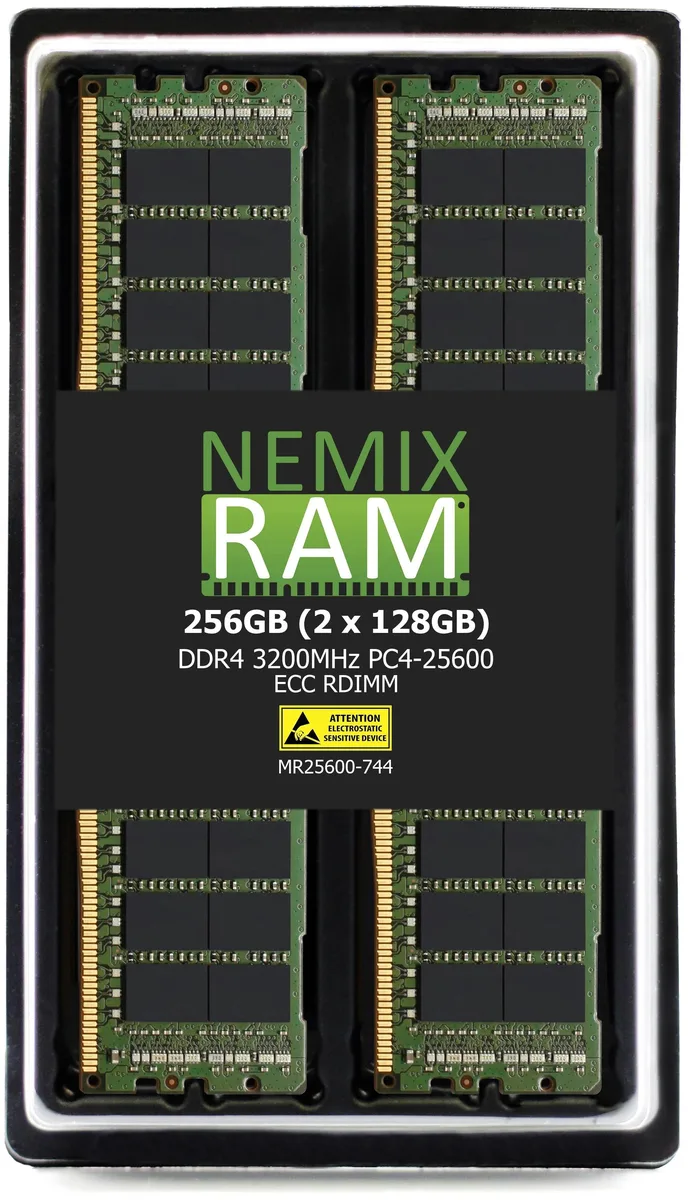
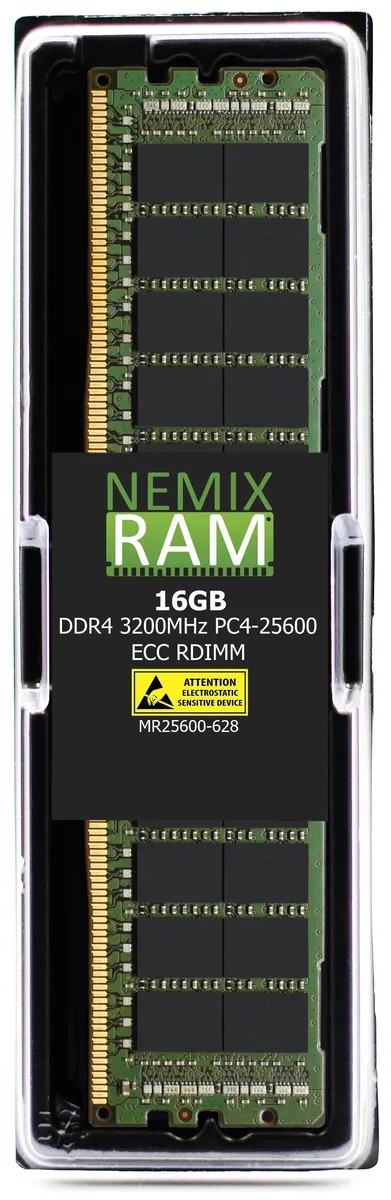
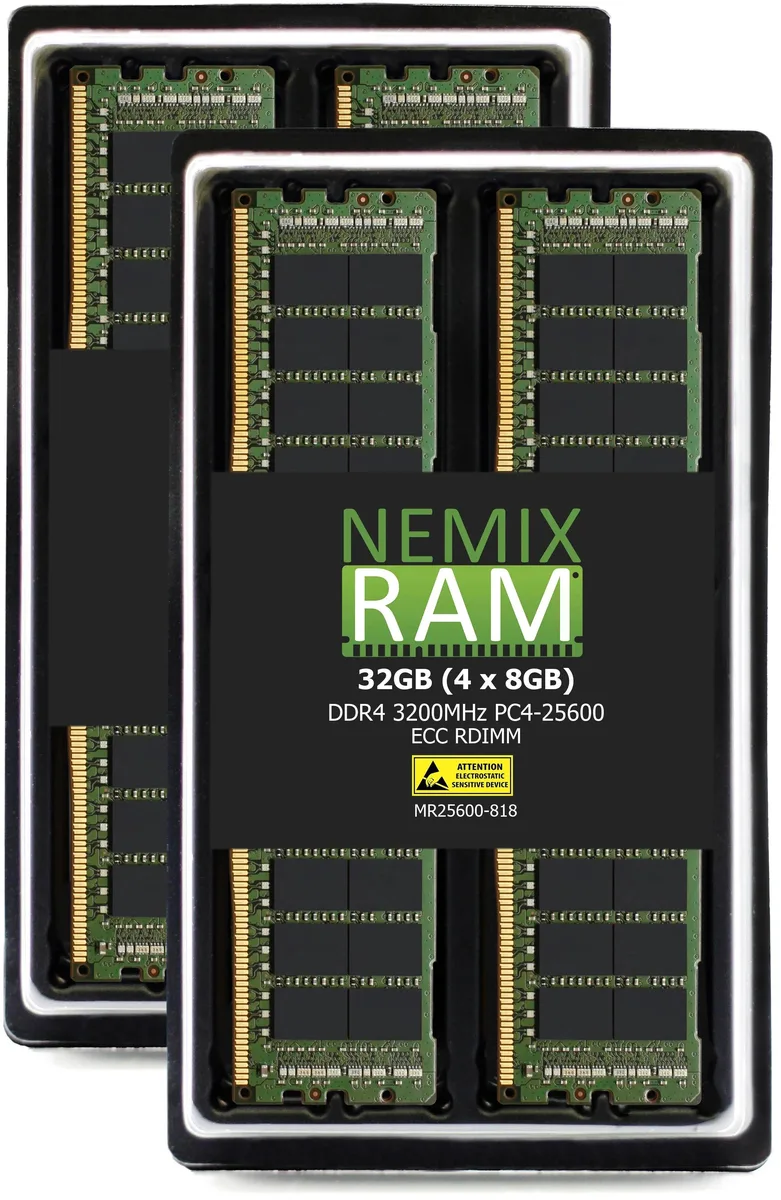
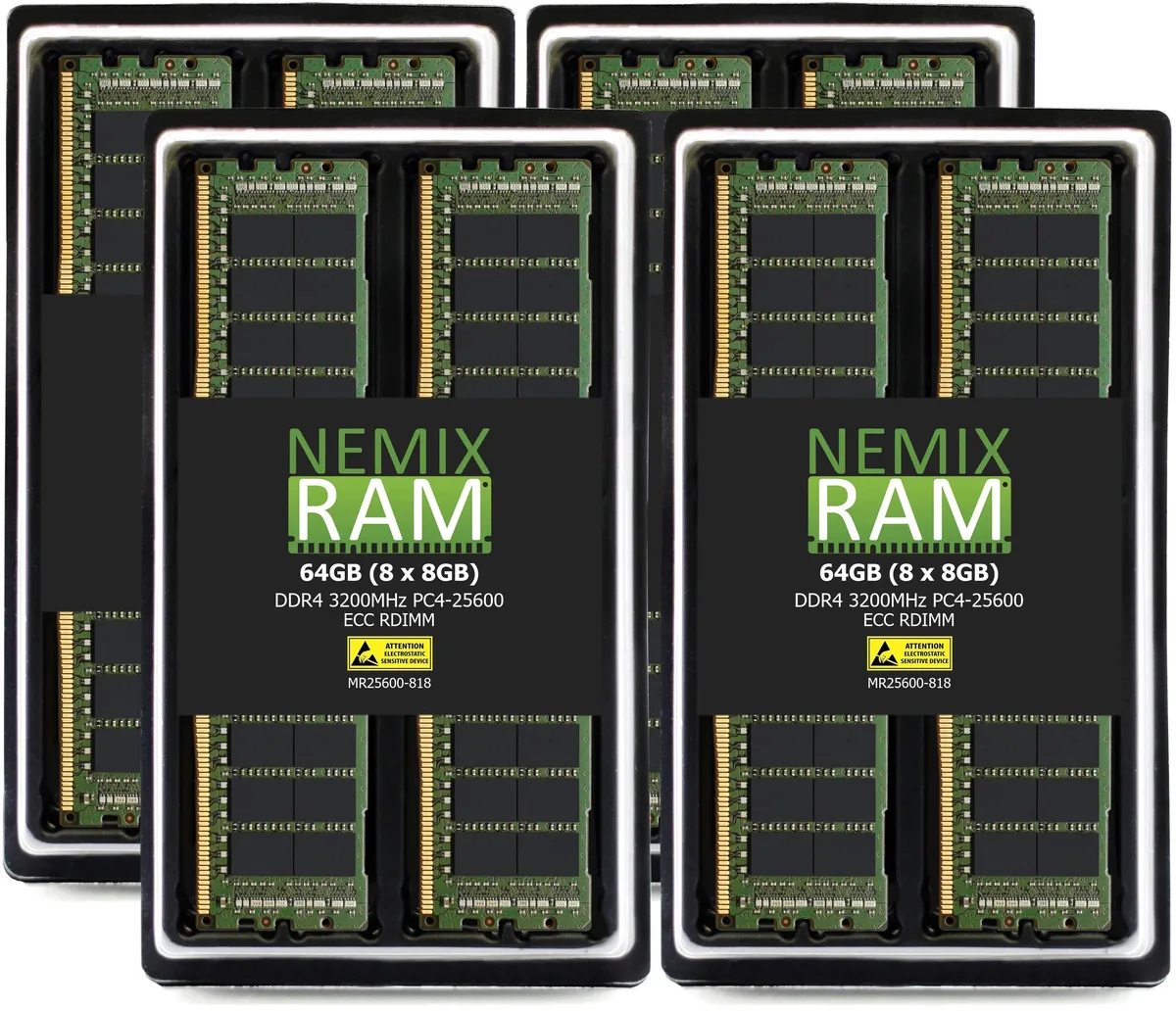
NEMIX RAM 64GB (8x8GB) DDR4 3200 CL22 ECC RDIMM memory upgrade
- 64GB (8 x 8GB)
- DDR4 3200 (PC4 2560…
$582.99
0.00743126BTC
In stockWe take cryptocurrency — so the coins you hold can buy real hardware.Pay in crypto, spend it on real hardware. Free insured shipping worldwide over $399. Plain, unbranded boxes, sent from Germany.Free insured shipping over $399. Your rate is locked for 30 minutes once checkout opens.Rate locked 30 minutes. Every item sealed, serial-checked and covered by a 24-month warranty.Sealed, 24-month warranty.


Intel
Barebone mini PC with Core i7-1165G7, RTX 2060 6 GB GDDR6, dual DDR4-3200 slots up to 64 GB, dual M.2, 2.5 Gb Ethernet, Wi-Fi 6E and Bluetooth 5.2
The Intel NUC11 Phantom Canyon is a barebone mini PC built around an 11th generation Core i7-1165G7 processor and a discrete NVIDIA GeForce RTX 2060 graphics card with 6 GB GDDR6. It ships without memory or storage, letting builders choose up to 64 GB of dual-channel DDR4 3200 and two M.2 drives. The 230 W power adapter and 221 x 142 x 42 mm chassis complete the kit.
This system replaces a pure integrated-graphics mini PC when 3D workloads or modern titles need dedicated GPU performance. The jump is worth it if you want RTX 2060-class frame rates in a 42 mm thin enclosure that still offers 2.5 Gb Ethernet, Wi-Fi 6E AX411 and Bluetooth 5.2. Builders who only need office productivity or media playback can stay with integrated Iris Xe graphics.
It suits enthusiasts who will supply their own DDR4 modules and NVMe or SATA SSDs to create a compact gaming or content-creation rig. It is not for buyers who want a complete out-of-the-box system with Windows pre-installed, nor for those who need more than two memory slots or a larger GPU power envelope.
| Brand | Intel |
|---|---|
| Series | NUC (Next Unit of Computing) |
| Model | phantom canyon |
| Color | Black |
| CPU Type | Intel 11th generation Core |
| CPU Socket | Core i7 1165G7 |
| FSB | 2.8 GHz |
| Memory installed | No Memory |
| Memory slot | 2 x 288Pin DIMM |
| Memory Type Supported | DDR4 3200 |
| Max Memory Supported | 64GB |
| Dual Channel Memory Supported | Yes |
| PCI Express 3.0 x16 | 1 x PCI Express 3.0 x16 |
| Other | SDXC slot supports UHS-II 1×M.2 22×80/110 interface, support PCIE 3.0 NVME 1×M.2 22×80 interface, support PCIE 3.0 NVME or SATA 3 solid state drive |
| Storage Installed | No Hard Drive |
| M.2 Slot | 2 x M.2 |
| Discrete Graphic Card | NVIDIA GeForce RTX 2060 |
| Integrated Graphics | Intel Iris X Core Graphics |
| Onboard Audio | Audio chip supports 7.1 surround sound (via HDMI or MiniDP) |
| Channel | 7.1 Channel |
| LAN | Intel i225-LM RJ45 |
| Max LAN Speed | 2.5Gbps |
| Wireless LAN | Intel AX201, WiFi6 |
| Bluetooth | Yes |
| IrDA | Yes |
| Front USB | 2 |
| Front Audio Ports | 1 jacks |
| Front S/PDIF In | Yes |
| Front S/PDIF Out | Yes |
| Card Reader | Yes |
| Other Front Ports | Thunderbolt 3 |
| HDMI | 1 |
| DisplayPort | 1 x Mini DisplayPort |
| Thunderbolt 3 | Yes |
| Rear USB | 4 |
| RJ45 | 1 |
| Power Supply | 19V, 230w |
| Dimensions | size 221*142*42mm |
| Weight | 1.6 Kg |
The board has two 288-pin DDR4 3200 SO-DIMM slots supporting up to 64 GB in dual-channel mode.
The M.2 2280 slot uses a standard 3 mm standoff; insert the drive at an angle, press down, and fasten the single retaining screw.
Replace the 230 W 19 V adapter if the mini PC throttles or shuts down during sustained GPU and CPU workloads.
Also in this aisle
Same shelf, same checkout — eight coins and a 30-minute rate lock.
What you pay in, and what you read prices in.
Sent from your wallet at checkout
Display only — the catalogue is priced in USD
No currency matches that.
Pick the language the site speaks to you in.
New here?
Already have one?
There is no automatic reset: this shop sends no mail, so there is no one-time link to ask for. Leave the address on the account and it gets picked up by hand.
Request noted
Nothing is on its way to your inbox — this shop sends no mail at all. Someone picks these up by hand.
Remembered it?