Kingston Technology Corp.
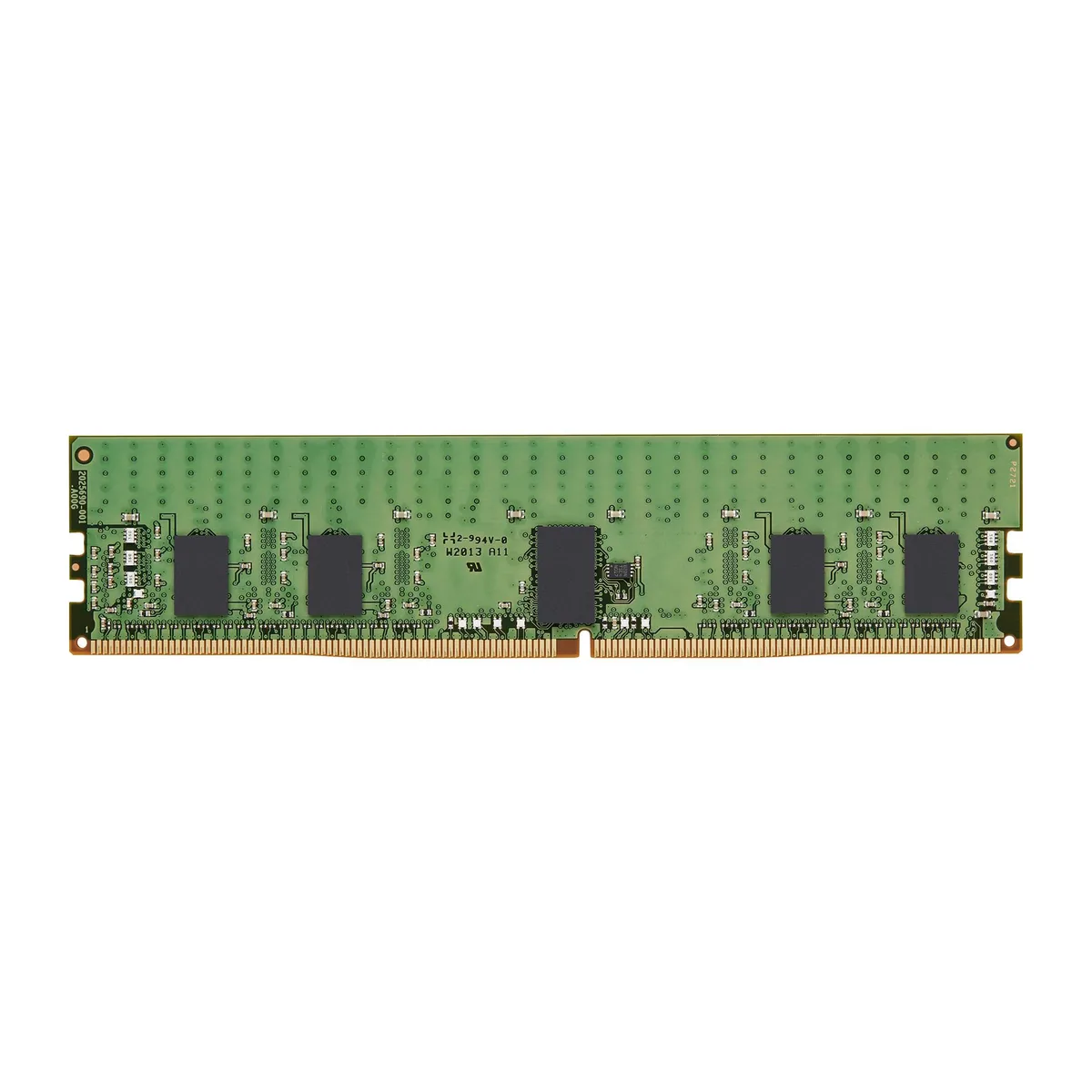
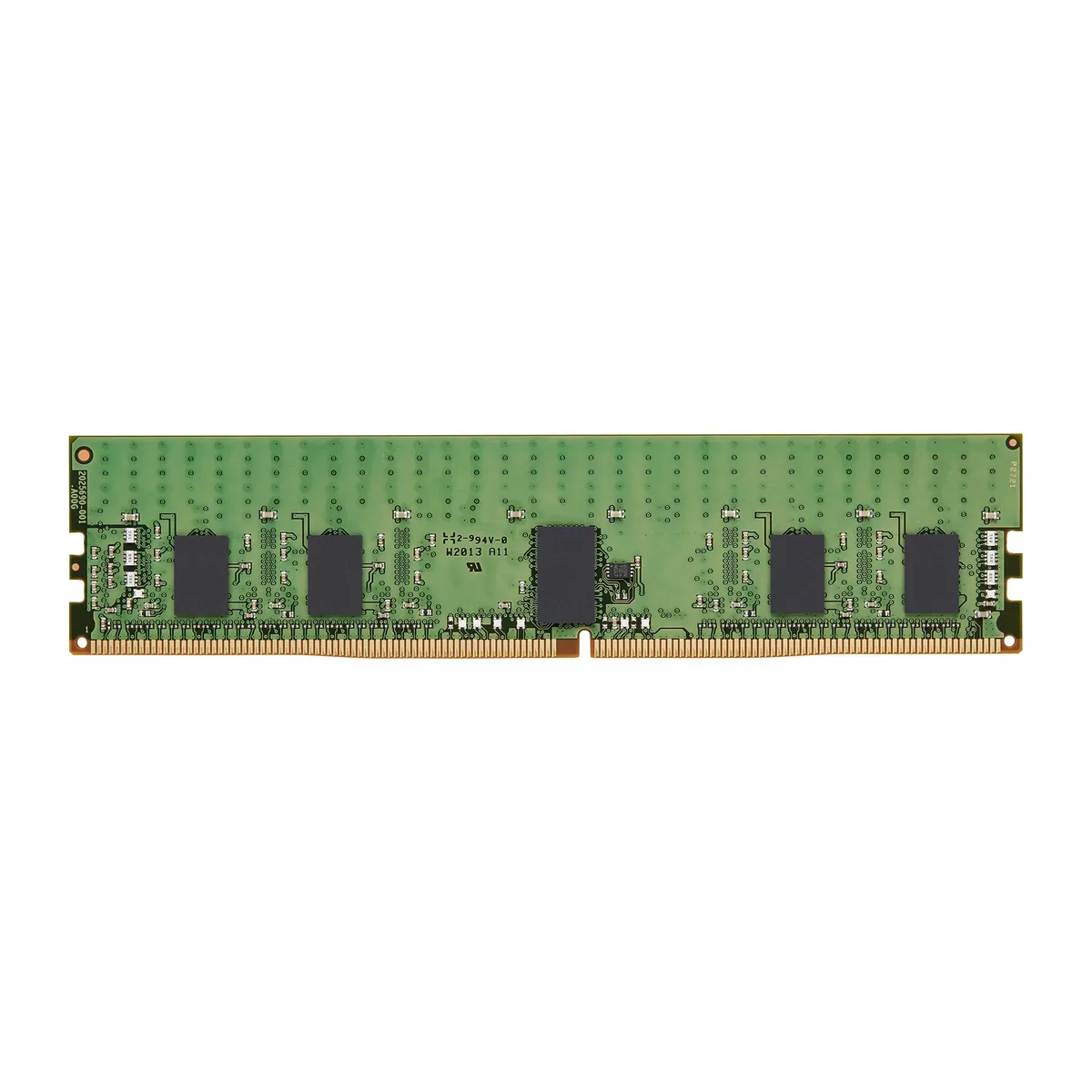
Kingston Technology Corp. KSM32RD4/32MRR 32GB DDR4 3200 CL22 ECC Registered Server RAM
- 32GB
- 288-Pin DDR4 SDRAM
$334.99
0.00425719BTC
In stockWe take cryptocurrency — so the coins you hold can buy real hardware.Pay in crypto, spend it on real hardware. Free insured shipping worldwide over $399. Plain, unbranded boxes, sent from Germany.Free insured shipping over $399. Your rate is locked for 30 minutes once checkout opens.Rate locked 30 minutes. Every item sealed, serial-checked and covered by a 24-month warranty.Sealed, 24-month warranty.
KHACHIMO
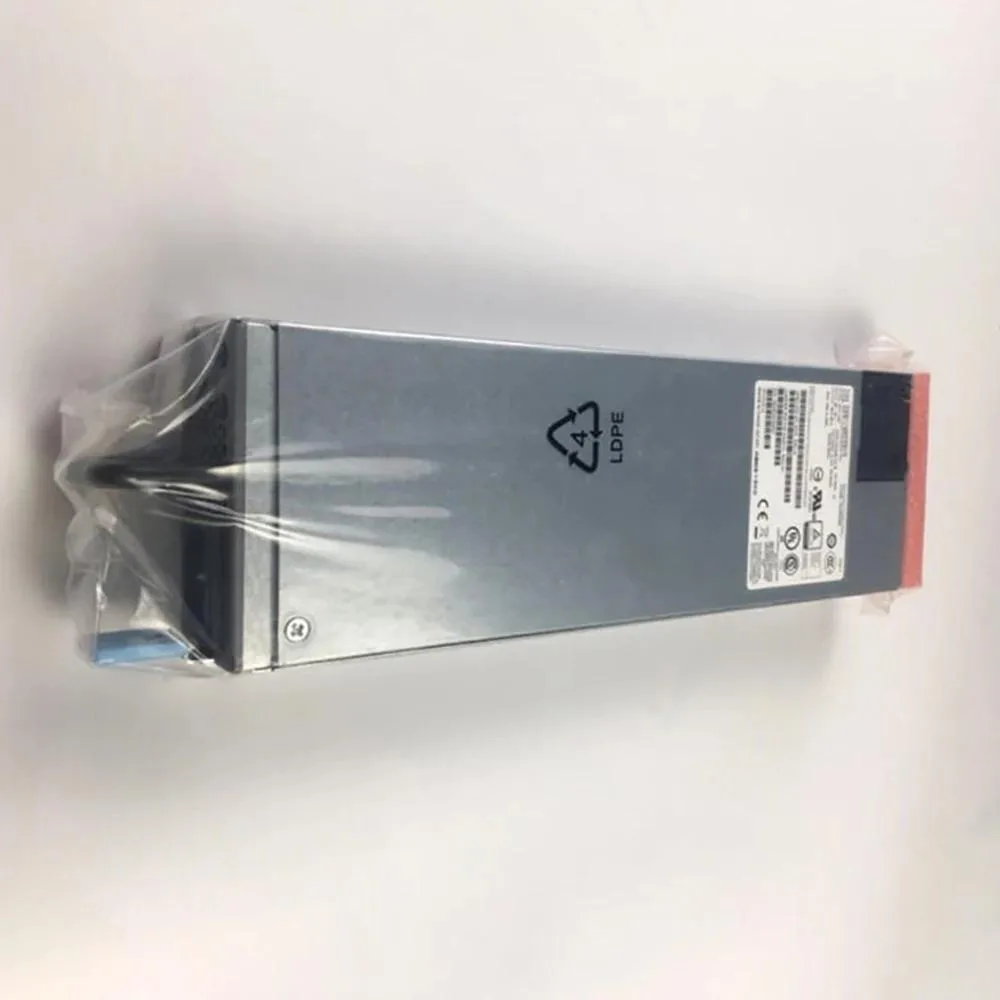
350W ATX power supply tested working, identified by part numbers JPSU-350-AC-AFO, 740-046873 and DPS-350AB-22 B
This KHACHIMO unit delivers 350W through a standard ATX form factor. It suits office PCs, legacy upgrades or low-power systems that only need essential rails. The supply carries part numbers EX4330, EX4300, JPSU-350-AC-AFO, 740-046873 and DPS-350AB-22 B. It is not intended for gaming rigs or workstations that demand higher wattage or multiple PCIe connectors.
The unit has been tested working and is described as good quality by the supplier. No specific fan curve, decibel rating or efficiency certification is provided in the data. Power draw will match the connected load up to the 350W rating. Builders needing detailed thermal specs or silent-operation guarantees should look elsewhere.
| Type | ATX |
|---|
Secure the unit with the standard four mounting screws, connect the 24-pin ATX motherboard cable and the CPU power cable, then attach the remaining leads to your drives and graphics card.
Replace the fan when bearing noise appears or airflow drops enough to raise internal temperatures above safe limits.
Also in this aisle
Same shelf, same checkout — eight coins and a 30-minute rate lock.
What you pay in, and what you read prices in.
Sent from your wallet at checkout
Display only — the catalogue is priced in USD
No currency matches that.
Pick the language the site speaks to you in.
New here?
Already have one?
There is no automatic reset: this shop sends no mail, so there is no one-time link to ask for. Leave the address on the account and it gets picked up by hand.
Request noted
Nothing is on its way to your inbox — this shop sends no mail at all. Someone picks these up by hand.
Remembered it?