Kingston Technology Corp.
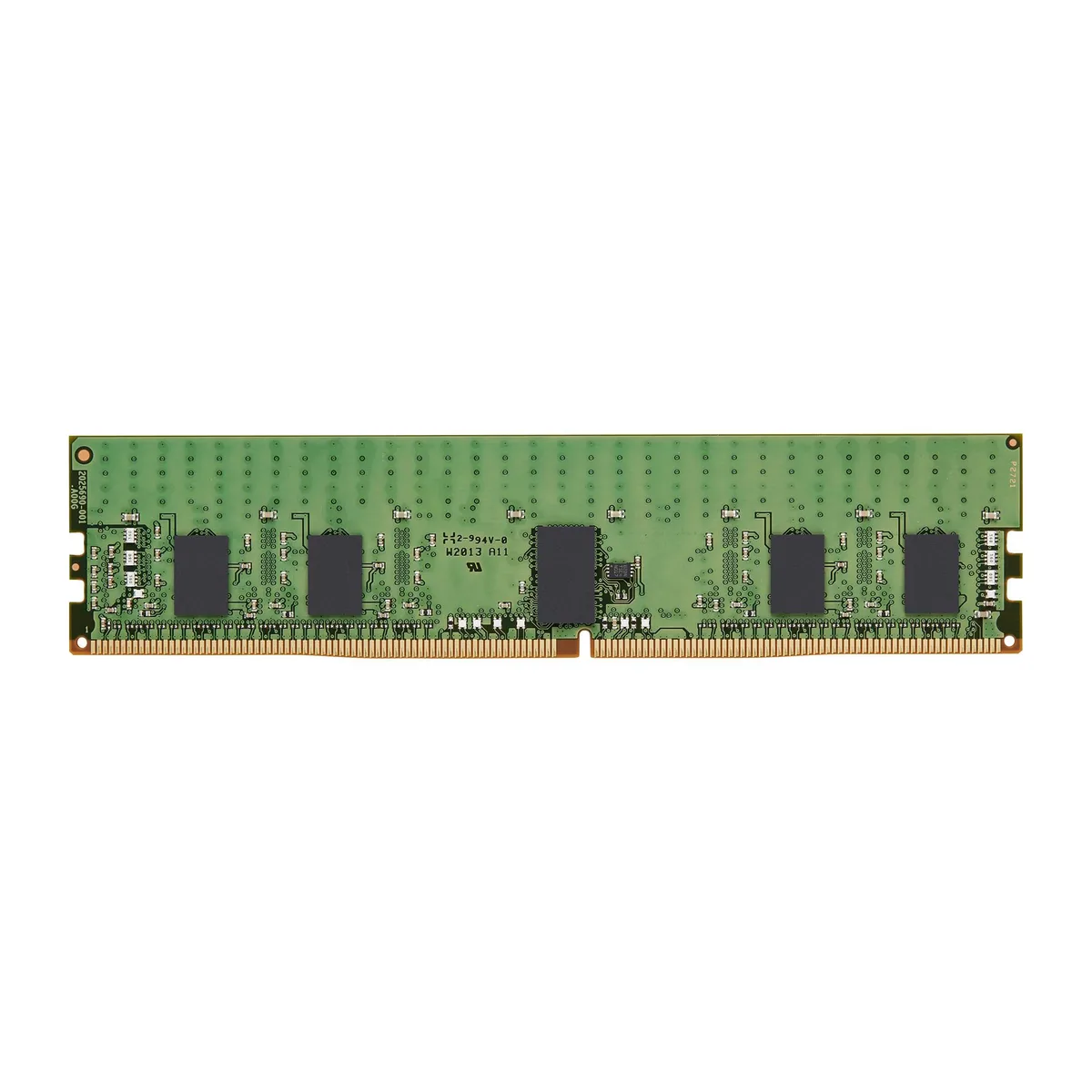
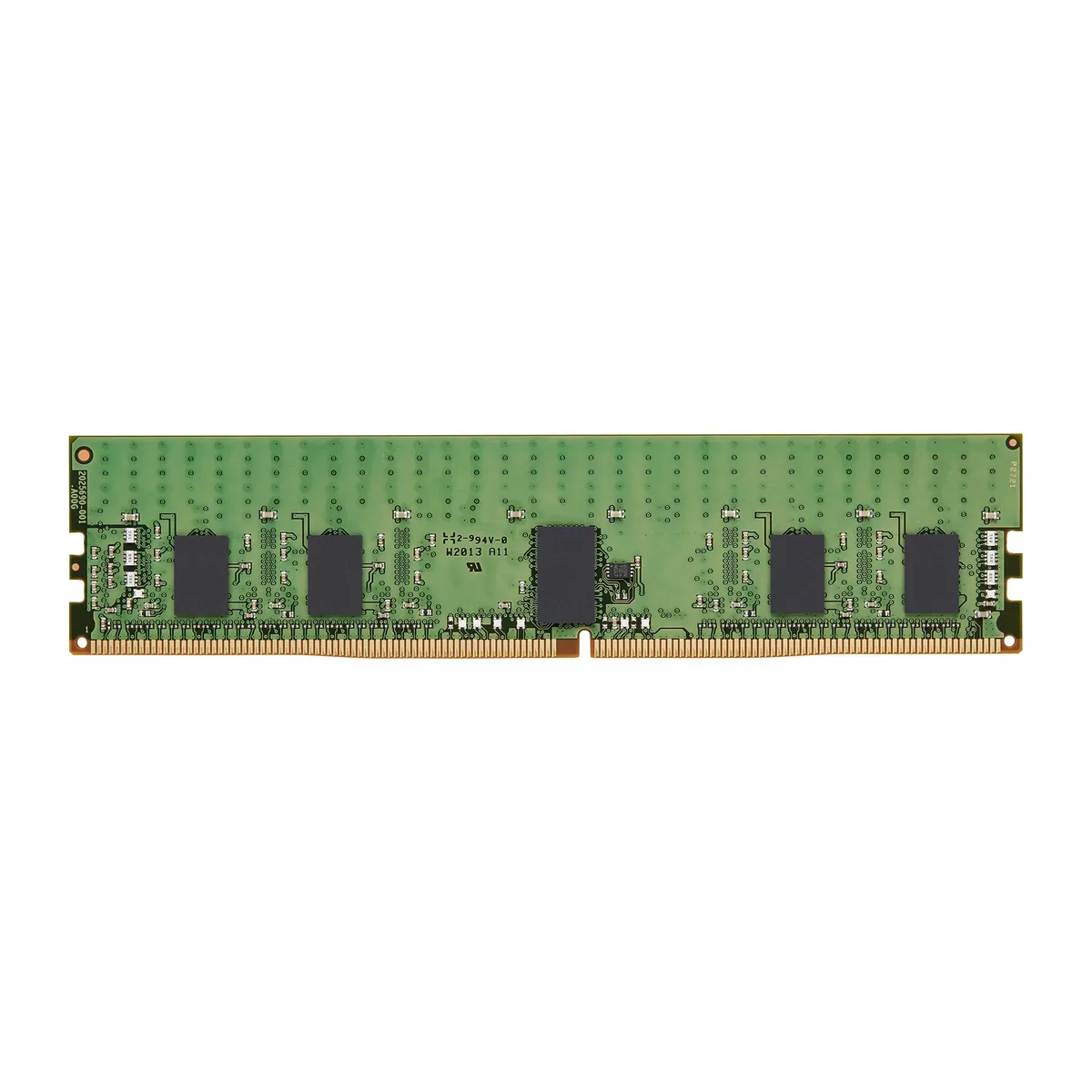
Kingston Technology Corp. KSM32RD4/32MRR 32GB DDR4 3200 CL22 ECC Registered Server RAM
- 32GB
- 288-Pin DDR4 SDRAM
$334.99
0.00425719BTC
In stockWe take cryptocurrency — so the coins you hold can buy real hardware.Pay in crypto, spend it on real hardware. Free insured shipping worldwide over $399. Plain, unbranded boxes, sent from Germany.Free insured shipping over $399. Your rate is locked for 30 minutes once checkout opens.Rate locked 30 minutes. Every item sealed, serial-checked and covered by a 24-month warranty.Sealed, 24-month warranty.
KHACHIMO
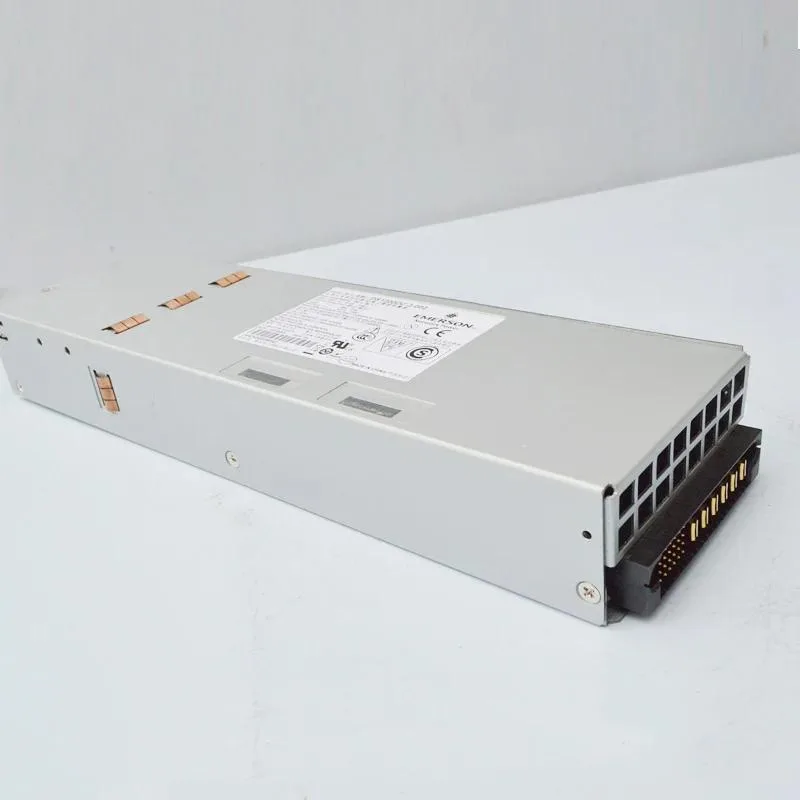
ATX switched power supply tested working with good quality, first listed in 2024
The KHACHIMO DS1200DC-3-002 is an ATX switched power supply built for desktop computer builds. It delivers a 1200 W output for systems that need substantial power headroom. The unit is new and has been tested working by the supplier.
This supply suits builders assembling high-wattage ATX configurations that require a 1200 W unit. It is not for low-power systems where a 1200 W capacity would be excessive. Buyers needing a different form factor or lower output should look at other options.
The single specification that decides fit is the 1200 W ATX output. Match this rating to your component power draw and motherboard form factor before purchase. The 2024 listing date confirms current production availability.
| Type | ATX |
|---|
The unit follows the standard ATX form factor, so it fits any chassis with an ATX power supply bay and the usual four screw holes.
Attach the 24-pin motherboard cable and the CPU 4+4-pin cable; the step most often missed is pushing the 24-pin connector in until the latch clicks.
The internal cooling fan is the only moving component and will eventually require cleaning or replacement after long service.
Also in this aisle
Same shelf, same checkout — eight coins and a 30-minute rate lock.
What you pay in, and what you read prices in.
Sent from your wallet at checkout
Display only — the catalogue is priced in USD
No currency matches that.
Pick the language the site speaks to you in.
New here?
Already have one?
There is no automatic reset: this shop sends no mail, so there is no one-time link to ask for. Leave the address on the account and it gets picked up by hand.
Request noted
Nothing is on its way to your inbox — this shop sends no mail at all. Someone picks these up by hand.
Remembered it?