Phanteks
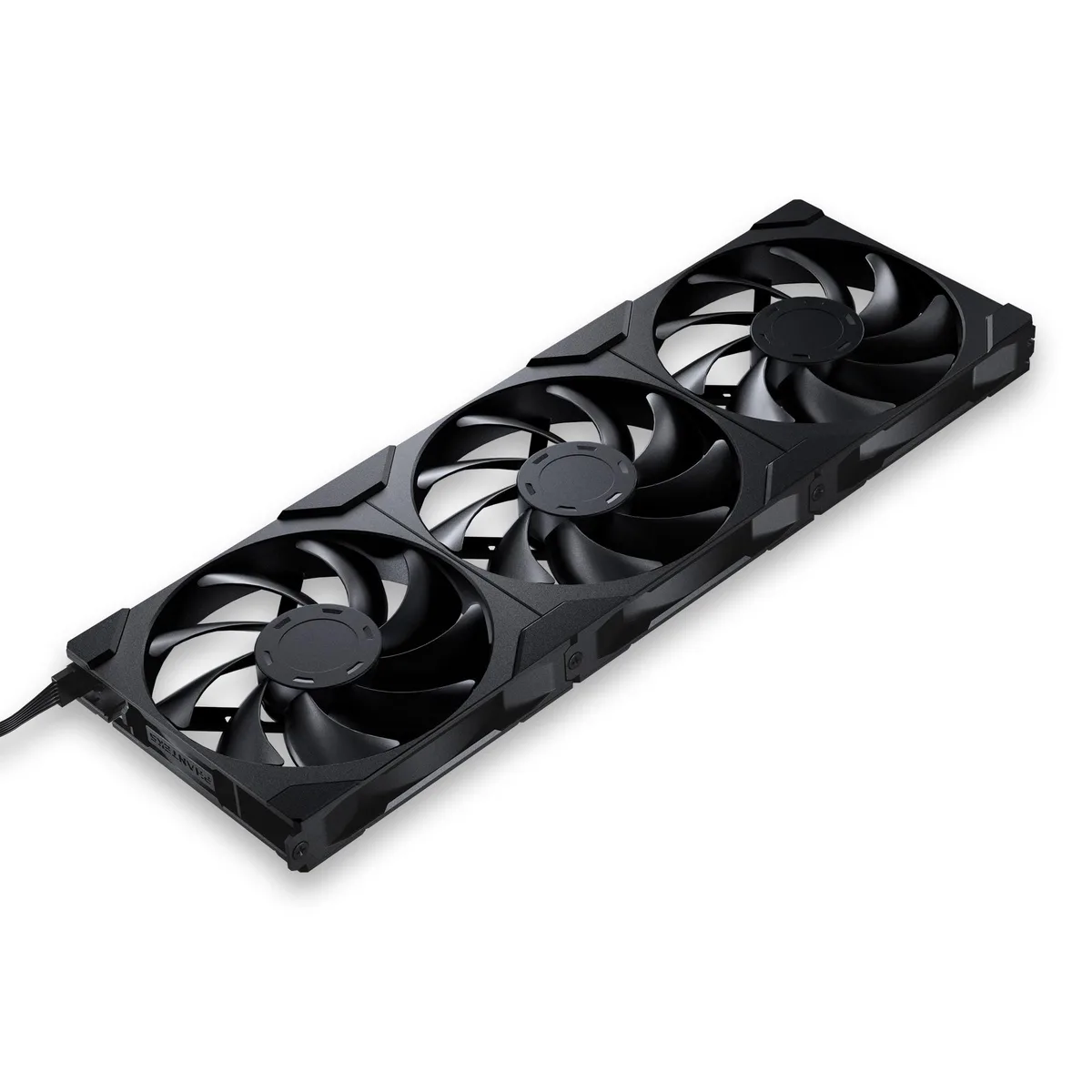
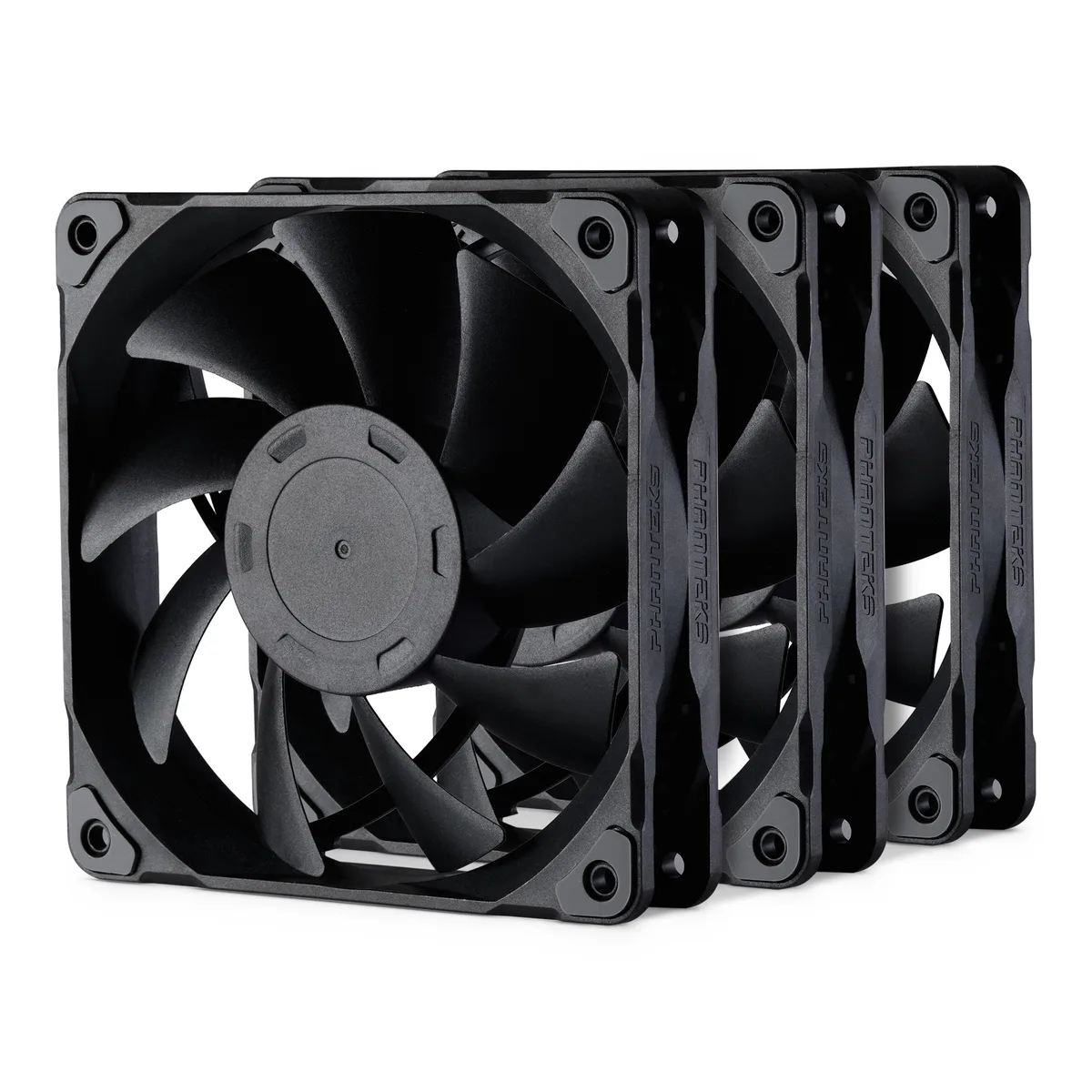
Phanteks PH-F120M25_PWM_BBK01_3P 120mm 25mm case fan 3 pack
- 3 Fans
- Case Fan
$17.99
0.00023061BTC
In stockWe take cryptocurrency — so the coins you hold can buy real hardware.Pay in crypto, spend it on real hardware. Free insured shipping worldwide over $399. Plain, unbranded boxes, sent from Germany.Free insured shipping over $399. Your rate is locked for 30 minutes once checkout opens.Rate locked 30 minutes. Every item sealed, serial-checked and covered by a 24-month warranty.Sealed, 24-month warranty.


Phanteks
White 140 mm reverse-airflow fan with 30 mm frame, fluid-dynamic bearing, 71.76 CFM max flow and 32.1 dB(A) noise, plus daisy-chainable DRGB lighting
Fan Size 140mm
Style Reversed
Model D30
Option Single Fan
Struck-through versions exist but are not stocked here.
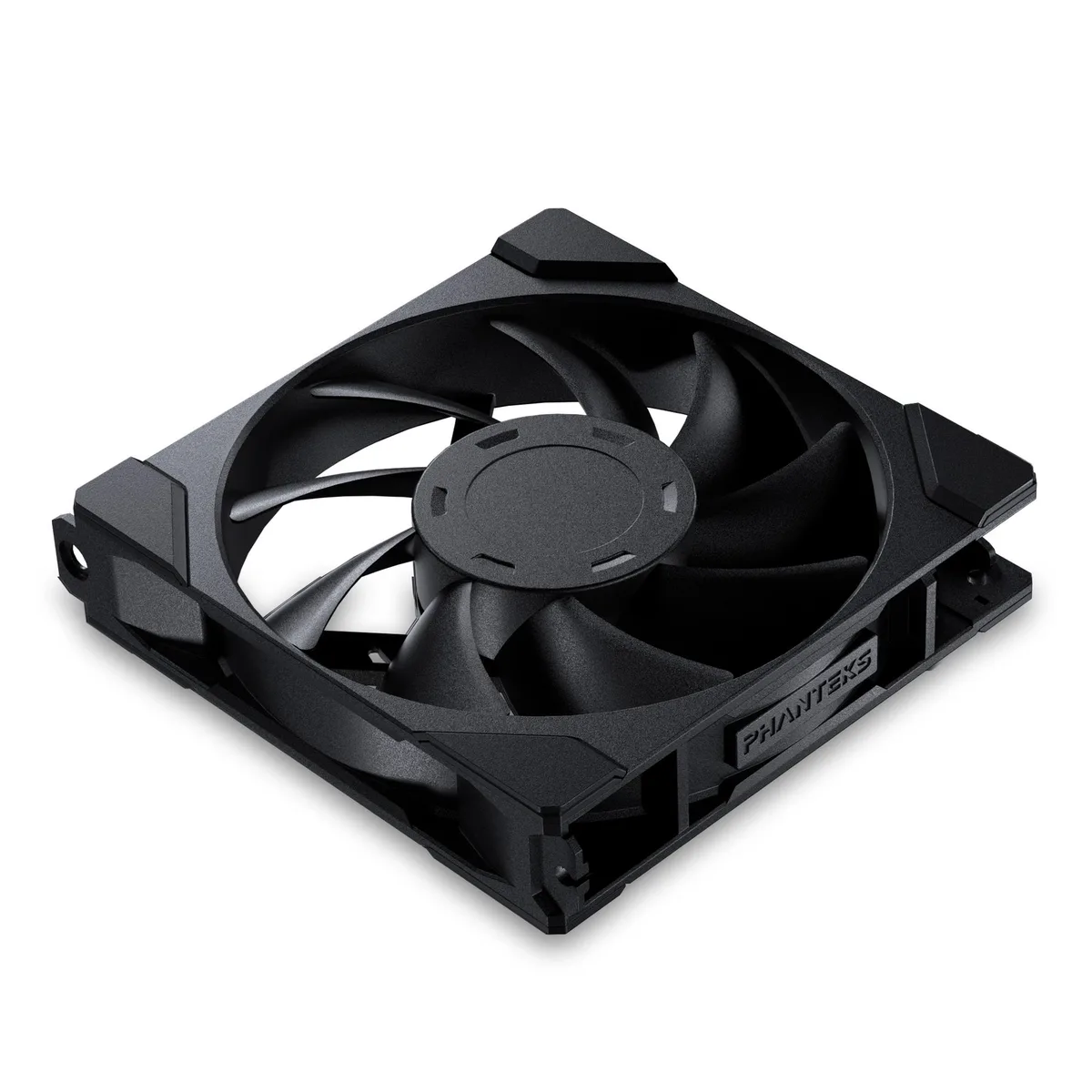
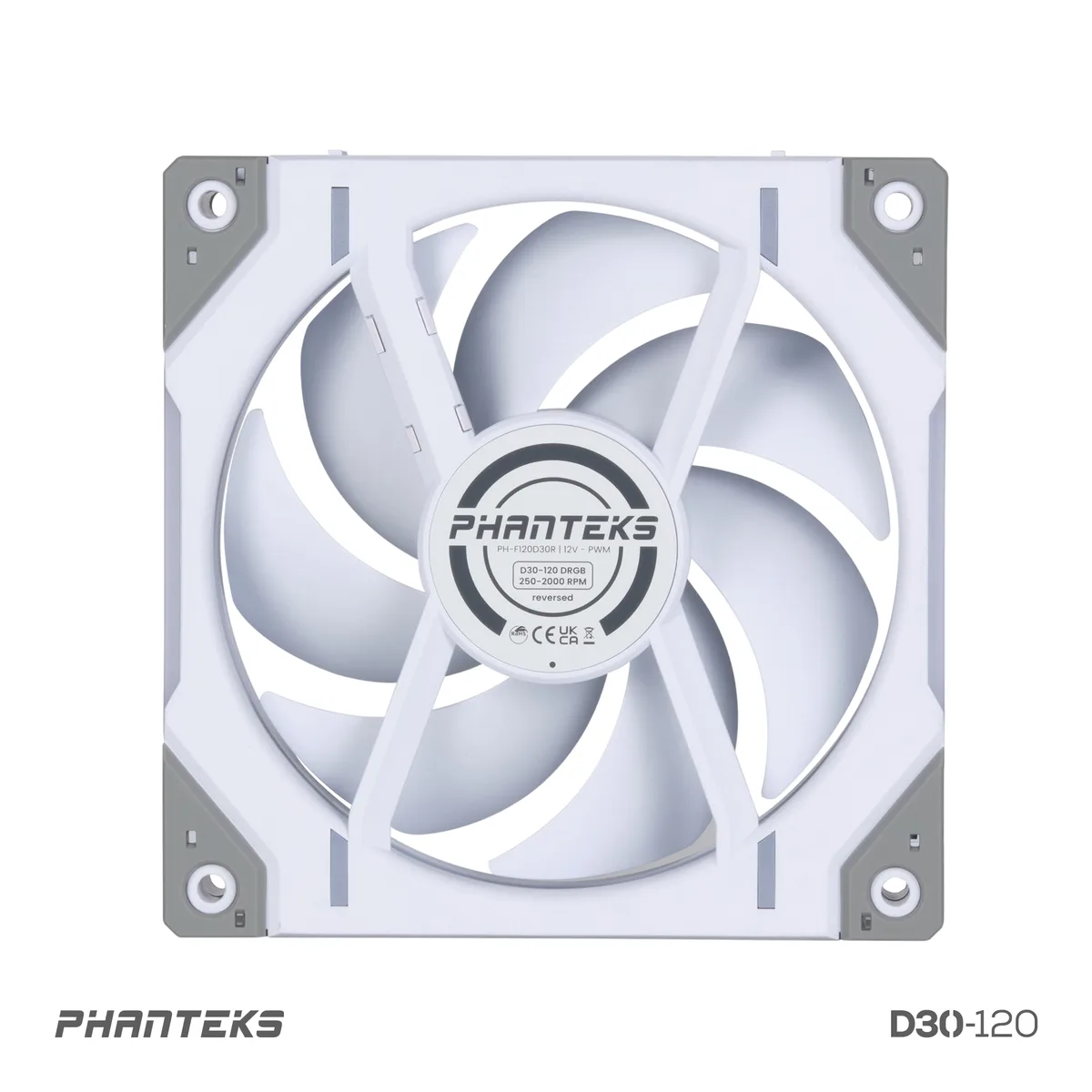
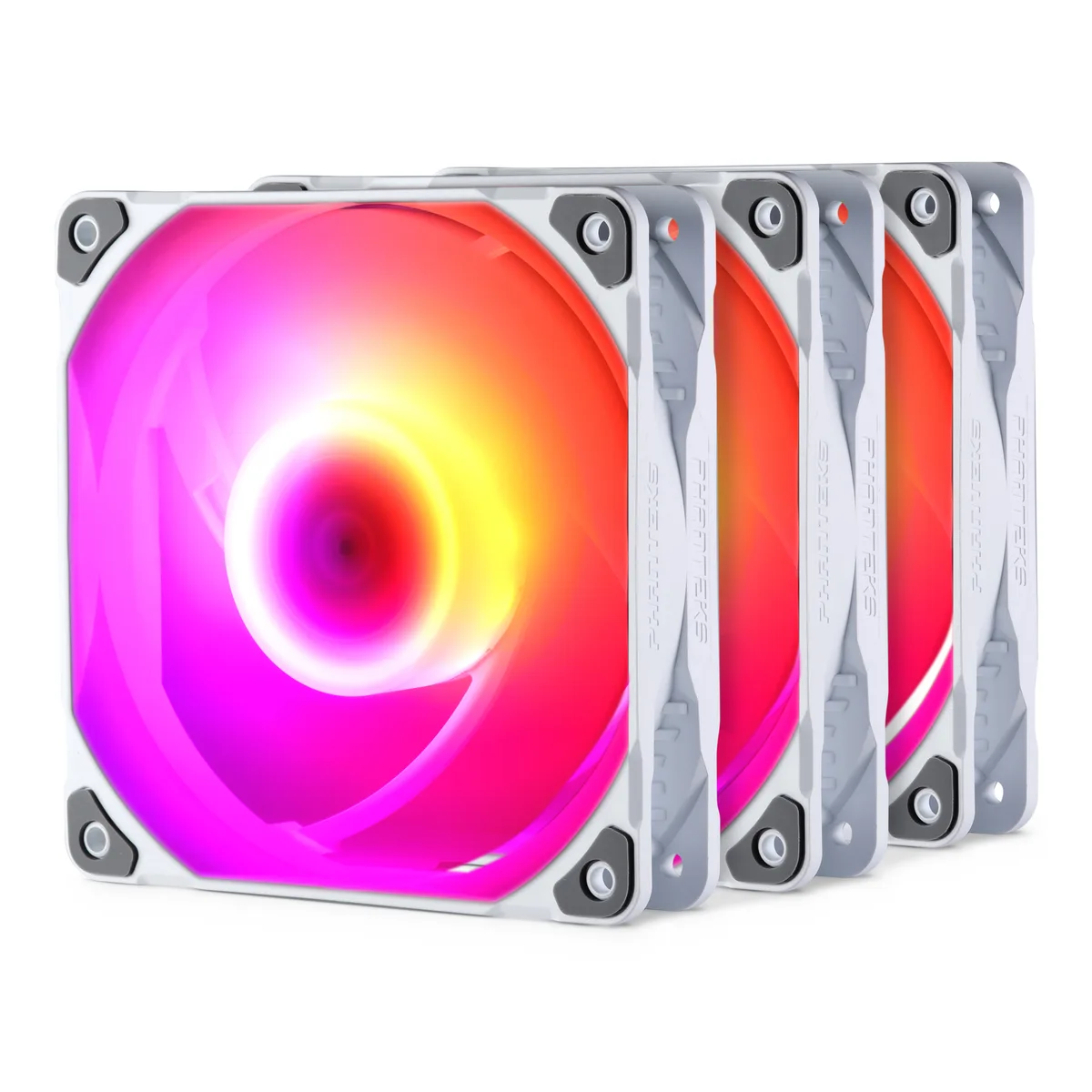
The Phanteks D30-140 DRGB PWM fan uses a reverse airflow design so the illuminated blades face outward while pulling air through radiators or restrictive mesh. White matte blades and a white frame match light-themed builds and the integrated DRGB halos remain visible from every angle. One fan is supplied in the box.
A 4-pin PWM connector lets the motherboard vary speed between 250 and 1800 RPM with a 10 percent tolerance. At maximum speed the fan delivers 71.76 CFM while producing 32.1 dB(A). The 30 mm thick frame generates the static pressure needed for dense radiator fins or thick dust filters where slimmer fans lose effectiveness.
Four standard fan screws, four UNC 6-32 radiator screws, four M4 radiator screws and a DRGB motherboard adapter ship with the unit. Corner clips, bridge clips and screw covers link multiple fans into a single cable run. Builders who need regular airflow direction or a non-DRGB variant should choose the matching model instead.
| Brand | Phanteks |
|---|---|
| Model | PH-F140D30R_DRGB_PWM_WT01 |
| Fan Counts | 1 Fan |
| Type | Case Fan |
| Fan Size | 140mm |
| Fan Thickness | 30mm |
| Bearing Type | Fluid Dynamic |
| RPM | 250-1800 +/- 10% RPM |
| Air Flow | 71.76 CFM Max |
| Noise Level | 32.1 dB(A) |
| Power Connector | 4 Pin |
| Color | White Matte blade / White Fan Frame |
| LED | DRGB |
| Dimensions | 140 x 140 x 30 mm / 5.51" x 5.51" x 1.18" |
| Package Contents | 1 x PH-F140D30R_DRGB_PWM_WT01 4 x Fan Screw 4 x UNC 6-32 Radiator Screw 36mm 4 x M4 Radiator Screw 36mm 1 x Corner Clip Cable, 3 x Corner Clip 1 x Bridge Clip, 1 x Bridge Clip Connector 4 x Screw Cover Corner (2L, 2R) 2 x Screw Cover Bridge 1 x D-RGB M/B Adapter |
| Shipping weight | 0.45 kg |
| Package size | 217 × 143 × 34 mm |
Other versions of this model
Same family, different memory, cooler or clock — compare before you commit.
Choose the reverse model when you want the blades to pull air through a radiator or filter so the DRGB lighting stays visible; choose the regular model for standard exhaust or intake where the frame faces outward.
At 1800 RPM the fan can move up to 71.76 CFM through open space; behind a radiator or dense mesh the 30 mm thick frame maintains higher static pressure so actual flow stays closer to that peak than thinner fans.
The motherboard varies the duty cycle on the fourth pin to set any speed between 250 and 1800 RPM, letting the fan run near-silent at idle and ramp up only when cooling demand rises.
Also in this aisle
Same shelf, same checkout — eight coins and a 30-minute rate lock.
What you pay in, and what you read prices in.
Sent from your wallet at checkout
Display only — the catalogue is priced in USD
No currency matches that.
Pick the language the site speaks to you in.
New here?
Already have one?
There is no automatic reset: this shop sends no mail, so there is no one-time link to ask for. Leave the address on the account and it gets picked up by hand.
Request noted
Nothing is on its way to your inbox — this shop sends no mail at all. Someone picks these up by hand.
Remembered it?