


SanDisk
SanDisk WDS200T3B0E 2TB M.2 2280 PCIe 4.0 x4 NVMe internal SSD
2TB M.2 2280 NVMe SSD with PCIe 4.0 x4 interface delivering up to 4,150 MB/s sequential speeds and 900TB endurance
- Device TypeInternal Solid State Drive (SSD)
- Used ForConsumer
- Form FactorM.2 2280
- Capacity2TB
- Memory ComponentsTLC
- InterfacePCI-Express 4.0 x4
Style Fast
- Fast
- Faster
- Up to 4,150 MB/s sequential read for fast boot and load times
- Up to 4,150 MB/s sequential write to move large files quickly
- 900 TBW endurance rating supports heavy daily workloads
- 5M hours MTTF indicates long-term reliability
- Low 65mW active power draw extends laptop battery life
WD Blue SN580 2TB NVMe drive
The WD Blue SN580 is a consumer-grade internal SSD that uses the M.2 2280 form factor and a PCIe 4.0 x4 interface with NVMe 1.4 protocol. It suits creators and everyday users who need fast storage for applications, large media files and multitasking workloads. The 2TB capacity uses TLC memory components to balance endurance and cost.
M.2 2280 form factor and PCIe 4.0 x4 connector
The single-sided M.2 2280 module measures 22.00mm wide by 80.00mm long and 2.38mm high, weighing 5.50g, so it fits standard laptop and desktop slots without blocking adjacent components. The PCIe 4.0 x4 edge connector delivers full Gen 4 bandwidth directly to the CPU, removing the cable clutter and mounting brackets required by 2.5-inch drives. TLC flash and nCache 4.0 technology sustain high write speeds when copying large projects or 4K video assets.
Low power draw and wide temperature range
Active power consumption is 65mW while idle sleep power drops to 3.3mW, helping extend battery life in mobile systems. The controller is rated for 0°C to 85°C operating temperatures and -40°C to 85°C storage temperatures, with 1,500G shock and 5 gRMS vibration resistance ensuring data integrity during transport. The drive carries a 900TB TBW rating and 1.5M hour MTTF for long-term reliability.
Highlights
- Up to 4,150 MB/s sequential read for fast boot and load times
- Up to 4,150 MB/s sequential write to move large files quickly
- 900 TBW endurance rating supports heavy daily workloads
- 5M hours MTTF indicates long-term reliability
- Low 65mW active power draw extends laptop battery life
Specifications
| Brand | Western Digital |
|---|---|
| Series | WD Blue SN580 |
| Model | WDS200T3B0E |
| Device Type | Internal Solid State Drive (SSD) |
| Used For | Consumer |
| Form Factor | M.2 2280 |
| Capacity | 2TB |
| Memory Components | TLC |
| Interface | PCI-Express 4.0 x4 |
| Protocol | NVMe 1.4 |
| Max Sequential Read | Up to 4,150 MB/s |
| Max Sequential Write | Up to 4,150 MB/s |
| 4KB Random Read | Up to 600,000 IOPS |
| 4KB Random Write | Up to 750,000 IOPS |
| Terabytes Written (TBW) | 900TB |
| MTTF | 1.5M Hours |
| Power Consumption (Idle) | PS5 (Sleep) 3.3mW |
| Power Consumption (Active) | 65mW |
| Operating Temperature | 0°C ~ +85°C |
| Storage Temperature | -40°C ~ +85°C |
| Max Shock Resistance | 1,500G @0.5 ms half sine |
| Max Vibration Resistance | Operating Vibration: 5 gRMS, 10-2000 Hz, 3 axes Non-operating Vibration: 4.9 gRMS, 7-800 Hz, 3 axes |
| Height | 2.38mm |
| Width | 22.00mm |
| Depth | 80.00mm |
| Weight | 5.50g |
| Shipping weight | 0.05 kg |
| Package size | 130 × 104 × 22 mm |
Other versions of this model
5 more in the same range
Same family, different memory, cooler or clock — compare before you commit.


SanDisk
SanDisk WDS500G4B0E-00CNZ0 500GB M.2 2280 PCIe Gen4 internal SSD
- Internal Solid Stat…
- Consumer
$152.99
0.00197646BTC
In stock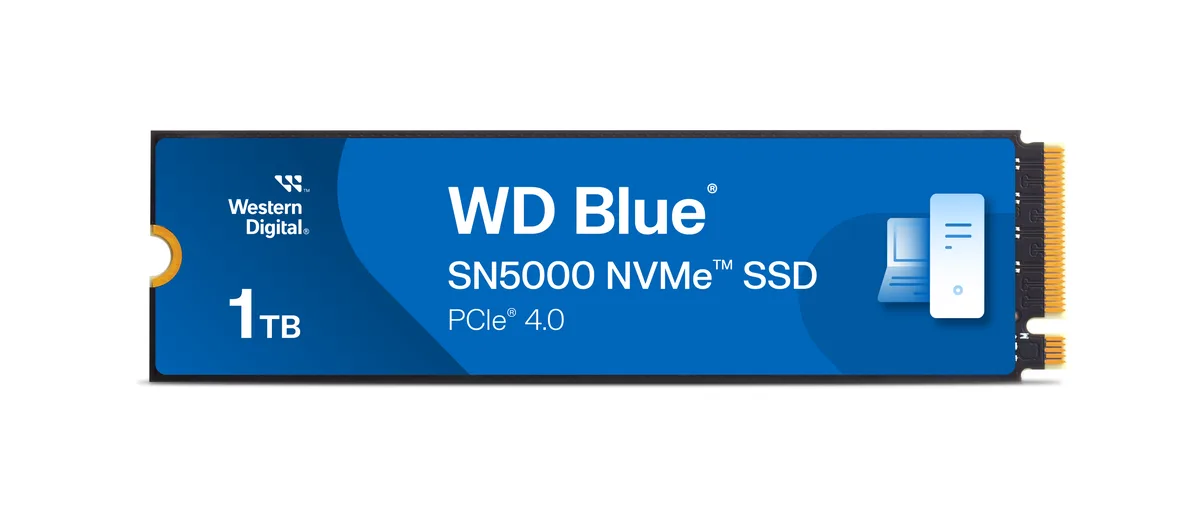
SanDisk
SanDisk WDS100T4B0E-00CNZ0 1TB M.2 2280 internal SSD
- Internal Solid Stat…
- Consumer
$199.99
0.00258365BTC
In stock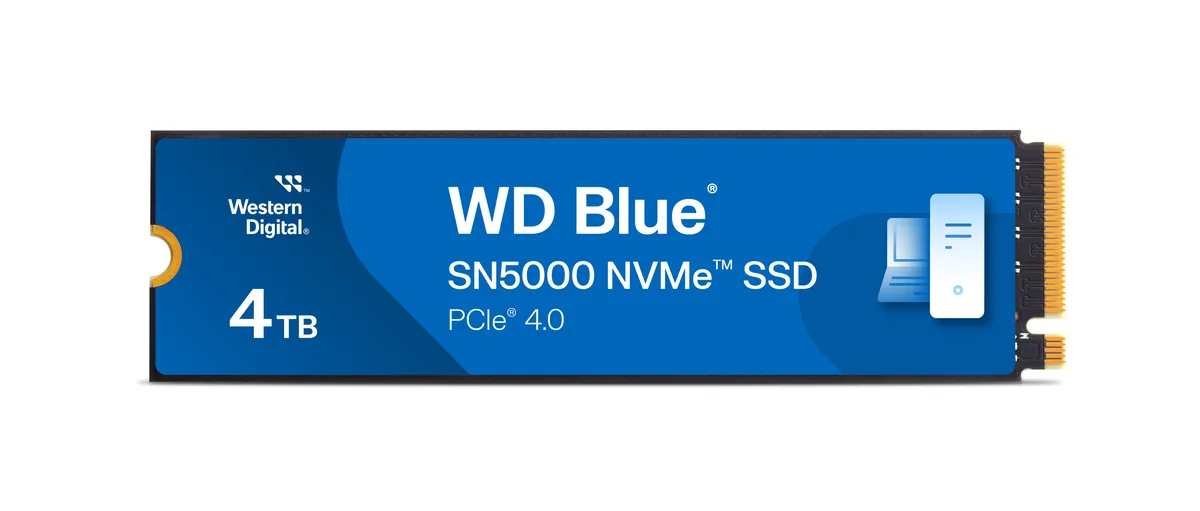
SanDisk
SanDisk WDS400T4B0E-00BKY0 4TB internal SSD
- Internal Solid Stat…
- Consumer
$518.49$594.23−13%
0.00669832BTC
In stockQuestions about this item
What speed does the PCIe 4.0 x4 interface cap the WD Blue SN580 at in practice?
The drive reaches up to 4,150 MB/s sequential read and write, limited by the PCIe 4.0 x4 link.
What M.2 slot dimensions and screw spacing does the 2280 form factor need?
It fits a standard M.2 2280 slot: 22 mm wide, 80 mm long, secured with a single screw at the far end.
How do I install the WDS200T3B0E and which step do people often miss?
Insert the drive at an angle into the M.2 slot, press it flat, and secure it with the retention screw; many forget the screw and the drive pops up.
Also in this aisle
People compared these
Same shelf, same checkout — eight coins and a 30-minute rate lock.

Intel
Intel DC S3610 SSDSC2BX016T401 1.6TB 2.5" SATA enterprise SSD
- 2.5"
- 1.6TB
$1,299
0.01678164BTC
In stock
Solidigm
Solidigm D7-P5520 7.68TB U.2 15mm enterprise SSD SSDPF2KX076T11Z
- U.2 15mm
- 7.68TB
$5,806
0.07500711BTC
In stock
Solidigm
Solidigm D5-P5430 15.36TB U.2 enterprise SSD SBFPF2BU153T001
- U.2 15mm
- 15.36TB
$10,818
0.13975661BTC
In stock
Solidigm
Solidigm D5-P5430 7.68TB U.2 15mm enterprise SSD SBFPF2BU076T001
- U.2 15mm
- 7.68TB
$5,493
0.07096349BTC
In stock