Sceptre
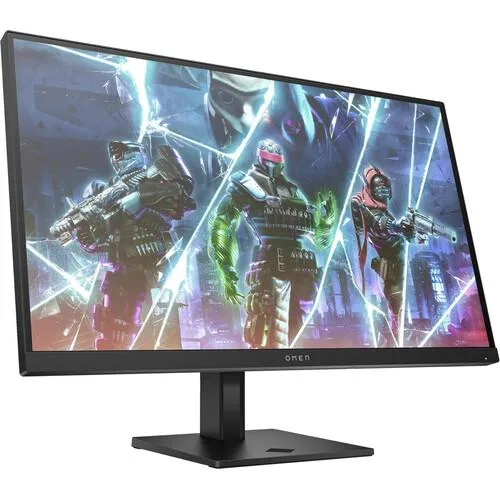
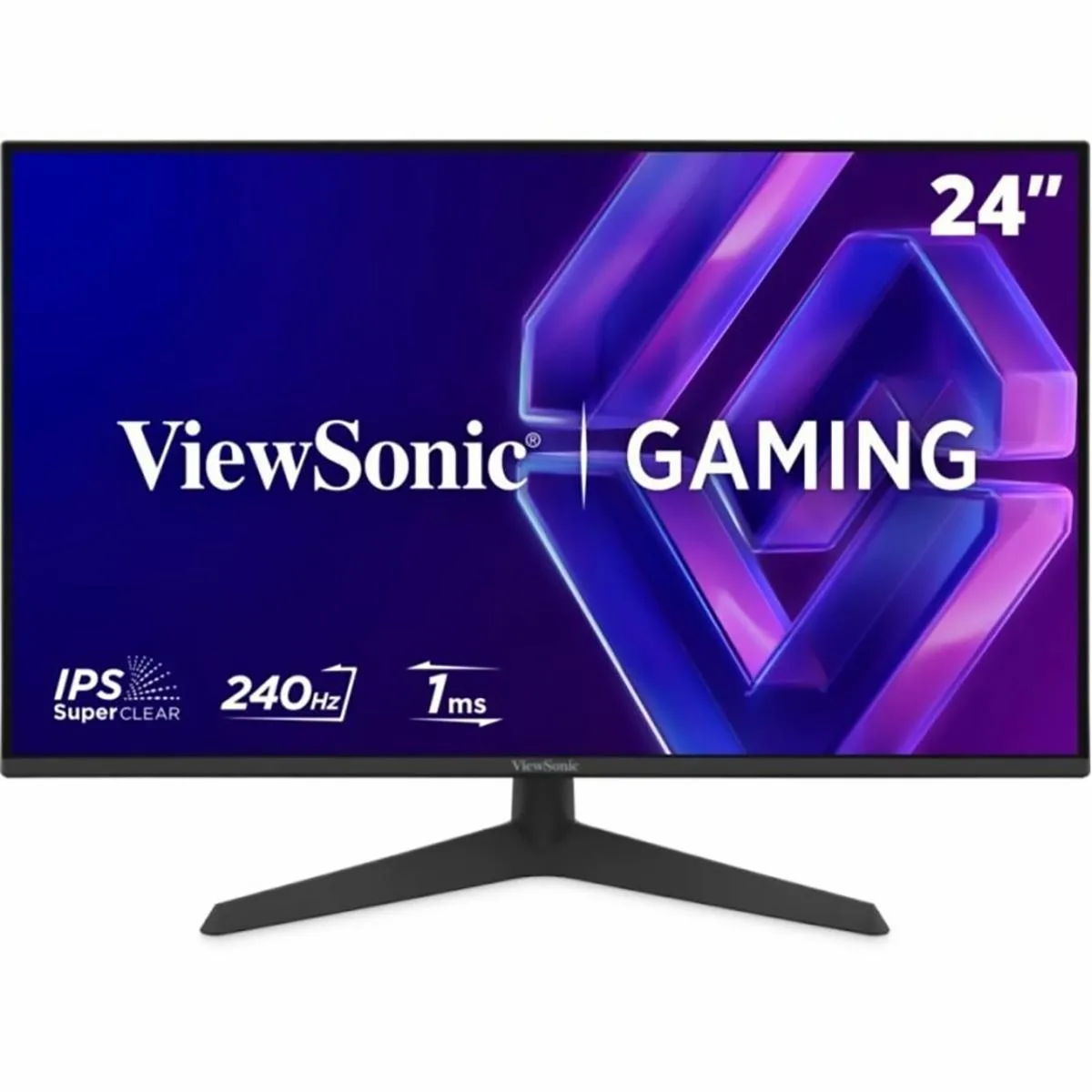
Sceptre 27" Curved Gaming Monitor 240Hz 1ms 1500R Machine Black 2023
A 27-inch curved gaming display with a 240 Hz refresh rate, 1 ms response time and 1500R curvature for immersive play
- Screen Size27"
- 240 Hz refresh rate keeps motion sharp in fast games
- 1 ms response time removes ghosting for clear action scenes
- 1500R curvature wraps the view for deeper immersion
- 99 % sRGB coverage reproduces colours accurately
- Built-in speakers add audio without extra hardware
Curved 240 Hz Gaming Monitor
The Sceptre 27-inch display targets competitive players who want fluid motion in fast-paced titles. Its 1500R curvature wraps the field of view for deeper immersion during extended sessions. The panel delivers a 1920 x 1080 resolution with 99% sRGB coverage for accurate colour. A 1 ms response time aims to eliminate ghosting in high-speed scenes.
Edgeless Build With DisplayPort And HDMI
An edgeless frame reduces visual distraction and suits multi-monitor setups. Connectivity includes DisplayPort and HDMI inputs for PC and console sources. Integrated speakers provide basic audio without external hardware. Blue Light Shift and flicker-free operation reduce eye strain during long work or play periods.
240 Hz Refresh At 1080p
The monitor reaches 240 Hz over DisplayPort for ultra-smooth frame delivery. HDMI supports up to 165 Hz for compatible devices. Standard dynamic range output keeps power draw modest for a 27-inch panel. No adaptive-sync branding is specified in the supplied data.
Highlights
- 240 Hz refresh rate keeps motion sharp in fast games
- 1 ms response time removes ghosting for clear action scenes
- 1500R curvature wraps the view for deeper immersion
- 99 % sRGB coverage reproduces colours accurately
- Built-in speakers add audio without extra hardware
Specifications
| Screen Size | 27" |
|---|
Questions about this item
What refresh rate does the DisplayPort connection actually reach on this 27" curved monitor?
The DisplayPort input supports up to 240 Hz, while HDMI is limited to 165 Hz on this model.
What are the exact VESA mounting hole dimensions for the C275B-FWT240?
The monitor uses a 75 mm × 75 mm VESA pattern; verify your arm or bracket matches that spacing.
Which on-screen menu option must be changed after connecting DisplayPort to get 240 Hz?
After plugging in DisplayPort, open the OSD and set the refresh-rate option to 240 Hz; it defaults to 165 Hz.
Also in this aisle
People compared these
Same shelf, same checkout — eight coins and a 30-minute rate lock.