Cswur
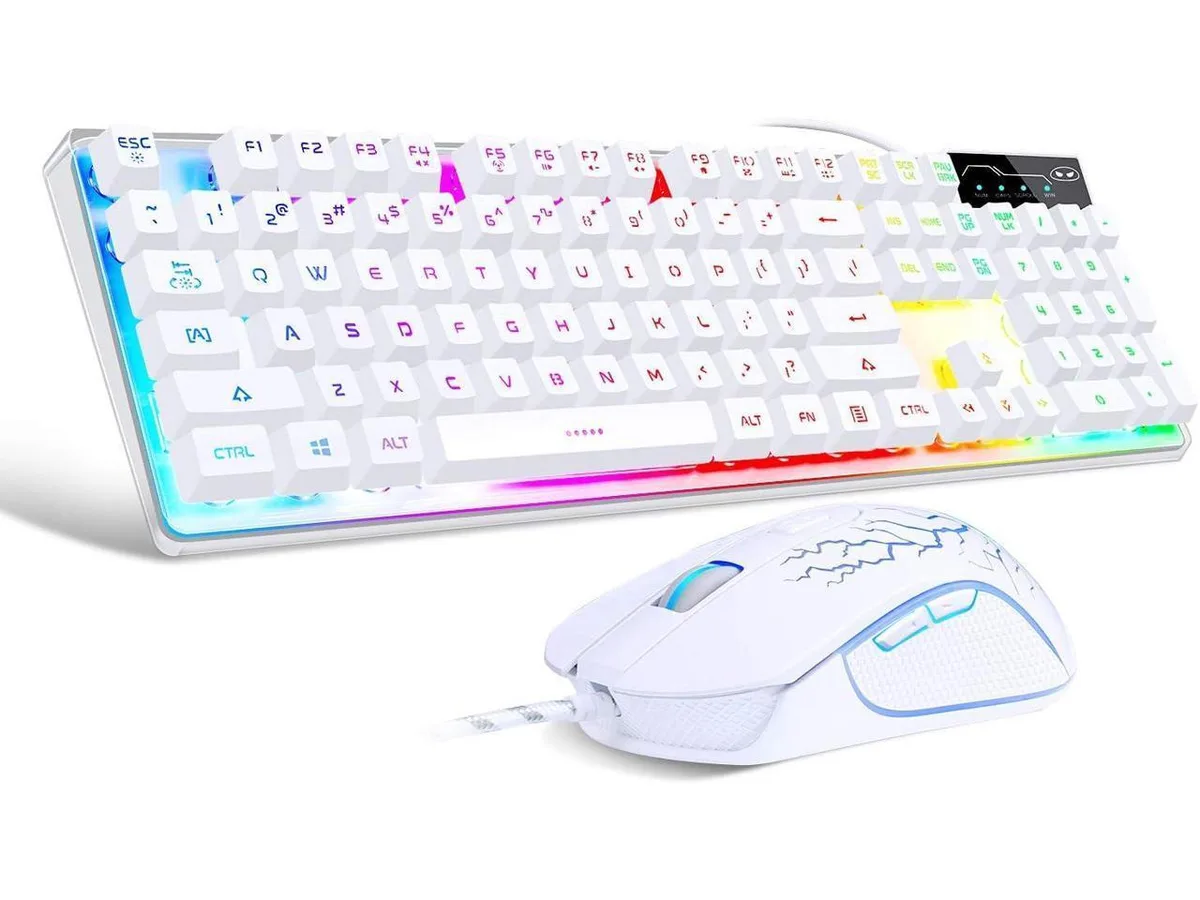
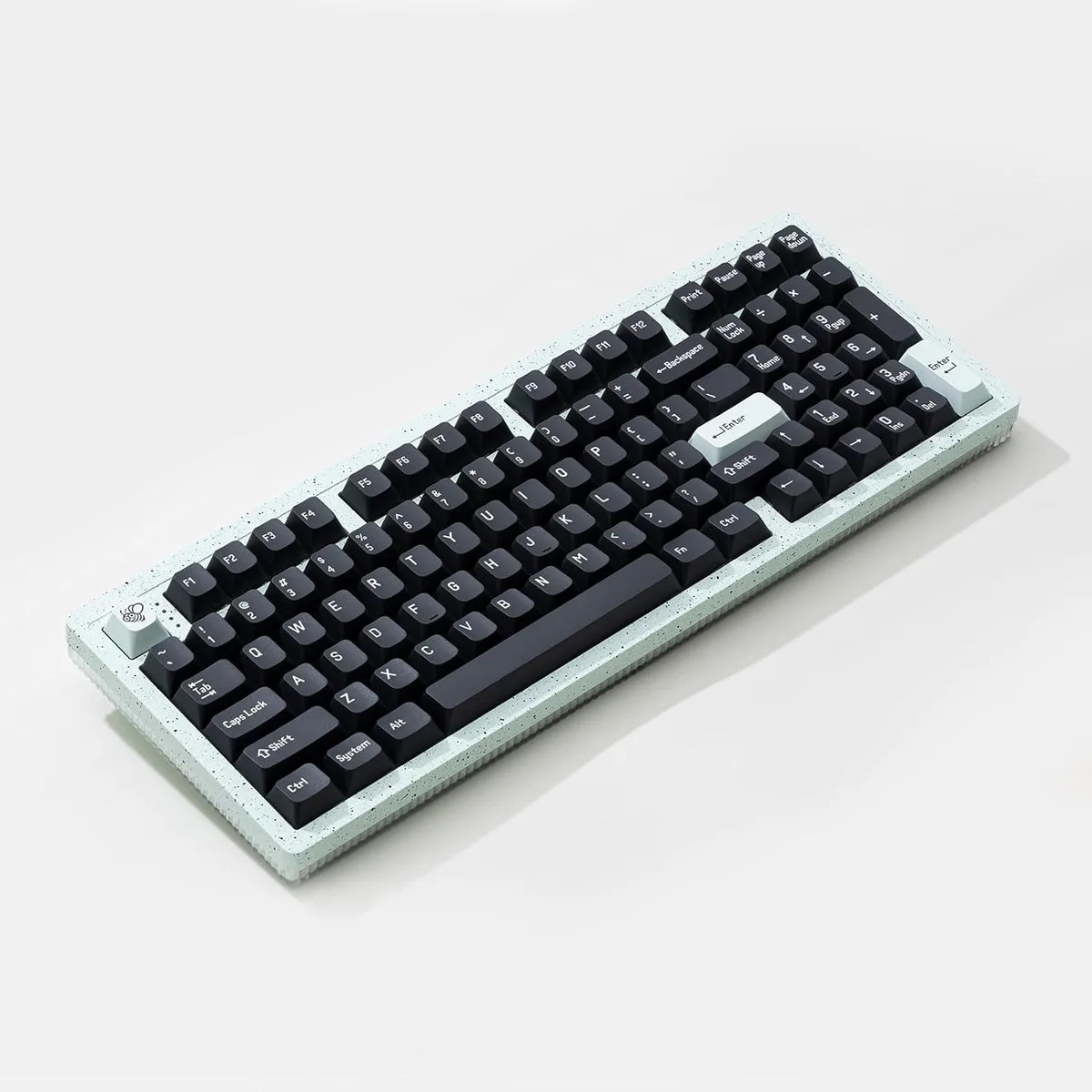
Cswur 104-Key Mechanical Gaming Keyboard Outemu Brown Switches Aluminum Frame Rainbow Backlight
- Full-size
$86.99
0.00110849BTC
In stockWe take cryptocurrency — so the coins you hold can buy real hardware.Pay in crypto, spend it on real hardware. Free insured shipping worldwide over $399. Plain, unbranded boxes, sent from Germany.Free insured shipping over $399. Your rate is locked for 30 minutes once checkout opens.Rate locked 30 minutes. Every item sealed, serial-checked and covered by a 24-month warranty.Sealed, 24-month warranty.


SteelSeries
Gaming keyboard with OmniPoint switches adjustable from .4 to 3.6 mm actuation, an OLED smart display, per-key RGB lighting with 16.8 million colours.
The SteelSeries Apex Pro uses OmniPoint switches that let you set the actuation point anywhere between .4 millimeter and 3.6 millimeter. This range suits gamers who want hair-trigger response and writers who prefer a deeper press. Per-key RGB lighting offers 16.8 million colour options. A magnetic wrist rest and aircraft-grade aluminium frame complete the package.
The keyboard connects through a standard USB port and works with Windows, macOS, Xbox and PlayStation. On Windows 7 or newer and macOS 10.11 or newer you can run SteelSeries Engine 3.15 to reconfigure actuation, lighting and the OLED smart display. Console systems do not support the configuration software, so adjustments made on a PC are carried over but cannot be changed on the console itself.
Basic typing and default lighting work immediately after plugging the cable in. To customise actuation curves, OLED content or per-key colours you must install SteelSeries Engine on a supported computer. The most common issue is forgetting to update the firmware through the software, which can leave the OLED display or actuation settings unresponsive until the update is applied.
| Key Switch | No |
|---|---|
| Keyboard Color | Black |
Use the SteelSeries Engine software or the OLED smart display to set each key anywhere between 0.4 mm for rapid response and 3.6 mm for deliberate presses, matching your play style or typing preference.
At 0.4 mm the keys register with a feather-light touch for fast flicks, while at 3.6 mm they require a deeper press to avoid accidental inputs during intense moments.
The keyboard connects via a standard USB port; the connection supplies power and data for the OLED display, per-key RGB, and adjustable switches without needing extra drivers beyond SteelSeries Engine 3.15.
Also in this aisle
Same shelf, same checkout — eight coins and a 30-minute rate lock.
What you pay in, and what you read prices in.
Sent from your wallet at checkout
Display only — the catalogue is priced in USD
No currency matches that.
Pick the language the site speaks to you in.
New here?
Already have one?
There is no automatic reset: this shop sends no mail, so there is no one-time link to ask for. Leave the address on the account and it gets picked up by hand.
Request noted
Nothing is on its way to your inbox — this shop sends no mail at all. Someone picks these up by hand.
Remembered it?