Cswur
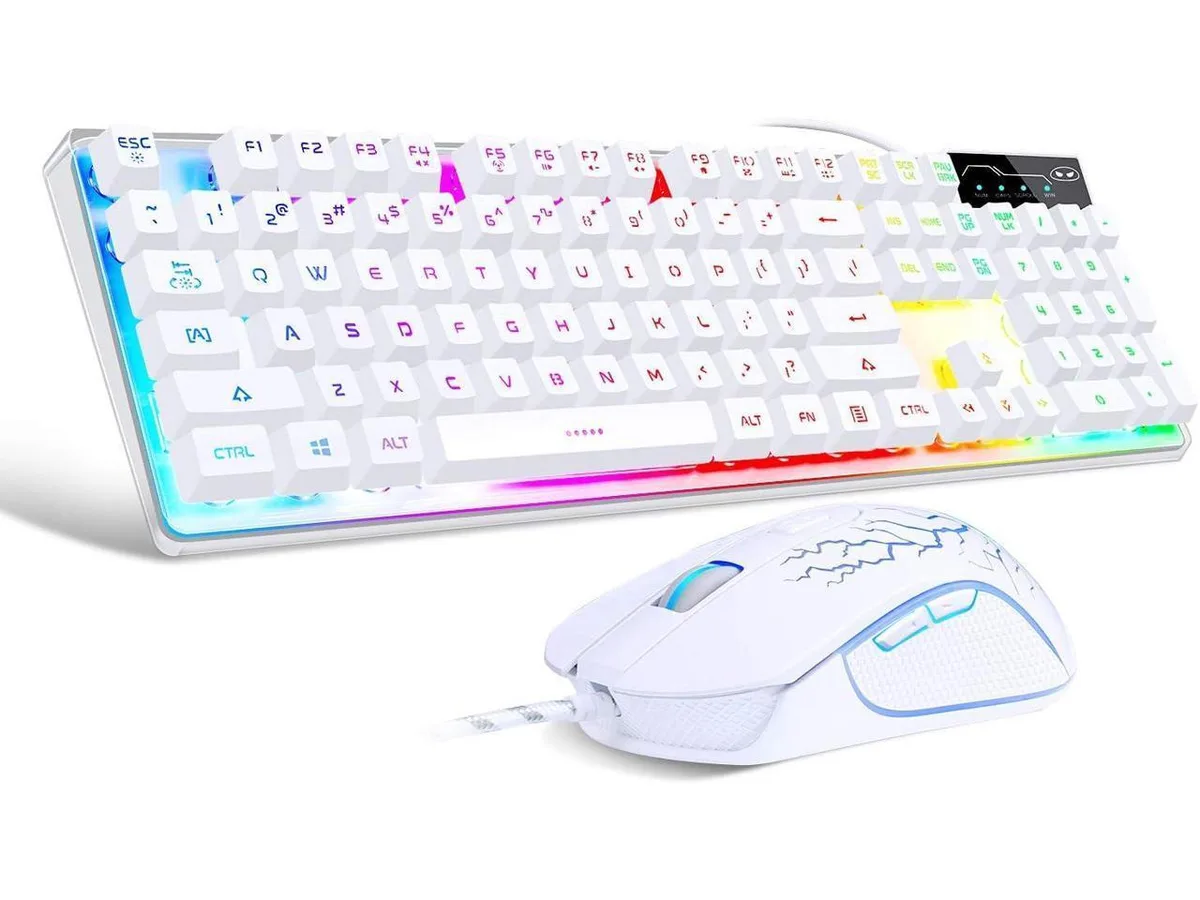
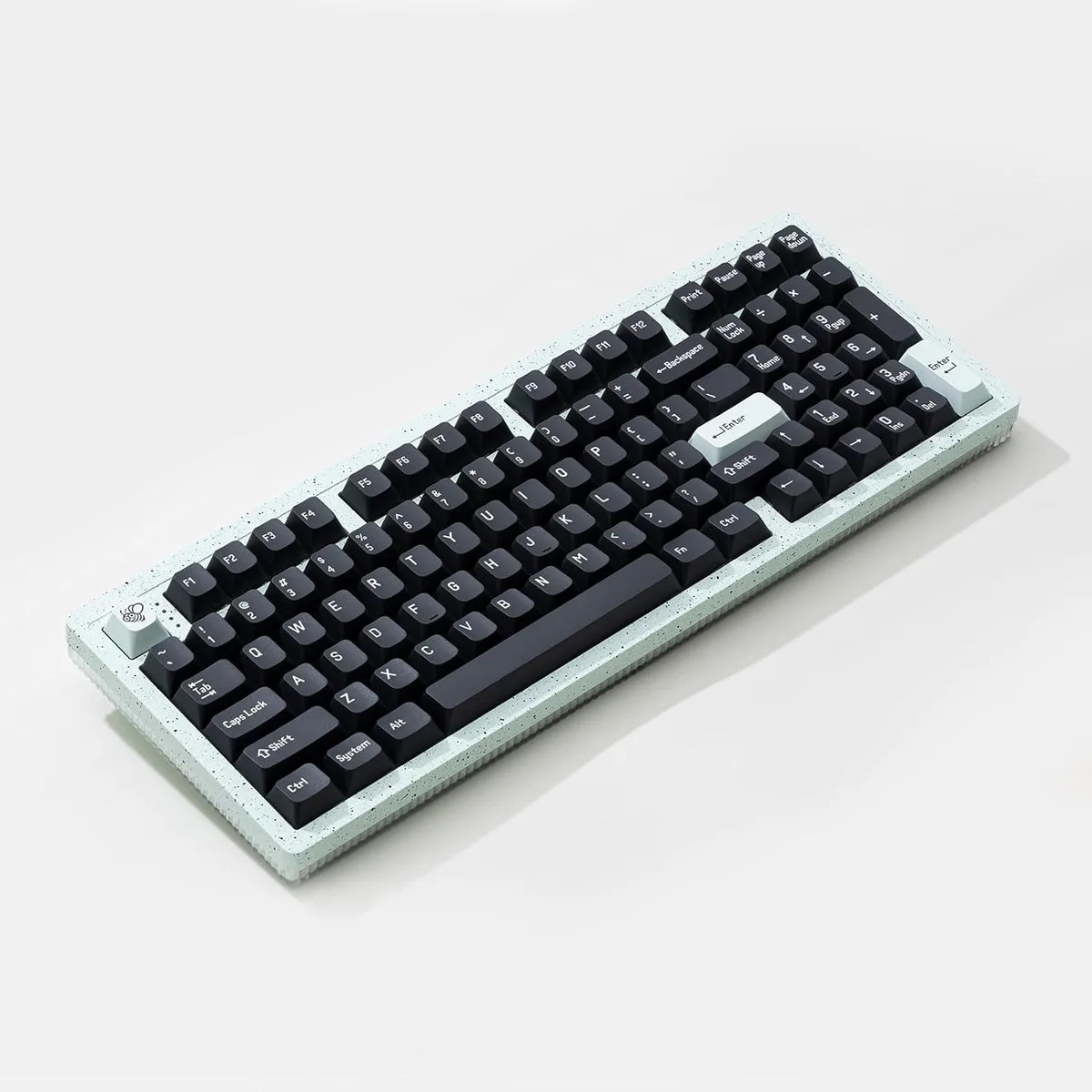
Cswur 104-Key Mechanical Gaming Keyboard Outemu Brown Switches Aluminum Frame Rainbow Backlight
- Full-size
$86.99
0.00110849BTC
In stockWe take cryptocurrency — so the coins you hold can buy real hardware.Pay in crypto, spend it on real hardware. Free insured shipping worldwide over $399. Plain, unbranded boxes, sent from Germany.Free insured shipping over $399. Your rate is locked for 30 minutes once checkout opens.Rate locked 30 minutes. Every item sealed, serial-checked and covered by a 24-month warranty.Sealed, 24-month warranty.


TUKO
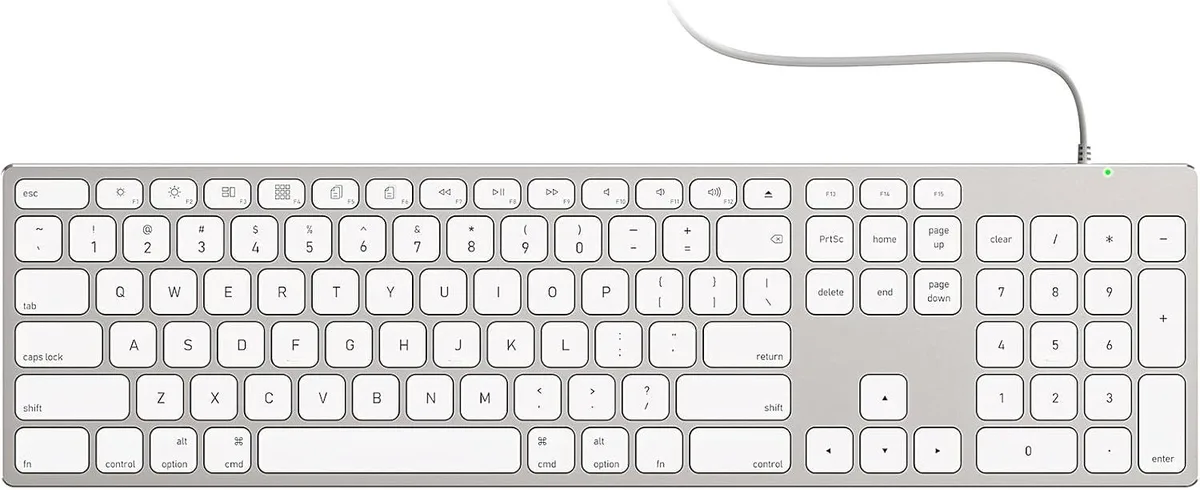
A full-size wired Mac keyboard with numeric keypad, all-aluminium unibody, USB-A/USB-C 2-in-1 cable and stick-on risers
The TUKO keyboard uses a solid aluminium unibody that matches the finish of Apple desktop hardware. It provides a full-size layout with a numeric keypad arranged in the standard macOS positions. The board is aimed at iMac, Mac mini and MacBook users who want a permanent, wired typing solution without pairing steps or battery management.
A single detachable cable carries both USB-A and USB-C connectors so the keyboard works with older Macs and newer models alike. There is no driver installation or Bluetooth pairing required; the connection is active the moment the cable is plugged in. This replaces wireless keyboards that need recharging or occasional re-pairing, and it suits users who prefer a stable, latency-free link for long work sessions. It is not for buyers who want a cable-free desk or a keyboard that pairs with multiple devices over Bluetooth.
Included adhesive risers attach to the underside to raise the rear edge and create a sloped typing angle. The aluminium chassis stays rigid on the desk during extended typing, and the fixed cable eliminates the intermittent disconnects that can appear with wireless models after hours of use. The keyboard draws power directly from the host Mac, so there is no internal battery to degrade or recharge. It is not for users who need a built-in trackpad, programmable macro keys or a low-profile chassis that fits in a laptop sleeve.
| Layout | Full-size |
|---|
The keyboard sits directly on the desk surface; no special mounting hardware is needed. Stick-on risers are included to adjust the typing angle if desired.
Plug the appropriate connector — USB-A or USB-C — into the Mac. The keyboard works immediately with no driver installation; the step users miss is assuming pairing or charging is required.
The risers use adhesive backing; they are not designed for repeated removal and reattachment. If the adhesive fails or you reposition the keyboard, replacement risers would be needed.
Also in this aisle
Same shelf, same checkout — eight coins and a 30-minute rate lock.
What you pay in, and what you read prices in.
Sent from your wallet at checkout
Display only — the catalogue is priced in USD
No currency matches that.
Pick the language the site speaks to you in.
New here?
Already have one?
There is no automatic reset: this shop sends no mail, so there is no one-time link to ask for. Leave the address on the account and it gets picked up by hand.
Request noted
Nothing is on its way to your inbox — this shop sends no mail at all. Someone picks these up by hand.
Remembered it?