


ViewSonic
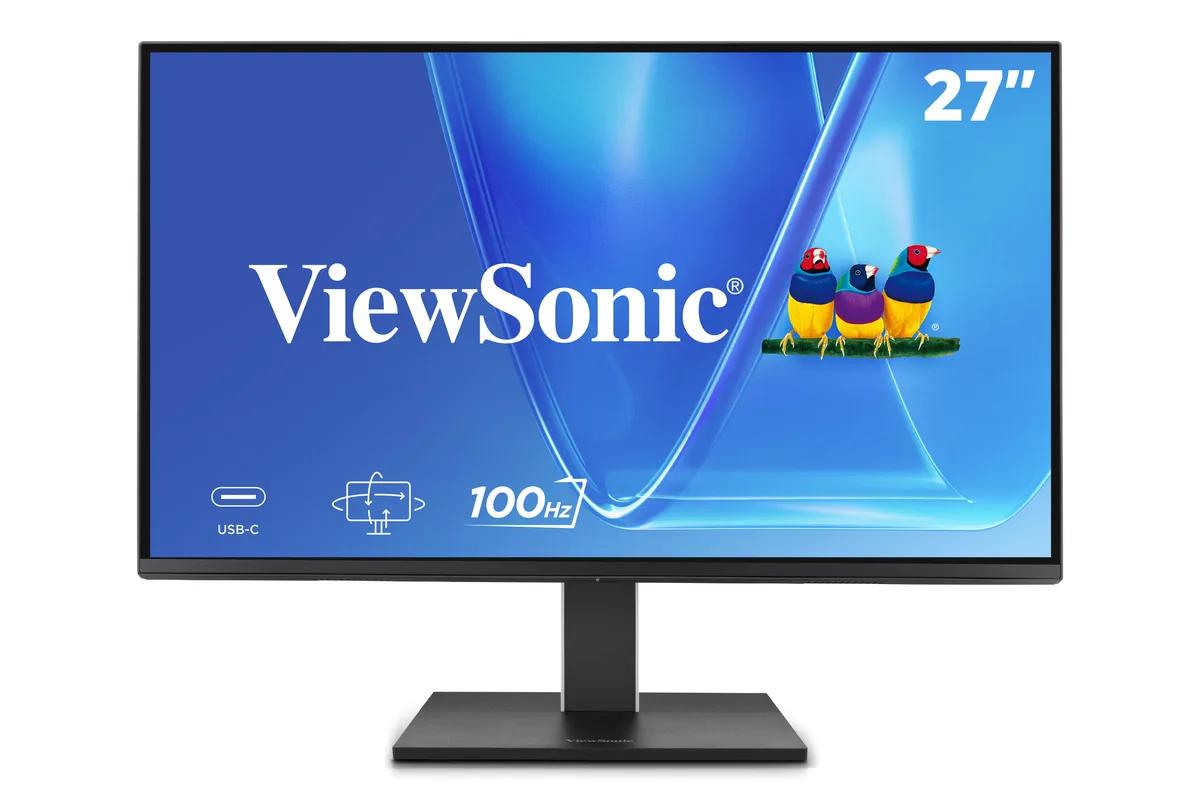
ViewSonic VG2752-2K 27" 1440p 100Hz IPS monitor
A 27 inch 1440p IPS monitor with a 100Hz refresh rate, ergonomic stand, and 65W USB-C connectivity
- Cabinet ColorBlack
- Screen Size27"
- Glare ScreenAnti-glare
- LED BacklightIPS/WLED
- WidescreenNo
- Maximum Resolution2560x1440
- Sharp 2560 x 1440 QHD detail on a 27" IPS panel
- Smooth 100 Hz refresh for fluid motion in everyday work
- One USB-C cable delivers video, data and 65 W charging
- Ergonomic stand tilts, swivels, pivots and adjusts height for comfort
- Flicker-free backlight with blue-light filter reduces eye strain
Workspace 27-inch QHD IPS monitor
The ViewSonic VG2752-2K is a 27-inch IPS display with a 2560x1440 resolution and a 100Hz refresh rate. It targets office professionals and home workers who need accurate colour across a wide 178-degree viewing angle. A 65W USB-C upstream port handles video, data and laptop charging through a single cable. The anti-glare panel and 350 cd/m2 brightness suit brightly lit environments.
Suited to single-cable docking setups
This monitor fits users who want a tidy desk with one cable for power, video and peripherals via the integrated USB 3.2 Gen2 hub. The ergonomic stand offers tilt, swivel, pivot and height adjustment, plus a 35-degree tilt range for standing-desk use. Buyers who need higher refresh rates for competitive gaming or HDR-grade contrast should look elsewhere. The static contrast sits at 1500:1 without local dimming.
Steady output during long sessions
Flicker-Free backlighting and a built-in Blue Light Filter reduce eye strain across extended workdays. The IPS panel maintains consistent colour and brightness at the rated 5ms response time without overdrive artefacts. Thermal design keeps surface temperatures stable during continuous 100Hz operation. A quick-release stand with a carrying handle simplifies re-deployment when desk layouts change.
Highlights
- Sharp 2560 x 1440 QHD detail on a 27" IPS panel
- Smooth 100 Hz refresh for fluid motion in everyday work
- One USB-C cable delivers video, data and 65 W charging
- Ergonomic stand tilts, swivels, pivots and adjusts height for comfort
- Flicker-free backlight with blue-light filter reduces eye strain
Specifications
| Brand | ViewSonic |
|---|---|
| Model | VG2752-2K |
| Cabinet Color | Black |
| Screen Size | 27" |
| Glare Screen | Anti-glare |
| LED Backlight | IPS/WLED |
| Widescreen | No |
| Maximum Resolution | 2560x1440 |
| Refresh Rate | 100Hz |
| Viewing Angle | 178° (H) / 178° (V) |
| Display Colors | 16.7 Million |
| Brightness | 350 cd/m2 |
| Contrast Ratio | 1500:1 Static Contrast Ratio |
| Aspect Ratio | 16:9 Aspect Ratio |
| Response Time | 5ms |
| Panel | IPS Panel |
| Display Type | 1440P |
| Connectors | HDMI x x1 (v2.0), DisplayPort in x x1 (v1.4), USB Type A x x2 (Downstream), USB Type C x x1 (Upstream, v3.2 Gen2, DP Alt mode, 65W); x2 (Downstream, v3.2 Gen2, 15W) |
| DVI | No |
| HDMI | 1 |
| Thunderbolt 2 | No |
| DisplayPort | 1 |
| Power Supply | 100 - 240 VAC, 50/60Hz |
| Stand Adjustments | Height, Pivot, Swivel, Tilt |
| Built-in Speakers | Yes |
| Built-in Webcam | No |
| VESA Compatibility - Mountable | 100 x 100mm |
| Package Contents | VG2752-2K x1, 3-pin Plug x1, DisplayPort Cable x1, USB Type-C Gen2 Cable x1, Quick Start Guide x1 |
Questions about this item
What type of video cable do I need to reach the 2560x1440 100Hz signal on this monitor?
Use the included DisplayPort 1.4 cable or an HDMI 2.0 cable; both support the full 2560x1440 resolution at 100Hz refresh rate.
Will my older laptop with only HDMI 1.4 still drive the 1440p panel at 100Hz?
HDMI 1.4 is limited to 1440p at 60Hz; you will get the full resolution but the refresh rate will drop to 60Hz on that port.
How can I confirm the USB-C upstream port is delivering 65W power to my laptop?
Check your laptop's battery or power settings while connected; it should report 65W charging from the monitor's USB-C upstream port.
Also in this aisle
People compared these
Same shelf, same checkout — eight coins and a 30-minute rate lock.


Acer America
Acer America UM.HX1AA.103 Nitro XF273 X1 27" 1920x1080 200Hz monitor
- Black
- 27"
$199.99
0.00256905BTC
In stock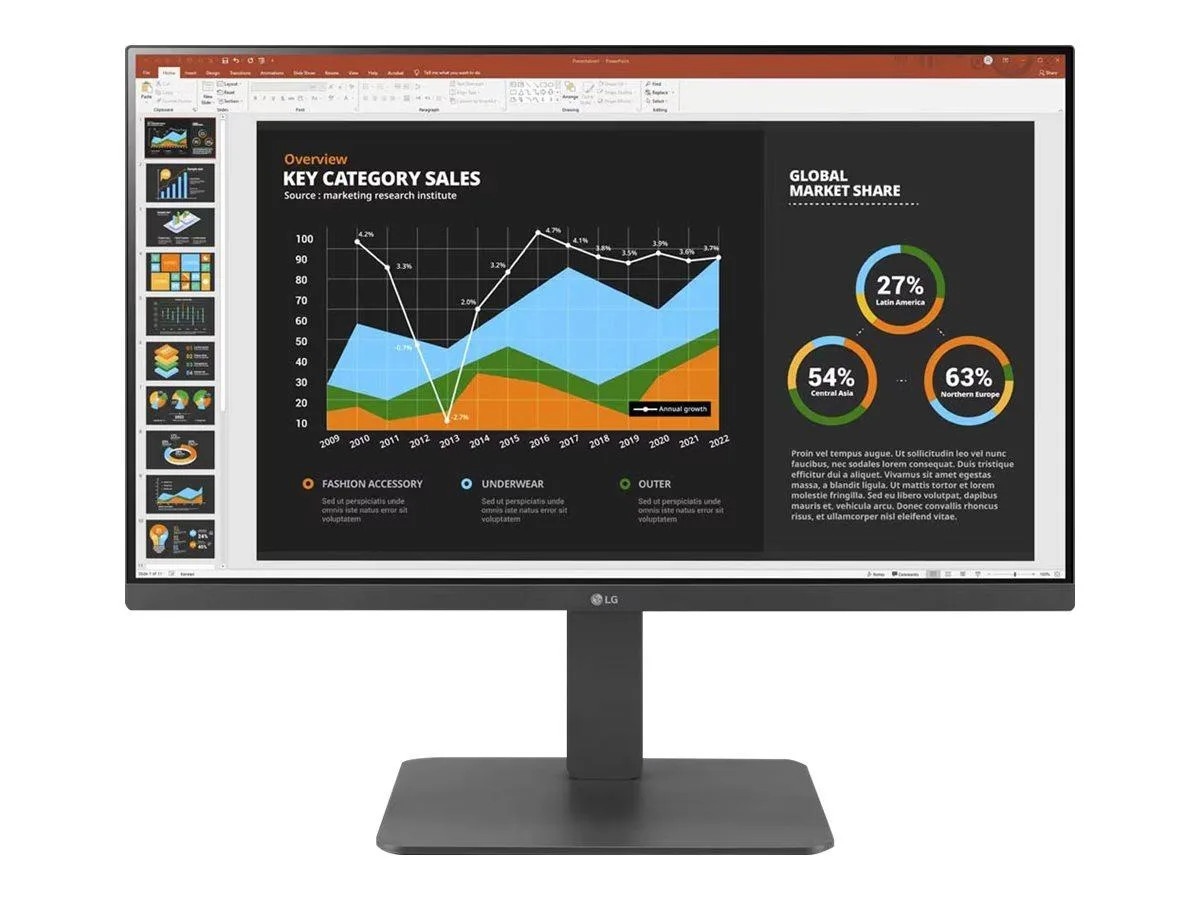
LG Electronics
LG Electronics 24BR650B-C 23.8" 1920x1080 IPS monitor
- Black
- 23.8" (Viewable)
$279.99
0.00359672BTC
In stock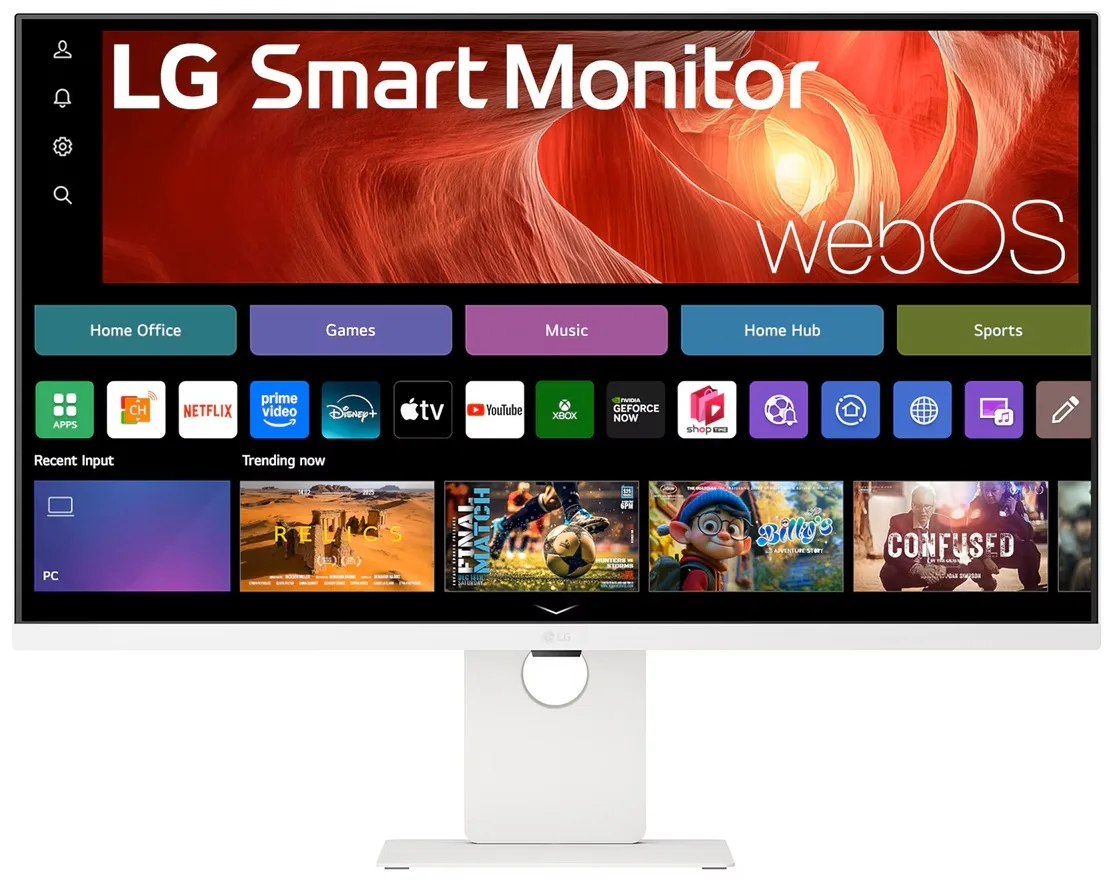
LG Electronics
LG Electronics 37U730SA-W 37" 4K UHD IPS Smart Monitor webOS White
- White
- webOS
$584.99
0.00751471BTC
In stock