


ASRock
ASRock Z890 Pro RS WiFi Intel motherboard
ATX board for Intel Core Ultra Series 2 processors with LGA 1851 socket, four DDR5 slots up to 256 GB, PCIe 5.0 x16, three M.2 sockets, four SATA ports, 7.1 audio and Thunderbolt 4
- CPU Socket TypeLGA 1851
- CPU TypeIntel Core Ultra Processors (Series 2)
- ChipsetIntel Z890
- Number of Memory Slots4x288pin (DDR5)
- Memory StandardDDR5 4400 / DDR5 4800 / DDR5 5000 / DDR5 5200 / DDR5 5400 /
- Maximum Memory Supported256GB
Option Z890 Pro RS WiFi
- Z890 Pro RS WiFi
- Z890 Taichi OCF
- Z890 Taichi
- Z890 Nova WiFi
- Z890I Nova WiFi
- Z890 Riptide WiFi
- Z890 Lightning WiFi
- Z890M Riptide WiFi
- Z890 Steel Legend WiFi
- Z890 Pro RS WiFi White
- Z890 Pro RS
- Z890 Pro-A WiFi
顯示另外 1 款選項
- Z890 Pro-A
被劃上刪除線的選項確實存在,但本站並無供貨。
- Supports Intel Core Ultra Series 2 processors via LGA 1851 socket
- 16+1+1+1+1 Dr.MOS power phases deliver stable CPU voltage
- Four DDR5 slots reach 9066 MT/s overclocked with XMP 3.0
- PCIe 5.0 x16 plus three PCIe 4.0 M.2 slots up to 128 Gb/s
- Realtek ALC897 7.1-channel audio enhanced by Nahimic technology
Socket LGA 1851 for Intel Core Ultra Series 2
This ATX motherboard uses the Intel Z890 chipset and the LGA 1851 socket to support Intel Core Ultra Processors (Series 2). It targets builders who want a stable platform for daily computing, gaming and content creation with room to grow.
16+1+1+1+1 Dr.MOS power phases and three M.2 slots
The board delivers power through a 16+1+1+1+1 phase design with Dr.MOS stages and 1000uF durable capacitors for clean, stable current under load. Connectivity includes one PCIe 5.0 x16 slot, two PCIe 4.0 x4 slots, one PCIe 4.0 x1 slot, four SATA 6Gb/s ports and three M.2 sockets — one CPU Gen5x4, two chipset Gen4x4 — plus Thunderbolt 4 Type-C and HDMI and DisplayPort outputs.
DDR5 up to 9066 MT/s and 256 GB capacity
Four 288-pin DDR5 slots run dual channel with native 5600 MT/s and XMP 3.0 profiles up to 9066 MT/s (OC), supporting 256 GB total. Realtek ALC897 7.1 CH HD Audio with Nahimic Audio handles sound. This board replaces older Z790 or Z790 platforms when moving to Core Ultra Series 2 and is worth the jump if you need PCIe 5.0 M.2, Thunderbolt 4 and higher DDR5 headroom.
商品特色
- Supports Intel Core Ultra Series 2 processors via LGA 1851 socket
- 16+1+1+1+1 Dr.MOS power phases deliver stable CPU voltage
- Four DDR5 slots reach 9066 MT/s overclocked with XMP 3.0
- PCIe 5.0 x16 plus three PCIe 4.0 M.2 slots up to 128 Gb/s
- Realtek ALC897 7.1-channel audio enhanced by Nahimic technology
商品規格
| Brand | ASRock |
|---|---|
| Model | Z890 Pro RS WiFi |
| CPU Socket Type | LGA 1851 |
| CPU Type | Intel Core Ultra Processors (Series 2) |
| Chipset | Intel Z890 |
| Number of Memory Slots | 4x288pin (DDR5) |
| Memory Standard | DDR5 4400 / DDR5 4800 / DDR5 5000 / DDR5 5200 / DDR5 5400 / DDR5 5600 / DDR5 5800 / DDR5 6000 / DDR5 6200 / DDR5 6400 / DDR5 6600 / DDR5 6800 / DDR5 7000 / DDR5 7200 / DDR5 7400 / DDR5 7600 / DDR5 7800 / DDR5 7900 / DDR5 7950 / DDR5 8000 / DDR5 8200 / DDR5 8266 / DDR5 8400 / DDR5 8600 / DDR5 8666 / DDR5 8800 / DDR5 8933 / DDR5 9000 / DDR5 9066 |
| Maximum Memory Supported | 256GB |
| Channel Supported | Dual Channel |
| Memory Performance Profile | Intel XMP 3.0 |
| Memory Feature | Supports DDR5 non-ECC, un-buffered memory up to 9066+(OC) - 1DPC 1R Up to 9066+ MHz (OC), 5600 MHz Natively. - 1DPC 2R Up to 6800+ MHz (OC), 5600 MHz Natively. - 2DPC 1R Up to 6533+ MHz (OC), 4800 MHz Natively. - 2DPC 2R Up to 5600+ MHz (OC), 4400 MHz Natively. Max. capacity of system memory: 256GB Supports Intel Extreme Memory Profile (XMP) 3.0 |
| PCI Express 5.0 x16 | CPU: - 1 x PCIe 5.0 x16 Slot (PCIE1), supports x16 mode* |
| PCI Express x4 | Chipset: - 2 x PCIe 4.0 x4 Slots (PCIE3 and PCIE4), support x4 mode* |
| PCI Express x1 | 1 x PCIe 4.0 x1 Slot (PCIE2)* * PCIE1 supports PCIe riser cards to extend one x16 slot to x8/x8 or x8/x4/x4 slots. * Supports NVMe SSD as boot disks |
| Serial ATA (SATA) | 4 x SATA 6Gb/s |
| M.2 | CPU: - 1 x Blazing M.2 Socket (M2_1, Key M), supports type 2280 PCIe Gen5x4 (128 Gb/s) mode* - 1 x Hyper M.2 Socket (M2_2, Key M), supports type 2280 PCIe Gen4x4 (64 Gb/s) mode* Chipset: - 1 x Hyper M.2 Socket (M2_3, Key M), supports type 2280 PCIe Gen4x4 (64 Gb/s) mode* - 1 x Hyper M.2 Socket (M2_4, Key M), supports type 2230/2242/2260/2280 SATA3 6.0 Gb/s & PCIe Gen4x4 (64 Gb/s) modes* * Supports Intel Volume Management Device (VMD) * Supports NVMe SSD as boot disks |
| SATA RAID | Supports RAID 0, RAID 1, RAID 5 and RAID 10 for SATA storage devices |
| Additional RAID Controller | Supports RAID 0, RAID 1, RAID 5 and RAID 10 for M.2 NVMe storage devices |
| Audio Chipset | Realtek ALC897 |
| Audio Channels | 7.1 CH HD Audio Nahimic Audio |
| LAN Chipset | Dragon RTL8125BG |
| Max LAN Speed | 2.5Gbps |
| Wireless LAN | Wi-Fi 802.11 axe |
| Bluetooth | Bluetooth 5.3 |
| Back I/O Ports | 2 x Antenna Mounting Points 1 x HDMI Port 1 x DisplayPort 1.4 2 x Thunderbolt 4 Type-C Ports (40 Gb/s for USB4 protocol; 40Gb/s for Thunderbolt protocol)* 1 x USB 3.2 Gen2 Type-A Port (10 Gb/s) 2 x USB 3.2 Gen1 Ports 4 x USB 2.0 Ports 1 x RJ-45 LAN Port 1 x BIOS Flashback Button HD Audio Jacks: Line in / Front Speaker / Microphone * Supports USB PD 3.0 up to 5V@3A (15W) charging |
| Onboard USB | 2 x USB 2.0 Headers (Support 4 USB 2.0 ports) 2 x USB 3.2 Gen1 Headers (Support 4 USB 3.2 Gen1 ports) 1 x Front Panel Type C USB 3.2 Gen2x2 Header (20 Gb/s) |
| Other Connectors | 1 x SPI TPM Header 1 x Power LED and Speaker Header 1 x RGB LED Header* 3 x Addressable LED Headers** 2 x CPU Fan Connectors (4-pin) (Smart Fan Speed Control)*** 5 x Chassis Fan Connectors (4-pin) (Smart Fan Speed Control)*** 1 x AIO Pump Fan Connector (4-pin) (Smart Fan Speed Control)*** 1 x Front Panel Audio Connector * Supports in total up to 12V/3A, 36W LED Strip ** Support in total up to 5V/3A, 15W LED Strip *** CPU_FAN1 supports the fan power up to 1A (12W). *** CPU_FAN2, CHA_FAN1~5 and AIO_PUMP support the fan power up to 3A (36W). *** CPU_FAN2, CHA_FAN1~5 and AIO_PUMP can aut |
| BIOS Feature | 256Mb AMI UEFI Legal BIOS with GUI support |
| Software | Software - ASRock Motherboard Utility (A-Tuning) - ASRock Dragon 2.5G LAN Software - ASRock Polychrome SYNC * These utilities can be downloaded from ASRock Live Update & APP Shop. UEFI - ASRock EZ Mode - ASRock Full HD UEFI - ASRock My Favorites in UEFI - ASRock Auto Driver Installer - ASRock Instant Flash |
| Windows 11 | Supported |
| Form Factor | ATX |
| Dimensions (W x L) | 12.0" x 9.6" |
| Power Pin | 1 x 24 pin ATX Power Connector 2 x 8 pin 12V Power Connectors (Hi-Density Power Connector) |
| Features | Superb Productivity - PCIe Gen5 (Graphics, M.2) - Dual Channel DDR5 - Thunderbolt 4 Type-C Ports (40 Gb/s) Rock-Solid Durability - 16+1+1+1+1 Power Phase, Dr. MOS for VCore+GT with Enlarged Heatsink Armor - Memory OC Shield - Flexible Integrated I/O Shield Ultrafast Connectivity - 2.5G LAN, 802.11axe Wi-Fi 6E Module EZ Update - BIOS Flashback Button - ASRock Auto Driver Installer EZ Troubleshooter - ASRock Post Status Checker |
| Package Contents | 2 x SATA Data Cables 2 x ASRock WiFi 2.4/5/6 GHz Antennas 1 x Screw for M.2 Socket 1 x Standoff for M.2 Socket |
| 出貨重量 | 1.86 kg |
| 包裝尺寸 | 356 × 279 × 76 mm |
其他版本
同系列還有 5 款
同系列產品,記憶體、散熱器或時脈不同 — 下單前請先比較。
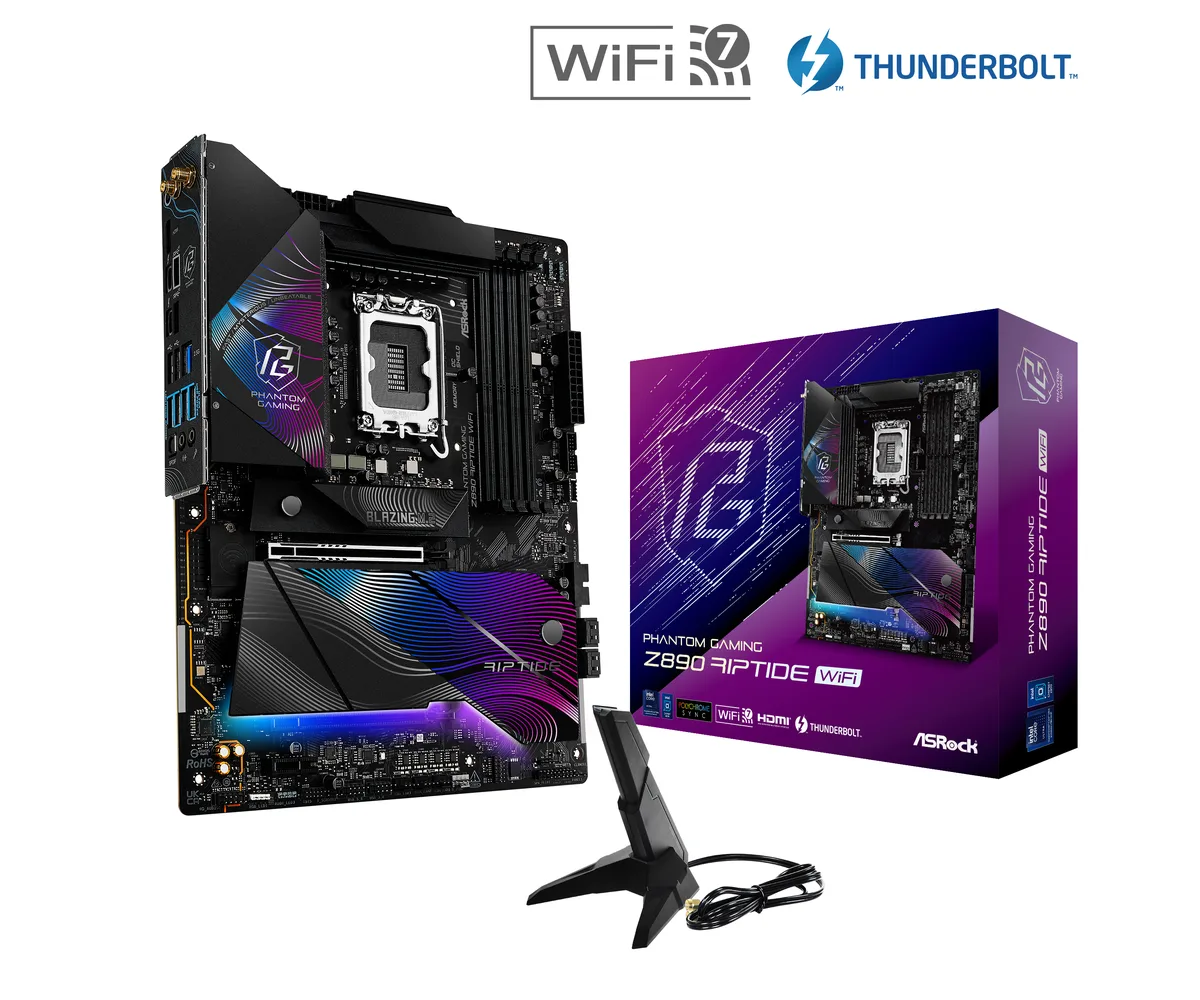

ASRock
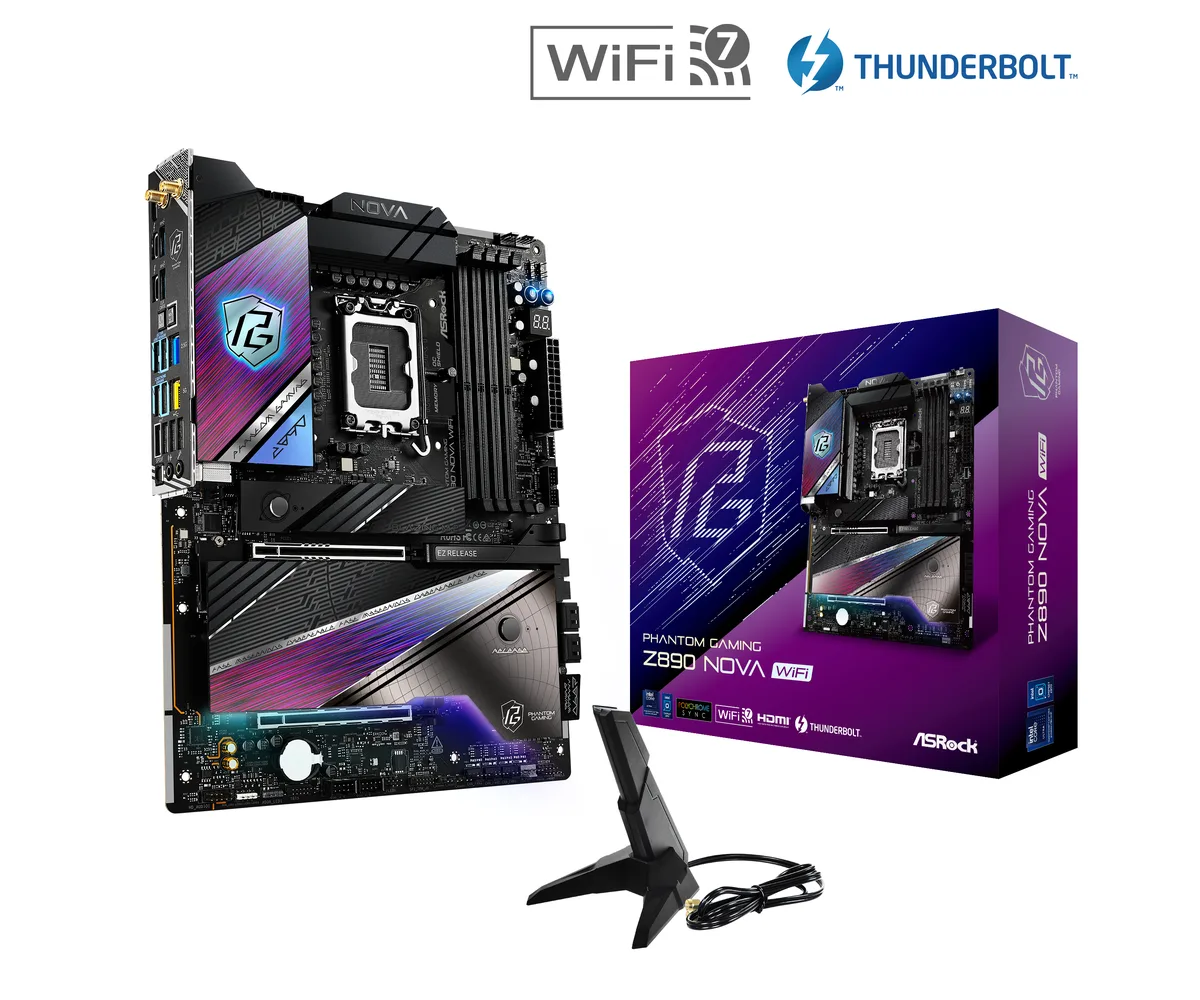
ASRock Z890 Nova WiFi Intel motherboard
- LGA 1851
- Intel Core Ultra Pr…
US$165.99US$187.99−12%
0.00209618BTC
現貨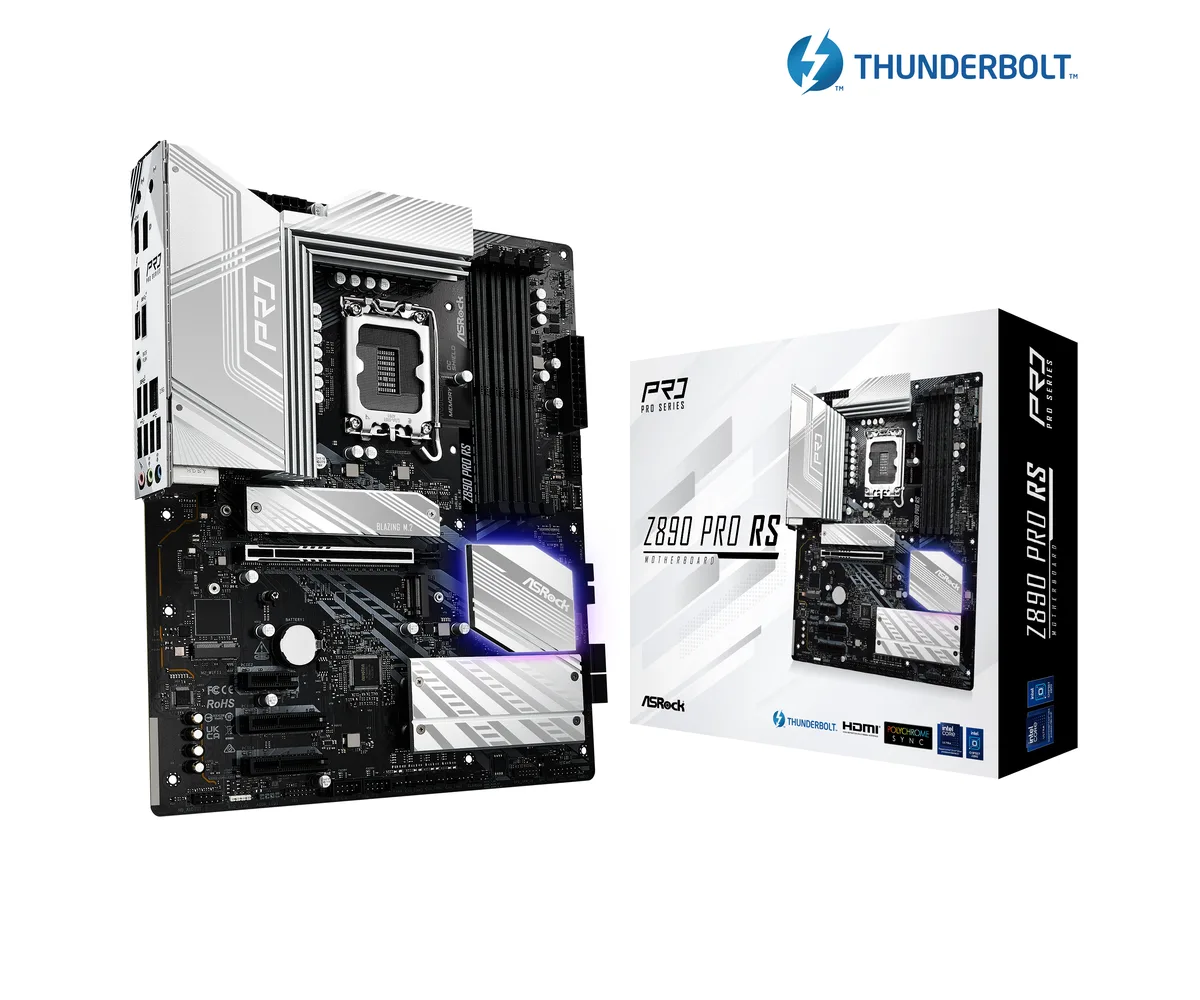
ASRock
ASRock Z890 Pro RS Intel motherboard LGA 1851 ATX
- LGA 1851
- Intel Core Ultra Pr…
US$172.99US$212.99−19%
0.00218458BTC
現貨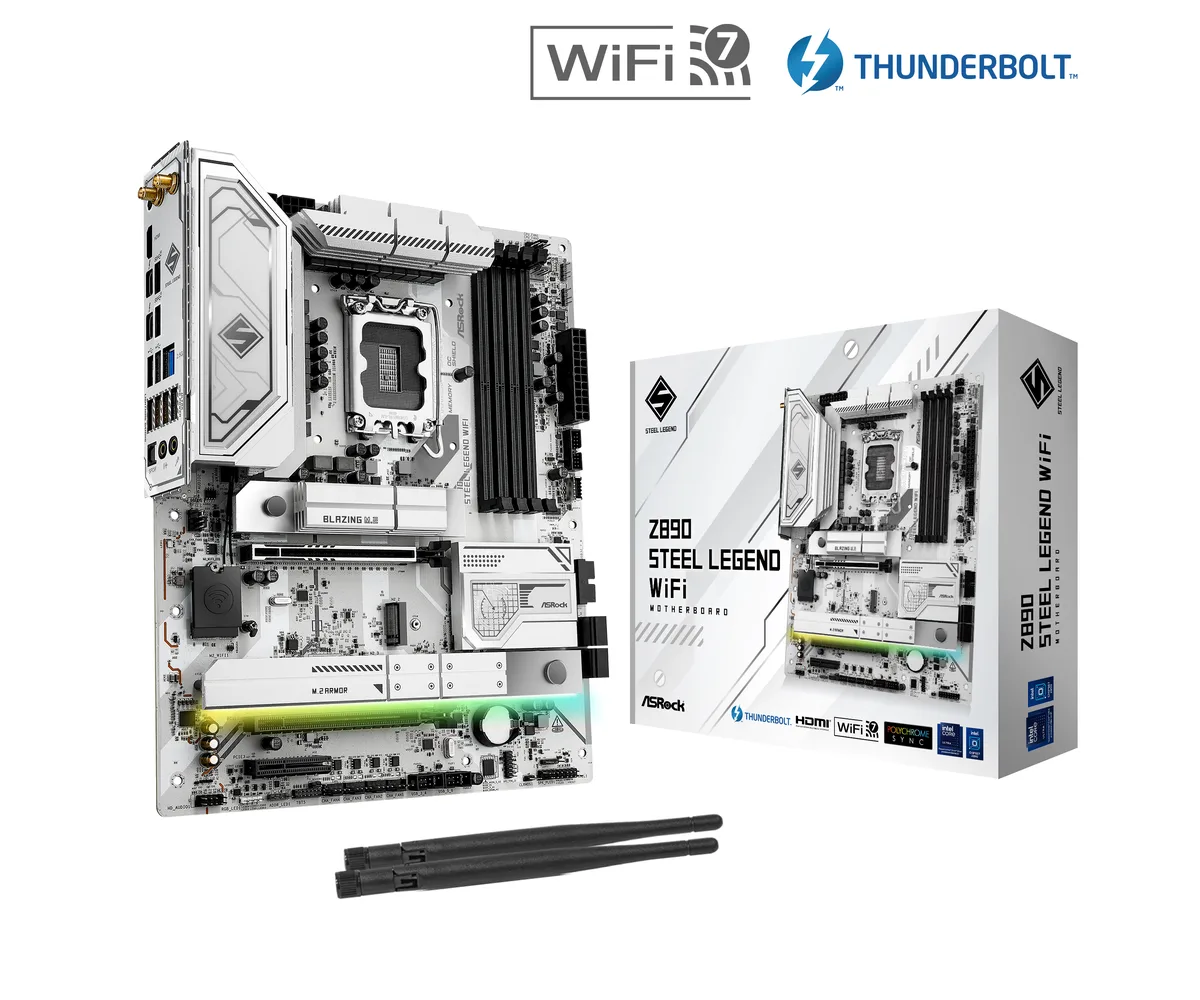
ASRock
ASRock Z890 Steel Legend WiFi Intel motherboard
- LGA 1851
- Intel Core Ultra Pr…
US$189.99
0.00239926BTC
現貨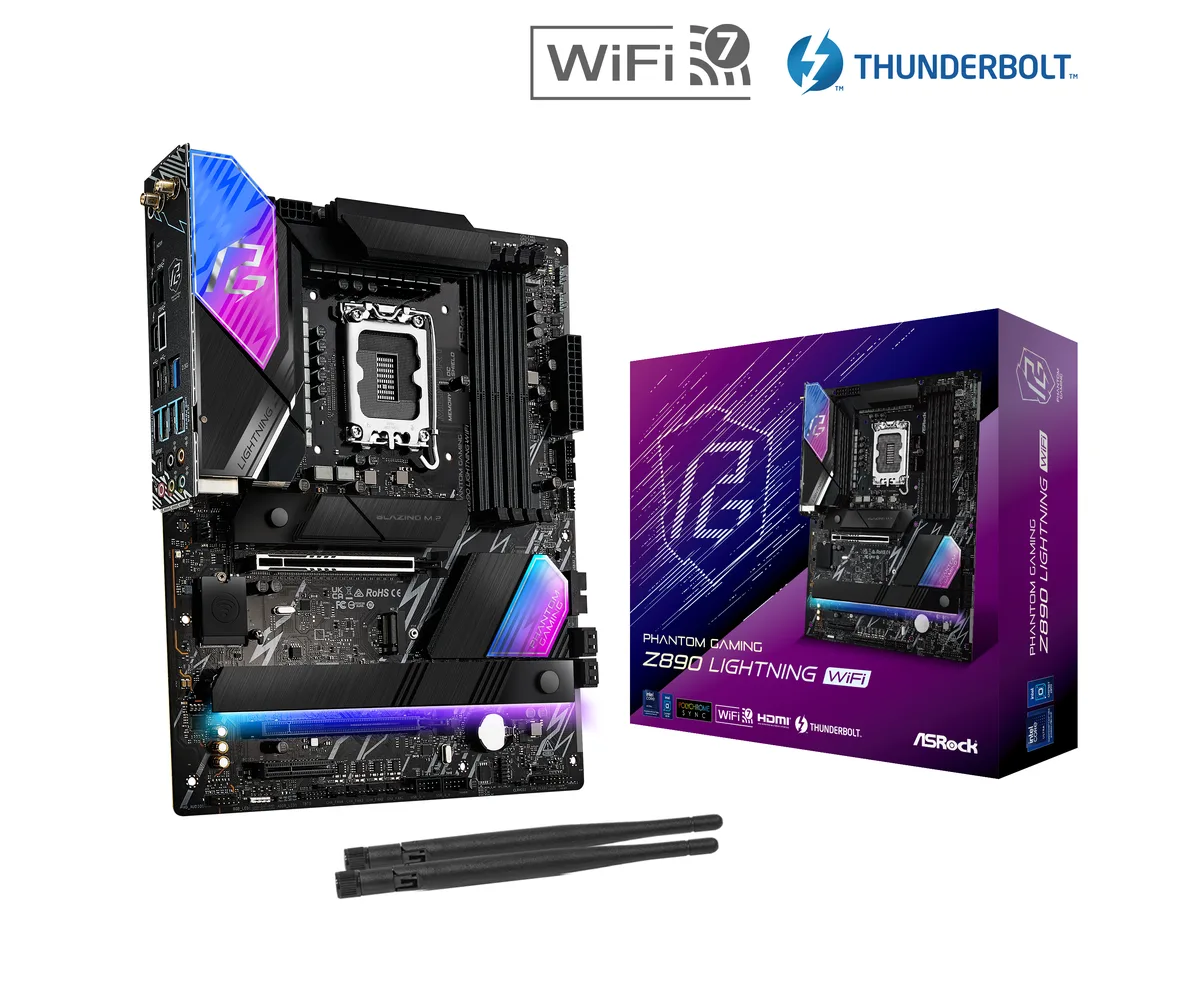
ASRock
ASRock Z890 Lightning WiFi Intel motherboard
- LGA 1851
- Intel Core Ultra Pr…
US$197.99US$256.99−23%
0.00250028BTC
現貨商品問答
What PCIe generation and lane width does the primary x16 slot on the Z890 Pro RS WiFi use, and what bandwidth does that cap at?
The primary PCIe slot (PCIE1) runs at PCIe 5.0 x16, delivering up to 128 Gb/s of bandwidth for graphics cards or riser cards.
What physical space and mounting standard does the ASRock Z890 Pro RS WiFi require inside a chassis?
This board uses the ATX form factor and mounts via standard ATX screw holes; it also needs clearance for four 288-pin DDR5 DIMM slots and a 24-pin ATX power connector.
How is the CPU installed on the LGA 1851 socket, and which step do builders often get wrong?
Lift the load lever, align the processor notches with the socket keys, place it gently without pressure, then lower and latch the lever; the common mistake is forcing the CPU before the lever is fully open.
同類商品
顧客也比較過
同一分類,同一套結帳流程 — 支援八種加密貨幣,匯率鎖定 30 分鐘。

SanDisk
SanDisk Cruzer Blade 8 GB USB 2.0 USB flash drive Black SDCZ50-008G-B35
US$391.99
0.00495018BTC
現貨

