


DELL
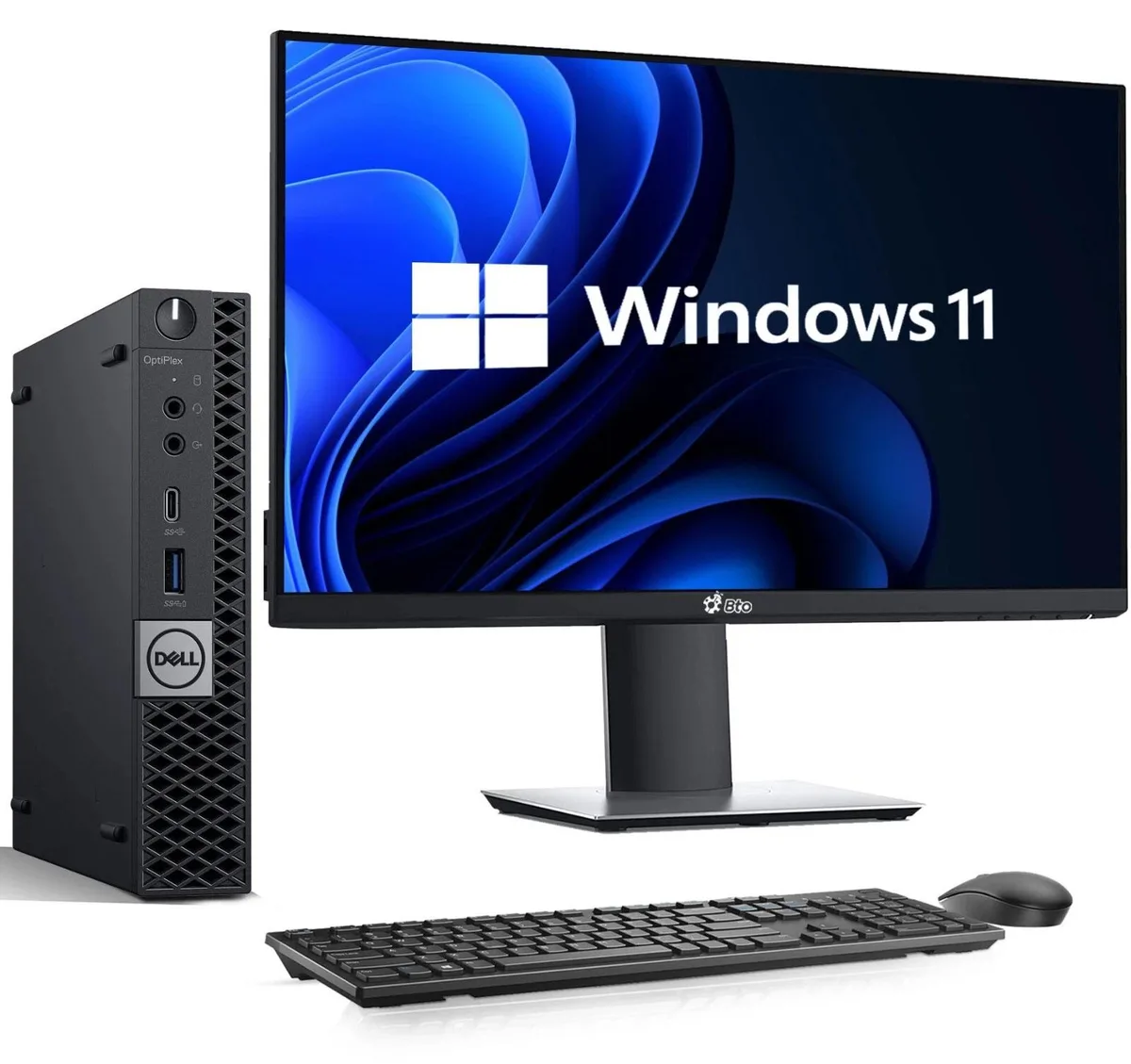
DELL OptiPlex 3040 Tiny i5-6500 16GB 128GB 22" monitor KB mouse WiFi Win11 Pro
Tiny desktop with 16 GB DDR4, 128 GB SSD, 22" monitor, keyboard, mouse, Wi-Fi and Windows 11 Pro
Storage 128 GB SSD
- 128 GB SSD
- 256 GB SSD
- 512 GB SSD
- 1TB SSD
Monitor Single 22 Inch
- Single 22 Inch
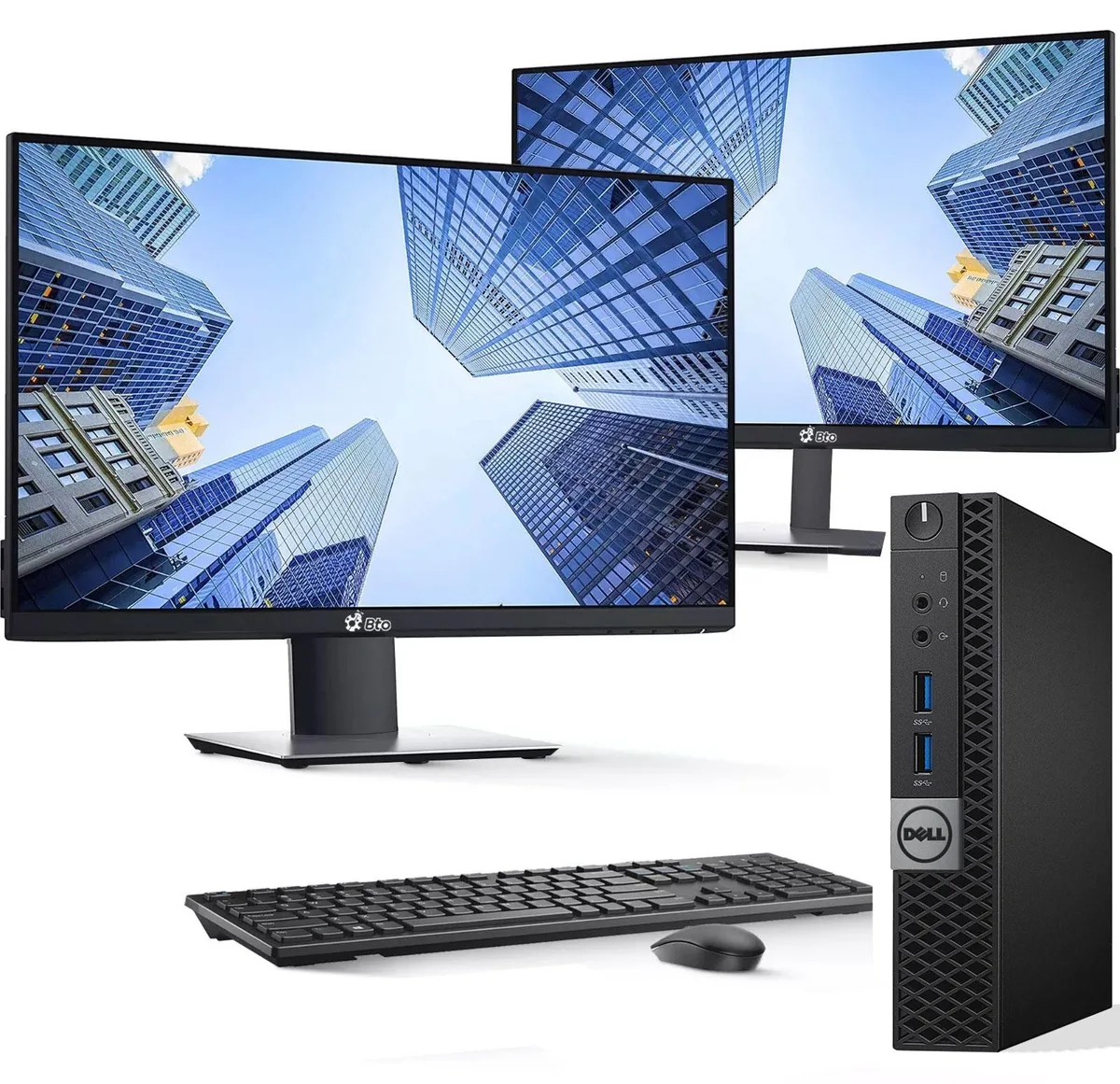
- Dual 22 Inch
- Tiny form factor saves desk space
- Intel Core i5-6500 up to 3.60 GHz handles daily workloads
- 16GB DDR4 memory keeps multiple apps responsive
- 128GB SSD provides fast boot and file access
- 22-inch monitor with keyboard and mouse included
Compact Desktop Kit for Office Work
The Dell OptiPlex 3040 Tiny combines a 6th generation Intel Core i5-6500 processor with 16GB DDR4 memory and a 128GB SSD. Windows 11 Pro is pre-installed on the compact chassis. A 22-inch monitor, keyboard and mouse are included for immediate use.
Small Business and Home Users Seeking a Ready Bundle
This package suits buyers who want a complete, space-saving desktop for documents, email and web browsing. The integrated Intel HD Graphics 530 handles dual-display output via DisplayPort and HDMI. Users who need a discrete graphics card, larger local storage or more USB 3.0 ports should consider a different system.
128GB SSD Limits Local File Capacity
The 128GB solid-state drive provides fast boot times but fills quickly with large media libraries or project archives. External drives or cloud storage become necessary for heavier workloads. Verify that the available capacity matches your data requirements before purchase.
商品特色
- Tiny form factor saves desk space
- Intel Core i5-6500 up to 3.60 GHz handles daily workloads
- 16GB DDR4 memory keeps multiple apps responsive
- 128GB SSD provides fast boot and file access
- 22-inch monitor with keyboard and mouse included
商品規格
本商品目前尚未公佈規格。
其他版本
同系列還有 5 款
同系列產品,記憶體、散熱器或時脈不同 — 下單前請先比較。


DELL
DELL OptiPlex 3040 Tiny Desktop PC i5-6500 16GB 256GB SSD 22" Monitor Keyboard Mouse Wi-Fi Windows 11 Pro
US$190.99
0.00245217BTC
現貨
DELL
DELL OptiPlex 3040 Tiny i5-6500T 16GB 128GB SSD Dual 22" Monitors Windows 11 Pro
US$205.99
0.00264476BTC
現貨商品問答
How do I install the OptiPlex 3040 Tiny and what step is often missed?
Connect the 22" monitor via HDMI or DisplayPort, attach keyboard and mouse to the USB 2.0 or 3.0 ports, plug in the RJ-45 cable or enable Wi-Fi, then run Windows 11 Pro setup.
What maintenance or replacement will the OptiPlex 3040 Tiny need later?
The 128GB SSD is the only internal drive; adding storage means replacing it with a larger drive or using an external USB 3.0 device. The 16GB DDR4 RAM is not user-expandable beyond the installed amount.
What limit appears first on the OptiPlex 3040 Tiny during sustained use?
The Intel HD Graphics 530 shares system memory, so heavy graphical workloads will hit the 16GB DDR4 ceiling before the i5-6500T reaches its 3.60 GHz turbo ceiling.
同類商品
顧客也比較過
同一分類,同一套結帳流程 — 支援八種加密貨幣,匯率鎖定 30 分鐘。


DELL
DELL J1-7490AA01 All-in-One PC Core i7-10700 2.9GHz 16GB 512GB SSD 23.8" FHD
- All-in-One PC
- All-in-One
US$691.99US$768.99−10%
0.00888465BTC
現貨
HP
HP J1-800G6AA01 All-in-One PC Core i5-10500 16GB DDR4 512GB NVMe 23.8
- All-in-One PC
- All-in-One
US$810.99US$999.99−19%
0.01041253BTC
現貨